WHoa! Thank you very much! Right now im still using USB Dante dongle. Getting Digigram card from the U.S. is longer then expected, will have to wait two weeks more.
But regarding our previous conversation i also found a cheap adaptor from Timebeat, you just plug it in the 10 pin header of the very basic E810 card and it allows input for 1PPS signal. which can be sourced from a $100 GNSS-DO. Also Beagley AI board, that does hardware timestaping also allows 1PPS input via GPIO.
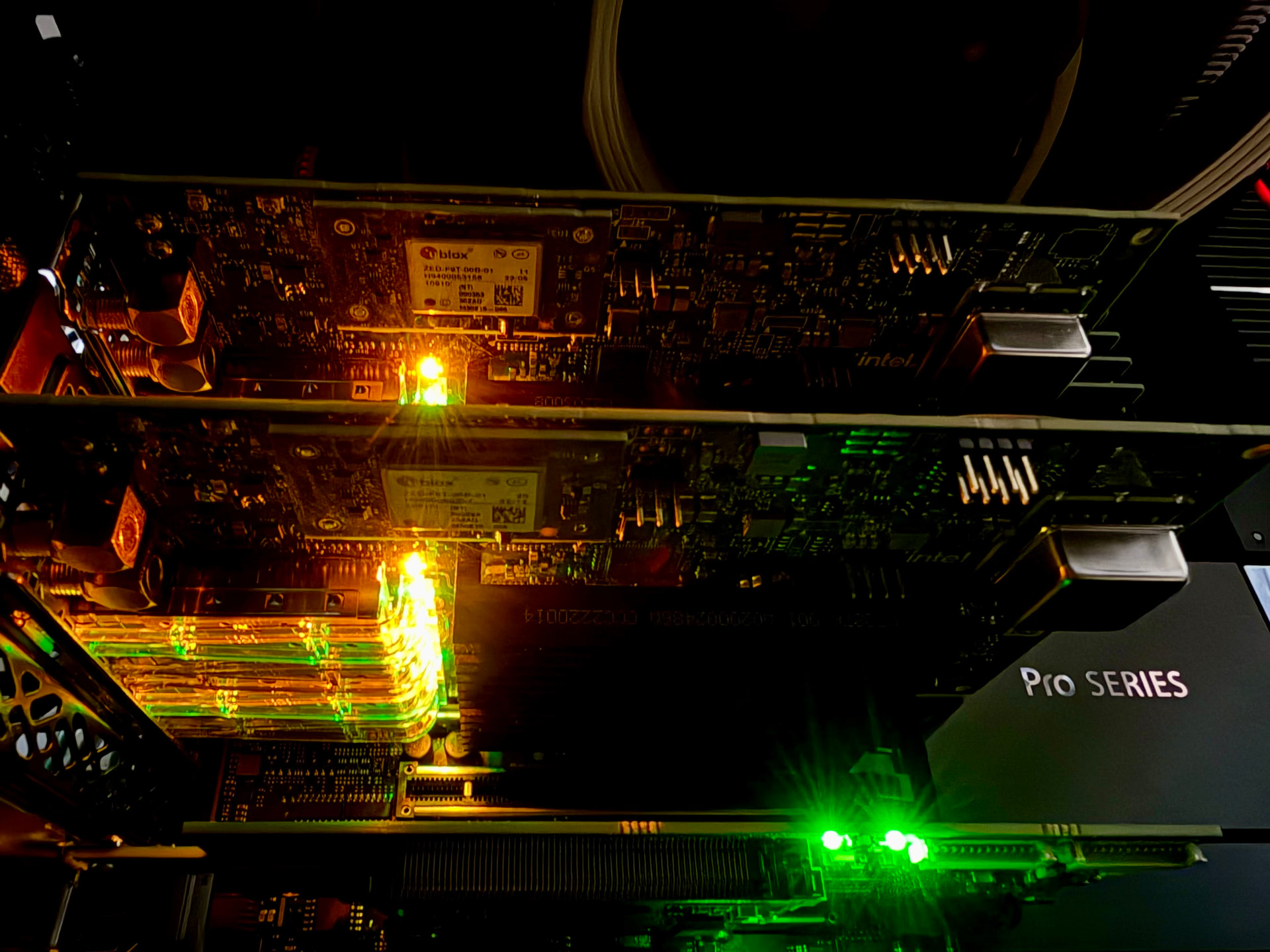
I have two Timebeat-modified Intel i226 NICs (which had an 1pps module) and it worked quite well. But so far I built a new Intel Xeon system for HQPe which has sufficient PCIe slots / PS watts so I reconfigured as dual e810xxvda4t / blended GPS PTP GMC on the same HQPe server.
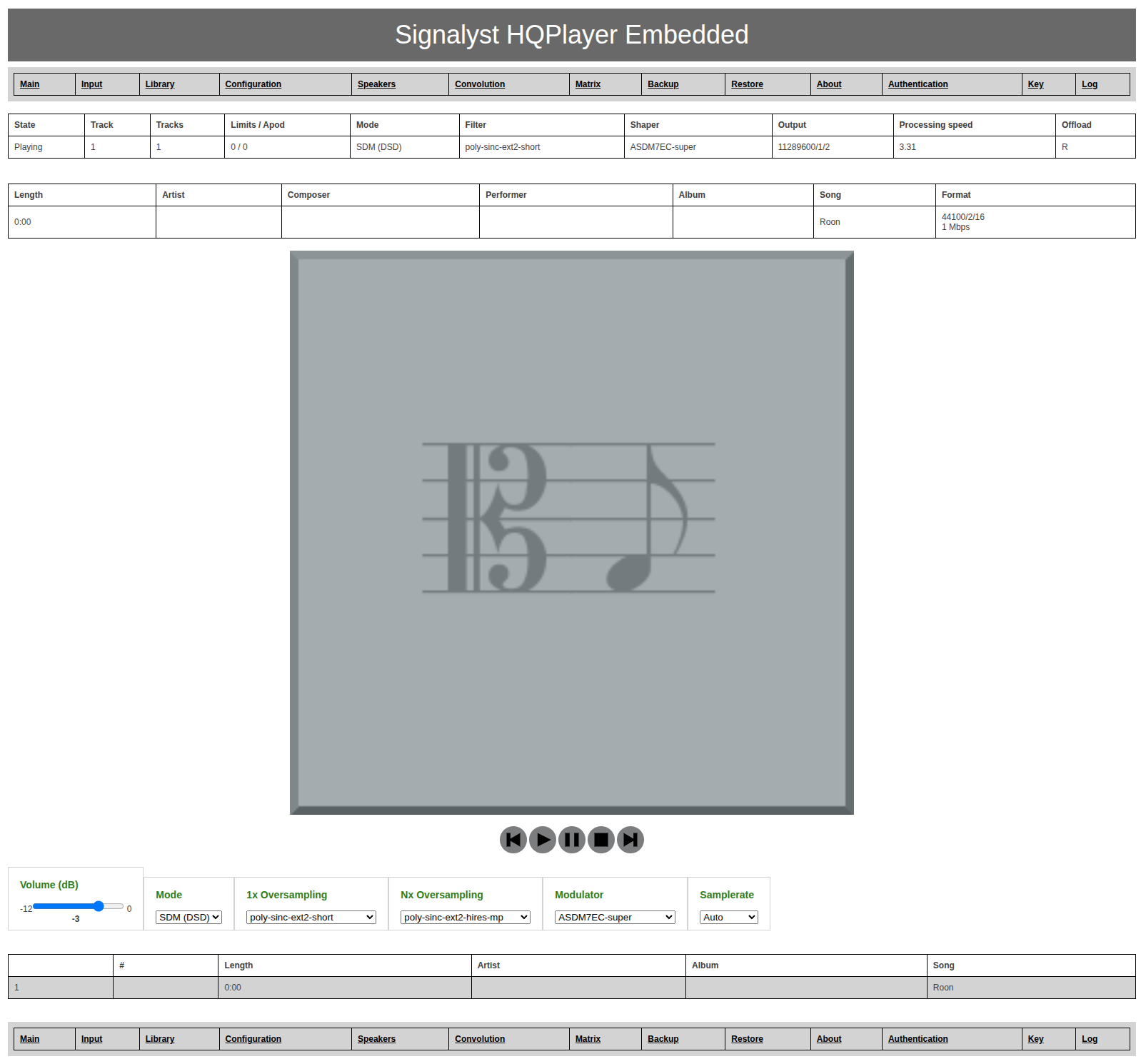
Actually it looks like i already had minimal input buffers. My only guess is that the Matrix engine is adding some delay…if its true, it is bad. I’ve tried PCM output with basicaly no upsampling and no DSP, same result like 1/3 of a second delay. Will have to embedd DSDit like modules in the DAC, in case i wont be able to make HQPlayer to do realtime multichannel.
Hi everyone! I just bought a practically new Sennheiser HD800 and I’m a little confused by the difference in tonal balance compared to the HD650s that I’ve been listening to for a while now.
Could someone please provide a ready-made equalizer setup for loading into the Matrix pipeline?Sennheiser HD800 (without S) with original ear pads, serial number 16xxx and I would like to get a more linear amplitude-frequency response.
Maybe someone can give me a link to a topic where I can find ready-made configurations. Thanks.
Scroll down and find your headphone, click the headphone model.
Click the Parametric EQ file. And in the file view, in the top right corner there’s a button “Download raw file”.
Load that .txt on pipelines 1 and 2 in matrix setup. And my recommendation is to save it as a profile with the headphone model as a name as well. It is also good to save an empty matrix config as a profile called something like “Empty”.
Now you can switch between different matrix profiles on the fly during playback. Please note that the EQ’d ones have typically lower perceived volume level, so you need to adjust volume for comparison.
Things that are shown in the matrix dialog when you click “OK” button, is the configuration loaded as default when you start up HQPlayer. And shown as “[Default]” by HQPlayer Client.
I left the volume level unchanged in the EQ settings (Preamp: 0.0 dB), but reduced the overall HQPlayer volume to -9 dB.
This way, I don’t have to adjust the levels when switching, and it’s much easier to compare different presets.
Of course, I keep an eye on the volume limit readings.
Or if you use fixed volume setting in HQPlayer, you can set gains in empty matrix setup to suitable value. So the only processing such matrix profile would have is to apply some predefined gain.
The plot function is just if you want to visually confirm you are getting what you are expecting. The plot function generates graphs for a given setup.
It is also useful for verifying suitable EQ gain compensation (the plot shouldn’t exceed 0 dB line anywhere).
Thank you.
After I posted mine last night, I did realize I could check it with my ears without “plotting,“
but I had an extremely busy week with work and didn’t have any energy left to do so on a Friday night here.
I plotted it every time I changed the profile, so I didn’t know.
But now I can skip the extra step.