The music I quoted was 24/192. When I tried to stream a redbook CD it wouldn’t even start the track. Will need some further investigation and experimentation. Will need a base collection of settings that will work for all flavours.
These indications depend on your configuration settings, you can also have both at the same time. It is not better or worse comparison, just indication.
I recommend to get started with the default settings:
1x = poly-sinc-gauss-long
Nx = poly-sinc-gauss-hires-lp
Modulator = ASDM7EC-fast
Extremely high quality and not particularly heavy either.
Thanks. There are quite a few suggestions about starting point settings. I was slightly disappointed that with what I thought was a good spec machine playback failed for redbook conversion to DSD512. I will get a baseline first and then start tweaking.
Well, this is the official suggestion to use the official defaults! 
i9-14900K can run those settings even up to DSD1024 just fine without needing GPU. But with DAC corrections enabled, you certainly need GPU to help.
I recommend to set the DAC200 analog filter to 60 kHz. And then you can use corresponding DAC correction. For best audio band objective quality, DSD256 is best option with above settings.
I have a Synology NAS that contains my music files and have started NFS and then created a permanent link to that NFS share on the HQPlayer server. The music files are visible on the HQPlayer server. I have added the path to the share in hqplayerd.xml:

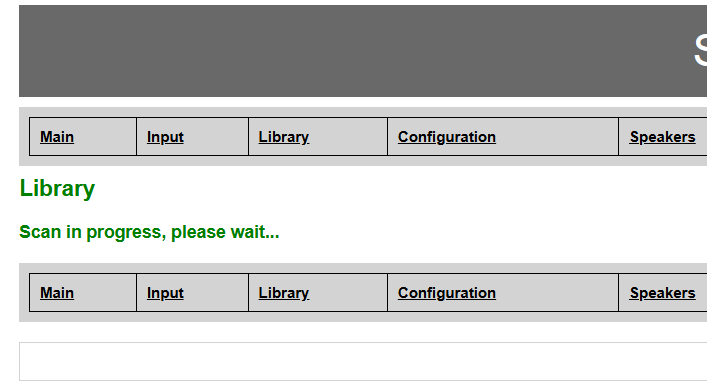
Is this now supposed to scan the files automatically? I have no way of controlling this in the web interface. There is nothing displayed apart from this and it never changes:
This will just make the path appear under drop list on /library page. So it is quicker to select for scanning.
No, scanning must be always initiated manually.
On /library page you have the path selection, and few settings for scanning. Then you select the path to scan and click the button to start scanning.
Then you will progress display that shows how many directories there are to scan and how many have been scanned already.
Your screenshot looks like some older version of HQPlayer?
The About page shows
Ubuntu 22.04 LTS (jammy) x64 build
Version
5.7.0
so it looks like I have a (very) old version.
I assume I can jump to 5.16.1?
Have upgraded to 5.16.1 and I now have the correct library page and the application is now scanning my library. Thank you.
1 Like
Library has now been scanned.
Just wanted to make a quick comment on my limited experience so far.
This is probably a stupid question but I’ll ask it anyway. The change from 5.7 to 5.16 has produced this:
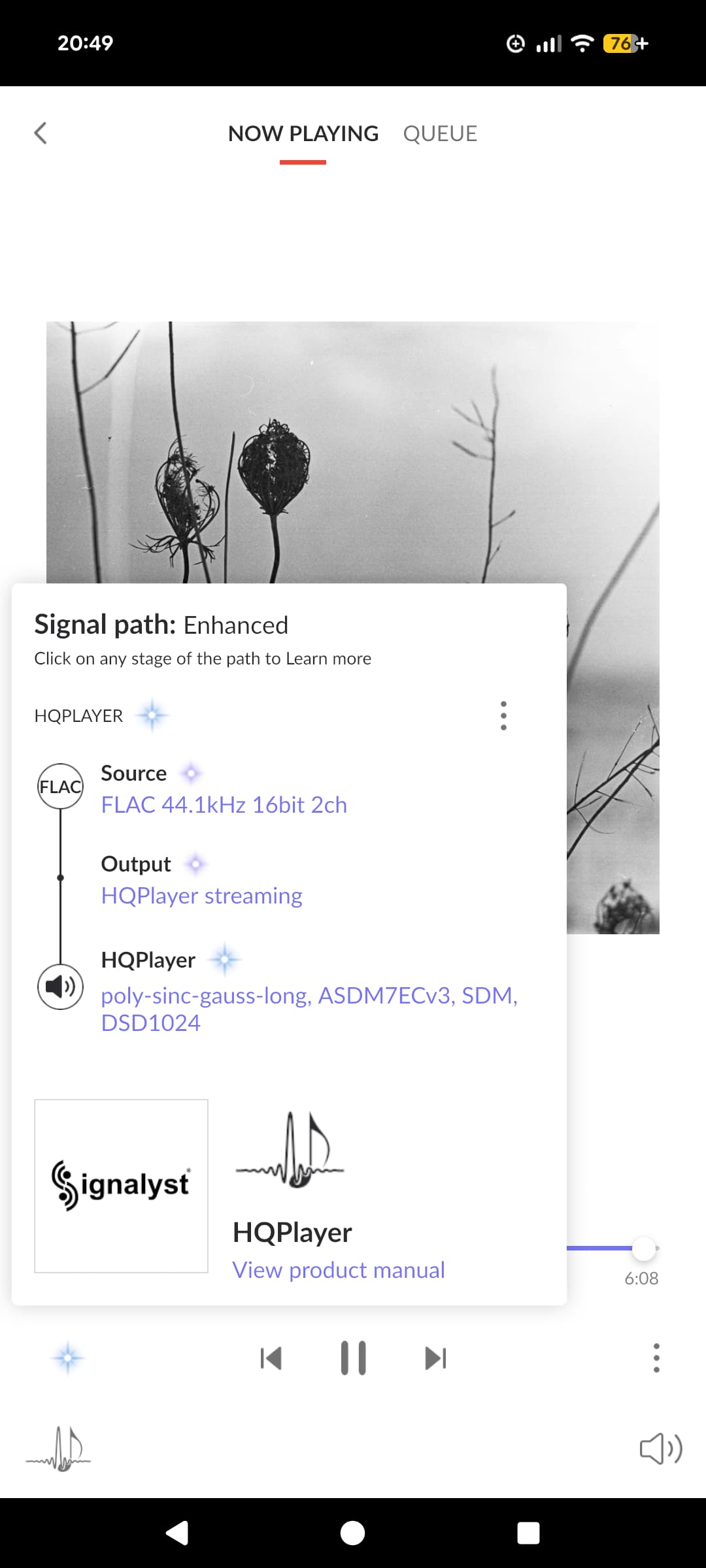
I am now streaming DSD1024 with 5.16 whereas I could only do DSD512. Would this be expected with the newer version? I am assuming that a lot of development effort has been spent improving filters and modulators and it sounds great so I hope it’s not a fluke.
Terrific work.
Yes, I always keep optimizing the algorithms. The newer modulators like for example ASDM7EC-fast are much more optimized than the older ones like ASDM7ECv3.
Really enjoying HQPlayer apart from one thing. Normally the PC’s running HQPlayer and the NAA are not permanently powered. The configuration page is set for SDM output for DSD. The main page boots up as PCM with different filter and modulator which is how Roon starts to play the first track. HQPlayer does not use the settings on the configuration page but the main page instead. Why? I then need to change the settings on the main page manually. There doesn’t seem to be any way of making these settings permanent. How do I force HQPlayer to use the settings on the configuration page?
Configuration page sets the startup defaults. And you can then change settings on the fly during playback to anything else using control application, like HQPlayer Client.
Please remember to check that your DAC is accessible when HQPlayer is started. Otherwise you will have such issues with the settings…
Yes I thought it would use the configuration page settings but it isn’t. The main page settings are used. I normally power the DAC first then the NAA and finally the Linux box. It really confused me when Roon said it was processing PCM and not DSD.
Front page settings are the active settings, the same ones visible on control applications, but those are not stored anywhere. So on next HQPlayer restart those are reset to the /config page settings.
I wanted to upgrade the NAA Daemon to 6.1 but when I try to login to the NAA as root no password it fails. I cannot recall changing anything on the NAA when I set it up. I am using SSH as ordinary telnet fails. My understanding was that this should work. I have also tried http:[IPaddress]:8088 but that fails too. Not sure if I need to do a complete re-install. The NAA works as expected otherwise as it is visible to the HQPlayer server.
Do you have some specific reason to login there? Usually it is not necessary.
You can login as “root” from local console. In order to login over SSH you need to first create a user account from local console, and set password for it. You can then use it for logging in remotely.
There is no web interface in NAA OS, there’s no use for such.
Then you shouldn’t need to touch it… It is supposed to be plug-and-play. You boot it up and use it, that’s it.
Where does the NAA daemon run? On the HQPlayer server itself? I noticed there was a new version 6.1 and I couldn’t see that running on the server so I thought that was on the NAA.
Normally yes I boot up the NAA and that’s it.
No, it is at the NAA. It is the software module implementing the NAA functionality.
So how do I install the new daemon if I can’t login to the NAA? Sorry if this is a newbie question but I can’t see any way to do it otherwise.
If you used the OS version then burn again the microSD card
If you installed it on a host operating system then download the new version and install it over the old one