I’ve recently upgraded my hardware and gone to a full Intel setup with the above graphics card. I’ve followed the same installation that worked for me last time but my old hardware didn’t have an Nvidia graphics card. So everything is running but I don’t see any CUDA settings or know if the card has been recognised. I have installed HQPlayer embedded from a USB stick using the iso and have not used any of the recognised Linux distros. Core functionality works but not graphics card support as far as I can tell.
I can’t install updated drivers as there are no package managers available.
Is the only way to install Ubuntu or Debian and then install HQPlayer Embedded?
My understanding was that the bundled graphics card drivers should recognise the card but it looks like they don’t.
Yes you are right. I have looked at the feature list again and you need to install one of the mentioned distros. If I install Ubuntu I assume I can then use wget to install HQPlayer?
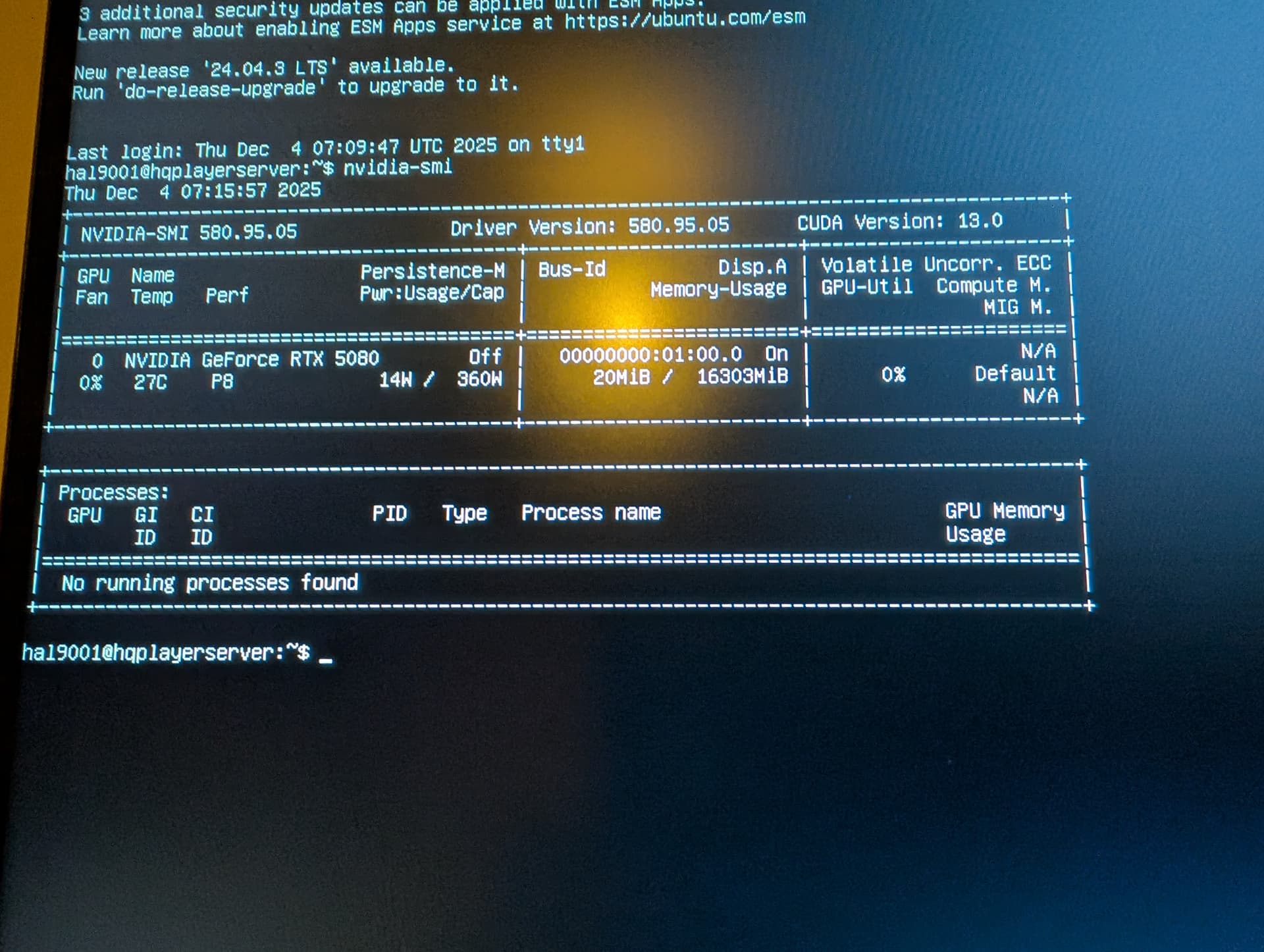
I have been able to install Ubuntu server 22.04.5 LTS and have installed HQPlayer and can access the website. I have also been able to open the NVidia driver version 580 but have had to use the open version of the driver as nvidia_smi returned “No devices found” with the other version of the driver. This is what I now see using nvidia_smi so from my standpoint it looks good:
Can I also add that when I type in hqplayerd it returns CUDA devices: 1 and CUDA Device 0: NVIDIA Geforce RTX 5080. So it seems to correctly recognise the card.
My only comment about the whole process is that it is not easy. There is no definitive, up to date document that describes what to do. There are substantial pieces of this in various forums but a lot of it is out of date and fragmented and I think, by sheer luck I managed to get HQPlayer working. The Sygnalyst website is also confusing and difficult to follow and navigate. After all this time the whole thing should be better. If it was a lot more people would be using HQPlayer.
And now comes the even trickier part. Configuring the filters. That should at least be more enjoyable as it doesn’t need hardcore IT skills.
This has not been supported for a while. You need 24.04 LTS…
Around August 2026 it will be 26.04 LTS. And around August 2028 it will be 28.04 LTS. And around August 2030 it will be 30.04 LTS.
I will move to next LTS when it becomes upgradeable from previous one, which happens on first .1 release after the initial release. Which is couple of months afters. So usually July-August time frame.
Now that I have a working installation is it worth moving to 24.04 and going through the pain again (Googling, browsing forums, trying to understand what is required and what isn’t, dealing with errors, re-installing etc)? I assume I would need to start from scratch.
I have read that HQPlayer Embedded is really designed for manufacturers who have the expertise to successfully integrate HQE into their products. For the rest it’s either Windows or the desktop version neither of which I want. I have some Linux experience but I am no expert so have to rely on the scraps I find on the Signalyst website, forums, Google and even AI which provides more than it’s fair share of red herrings. And then cross my fingers.
So perhaps I will pass on the move to 24.04 until it becomes absolutely necessary or try it on another machine and document the process step by step for the next Ubuntu release.
Finally got my speakers back today and have connected my new HQPlayer embedded server-NAA endpoint and T+A DAC200 and it’s working.
Two points.
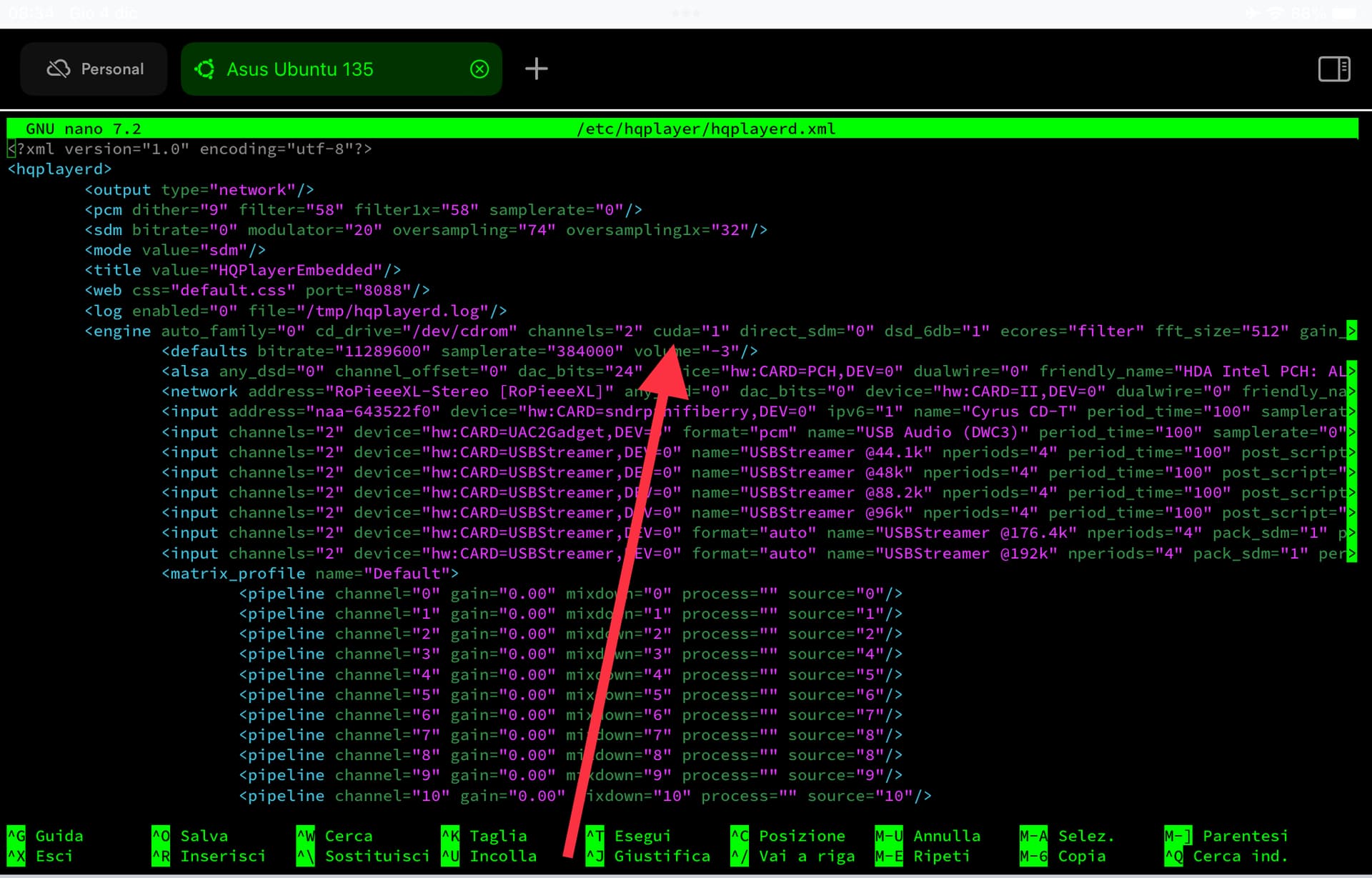
1/ CUDA offload is showing R on the HQPlayer status page. Does this indicate (R)unning?
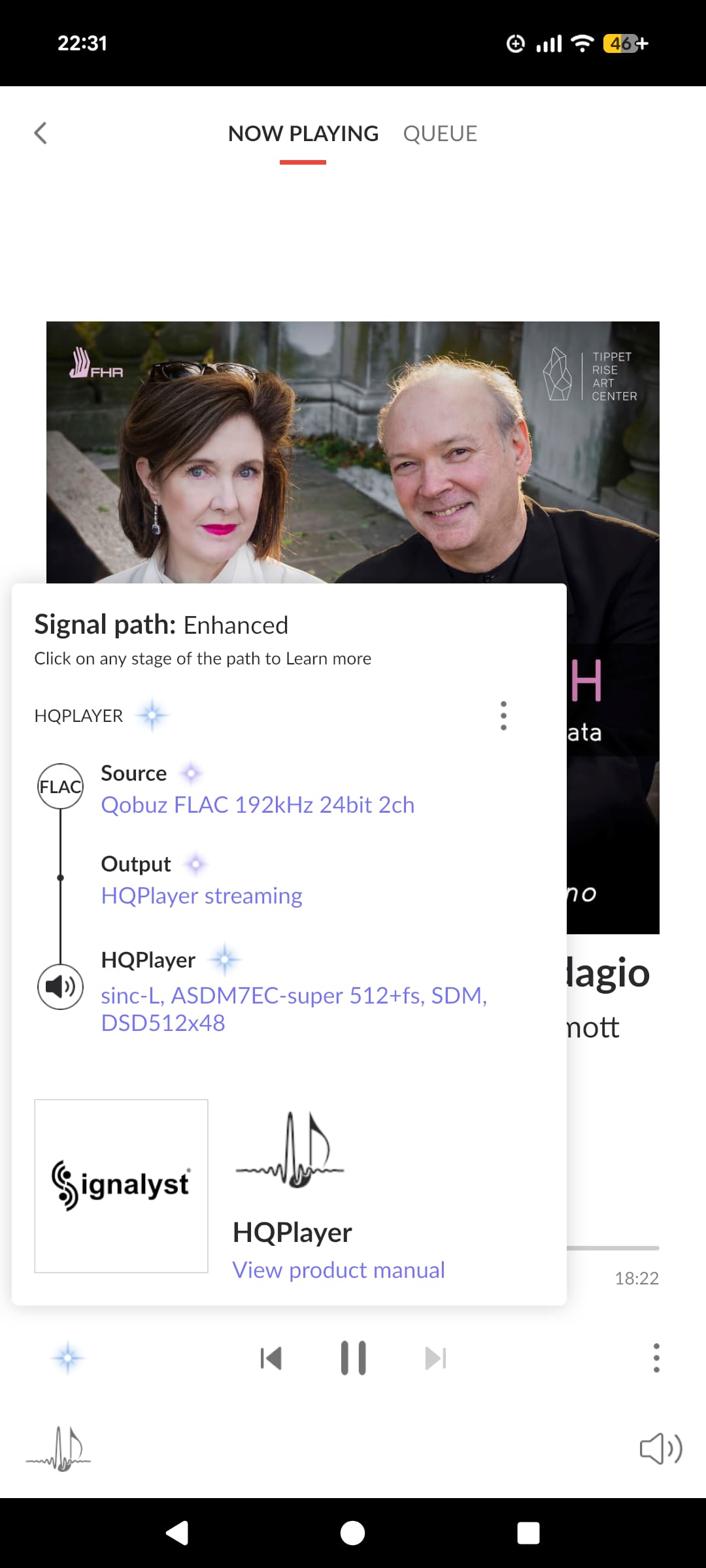
2/ ASDM7ECV3 and ASDM7EC-light 512+fs modulators work with poly-sinc-ext3 but switching to ASDM5EC-light 512+fs and I get “No Data” reported on the DAC200. I guess there are some rules here that need to be obeyed with different combination of hardware and processing. Just wondered if the behaviour I’m seeing is correct?
3/ I have a NAS on my LAN running Minimserver. HQPlayer reports “Scan in progress”. Is it actually doing anything or do I need to provide it with some information? Wondered if it was doing some sort of self discovery.
Pleased so far that the new server is working. Will be interesting to see if the loading causes any problems with fan noise etc.
R = Resampler, C = Convolution / big operations (high GPU RAM usage).
ASDM7EC-light 512+fs and ASDM5EC-light 512+fs should work under the same conditions. So something is going different if that’s no the case. I would first check that in both case the shown output format is the same.
From HQPlayer’s perspective, MinimServer is irrelevant. But if you have SMB share there, you can mount it on HQPlayer Embedded server and scan the content into HQPlayer’s library. When you start the scan, you need to point out the root path to scan. Then after a short while it will show number of subdirectories to be scanned and how many items there are to be scanned and how many have been scanned so far.
Just bare metadata scan typically takes less than an hour. If you have also selected analysis, it can take 24 hours or more depending on the content and how powerful the computer is.
Running NAA on Intel NUC. Overkill perhaps but it’s a spare so why not use it.
After the Auralic debacle there was no way I was spending big bucks on a boutique brand streamer. At least with HQPlayer I have a PC I can re-use if that ever becomes necessary. And it should easily upgradable/fixable.