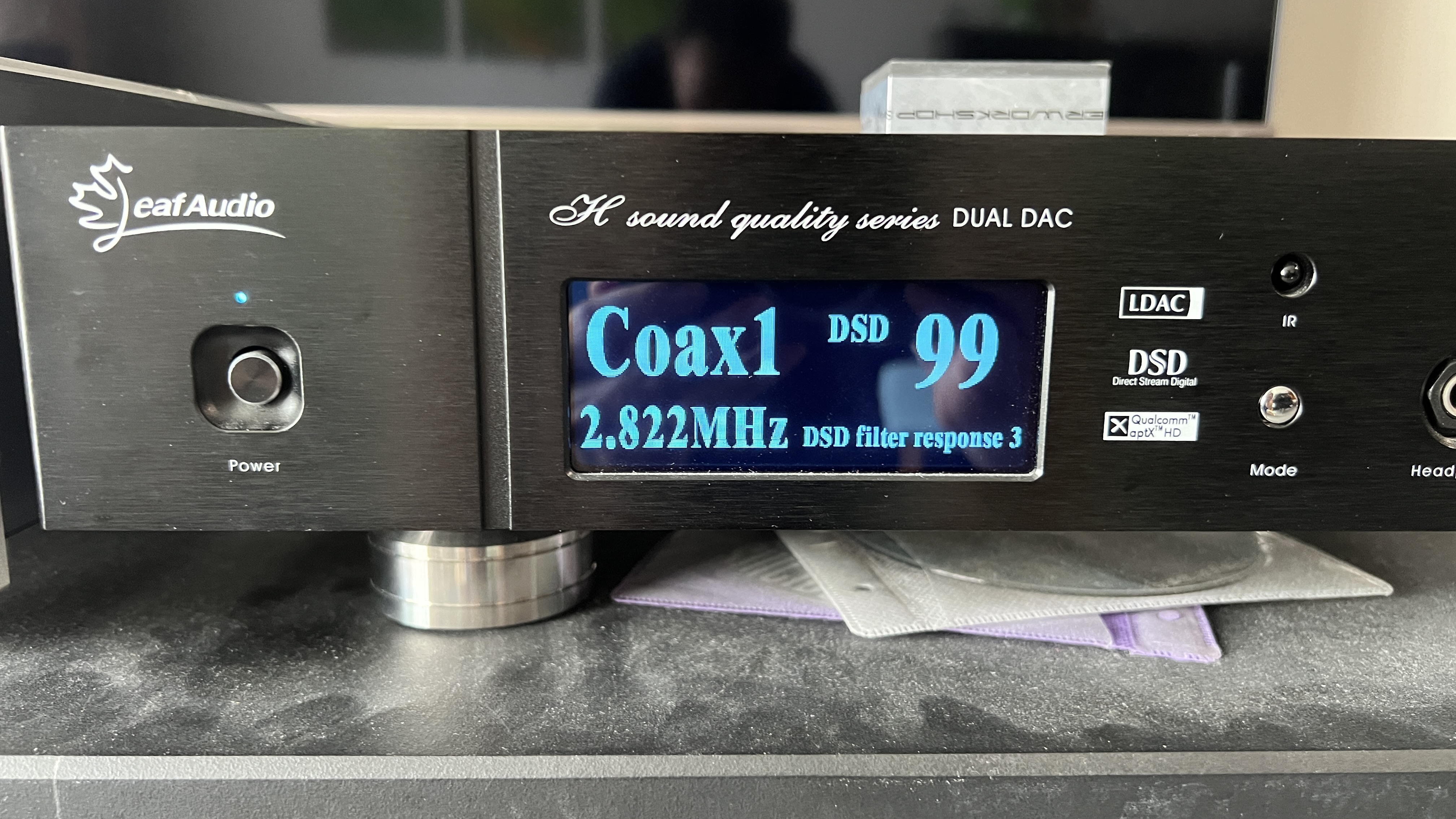
Hi. I am a new user of hqplayer and roon. I am using a dac w 4 wm8741 chips, two per channel. It is made by Leaf Audio, a boutique brand in China and I do not think anyone here has this DAC. I am using a macbook pro M2 to run roon and hqplayer.
I upsample everything to dsd64 (the max my dac can go).
there are files from a particular cd. When I play the files, the Apod counter keeps increasing, say to count 17 30s into a song. I am already using apodizing filters. I gather it is the issue w that cd’s mastering. My question is - are there filters that do apodization in a stronger way that I can try?
I am using Roon. When going from song to song, randomly, at times either the right or the left speaker will have a hissing noise. It will go away if I skip track or play the song again. Is there a way to prevent this? Is it my hardware issue? I have roon and hqplayer on a m2 macbook pro.
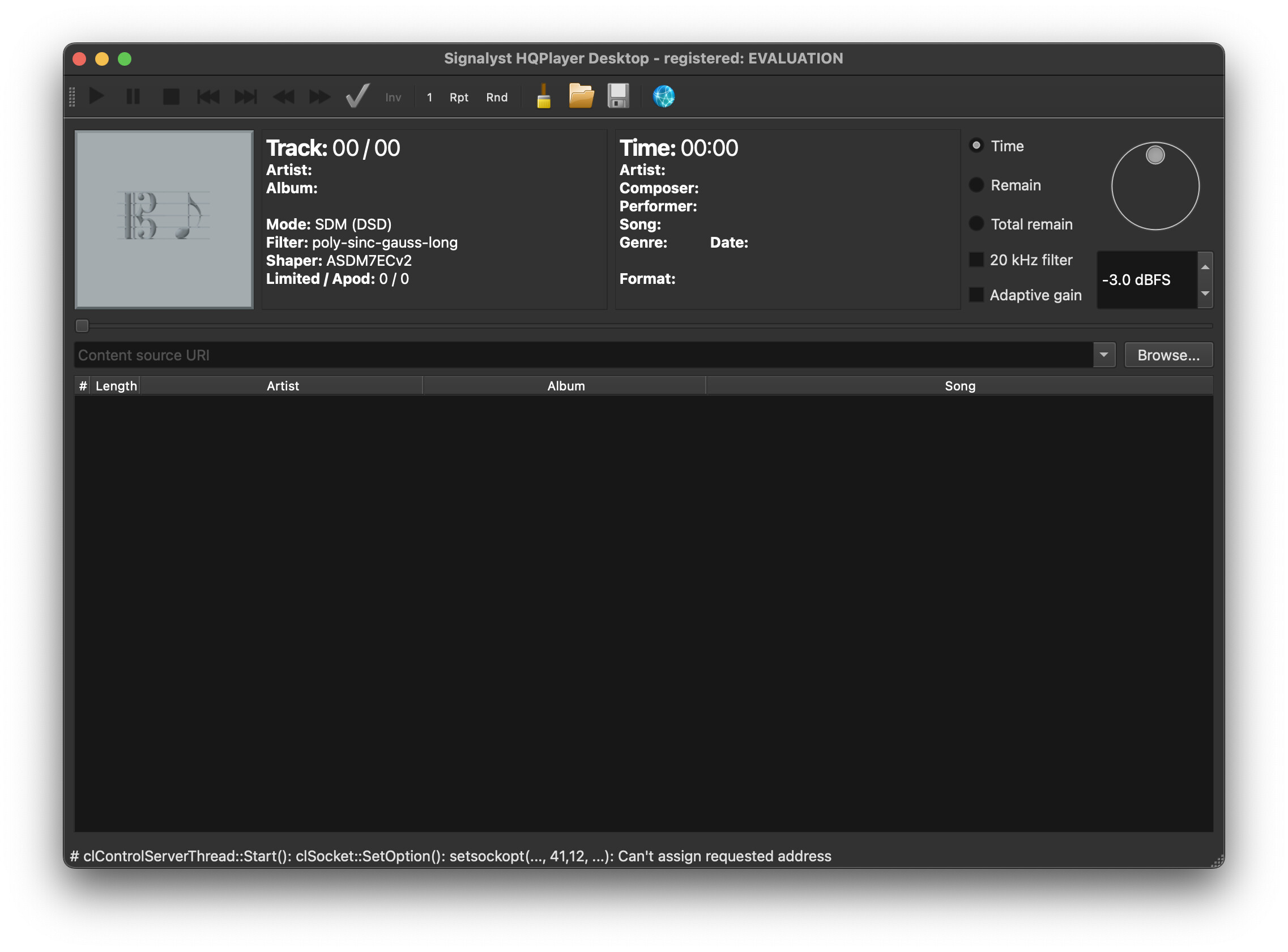
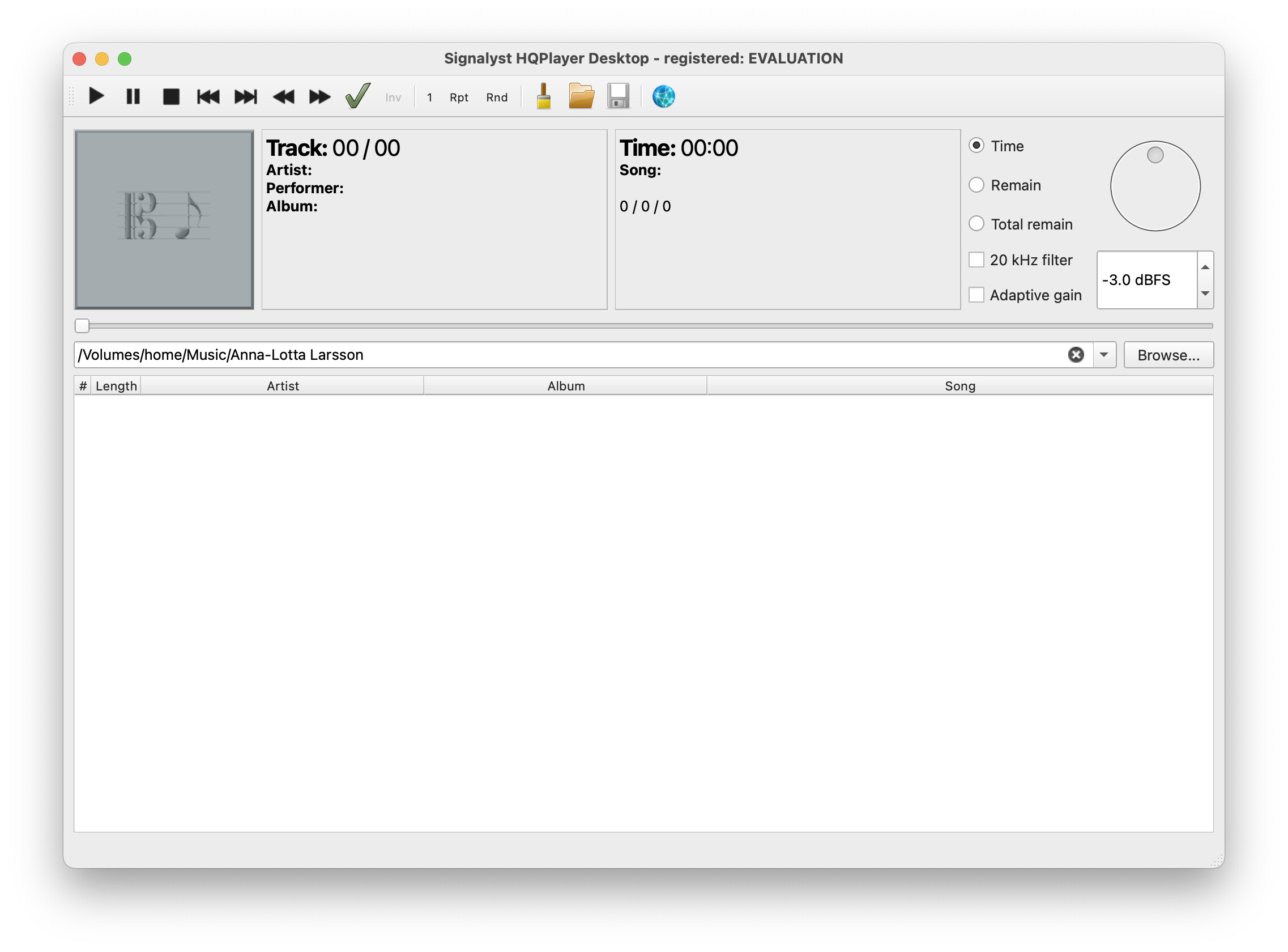
I also wish to try to use hqplayer on its own. I have linked Roon to my hqplayer. I am unable to load files on hqplayer to play directly on hqplayer. I do not know why. See below.
Thank you for answering my questions. The sound quality provided by hqplayer is astounding. I never know it will make that much of a difference. I resample all music to dsd now.
That counter will always keep running same way, since it comes from analysis of the source content - before any processing in HQPlayer takes place.
It is kind of hardware issue. But there is good mitigation for it. On HQPlayer settings Advanced tab, set Idle time for example to 30 seconds. This prevents Roon from constantly (and needlessly) stopping and starting HQPlayer’s playback engine, which results also DAC being stopped and started every time.
Idle time specifies time the engine keeps idling after last stop request or end of track, waiting for new instructions, before stopping (if nothing happens).
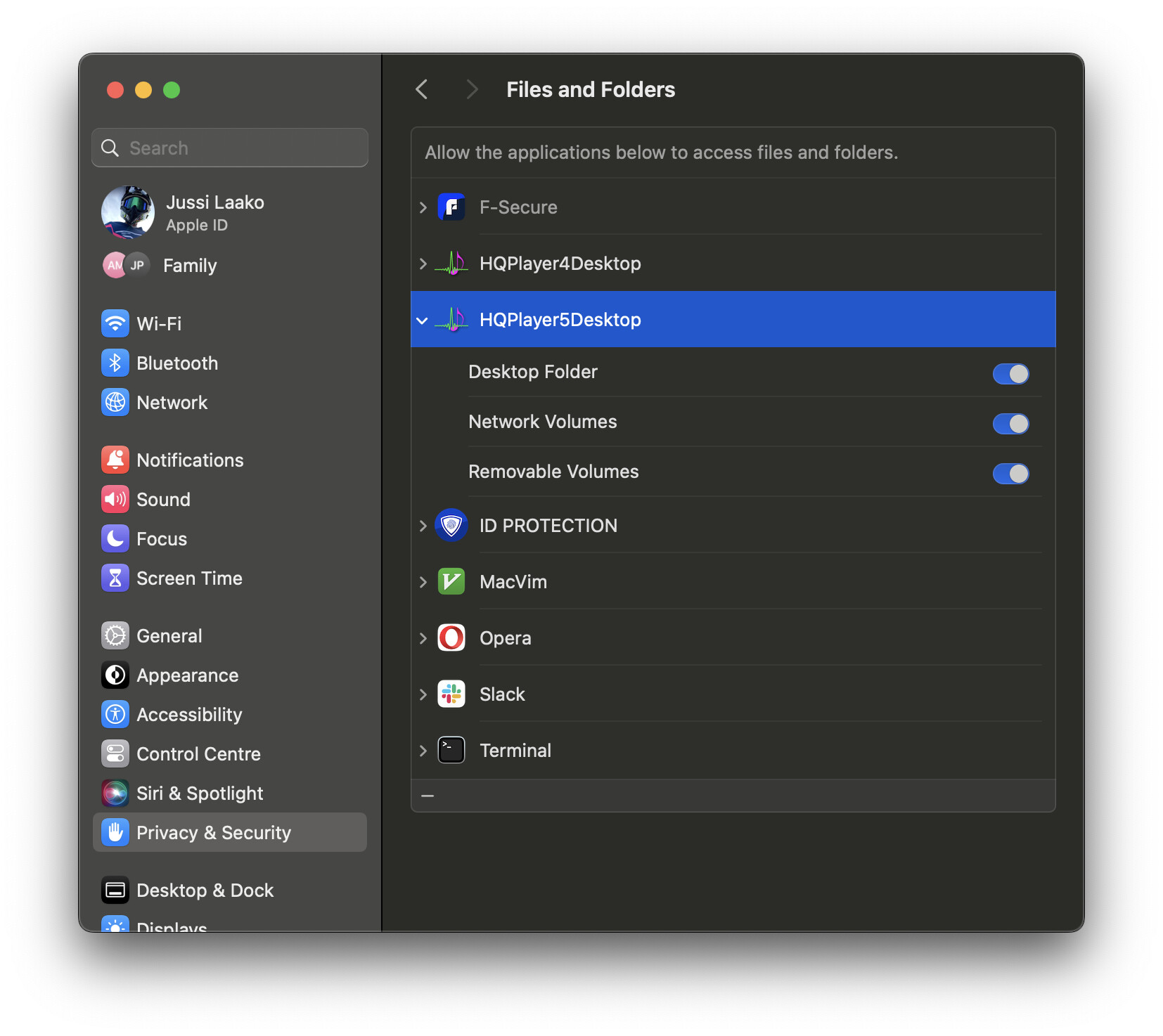
Which format these files are? And have you allowed HQPlayer to access your storage media? Please see System Preferences → Privacy.
I also recommend to scan your content folders to the HQPlayer library, and then use HQPlayer Client to select the content for playback etc. You can also use Qobuz this way.
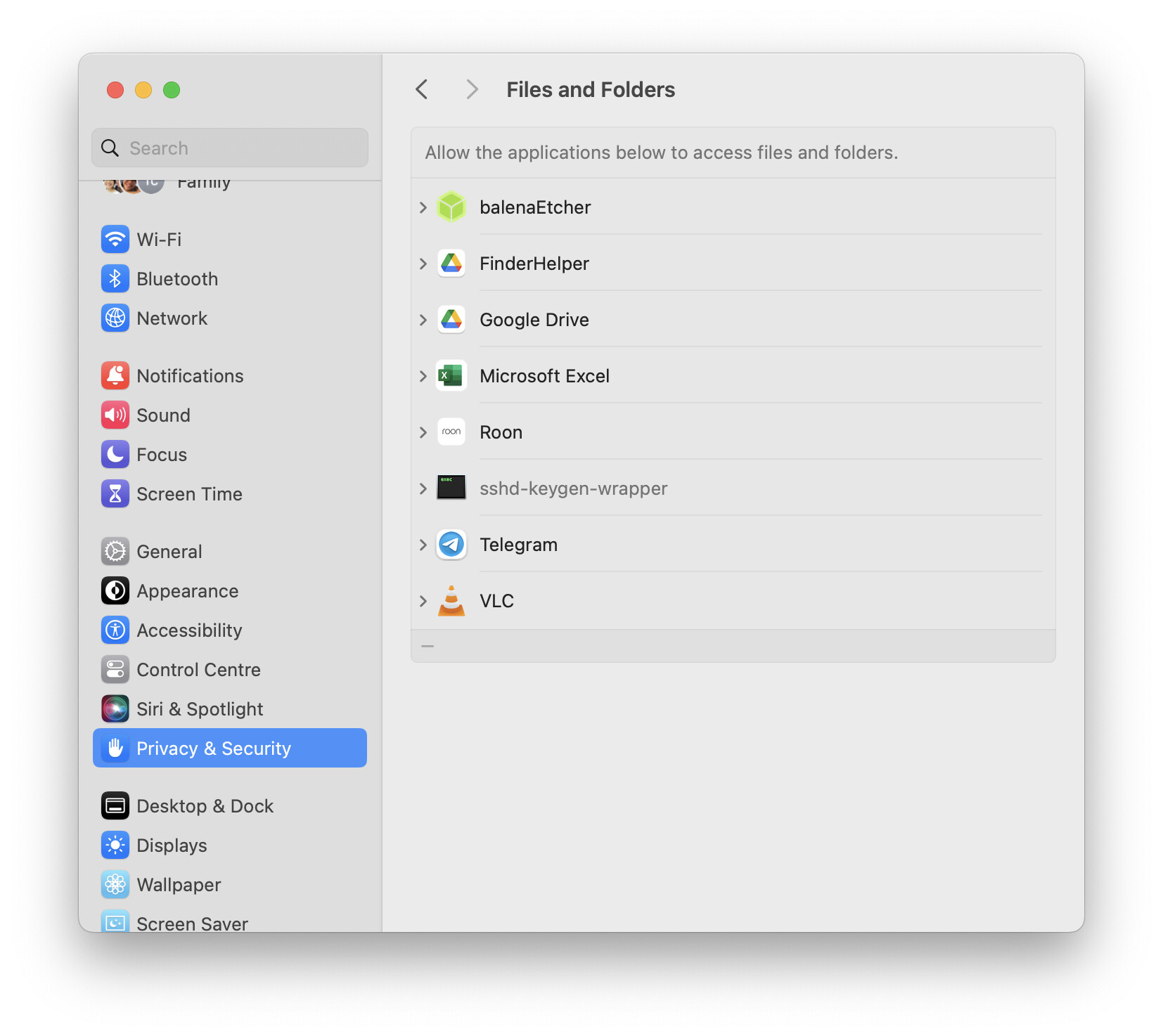
OK, so there are no granted permissions at all. When you first attempt to access such content with HQPlayer, macOS prompts whether you like to permit such access.
During installation, did you drag the HQPlayer Desktop and Client applications to your Applications folder, and then start from there? Then macOS will prompt you for various access attempts further on.
Since here looks like HQPlayer has been blocked competely.
Hi Jussi. I did. I pulled every file (total 6) into the applications folder. I try to delete all the files and then install again - pull all 6 files into application folder again.
Same thing. Same error. And still no options for hqplayer in privacy/files. Mm. I dunno what to do as I am not skilled in this.
May I ask. How do I make use of “hqp5-control” and “hqp5-set-input-rate.sh”?
macOS will prompt you when HQPlayer attempts to access your files. Try for example scanning your content to HQPlayer library.
You can safely ignore these two and leave these not installed, unless you know you need these. Former is needed by the latter. Latter is a script for Lossless Switcher to deal with rate changes for Apple Music for example, when routing audio through Blackhole loopback driver to HQPlayer.
Thank you . Mac still won’t let hqplayer access any file directly or hwplayer could not do any playback. But it is ok. I use roon for playing. And I can still use hqplayer for the output portion.
This is up to the privacy settings. macOS will prompt you first time you attempt to access some controlled resource with HQPlayer. Then the choice made at that time sticks, unless changed from the system privacy/security settings.
Thanks Jussi. I might have done something wrong when I first installed HQplayer. Subsequently I have tried to uninstall and install hqplayer many times but my mac does not prompt me to give any permission to hqplayer for file access. And in the mac security settings for files and folders, hwplayer does not show up so I am unable to give permission. Unless there is any other way or ideas to troubleshoot, you and I are just repeating the same things ◡̈. I appreciate your quick response as always. Thank you. No major issue for me as I can still use hqplayer via Roon.
Yes, uninstall/reinstall doesn’t change these things. macOS will still remember the settings.
If Application is installed in /Applications folder these should work. If application is installed somewhere else, Intel vs Apple silicon macOS behave differently from each other.
For example when you go to Library dialog and start scanning content on some removable device, macOS will prompt whether you want to grant HQPlayer access to a removable device. Similar thing with network shares.
Hqplayer was installed in the Mac’s application folder.
Yesterday I try to uninstall again. I followed a certain webpage’s advice to manually check and remove all the left over files after I deleted hqplayer desktop. Then reinstall again. That did not work. ◡̈.
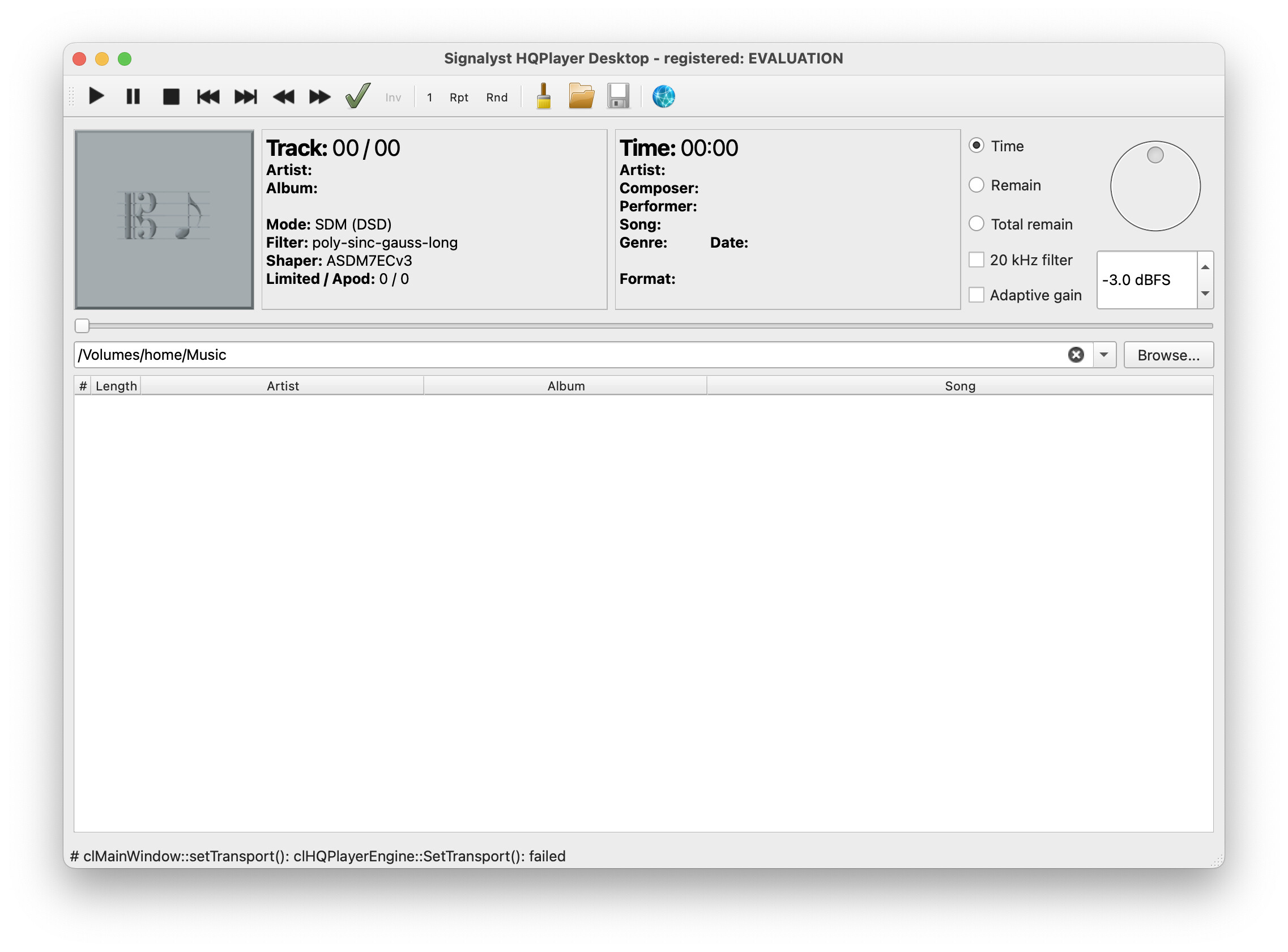
I captured an error on the hqplayer status bar though. Not sure if that will help provide any clues.
Yesterday I also had a error I have not seen before. I am still on evaluation copy as I am still sorting things out. When hqplayer closes, and I reopen it, roon won’t play music. It will say “Playback Couldn’t Start: Authorization Error”. I need to wait a few minutes for roon be able to send music to hqplayer again without error. Today when I woke up, the problem went away. Roon is connecting to hqplayer without a glitch as per normal. Which is great.
Hi Jussi. On scanning content to Hqplayer library. What I do is I click on the “browse” button and select a folder on my nas. And nothing appears at all in hqplayer. As the files cannot be read by hqplayer. I must have install hqplayer in my mac the wrong way initially. And I can’t undo it.
Problem solved. I am unsure how I solved it. I installed an app remover on my macbook pro m2. Uninstall hqplayer. I then restarted my macbook and install hqplayer again. And it works. I have no problem in opening files to play on hqplayer. My guess is that I need to restart my macbook after I uninstall hqplayer, before installing it again.
When you update HQPlayer, you don’t need to uninstall anything. You just drag the new version to Applications folder and answer “Replace” when asked what you want to do with the already existing one.

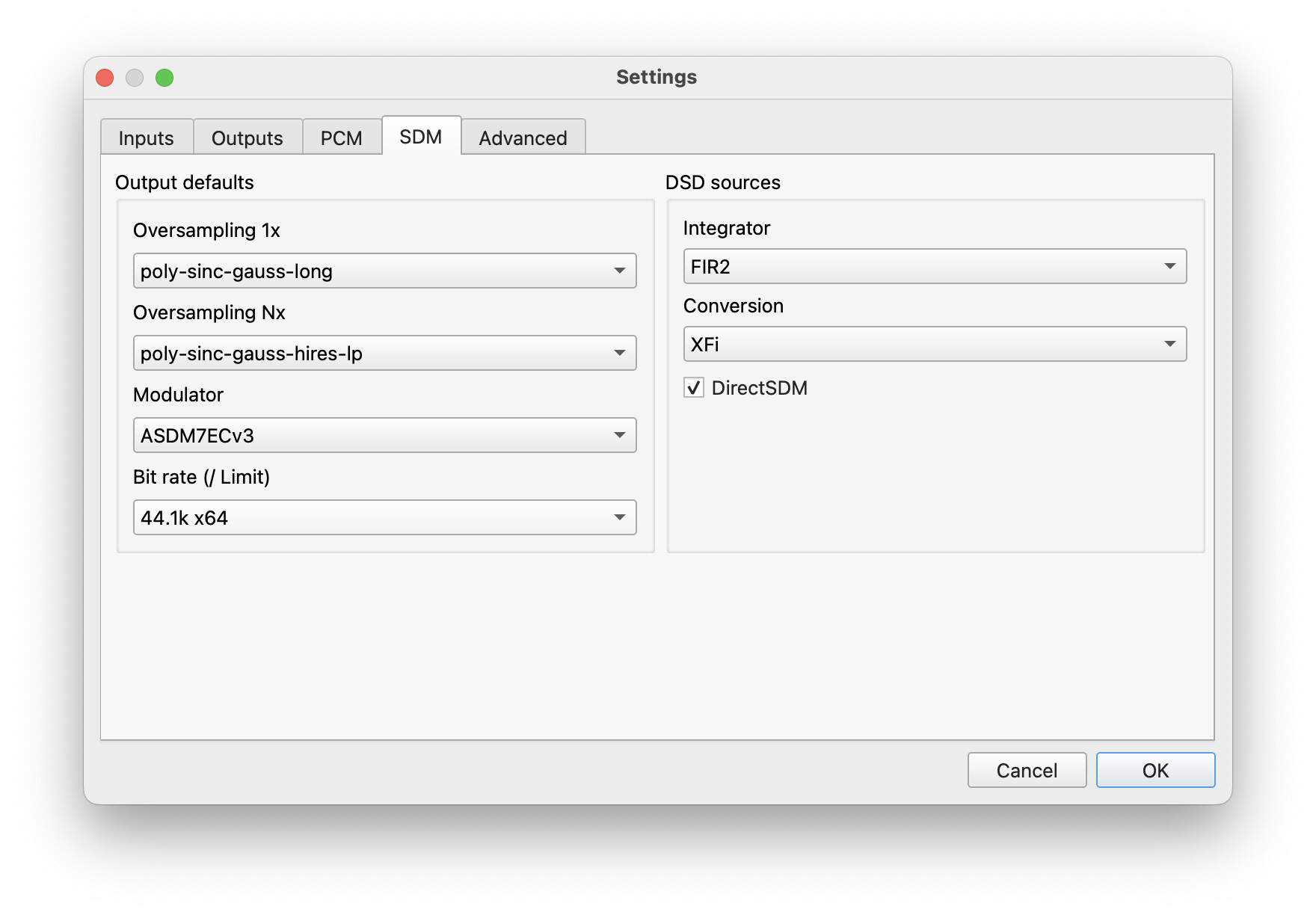
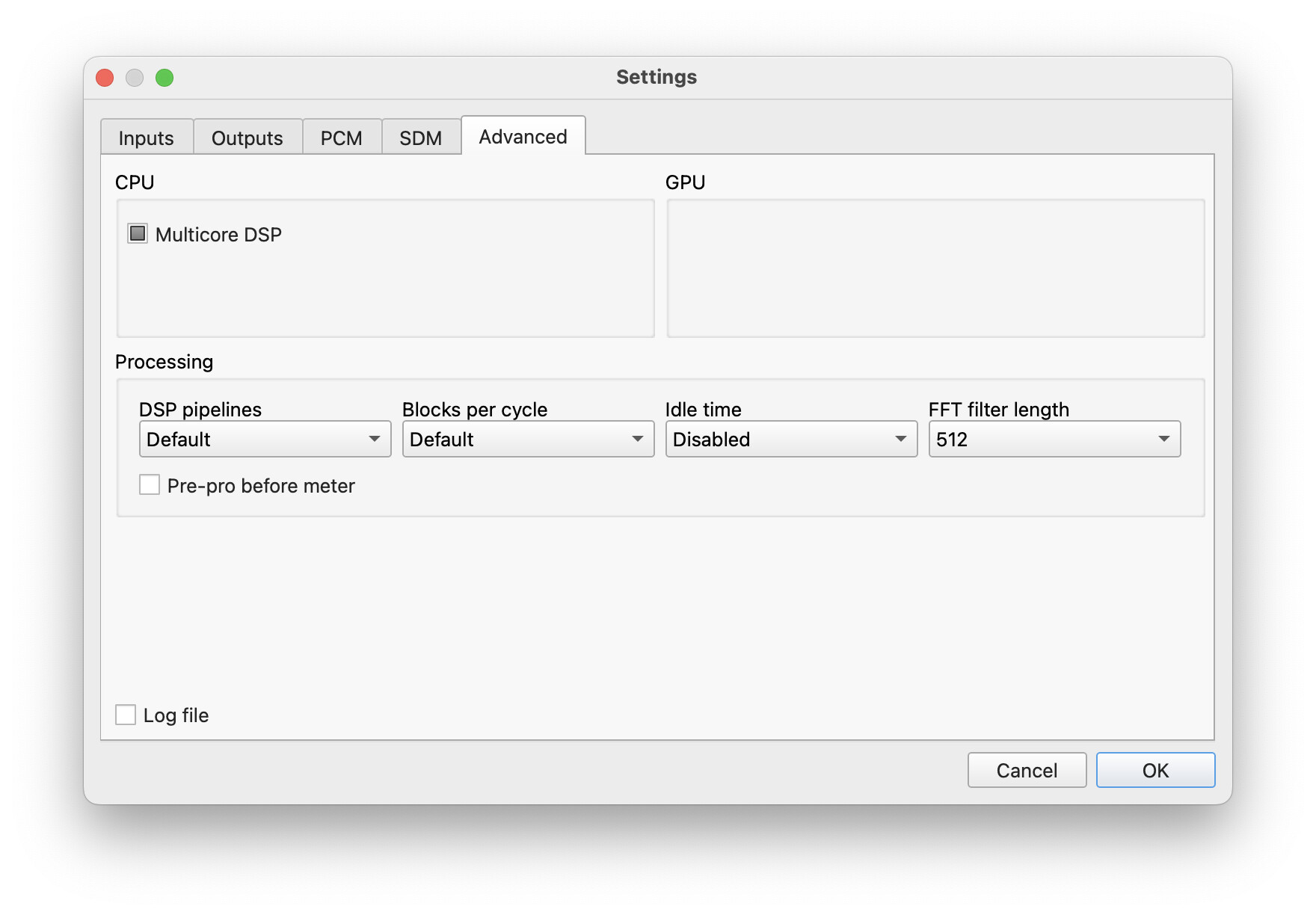
 . Mac still won’t let hqplayer access any file directly or hwplayer could not do any playback. But it is ok. I use roon for playing. And I can still use hqplayer for the output portion.