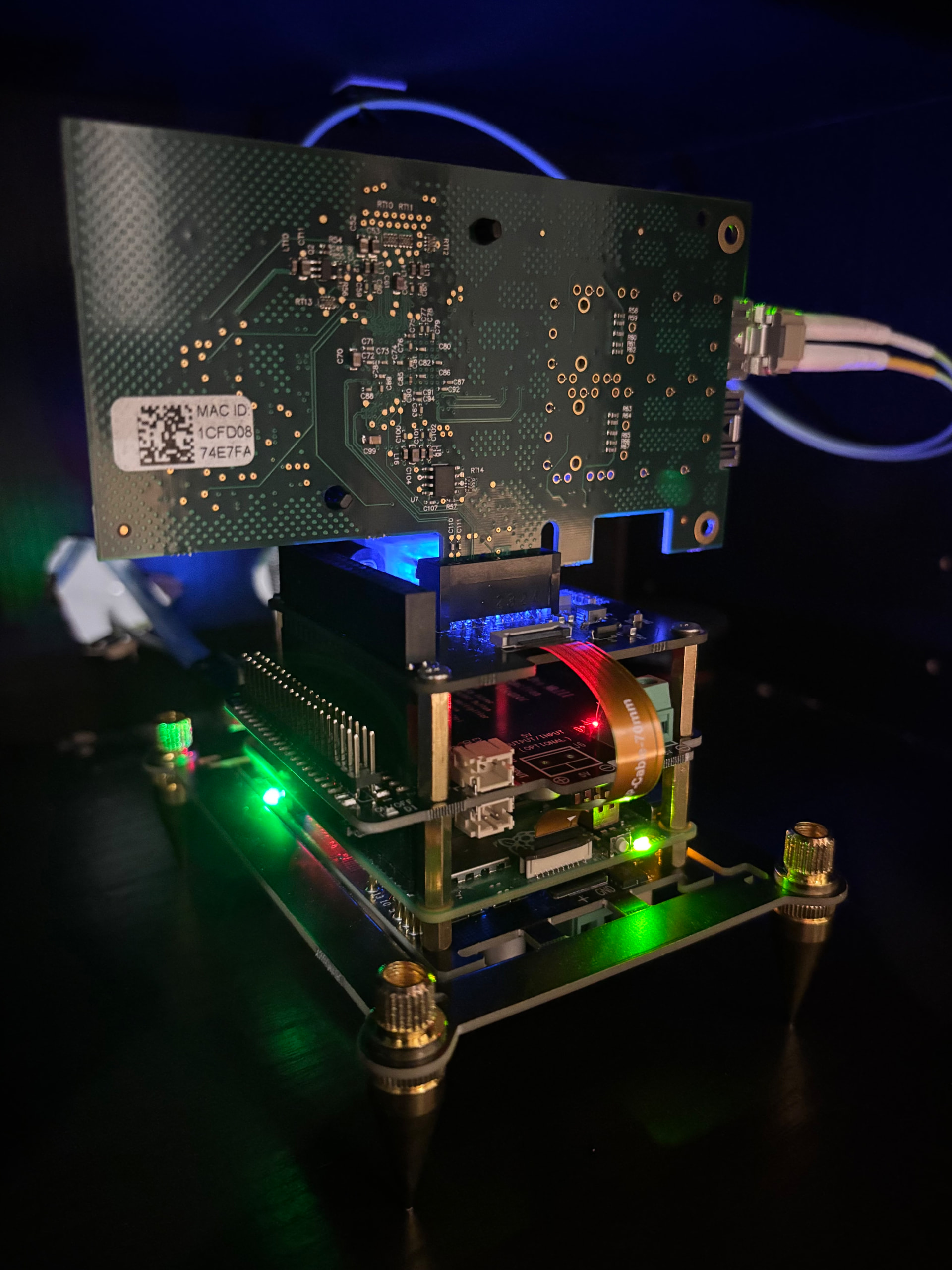
Just the way @Deric_Chan said… Your NAA PC likely doesn’t have USB device side hardware, unless it happens to be one of my recommended devices having such.
I don’t understand what is the issue with RPi4 though, it is also simplest to set up.
Just the way @Deric_Chan said… Your NAA PC likely doesn’t have USB device side hardware, unless it happens to be one of my recommended devices having such.
I don’t understand what is the issue with RPi4 though, it is also simplest to set up.
Perhaps get a rpi5 if you want fiber optic. I also have emi/rf shield and passive super caps here if you are like me ocd about noise
Cheers
As a long-time user of virtual audio interfaces / virtual cables on both Windows and macOS, I have a somewhat different perspective on this topic.
Virtual audio interfaces are deeply integrated with OS-level audio services: on macOS, for example, virtual devices are part of the CoreAudio framework. They are very reliable, low-latency, and straightforward to work with. You can see many professional audio users depending on it, and HQPlayer Desktop can fully utilize these virtual interfaces for both input and output. As a result, when running on a Mac, you generally don’t need to worry about complex internal audio routing to feed HQPlayer Desktop.
Windows, unfortunately, tells a very different story. Microsoft has never provided professional-grade, native OS-level audio services comparable to CoreAudio. It largely relies on third-party solutions, and the lack of solid OS-level support often leads to sync problems, latency issues, dropouts, or other instabilities.
For instance, I needed proper multichannel support, but VB-Cable’s “multichannel” implementation is really just multiple stereo pairs, so I gave up on it. The other alternative is VAC. While VAC does support multichannel, 8 channels appears to be the practical limit for reliable performance. Beyond that, audio quality and stability are no longer guaranteed. In my own tests, I was never able to achieve stable 12-channel audio relay to HQPlayer Desktop—buffering and clocking issues kept appearing.
So, in my opinion:
If you’re running HQPlayer Desktop on macOS → congratulations, you’re very unlikely to face these headaches. CoreAudio makes it easy to route audio from virtually any source directly to HQPlayer.
If you’re on Windows → unfortunately, the native OS audio support simply isn’t robust enough for demanding virtual cable / virtual interface use cases. In my experience, the most reliable solution is to use an NAA as the input device. Given the limitations of Windows audio architecture, this remains the safest and most consistent approach.
On Linux, ALSA’s aloop module can theoretically serve as a virtual interface for feeding HQPlayer, but I haven’t had the motivation to test it seriously. (My Linux HQPlayer Embedded machine is dedicated to DSP with synchronous audio I/O, so virtual routing isn’t part of my workflow.)
Thanks for sharing your insights, your very good explanation (the only one) and the PM… Interesting how different things are in different minds.
I will test the linked virtual cable suggestion from Jussi, to see if there is anything meeting my expectations. If not, it will fail.
Since there is no interest (votes on Spotify link) on this forum in my thread for incorporating Spotify in the HQP playback of services, there will be no leverage on Spotify for opening my suggested option. The virtual cable was a way to become service provider independent. Perhaps not desired, as there might be kick-backs from service providers for the customer base HQP offer? It will fail, too, probably.
If it is just a Windows thing and most HQP users are MAC or Linux users and have it already fixed in the O/S, it will probably not be a viable option and thus fail.
Again, thanks for explaining in a very good way the reasons for not going there.  If I may, can I PM you directly for any questions I might have? You have been helping me out in another case, If I remember correctly? It seems better than drawing un-necessary attention to topics and become laughing stock.
Sure let’s move to PM 
This is the best answer and the explanation as to why such a feature is outside the scope of an application such as HQplayer. Audio routing is best done at OS level and has different implications depending on which environment you run.
As stated, Windows is a different beast in the audio world and IMO the worst offender for a dedicated audio setup.
This being said, I would like HQplayer to automatically switch to incoming input instead of having to manually select and activate input in the interface. And have a more resilient input interface, sometimes I loose sync and have to manually select the input again to reactivate it.
So the functionality you’re asking for already exists (see the using any input thread…), but HQp could be further enhanced to make better use of it. Just my 2 cents.
To the extent feasible it already happens, so if you start for example playback from Roon while HQPlayer was playing from some input hardware, HQPlayer will automatically switch.
But switching automatically to input hardware is not feasible. For this reason 99% of DACs also have manual input selector instead of automatic. Just Holo Cyan 2 is “automatic” with the downside that it may not do what you want and then you have to unplug the hardware to switch.
For example many S/PDIF sources keep sending data even if there’s no active playback. And same goes for some USB sources as well. So your input would get randomly stuck to the first such input appearing. And it could cause for example random disconnects from Roon playback.