TP-Link Mesh network on VirginMedia Fibre Broadband 500mb download, connected to streamer via ethernet.
Connected Audio Devices
SotM SmS-200 streamer USB to Dac/Amp
Number of Tracks in Library
I haven’t counted it.
Description of Issue
I wanted to show off Roon to my son who is training to be a conductor.
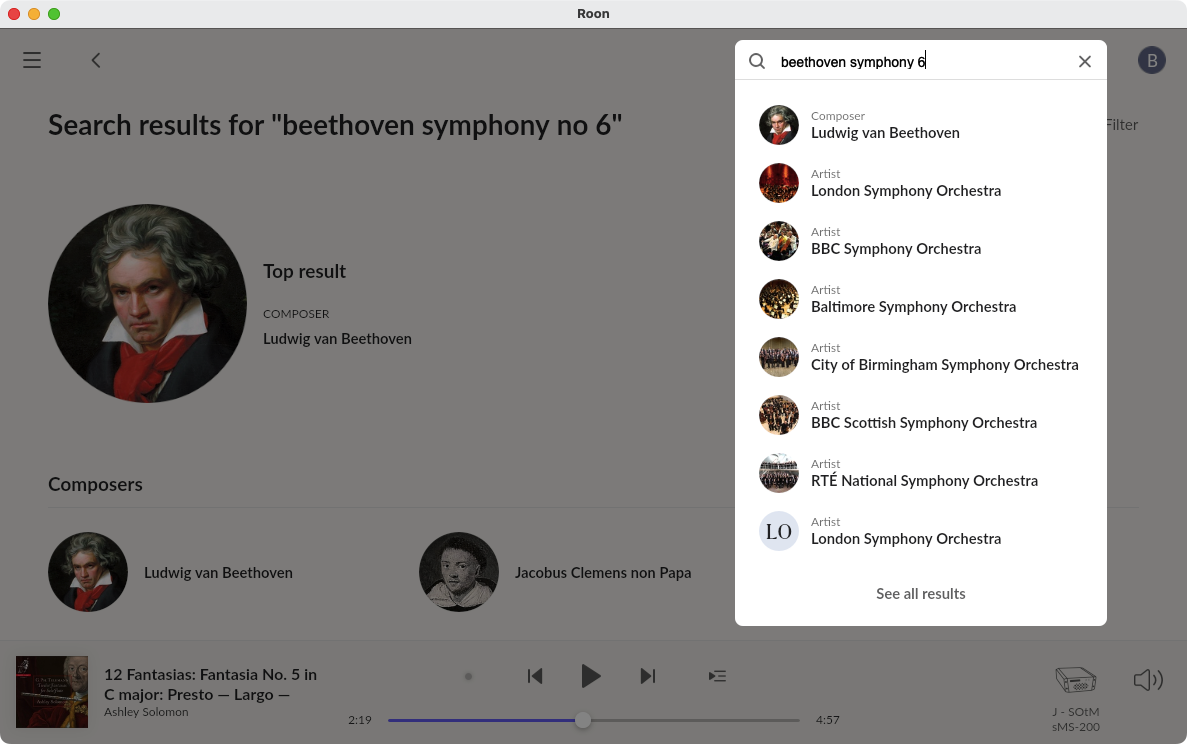
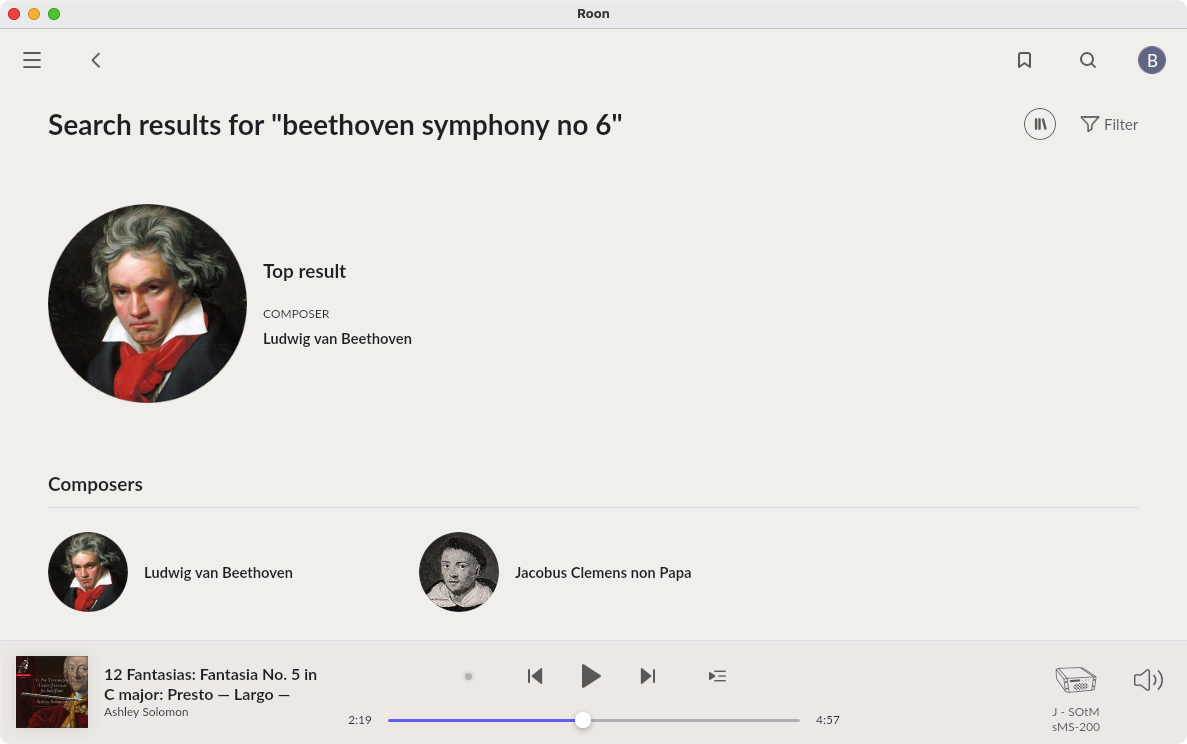
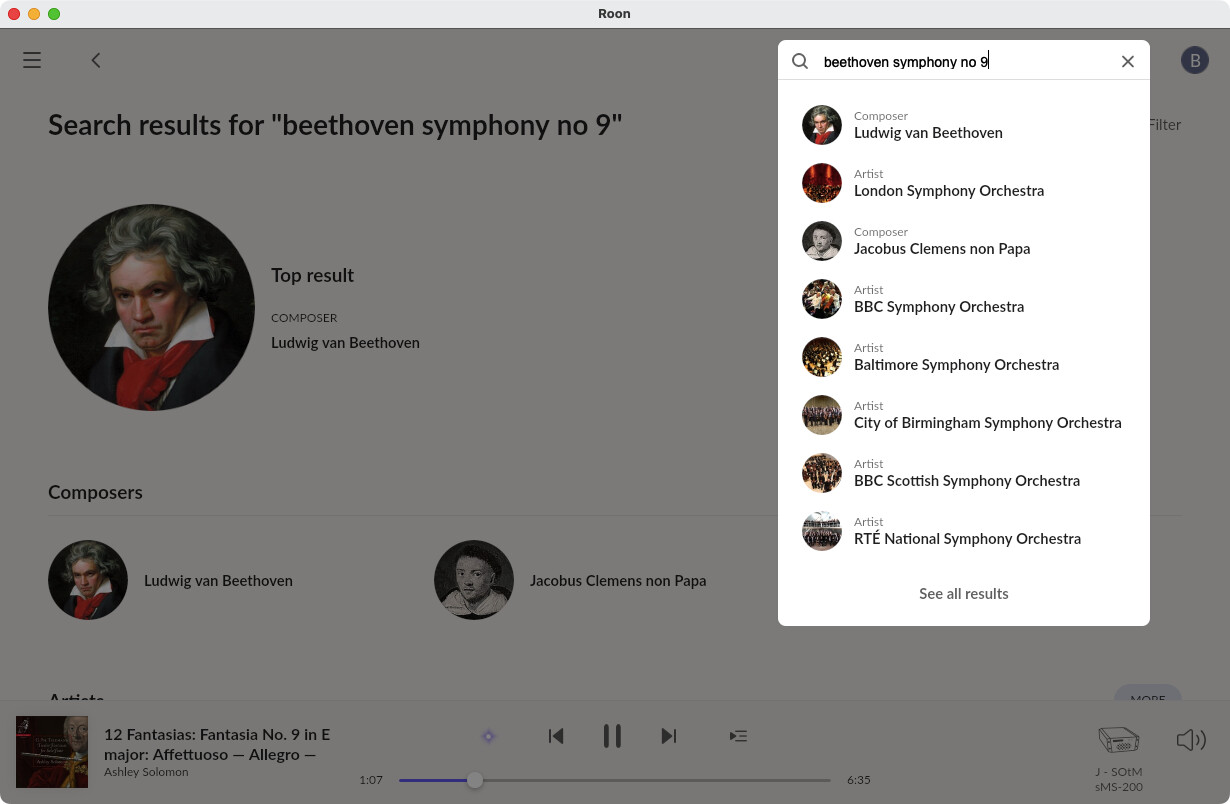
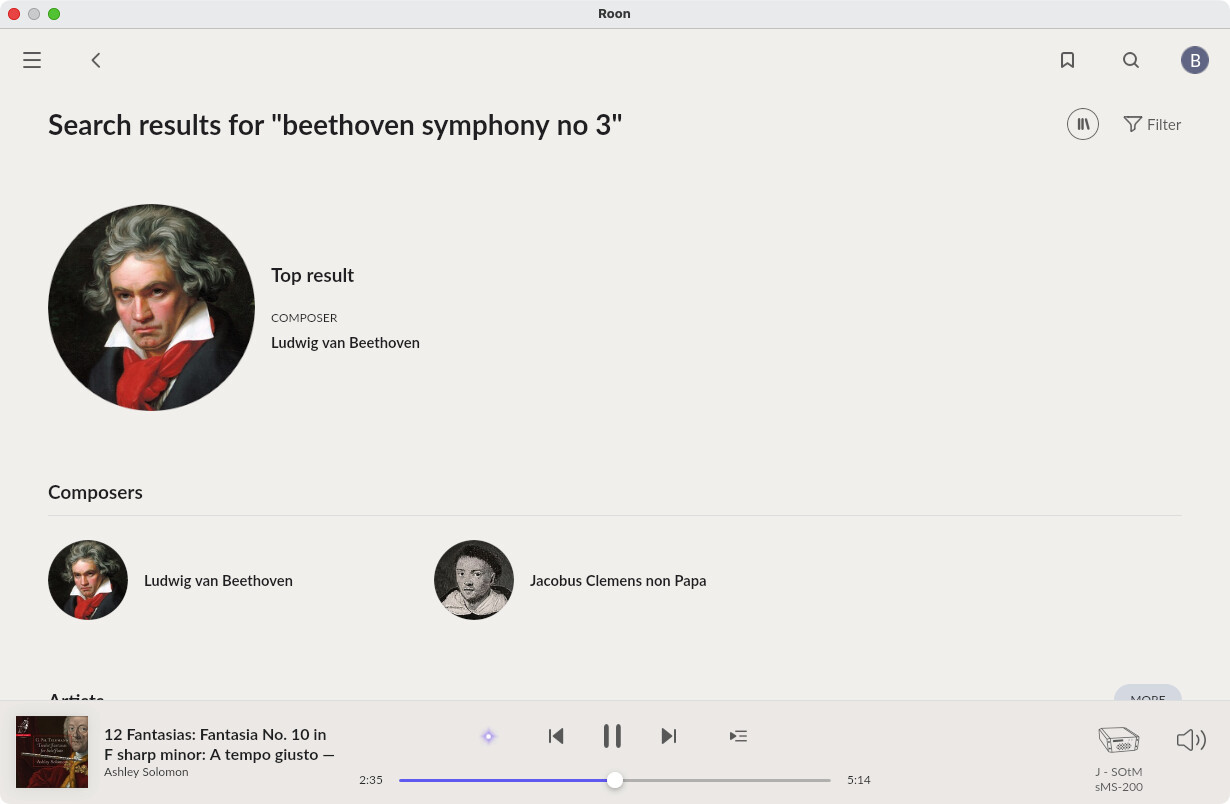
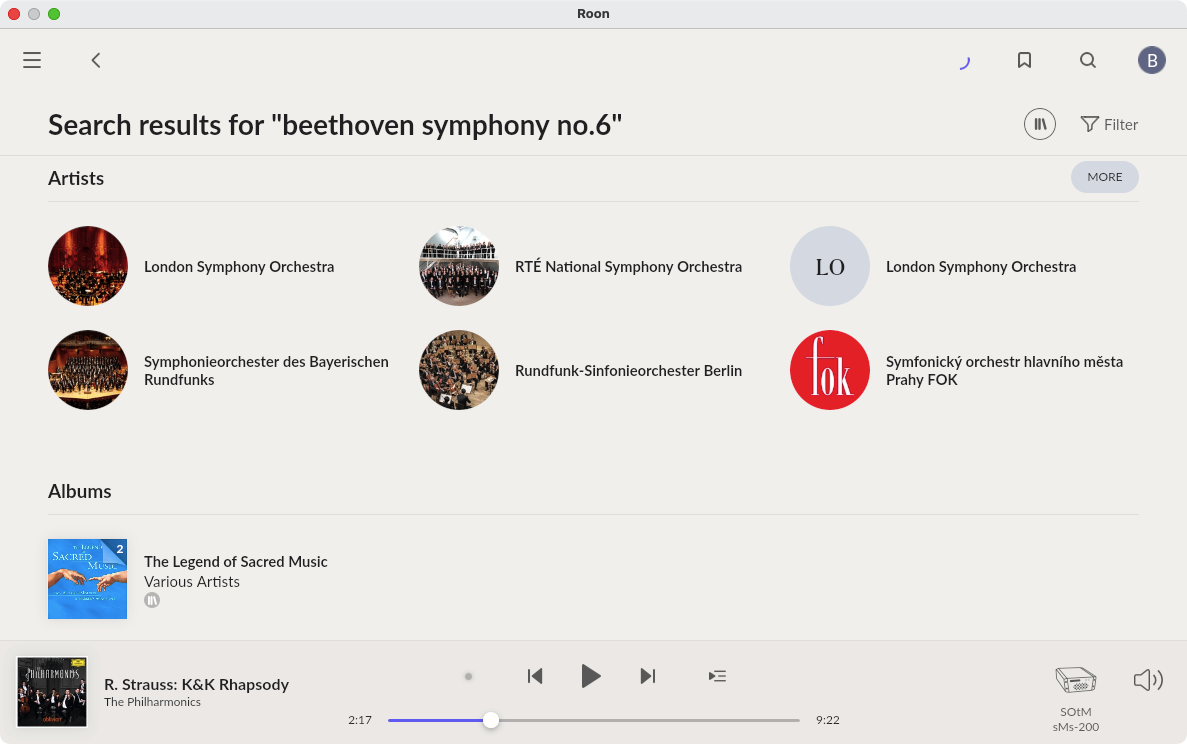
I have Qobuz enabled but when he typed ’ Beethoven Symphony 6’ into search it returned nothing.
For years I’ve thought that by having a Qobuz account linked inside Roon, then I could search with Roon to find any albums that were available in Qobuz.
I now find that if it’s not in ‘My Qobuz’ library then Roon is blind to the whole Qobuz catalogue!
So now I have to curate and avidly ‘use’ Qobuz just to find any random piece that takes my interest, then I can go back into Roon and listen to it there.
What a fool I’ve been, thinking there was a magical portal through Roon into the Qobuz Kingdom!
Please tell me there’s a slider I haven’t clicked which makes all this possible, I don’t want to have to yoyo back and forth between the two to find content.
AceRimmer
(Smoke me a kipper, I'll be back for breakfast!)
3
Not sure what may be going wrong for you here but that’s absolutely not what should be happening.
I can certainly search anything in Qobuz via Roon that is not already in My Qobuz.
Only snafu sometimes on Friday new releases doing this can stall but that’s it.
AceRimmer
(Smoke me a kipper, I'll be back for breakfast!)
5
Let’s keep it all to just the one thread please, multiple threads in the same subject will only dilute the response and more than likely result in a solution taking longer to find.
Thank you.
I can’t help noticing that in your first screenshot (showing "Search results for “beethoven symphony no. 6”) I see a rotating arc icon next to the Bookmark and Global Search icon. That indicates that Roon is doing something - is it still present, and if so, please click it and tell us what the message is… Thanks.
Hi Geoff,
Thanks for your response, I think the rotating icon was due to my having changed a few things to see if I could resolve the issue.
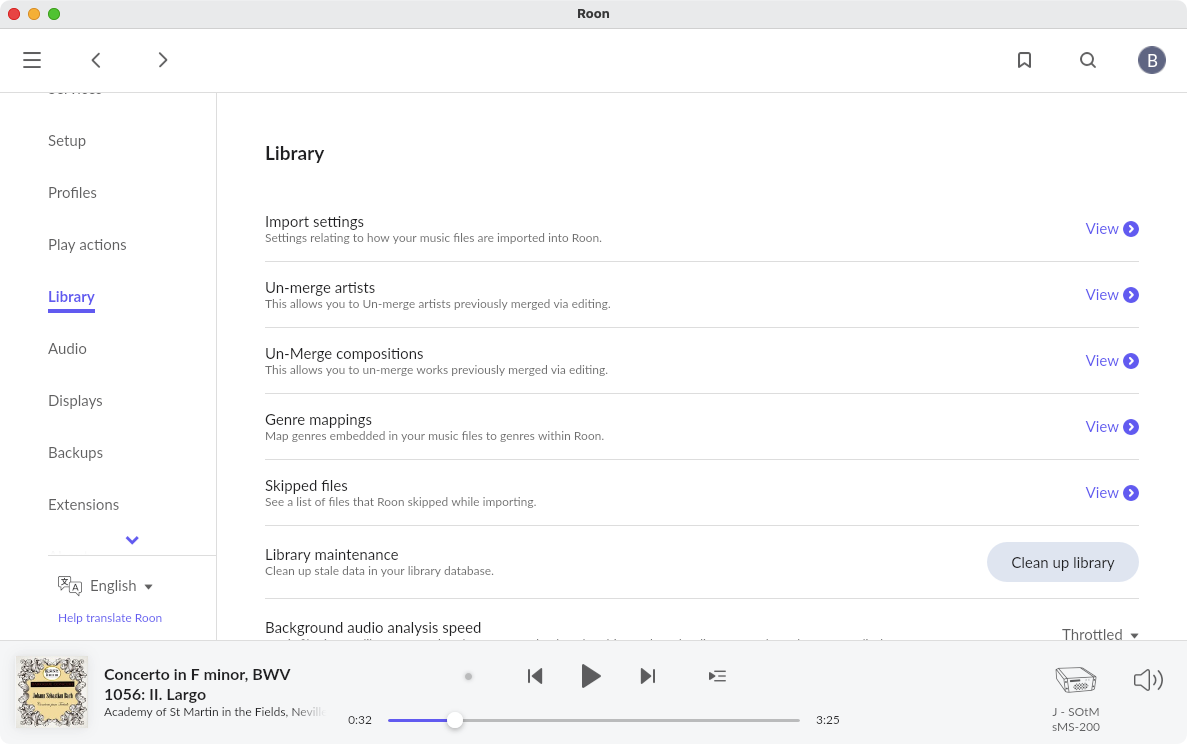
Firstly I turned off the links to my stored library as suggested in a help guide to prompt Qobuz to respond.
Secondly, I switched the Roon core from my usual iMac 2012 /Catalina setup and accepted the offer of use my laptop as the Roon core because it is a later machine and a newer operating system. This didn’t make any difference to the search items but it did upset a few things and needed to rebuild perhaps?
I should also say that I’m using Legacy 1.8 as I wasn’t able to install 2.0 on the iMac because it was too old. Later I was able to install Catalina via a hack; it’s surprisingly responsive and was running perfectly so I stayed with 1.8 as I only listen at home.
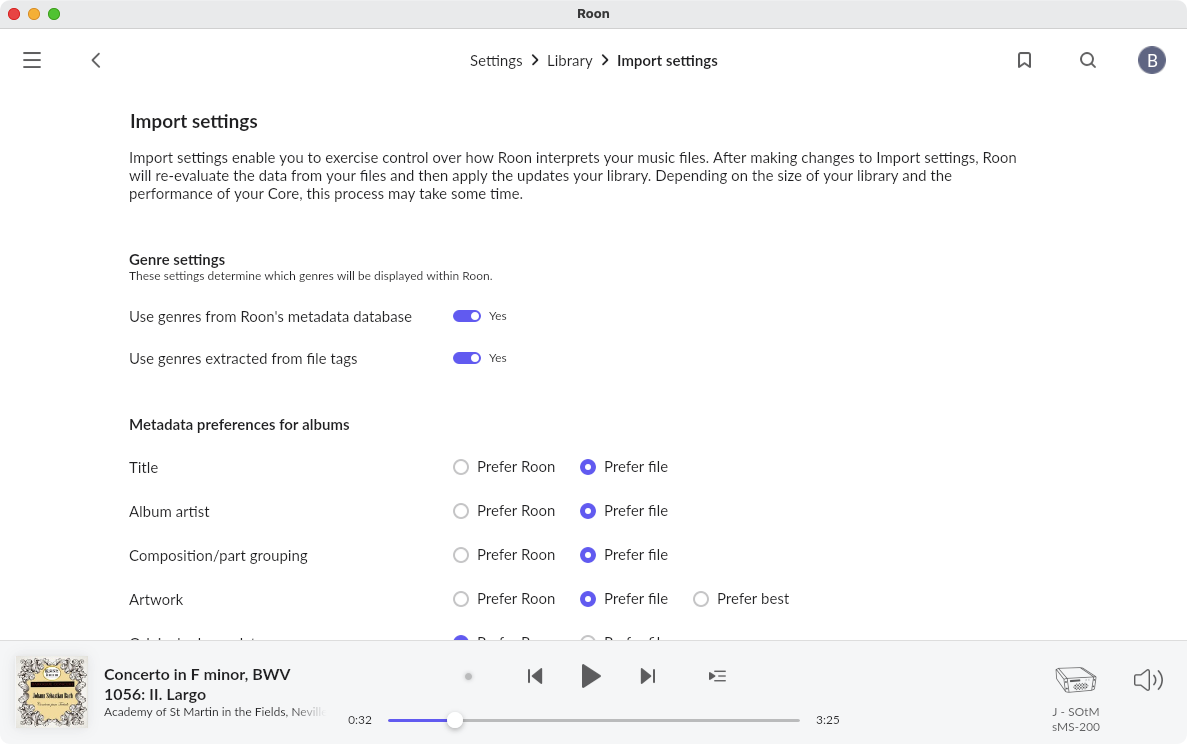
I’ve now gone back to the iMac and I no longer see the paths to my music library which I could before I broke the links.
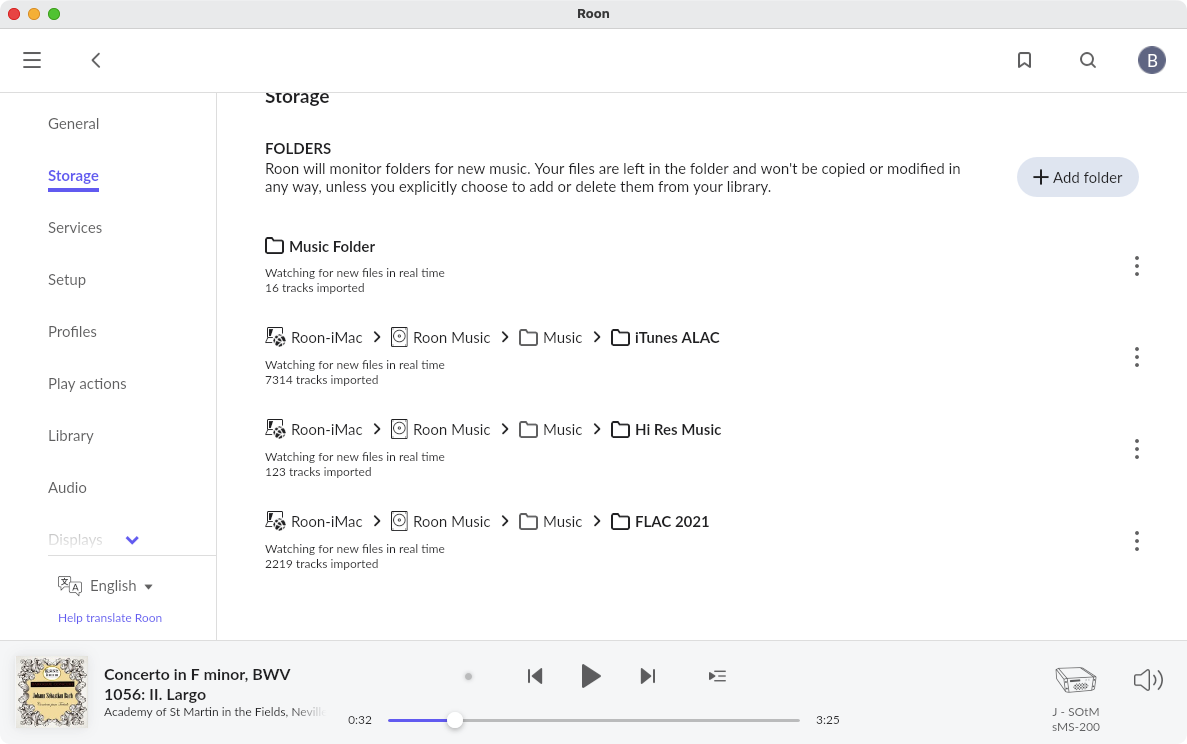
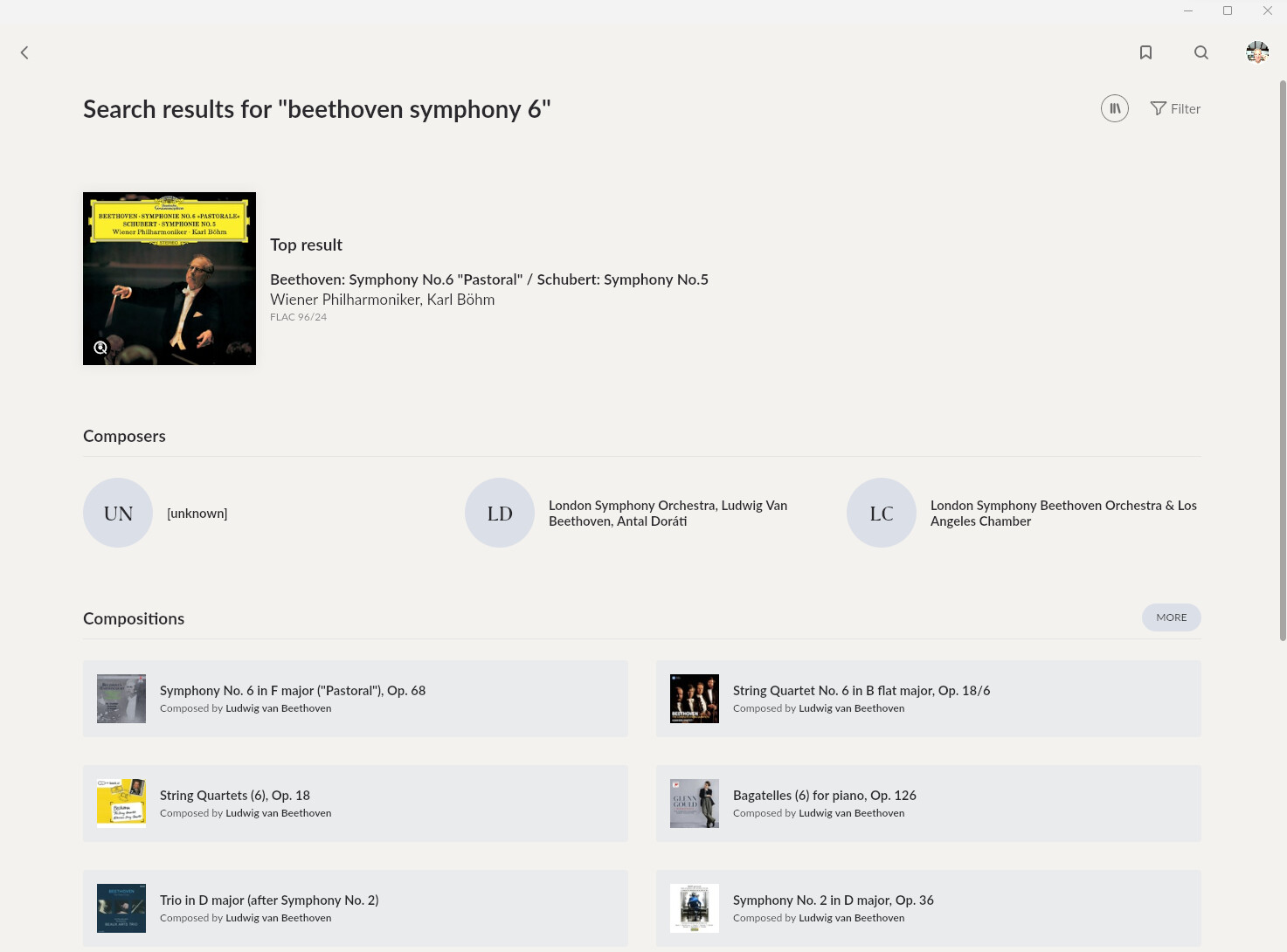
Now I just see this at the first level:
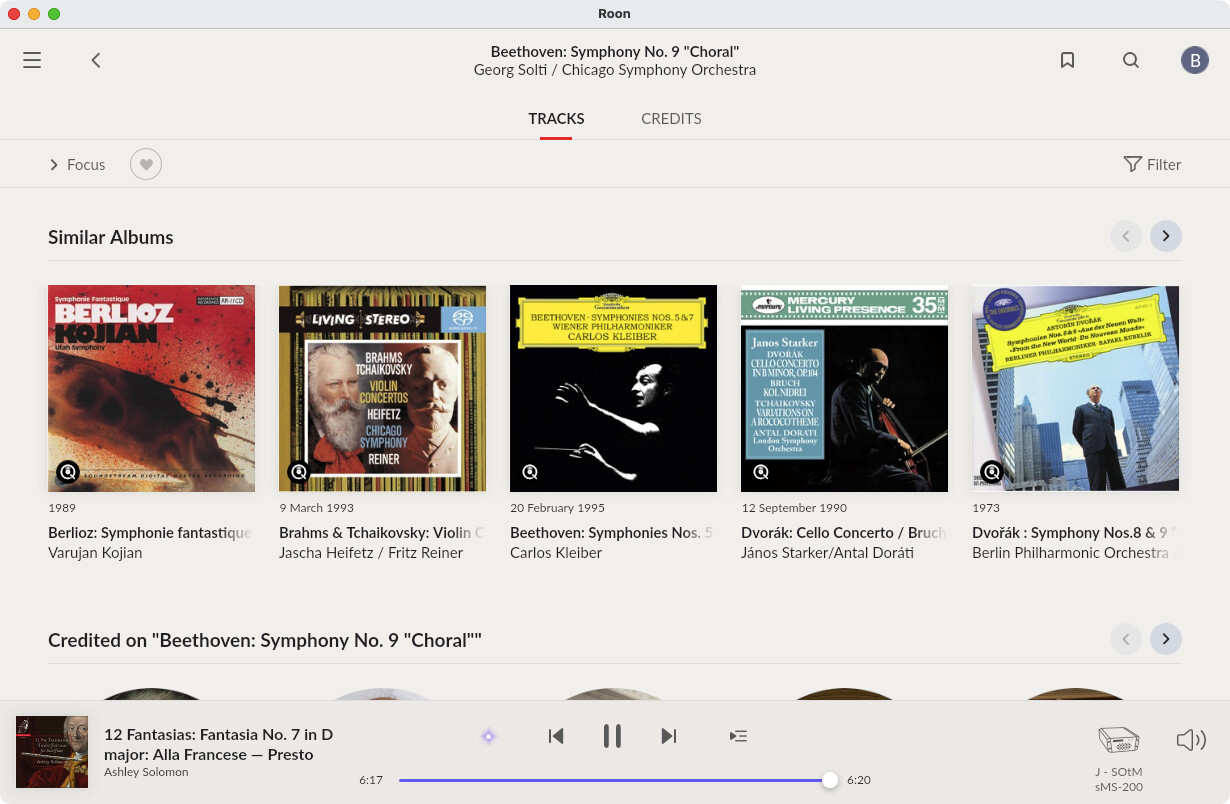
The Beethoven Symphony No 6 that is on the left of screen is after I a batch of Beethoven albums in the Qobuz app to see if they appeared in my Roon choices.
Thanks for this Marin, that’s very gratifying to hear, I think I just panicked when he got that result; he thinks I’m a big enough idiot as it is without this confirmation.
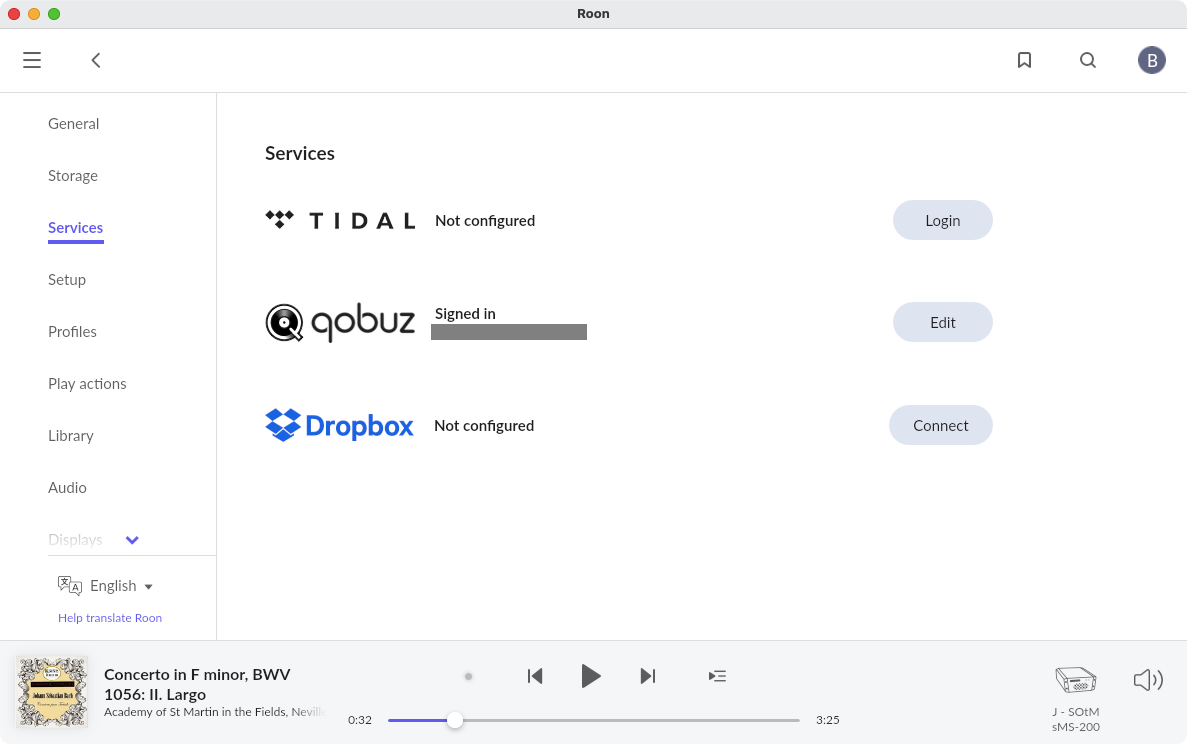
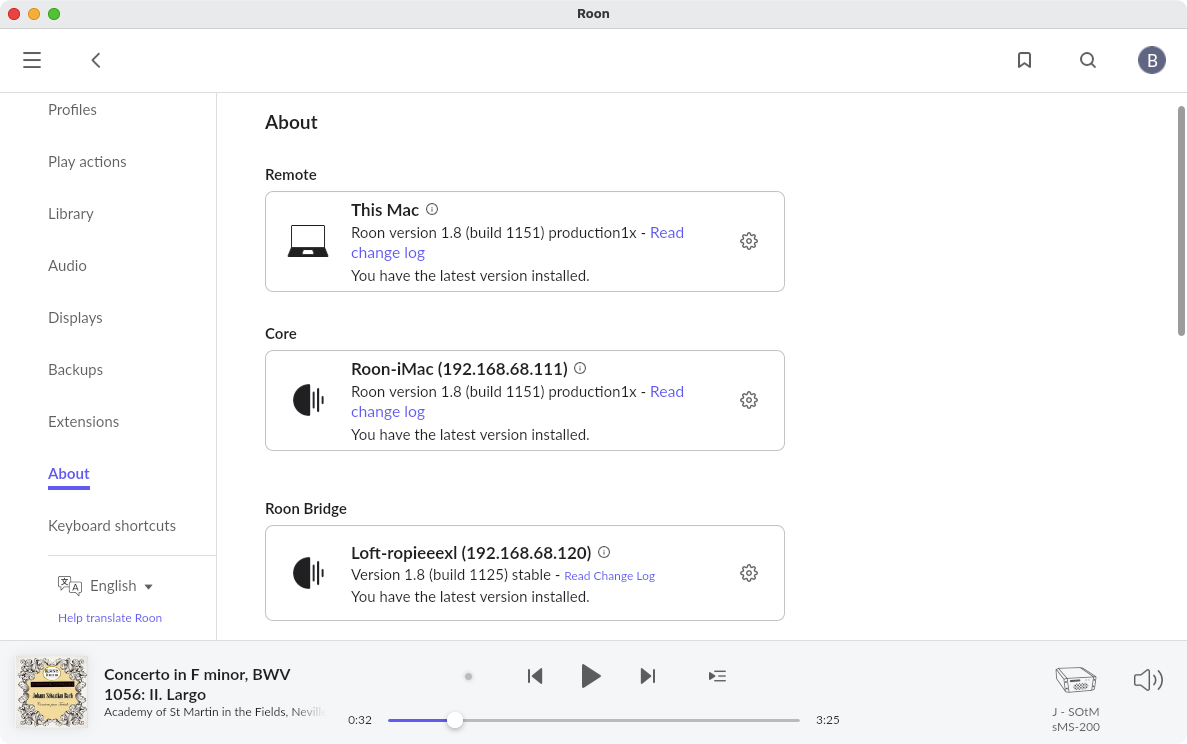
I’m getting confused as to exactly what the status of your setup now is. You’re back on your original Mac? Can you post screenshots of the Settings > Storage screen, the Settings > Services screen and the Settings > About screen? They might help to clarify things for me. Thanks.
Just to be sure, the iMac that you used to make these screenshots is at IP address 192.168.68.111? You’re not still connected to the Core that would have been set up on your laptop?
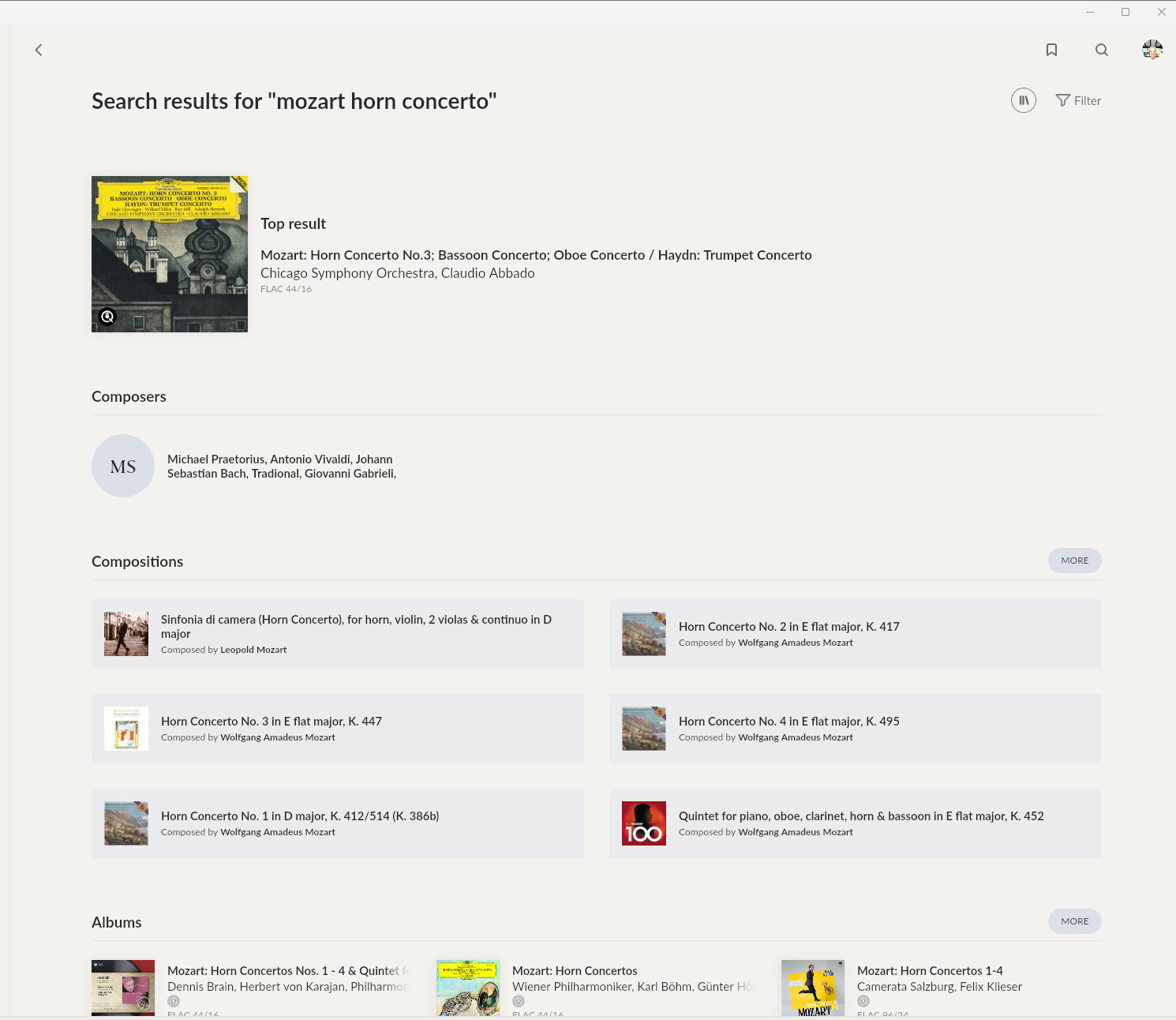
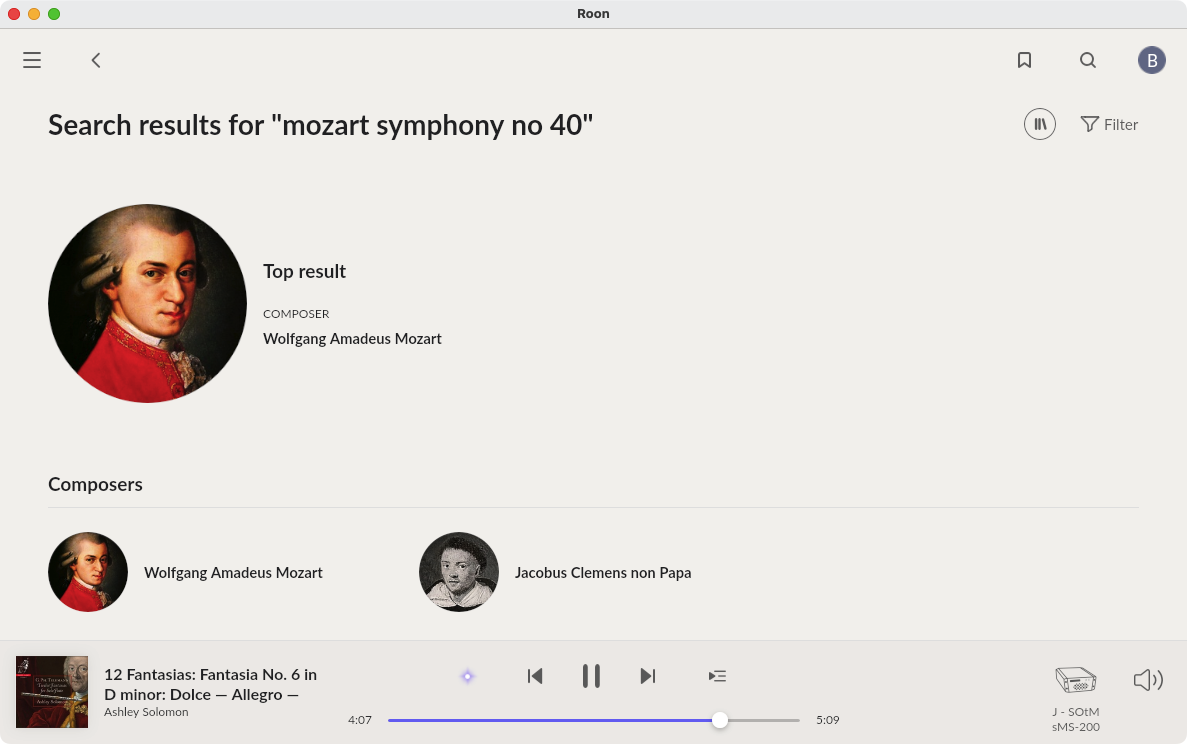
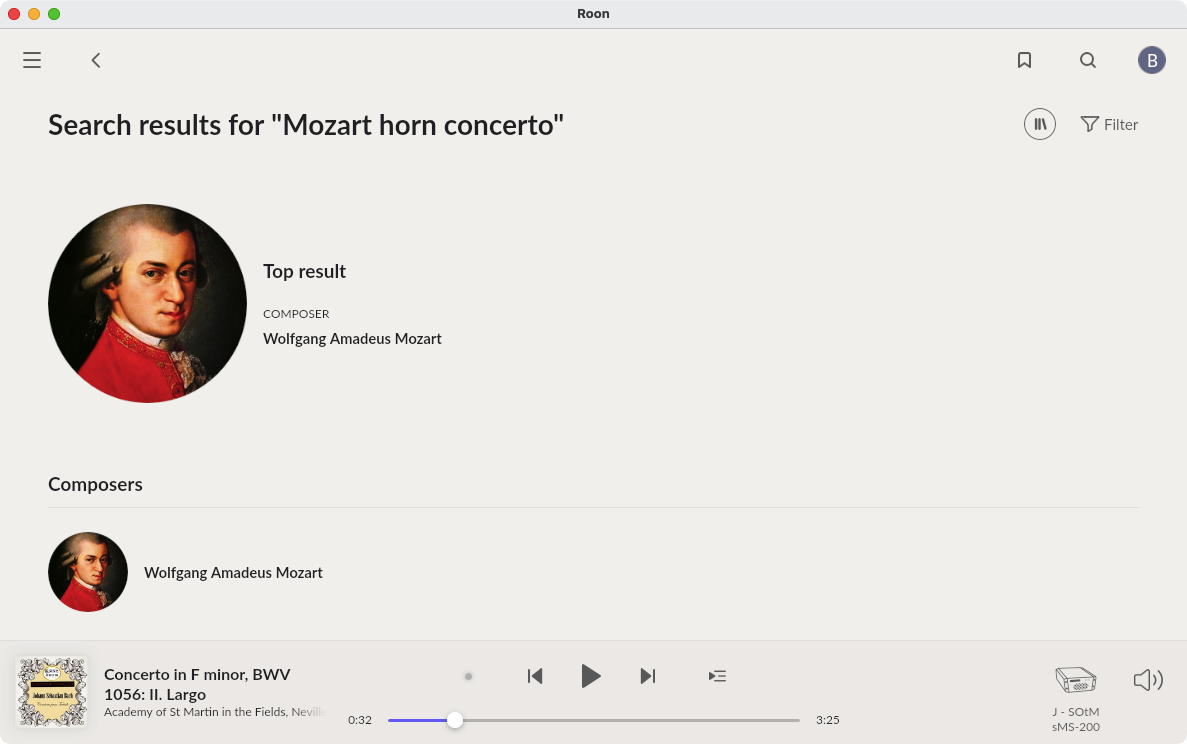
I have to say that something does seem very odd about your results for “Mozart horn concerto”. I would expect to see a recording of Mozart’s Horn Concerto as the top result, rather than himself.
However, when I tried it, I got even more of a bizarre result - the “Composer” turned out to be from a junk album (Christmas Relax) in the Qobuz catalogue.
The screen shots are all from the laptop, I don’t access Roon from the iMac, it is on a shelf and has no other software, it is at 192.168.68.111.
It stays on all the time with a dark screen, I reboot if it can’t be found.
The 2nd and 3rd are to be expected (albeit pointless in this case), but the [unknown] one seems to be in your setup. I’m assuming there’s an alias for the artist that generates the match. Would need to have a look at your logs to know what’s going on exactly. I’ll write you a DM.
@Tom_Hudson, did I understand correctly that the advice given by @Geoff_Coupe helped resolve your initial issue?
Some users have posted a few examples here that are far from ideal. It’s related to another issue that was posted this week elsewhere, we’re working on it.
Hi zenit,
Thanks.
I’ve have sporadic results when trying search.
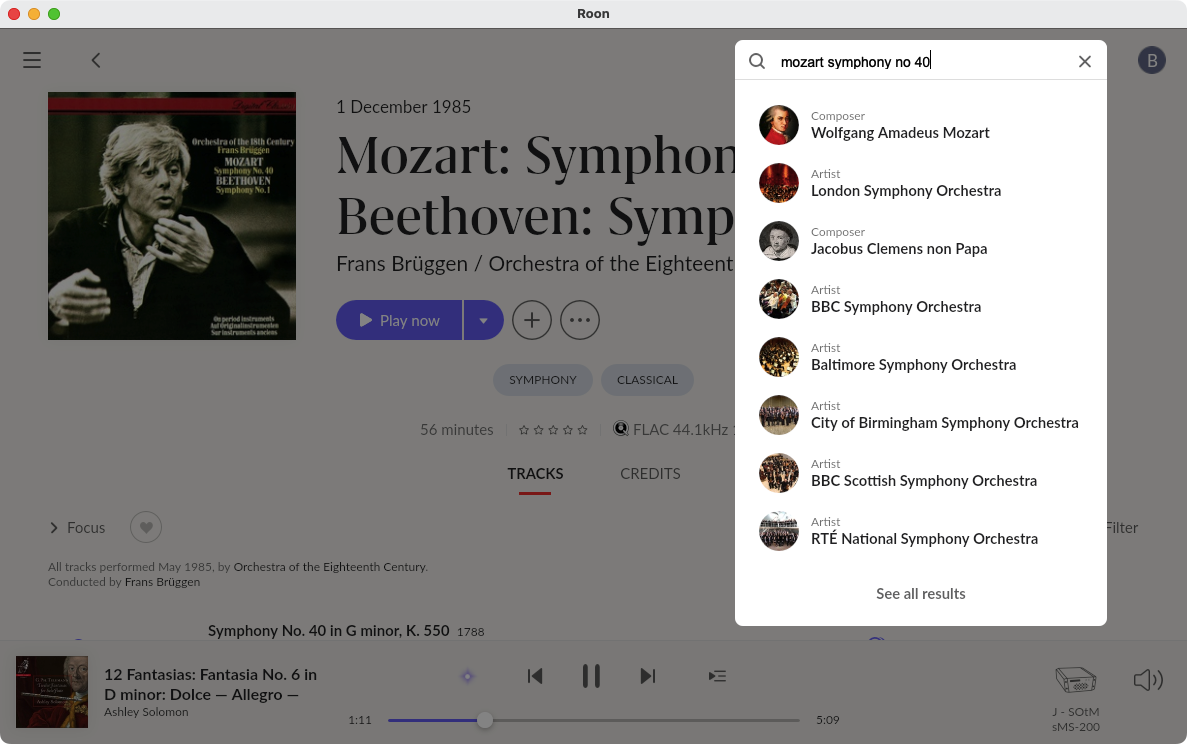
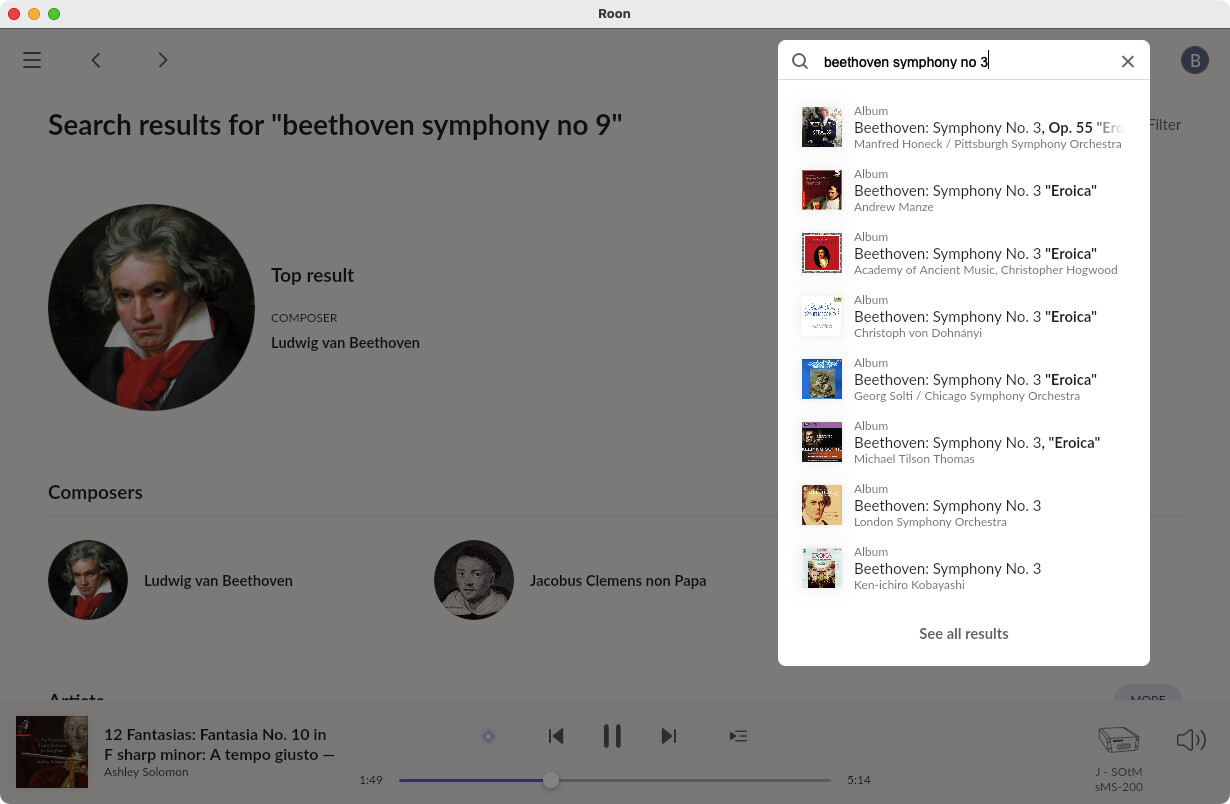
On one occasion the search box did populate with albums for a second and then they were replaced with the composers name.
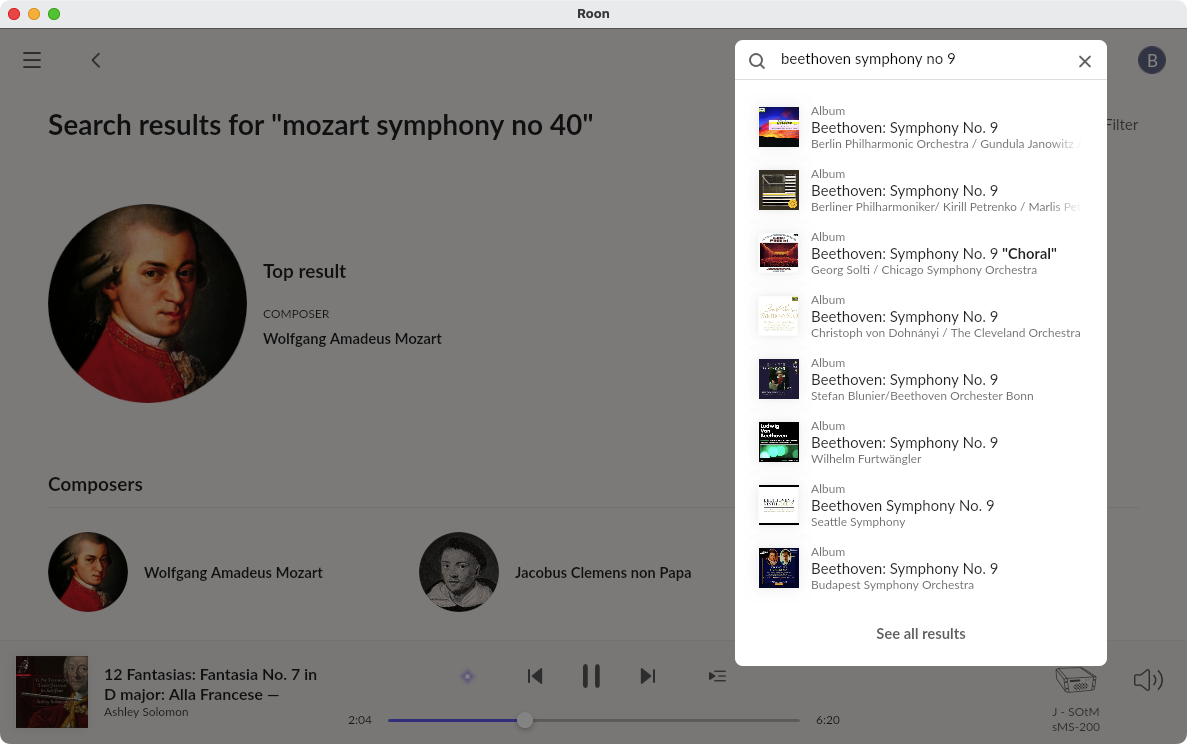
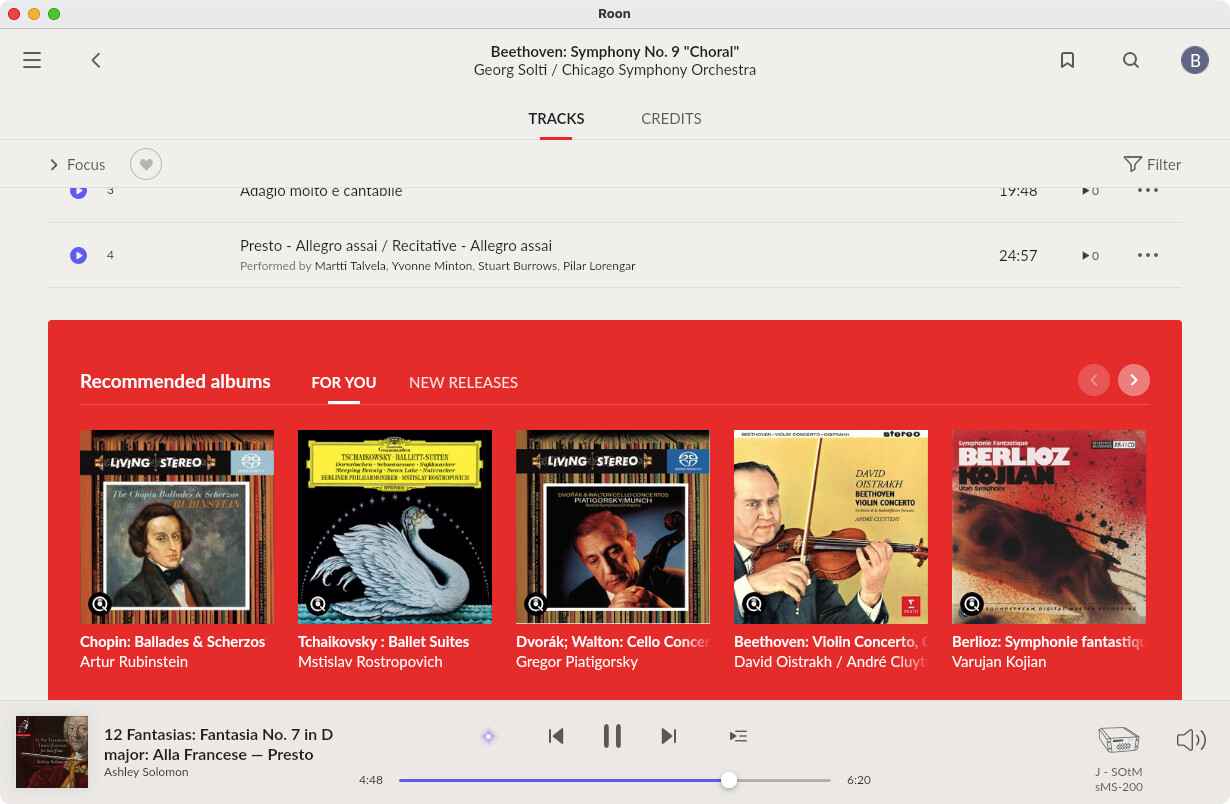
Just now for the first time I had a list of Beethoven symphony 6 recordings which I could select from but repeating the process has returned the same result as before.
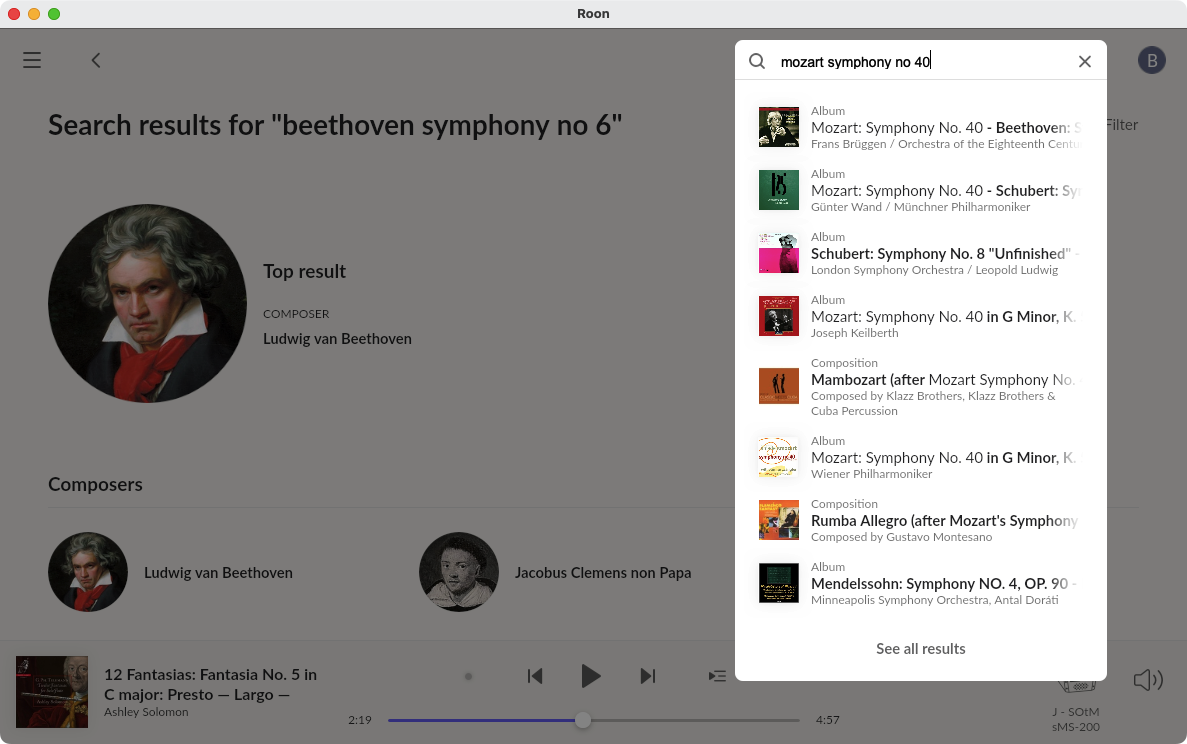
selecting the top album I can see no other albums available on the next page, going back to the search for Mozart Symphony no 40 I now have the same result as with Beethoven.
Changing the Symphony number in the search window eg 1 does result in a list of 1st Symphonies but changing that number to 6 or 9 no longer brings a list of albums.

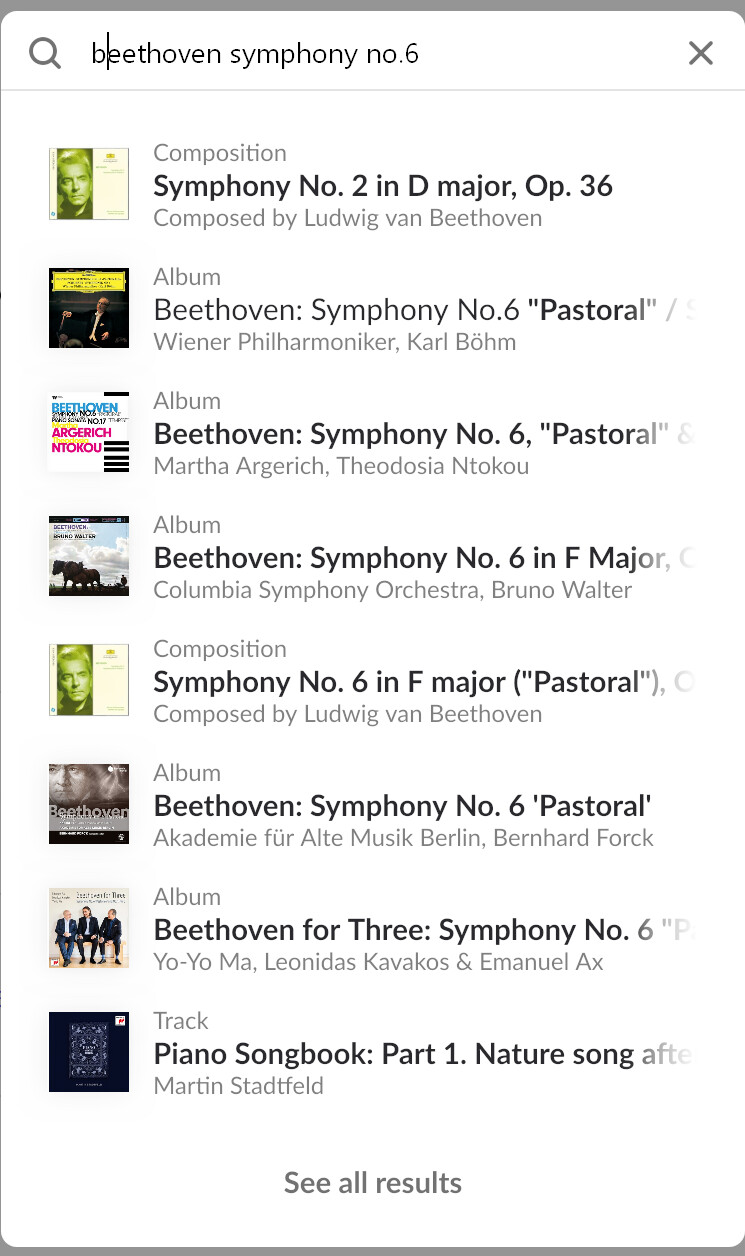
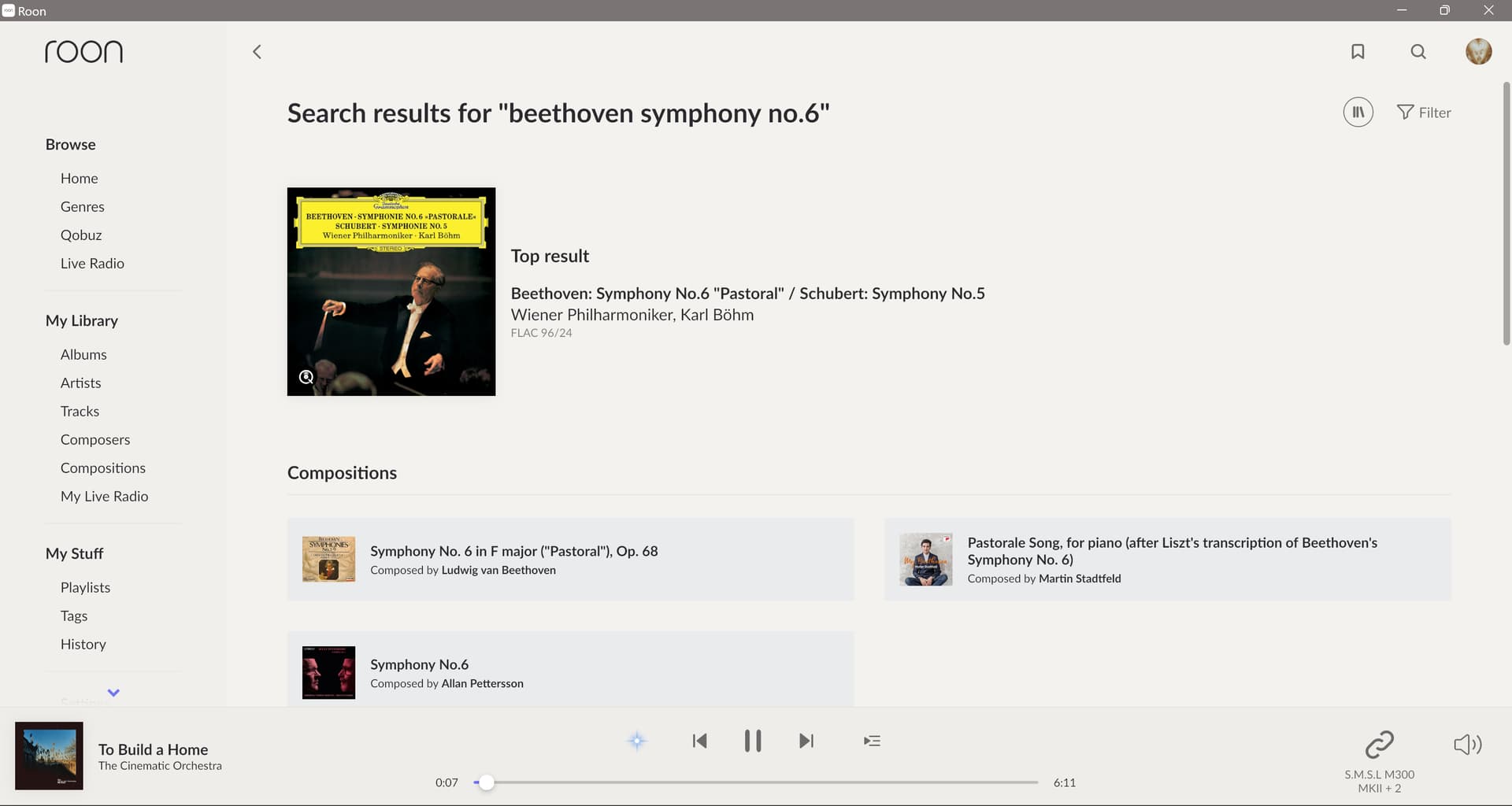

 a batch of Beethoven albums in the Qobuz app to see if they appeared in my Roon choices.