· I want to import some new files to the library. So I set the tags with mp3 tag as usual and copy the files to the directory. But they don’t appear in Roon. I have the tags as always, the directory is the same as always and the problem too is as always... Even if I look for the directory where the files arem it doesn't appear in Roon. Almost all the other albums and tracks appear in Roon. (Only Messiaen’s works don’t, but I’ve come to terms with that now. I understand that Roon doesn’t want me to listen to the Messiaen pieces I own; if that’s the way it has to be, so be it – there are other options, after all. But why is Roon now also starting to pick and choose which of my Bruckner pieces I’m allowed to listen to?)
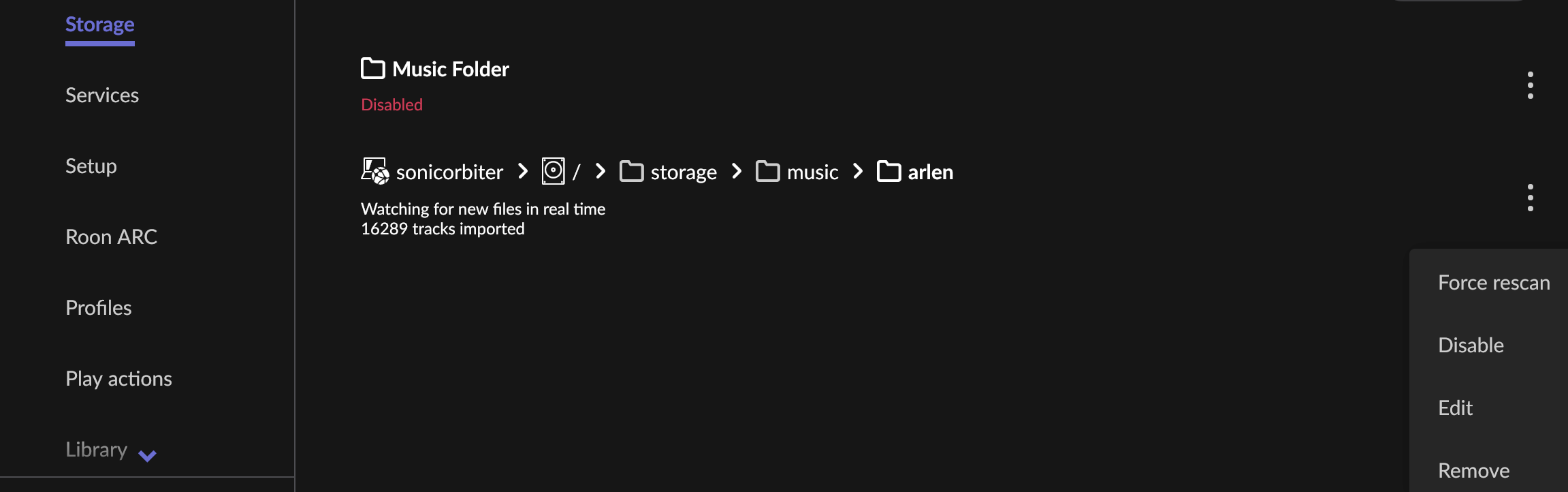
I add two screenshots. One shows the directory in the finder, the other in Roon. Apparently, Roon has decided that it’s better for me not to see the new folder containing the new files. I’m happy to believe that, but I’d still like to know why that is. Is Bruckner perhaps too obscene in this interpretation?
Oh… I forgot to post them… No. A rescan didn’t help. Now I go to bed. May be I try tomorrow once more. Or I begin slowly the way back to sonos’ app which is awful but at least does what it is supposed to do.
I can assure you Roon has no personal vendetta against Messiaen or Bruckner! Let’s figure out why these files are hiding from your library.
Since a forced rescan didn’t do the trick, please check a few common culprits, especially since your Roon Server is running on Linux:
File Permissions: Ensure that the newly copied Bruckner (and Messiaen) folders have the correct read and execute permissions for the Roon process. If they were copied over with restricted permissions, Roon simply won't be able to see them inside /home/werner/Musik/Roon/Musik-Dateien.
Skipped Files: Head over to Settings → Library → Skipped Files. Roon will list files here if it skips them due to formatting issues, file corruption, or invalid characters in the directory path.
Screenshots: When you have a moment to try again today, please upload the Finder and Roon screenshots you mentioned yesterday. Seeing the exact folder structure often points us straight to the answer.
Let us know what you find in the Skipped Files list and if double-checking the Linux folder permissions brings your music back.