Incomplete Qobuz artist transfer to Roon with Nucleus One (ref#H59MIG)

Hi! What’s not quite right with Roon?

· Music won’t play or issues with my library

Music won’t play or issues with my library

· Local files won't import or appear

Tell us what's going on

· I HAVE 165 ARTISTS IN MY QUOBOZ APP AND ONLY 24 CAME ACCROSS INTO ROON. I JUST INSTALLED A NUCLEUS ONE TOO. HOW DO I GET ALL OF THE ARTISTS INTO MY LIABRARY?

Tell us about your home network

· SPECTRUM EN2251 HILTON TECHNOLOGIES ROUTER, EERO EXTENDERS, NETGEAR GIGIBIT SWITCH GS105

Hi @jobsite216,

Thank you for your post.

Diagnostics indicate that Roon Server is actively importing Qobuz content but having a difficult time resolving the URLs associated with Qobuz’s servers. This is slowing down the process significantly.

Is your Nucleus One wired to the main router or to an Eero extender?

We recommend first opening the web settings administration page for whichever is your main, active router (the Eero or the Spectrum gateway unit). Look for a section named “DNS” and try to assign a custom DNS server: either Google (8.8.8.8) or Cloudflare (1.1.1.1).
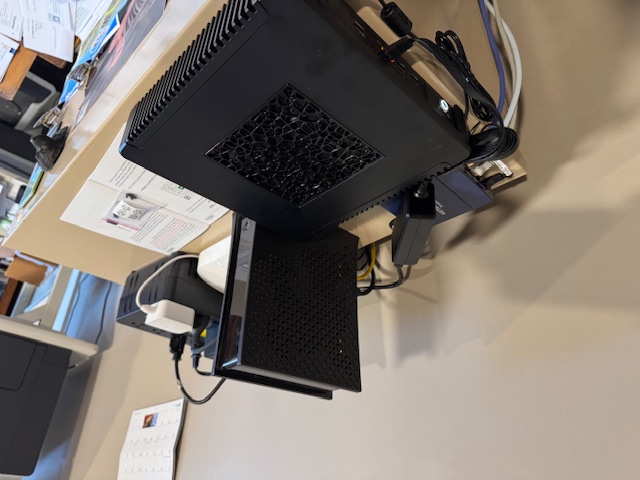
Next, try restarting Roon Server from the Nucleus Web Administration page.

From there, open Roon again. Within Roon, sign out and back into your Qobuz account via Settings → Services.

You can force a manual sync of your Qobuz account from the same dialog window in Settings → Services → Qobuz.

We have a few settings recommendations for Eero mesh networks that we’ve outlined in this article, as well:

Please let us know if this helps. We’ll watch for your response.

Hi @jobsite216,

We’re reaching out since we haven’t seen a response on this thread. Has your Qobuz library fully imported at this time?

Please let us know if we can assist further. We’ll watch out for your reply. Thank you!

This topic was automatically closed 7 days after the last reply. New replies are no longer allowed.