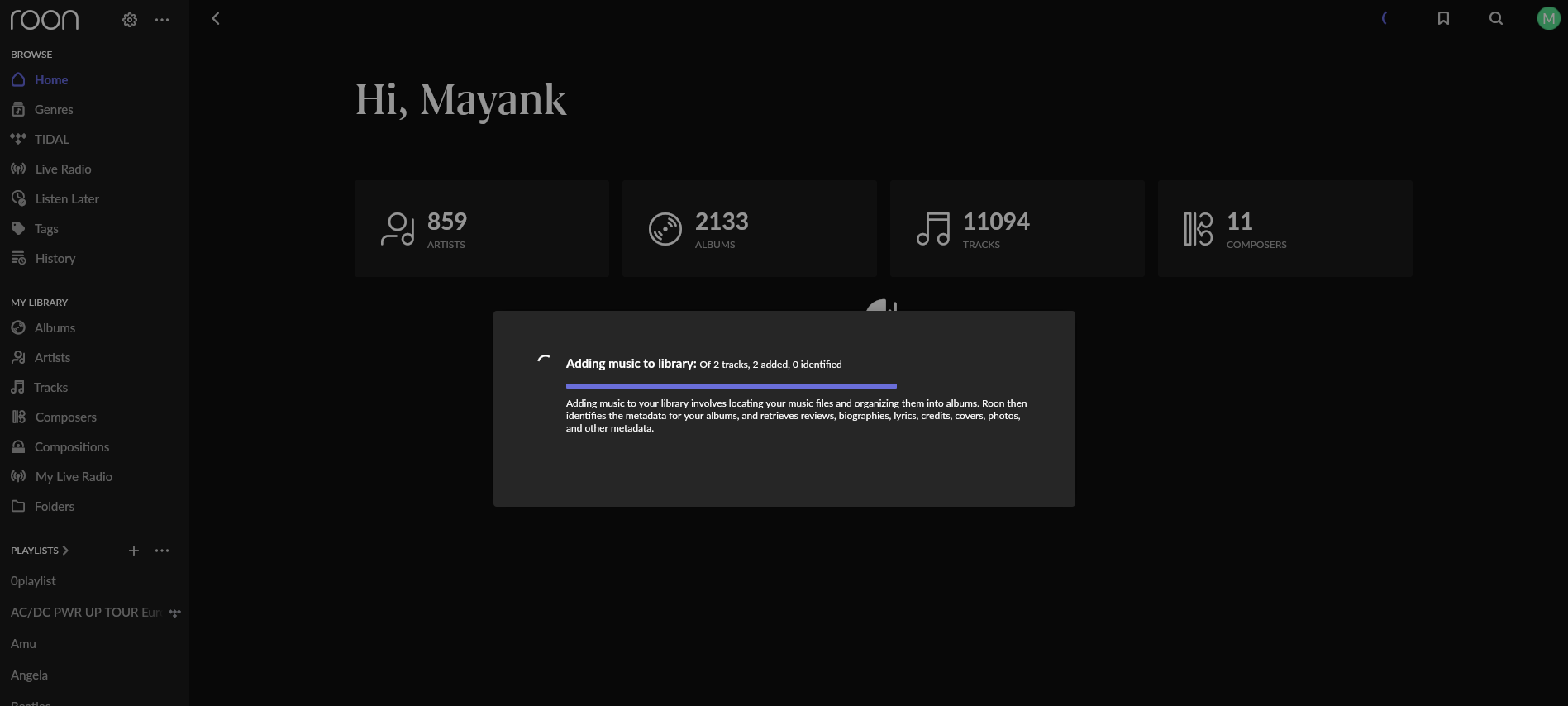
· I'm connected to my ISP's D-Link router via ethernet cable. There are no switches, extenders, VPN involved. Both Roon client and server are installed on the same computer. All music files are also on the same local computer.
Thanks for taking the time to write in, we’d be happy to take a closer look! If you could, please bring your Roon Server back online, and we’ll enable a fresh diagnostic report to review further.
If you haven’t rebooted your Roon Server yet, that can sometimes help as well.
Hi, pls let me know how to export the diagnostics, or any logs. Both Roon server and client are installed on my desktop Windows 11 PC, and are rebooted at least once a day.
I must admit the issue I face doens’t happen every single time I start Roon. The internet conn and network is fine.
Can you please confirm if the latest Roon release from today also displays the same behavior? If it does, can you please try to reboot your router and Roon server?
We have seen users have a better experience in the past if they change their Router’s DNS servers from the ISP provided ones to Cloudflare DNS, Quad9 or Google DNS.
Can you please give this a try as well and let us know if it helps?