Hi! What’s not quite right with Roon?
· None of the above quite fits
None of the above quite fits
· None of these quite match
Tell us what's going on
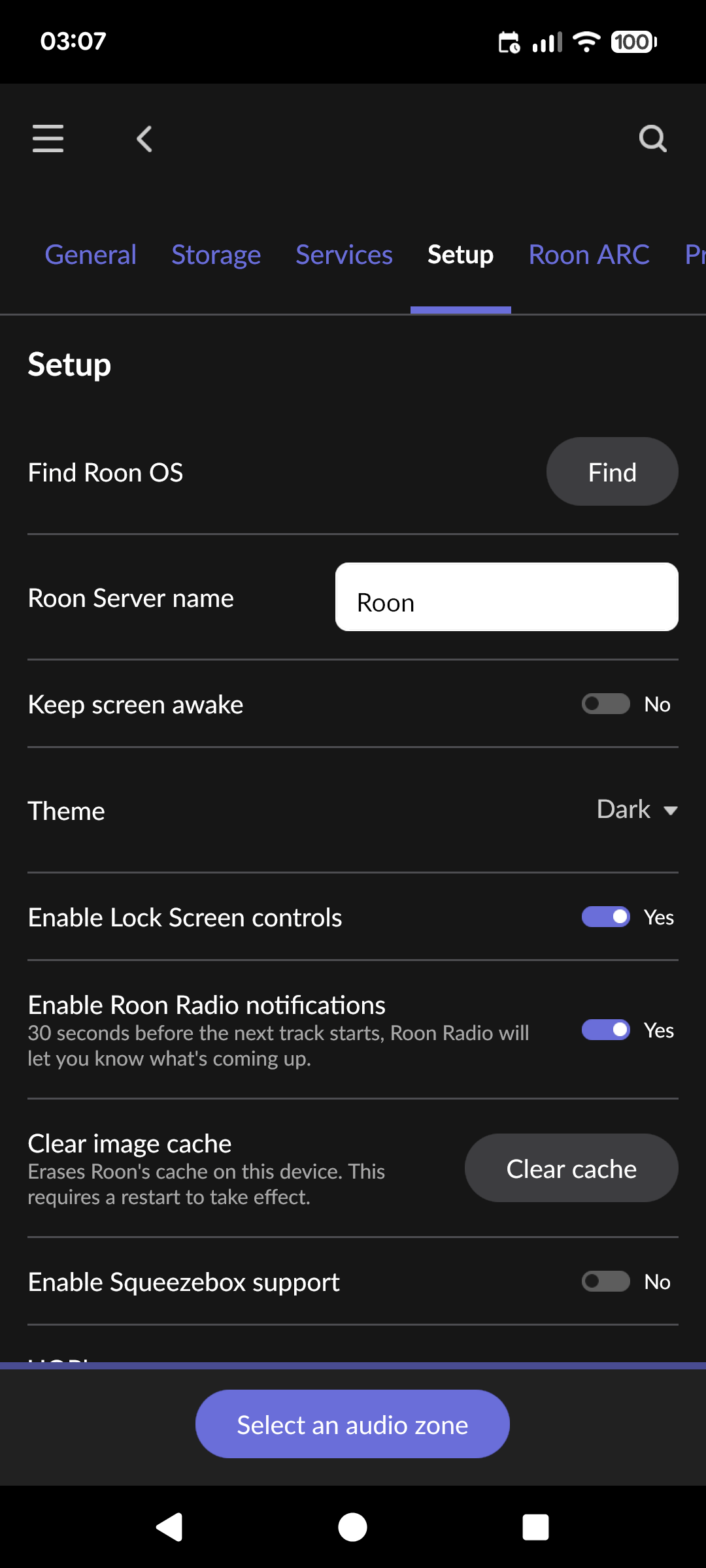
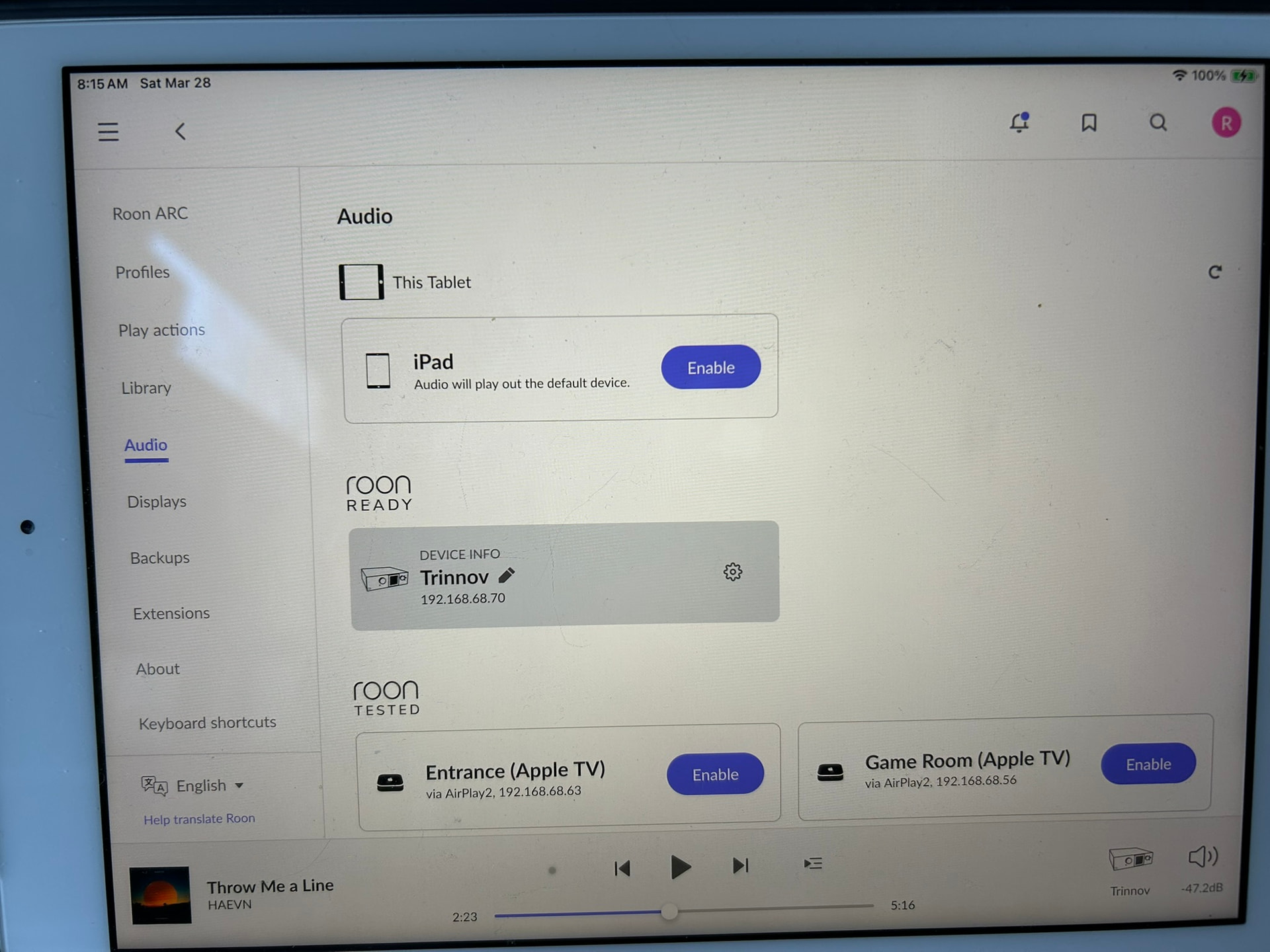
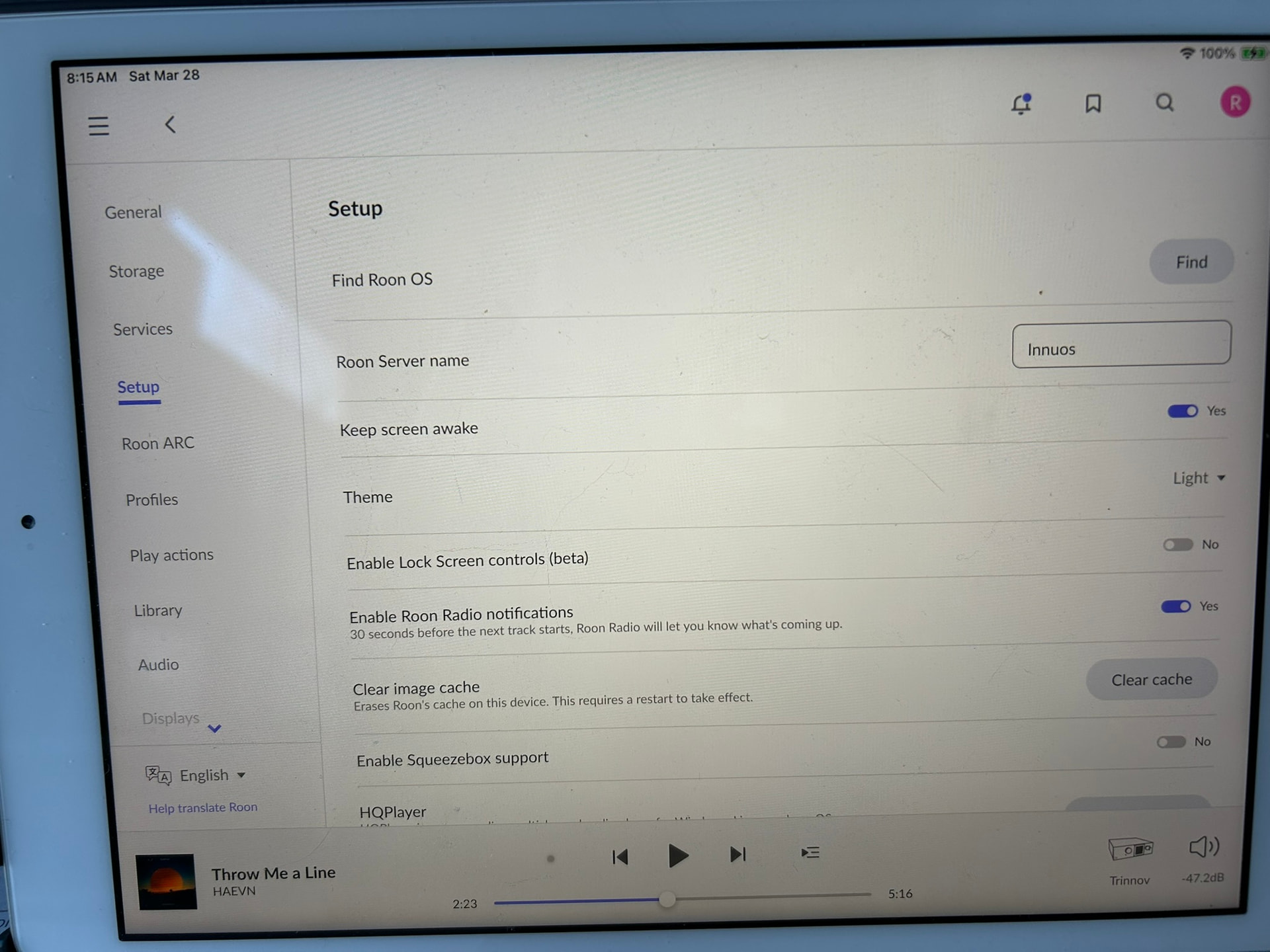
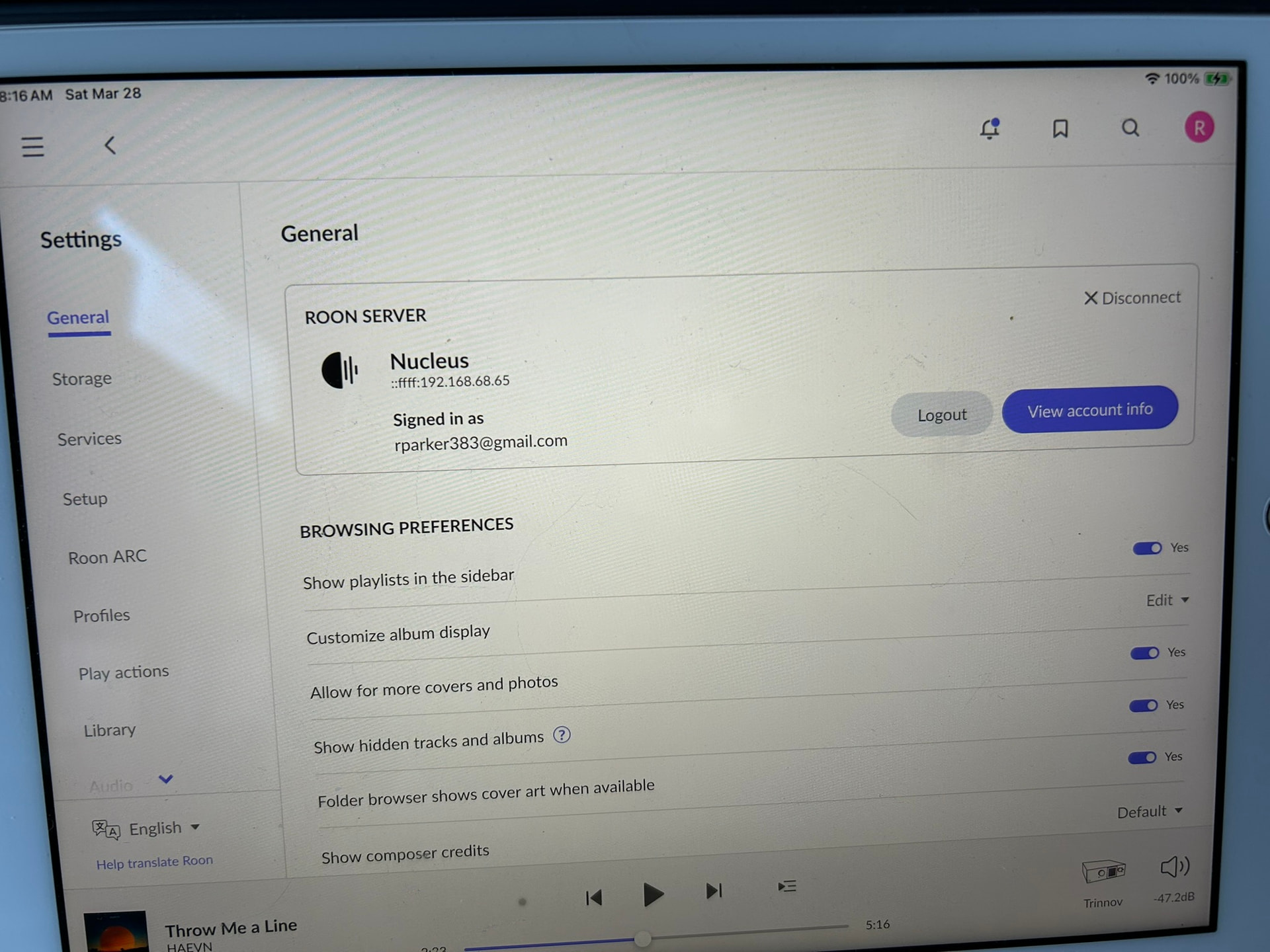
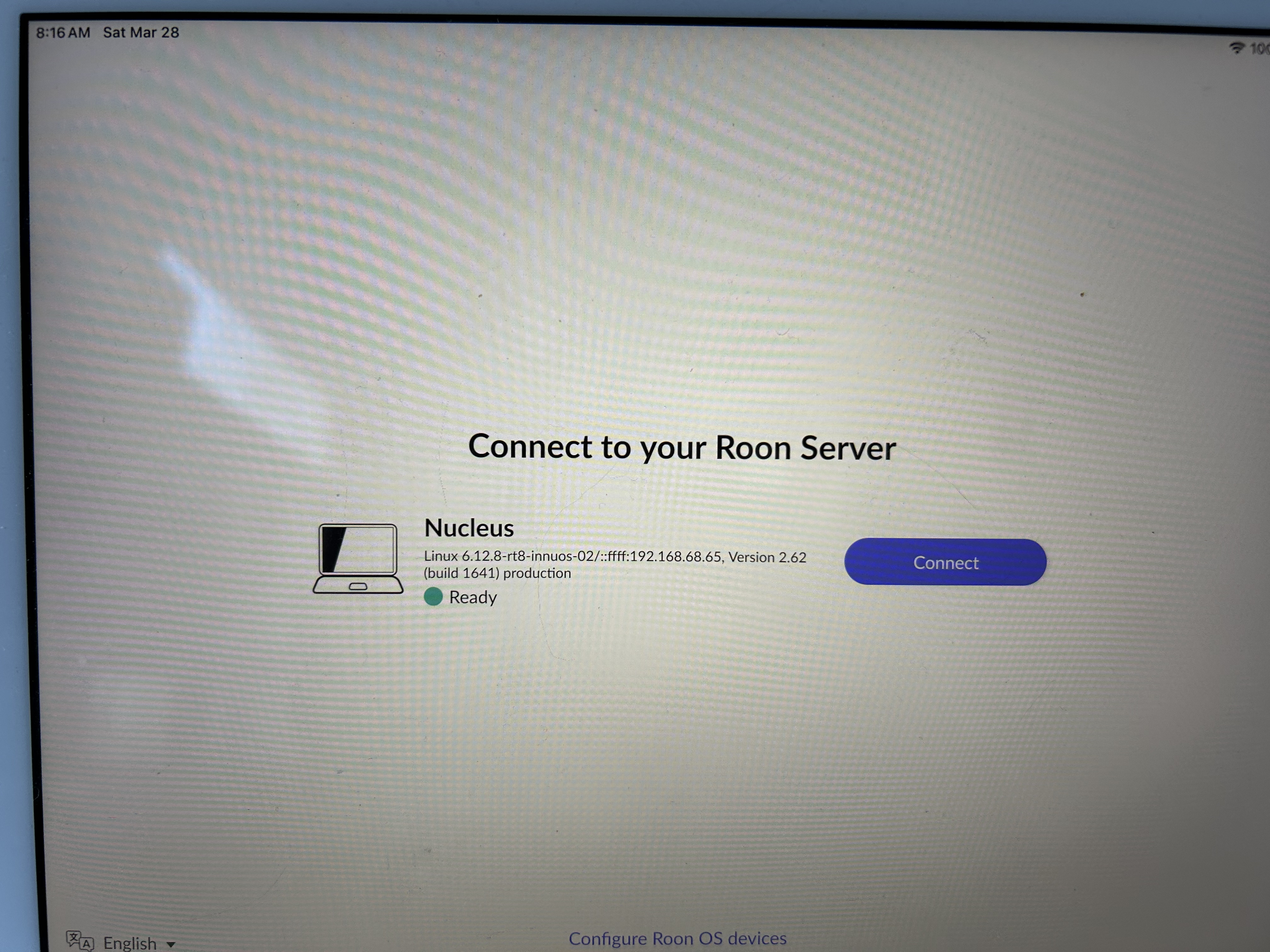
· Manually backed up data in Roon Nucleus to a USB thumb drive to transfer data to new Innuos server. After using it to restore backup in the Innuos, there are now two Nucleus servers showing to select, but the second server labeled Nucleus says linux 6.12.8-rt8-innuos-02x and when I select it, it is actually connected via ethernet to the Innuos server. However Audio path shows the original Nucleus server and OS. How can I get the Audio path to show the correct Innuos server?
Tell us about your home network
· 1G Xfinity cable, gateway and TP Link router. Ethernet cable runs directly from router to Innuos and Nucleus servers.