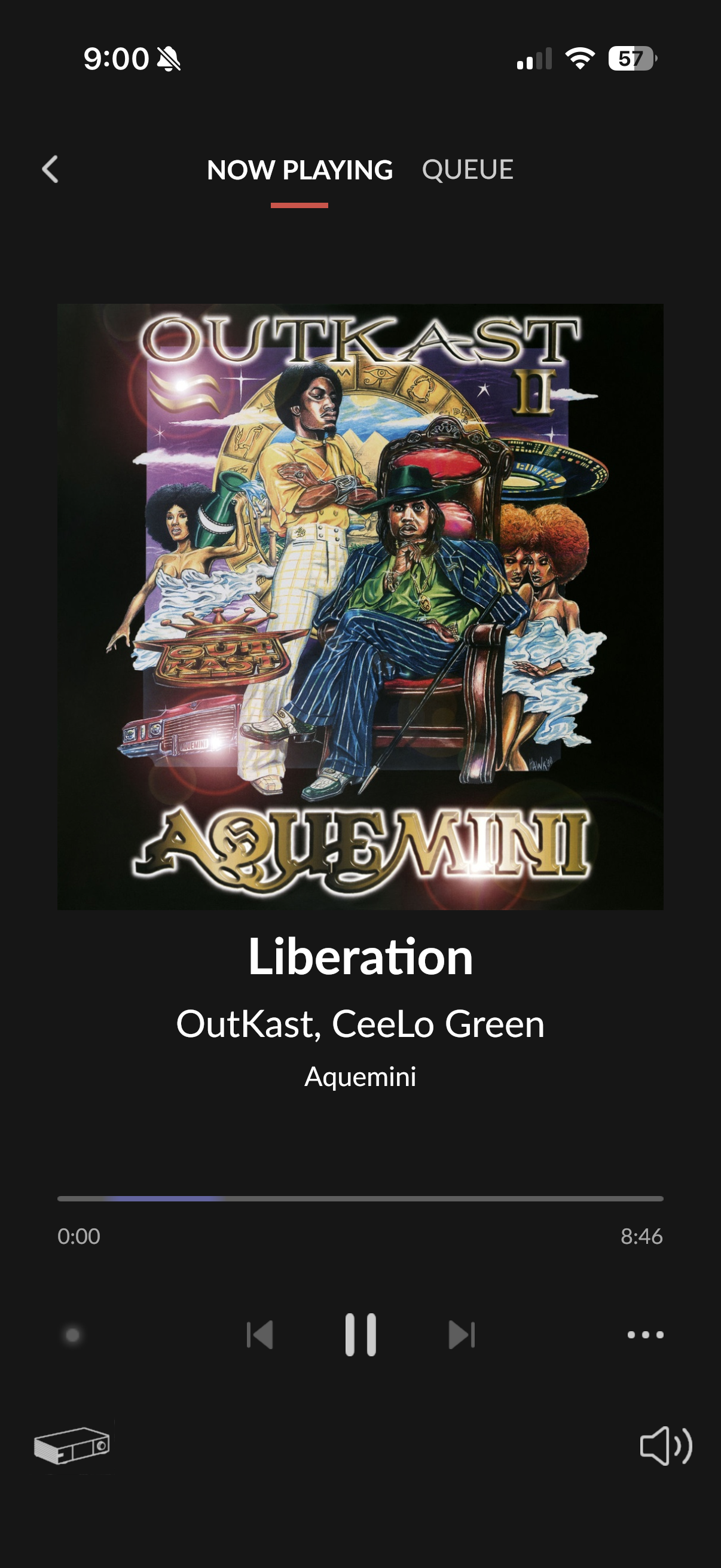
Does the issue happen with local library music, streaming service music, or both?
· *Only streaming* music is affected.
Please select the streaming service(s) with which you're encountering playback problems.
· Qobuz
Have you tried logging out and back in again to your streaming service in Roon Settings?
· Logging out and back in had no impact, the issue remains
Do you have an approximate timestamp of when the issue last occurred?
· Liberation by OutKast from the 192kHz version of Aquemini
What are the make and model of the affected audio device(s) and the connection type?
· Eversolo DMP A-8
Describe the issue
Some albums and songs play fine, some won’t play at all. When they don’t play, I get the status bar coloring going back and forth and nothing in the signal path indicator. I was able to play the OutKast track to one of my wireless endpoints using the Sonos app even though I can’t play it to the same endpoint using Roon.
Describe your network setup
Mac Mini core hardwired to Netgear switch, hardwired to Eversolo DMP-A8
The issue seems to be related to access to the Qobuz akamaized CDN network
We’ve discussed this with our senior QA and development teams. The team is investigating some possibilities here and, as soon as that investigation is complete, we’ll be sure to follow up ASAP.
You have our apologies for the trouble here, and we’ve greatly appreciated your patience as we continue investigating this tricky issue. We’ll be in touch as soon as we can.
Is there any update on this issue? I ask because more songs have seemingly been affected, including one that my play count says was last played 4 days ago – which was 1 day after I filed this support request.
Based on something I read on the forum, I installed a VPN on my Core (Mac Mini). I then tried two tracks that previously wouldn’t play. One still didn’t play at first, the other did play. After a few minutes, they are both playing.
But it’s definitely not a universal fix because another track that I couldn’t play before still won’t play now.
The information you shared aligns perfectly with what our engineering team has been investigating. As you suspected, the slowness and the “white screen” delays you’re seeing are tied to how Roon is currently communicating with the Qobuz infrastructure during their ongoing server transitions.
In your logs, we can see the system successfully establishing a connection, but the data stream is being interrupted or returning empty payloads, causing Roon to “hang” while it waits for a response. This explains why the interface feels sluggish and why tracks sometimes fail to start or load metadata.
The good news is that we now have sufficient diagnostic data from your account and several others to work on a resolution. Our R&D team is actively developing optimizations to make Roon’s connection to the Qobuz CDN more resilient during this period.
At this stage, we don’t need any further logs or timestamps from you. We are working on a fix, and the best way to track our progress is to keep an eye on our Roon Software Discussion > Software Release Notes