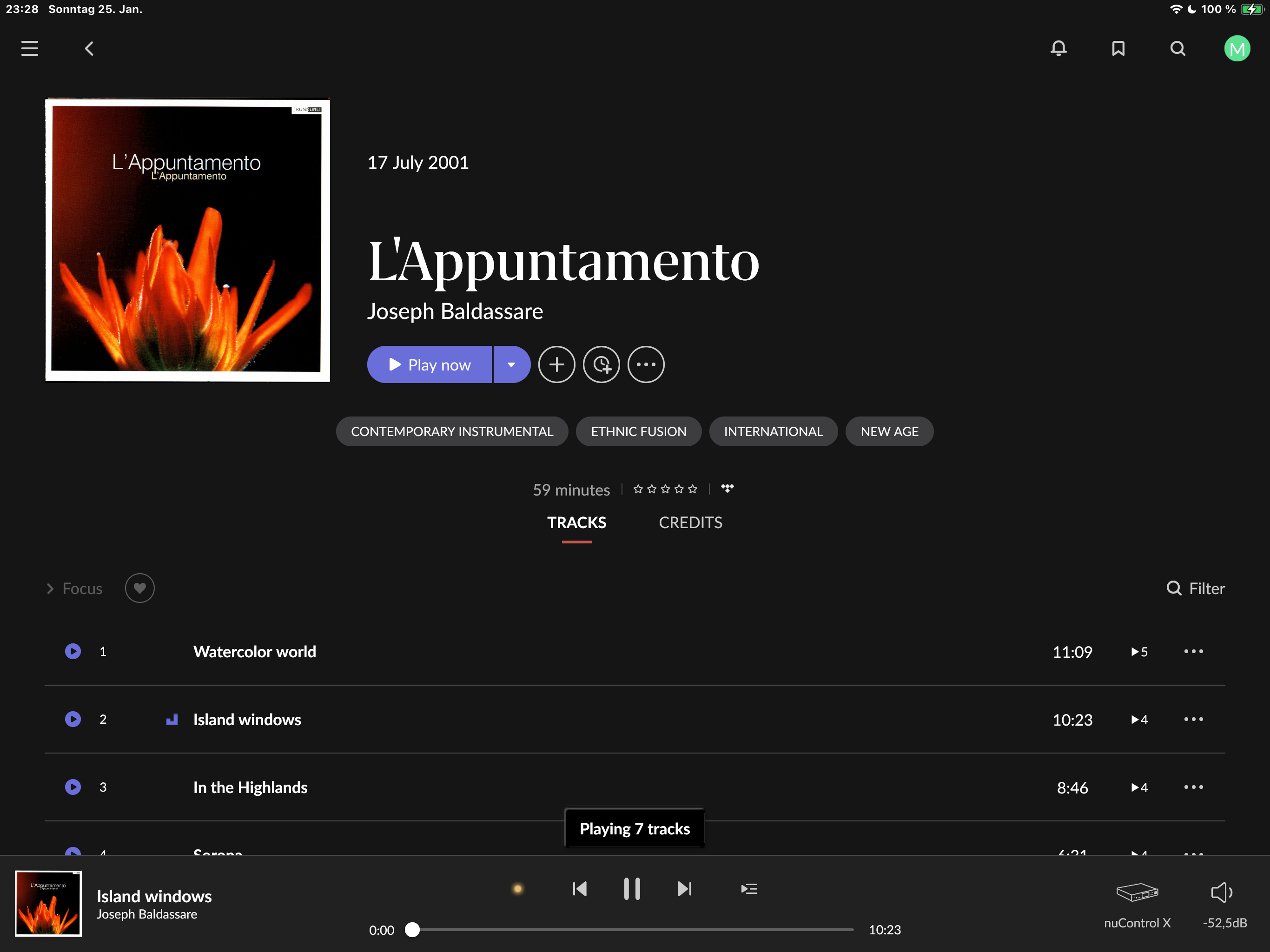
· Roon on Qnap SSD, Gigabit-LAN, Issue: sometimes roon starts skipping tracks on tidal. roon hopping from track to track nothing playing - this is repeateble even after roon server restart. roon mainly working, so normaly plays tracks on tidal well, but this happens with certain tracks. these track play well on tidal itself. please help
I think the next step here is to enable some diagnostics on your account so our technical staff can get some more insight into what’s going on here.
However, before I enable this feature, I’d like to ask for your help ensuring we gather the right information.
First, can you please reproduce the issue once more and note the time at which the error occurs. Then respond here with that time, and I’ll make sure we review the diagnostics related to that timestamp.
Logs show a constellation of network errors with RoonServer when Roon attempts to call and download streaming service content via track URLs.
I recommend reassigning the DNS service assigned in the Fritz!Box to a known, reliable server (Cloudflare, 1.1.1.1). To change the DNS server on a FRITZ!Box, navigate to Internet > Account Information > DNS Servers or similar.
Do you have any managed switches or mesh nodes in this setup, or is the QNAP hardwired to the main router?
What about third-party network security? Ensure RoonServer is safelisted in any OS firewalls.
If you force a lower sample rate in your Tidal settings within Roon (Settings → Services) or using Muse, does this reduce the frequency of dropouts? Can you reproduce this on the System Output of a remote?
It looks like your thread may have closed before you had a chance to respond, so I reopened it for you. Please respond directly on the Community forum, responding to emails does not work. Here is a direct link to your Community thread:
My config: Roonserver on Qnap (latest OS) on SSD - DNS on Qnap is IP of my Fritzbox 7590 AX. Qnap hardwired to Fritzbox 7590 AX (now with DNS 1.1.1.1 2nd picture). Fritzbox 7590 AX hardwired to ISP (Gateway) Fritzbox 6690 cable - DNS set to given by provider. This double NAT works flawless. Only issue is with roon skipping a minority of tidal tracks.
Internet research shows, some users having this kind of issue for years.
Thank you for your patience, and apologies for the delay in getting back to you.
Unfortunately, the logs in the diagnostic data have already been overwritten, so we are unable to see the relevant events for the skipping TIDAL tracks. Could you please provide a fresh timestamp along with the song where the issue occurs? This will allow us to check the logs in real time and investigate accurately.
Does this ever occur with lower-quality tracks from Tidal? If you force a lower quality setting for Tidal in Settings → Services, can you reproduce the issue? Please let us know the name of the track that prompted the error. Thank you!