Edit: Not a biggie, see additional edit below the screenshots. However, can potentially lead to unnecessary support cases if this is a more general issue and not just me.
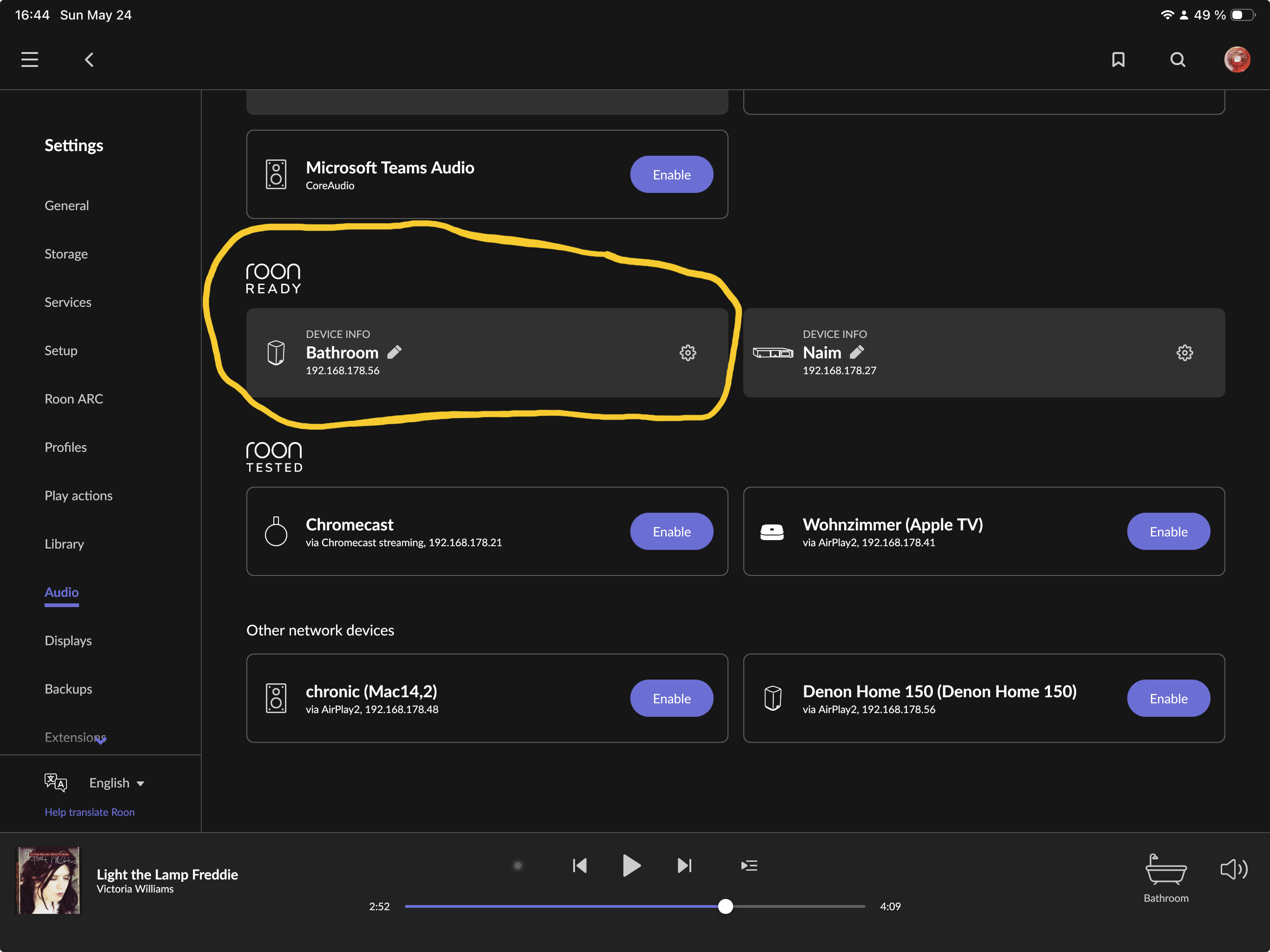
Initial state
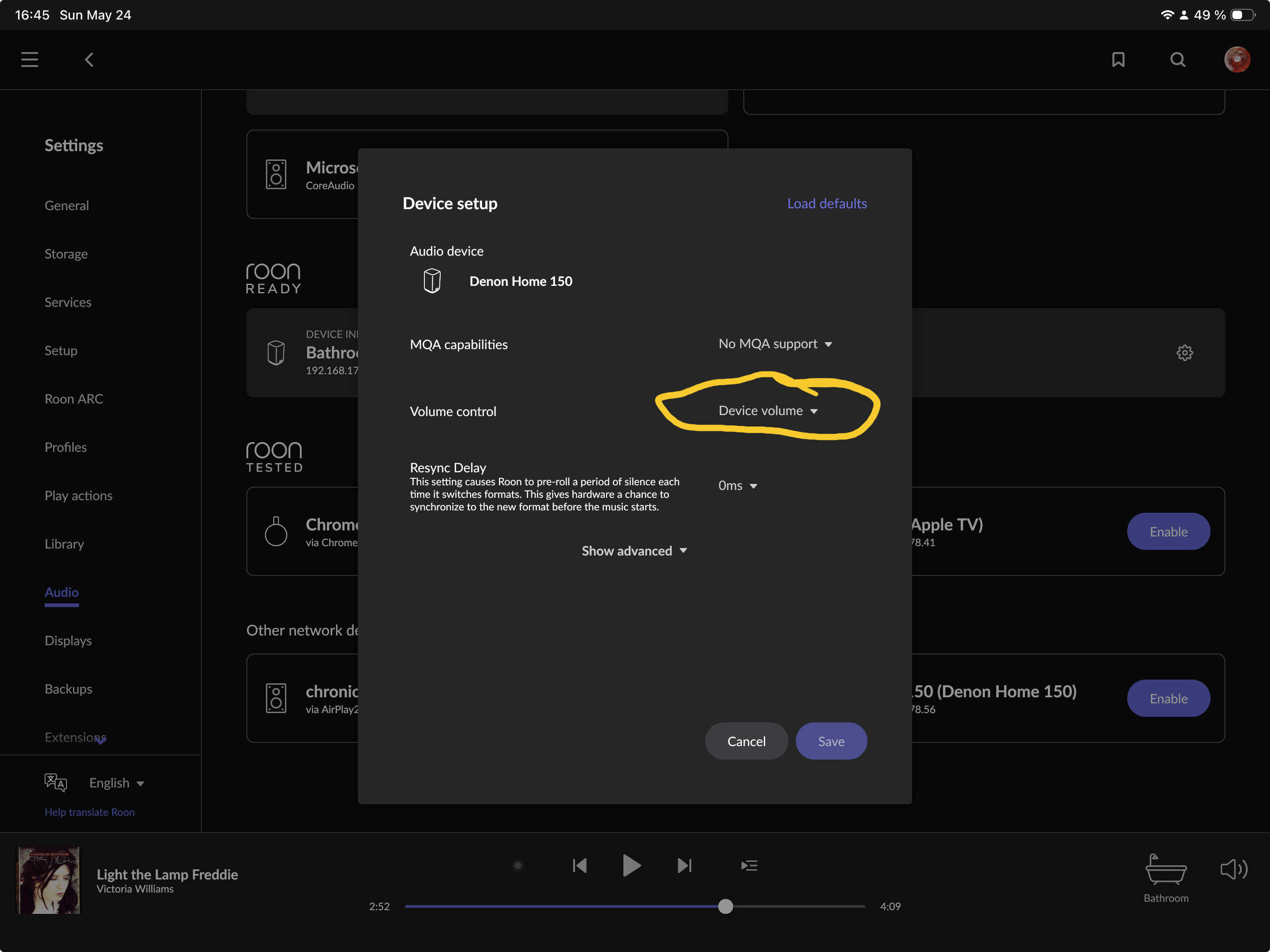
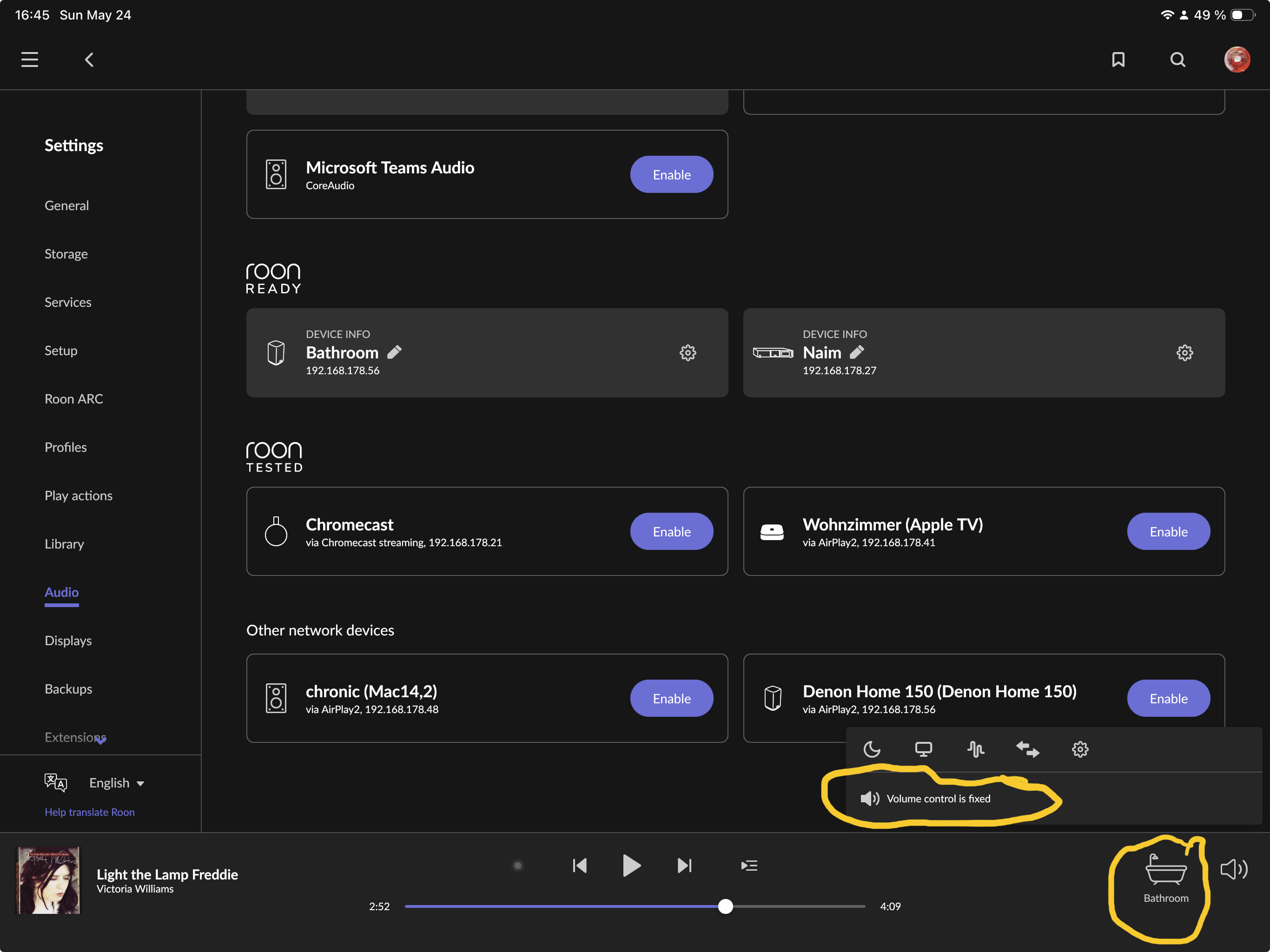
I have used the Denon (Heos) for a year and it supports device volume (Roon Ready). I haven’t changed anything about the device in the Heos app and device volume worked until recently. As far as I can tell it must have changed either with B1160/1659 (recently, anyway) or my RoonOS 3.0 migration. I unplugged and restarted the device, no change.
Edit: I had to change the volume once on the device’s touch buttons
After writing the initial report, I changed the volume directly on the device. This triggered an update in Roon and now it correctly shows device volume
Yes, for a year or so without problems and with working device volume in the app. I’m sure that it still worked recently, because I know I changed volume in the app not too long ago. I don’t think it was more than two weeks ago, but could have been any time since.
In other words, I don’t know exactly if the last time was before the update to B1659 or between B1659 and B1660.
Exactly.
I did update to B1660 on the day it was released, i.e. on May 20. However my installation of RoonOS 3.0 was on May 21 (when I wrote my long feedback post)
I am quite sure that I didn’t use the Denon in the time between the initial B1660 update and the OS 3.0 migration, so I can’t say how it behaved after the B1660 update while still on OS 1.0.
I only know for sure that the first time I tried to use the Denon after the completely fresh ROCK installation (first OS 2.1 production and the production RoonServer, then switch to EA OS 3.0 and EA server B1660), it behaved as described: showing „fixed“ in the zone volume menu although it was „device volume“ in the device, as expected).
You are onto something: I tried right now (just restarting the RoonServer on ROCK, not the whole machine) and indeed, it shows „fixed“ again. And as soon as I touch the device’s volume button (they are touch buttons), it repairs itself and the app’s volume slider is displayed.
Sorry, I thought that if RoonServer restarts and the volume reverts to showing as fixed, it would be sufficient. I have now rebooted ROCK in two different scenarios:
Scenario 1:
QUIT the remotes
Reboot ROCK
Reconnect the remotes
→ volume shows as fixed
Scenario 2, which may be enlightening:
After the above reboot and volume showing as fixed, ensure that volume shows correctly as device volume again in the remotes, by touching the device’s volume button.
NOT quit the remotes
Reboot ROCK
Wait for the remotes to reconnect
→ volume continues to show as device volume AND it works