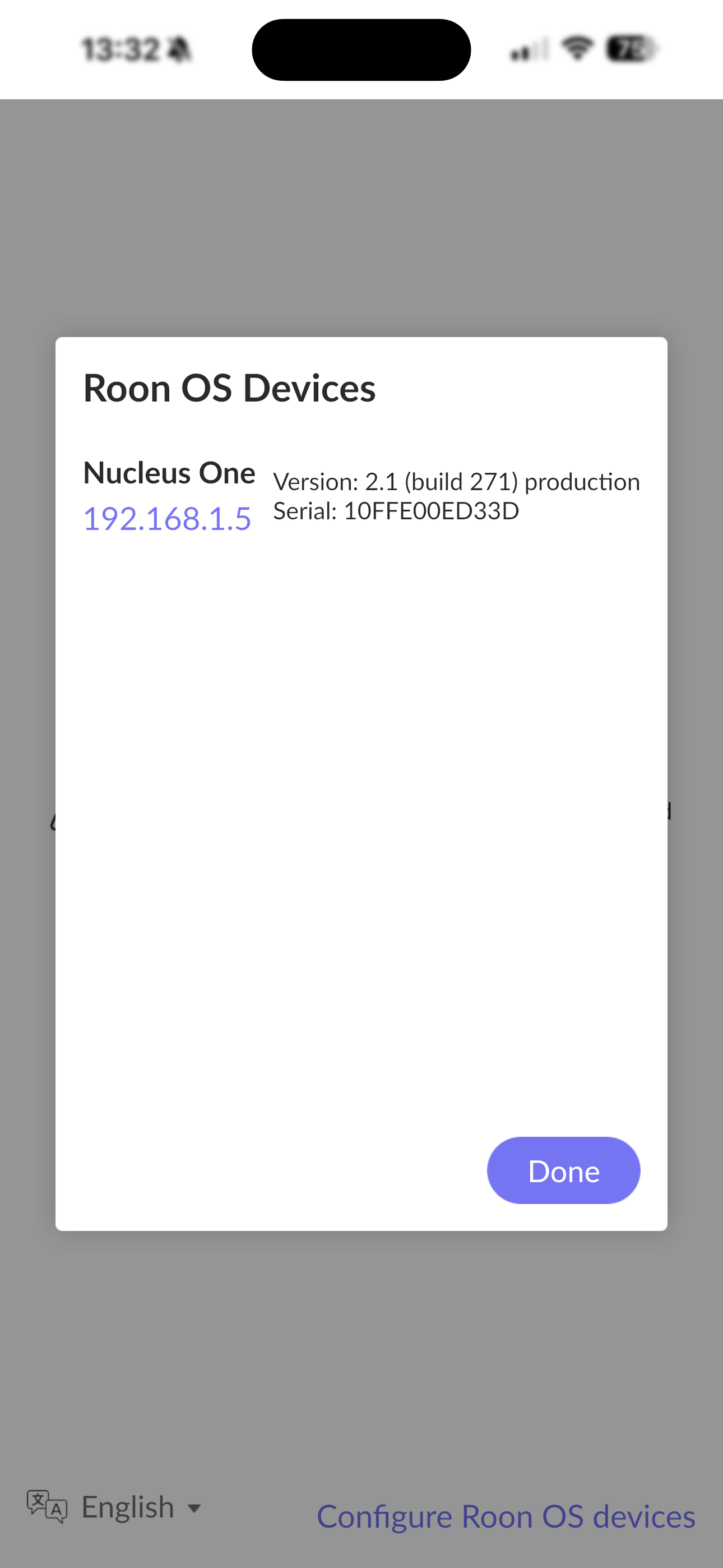
· iOS connectivity issues to Roon Nucleus One, v2.58 (build 1608) into Naim NCS 222, via Apple iPhone 15 Pro Max, iOS v26.2.1,
iPhone Roon App reports Nucleus One as V2.1 (build 271) production Serial: 10FE00ED33D When reconnecting & as v2.58 (build 1606) production in About section.
Nucleus & Naim are connected to network by ethernet. All other devices (MacBook Air, iMac Pro) have no issues connecting. The iPhone has no issues connecting to any other network devices or the internet.
The connection to Roon Nucleus repeatedly fails & the only way to get back is to reconnect.
Thanks for letting us know. Since the issue appears device-specific, can you please navigate to iOS Settings Apps → Roon and see if Local Network access is turned on?
What do you mean by reconnecting to resolve the issue?
Go to Settings > Wi-Fi, tap the information button (i) next to the network, and set Private Wi-Fi Address to “Fixed.”
Do you have a consumer VPN installed on this phone? In diagnostics, we see Roon reporting that iOS is cycling between different active network interfaces.
Let us know if you’re still having issues. Thank you!
We’re going to allow this thread to auto-close due to inactivity at this time. If you require additional troubleshooting or assistance, please reach out here in a new tech support request and our team will promptly reactivate the conversation. Thank you!
I completely understand that leaving the Nucleus connected directly to your router isn’t physically viable for your permanent setup due to the lack of ethernet ports.
However, the reason we are asking for this direct connection is purely for a temporary diagnostic test. Roon relies heavily on continuous multicast traffic to maintain the connection between your iOS remote and the Nucleus. When multiple network hops are involved—especially through access points and switches like the VigorAP905 and GS308—that specific type of traffic can often get delayed or filtered out, leading to the exact 10-second timeouts we are seeing in your diagnostic logs.
To figure out exactly where the chain is breaking, we need to temporarily remove those extra hops.
The Temporary Diagnostic Test
Could you please temporarily unplug one of your other devices from the main DrayTek Vigor167 router and plug the Nucleus One directly into it, just for an hour or two?
Direct Connect: Plug the Nucleus directly into the Vigor167.
Connect iPhone: Ensure your iPhone is connected to the primary Wi-Fi network.
Test: Use the Roon Remote app as you normally would and see if the connection drops.
Why this helps:
If the connection becomes perfectly stable: We will know for sure that one of the switches or the AP configuration in your normal setup is dropping Roon’s traffic. We can then help you look into specific settings on that hardware (like IGMP Snooping) to fix it.
If the connection still drops: We can confidently rule out your network topology as the culprit and focus our investigation entirely on the Nucleus or the iPhone itself.
Would you be able to run this quick test for us when you have a spare moment and let us know the results?