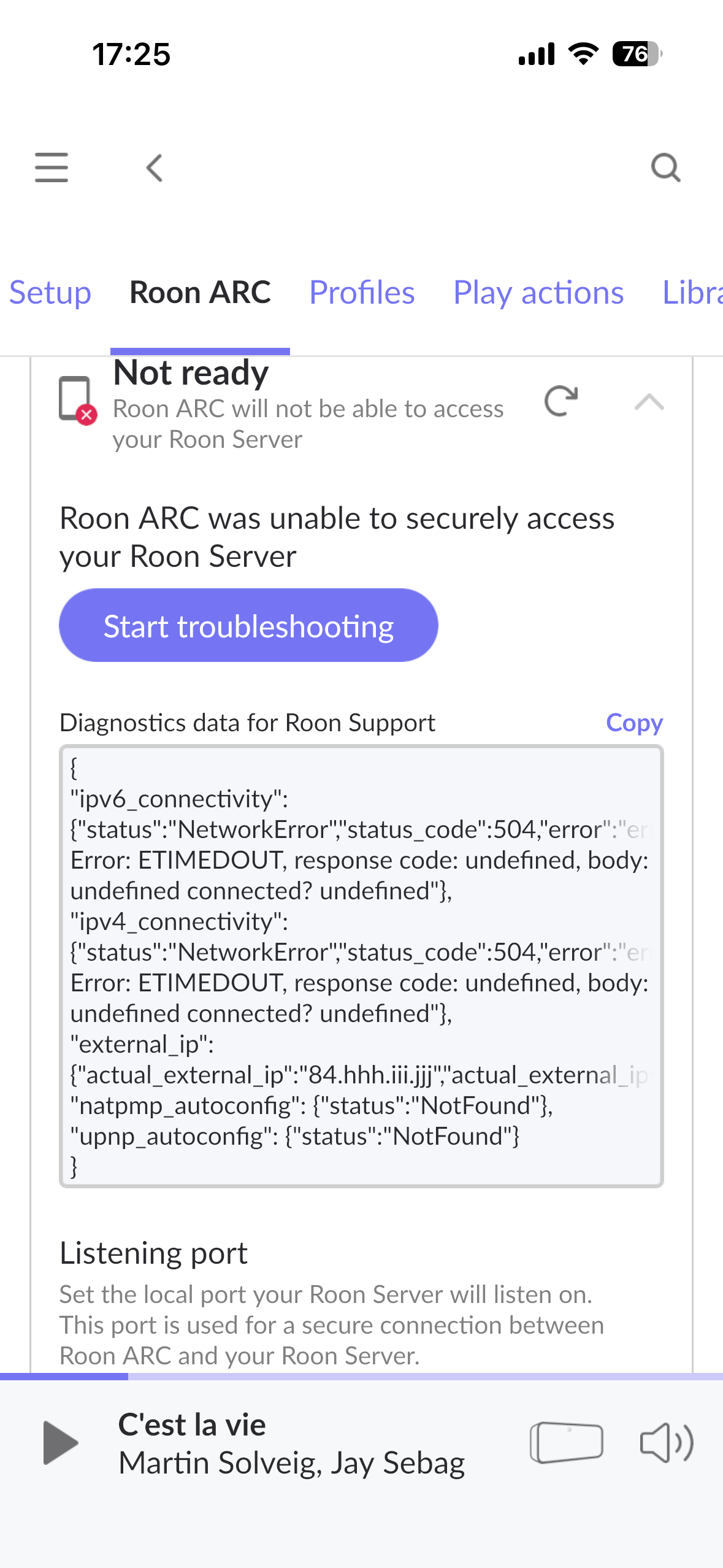
Ziggo modem, hard wired to a TP-Link node. The Ziggo modem is in bridge modes. I have a qnap nas running Roon server and i have a lote of Trouble connecting with arc in the run. IT always givee the error as posted but is also works now and then. Very strange
mjw
(Father! Father! Resist not! Let us destroy the core! Set us free!)
2
What router are you using? You refer to a TP-Link Node, but this suggests a Deco mesh node. Therefore please provide more details about your network, and how the NAS is connected, and how you have implemented Roon Server on the NAS.
Thank you for reaching out and sharing your detailed network setup.
Based on the diagnostics you’ve provided, we can see that both IPv4 and IPv6 connectivity attempts are timing out (ETIMEDOUT). Additionally, while UPnP is found on your TP-Link router (found_upnp: true), automatic configuration via NAT-PMP fails, and it seems that Roon ARC is still unable to establish a consistent connection.
A few thoughts:
Port Forwarding vs UPnP:
Are you relying solely on UPnP, or have you tried setting up manual port forwarding on your TP-Link router for Roon ARC? Sometimes UPnP doesn’t reliably maintain the port mapping, especially after router reboots or IP changes.
Bridge Mode Limitations:
While your Ziggo modem is in bridge mode (which is typically correct in such setups), not all ports may be properly exposed, depending on how the ISP handles bridge mode internally.
Possible CG-NAT:
Given that the actual_external_ip and the router_external_ip are the same, but your connectivity still fails, it is very likely your ISP (Ziggo) is using Carrier-Grade NAT (CG-NAT).
This means that your public IP is shared with other users, and inbound connections (like Roon ARC requires) may be blocked or unreliable. This would explain the inconsistent behavior—sometimes it works, sometimes it doesn’t. Please contact your ISP and ask the following:
Have you implemented carrier-grade NAT for my account level?
Have you fully implemented IPv6, or do you have IPv4 addresses available?
Can I request a static IPv4 address to support port forwarding?
Are there any ports you have reserved at the ISP level I should be aware of?
Met first explenation was niet cerrect. I have a Ziggo modem that is niet in bridgemodes. IT handles the intern ip adressen. I have a tp-link mesh x60 system connected hardwired tot my modem. The tp-link is in accespoint modus. I have a qnap Nas that is running roon and connected hardwired to my modem not the tp-link. I know have manualy put a portforwarding in to my modem. It seem to work correct know. I getconncetion Everytime now with arc but it still gives the error. Strange it works but it says not ready? I don’t mind as long as it works. But what can be the problem of this?
The port test in Roon Settings → ARC listens for a ping response from our servers on the open port. It doesn’t test the downstream connection the phone.
Ziggo commonly implements carrier-grade NAT and we can’t confirm from ARC logs that there’s been a successful connection to the server over cellular data. If you’re feeling satisfied that ARC is functional at the moment, we can allow this thread to close, but we’d like to make sure you’re equipped with a workaround in case you find that Ziggo blocks your connection in the future.
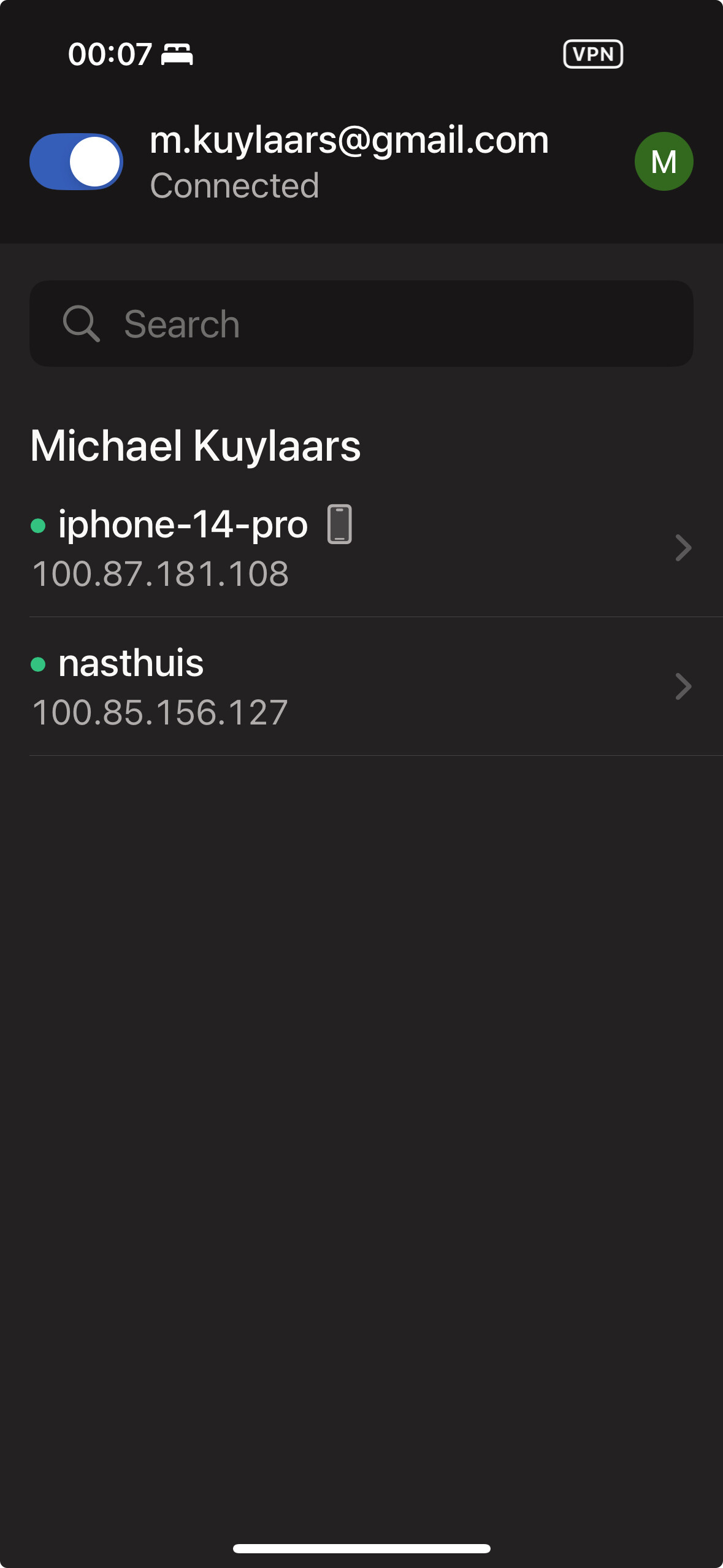
Try installing Tailscale alongside RoonServer and ARC on your QNAP and phone, respectively. Here are instructions. This will traverse any blockages in your local and carrier network. See here for instructions.
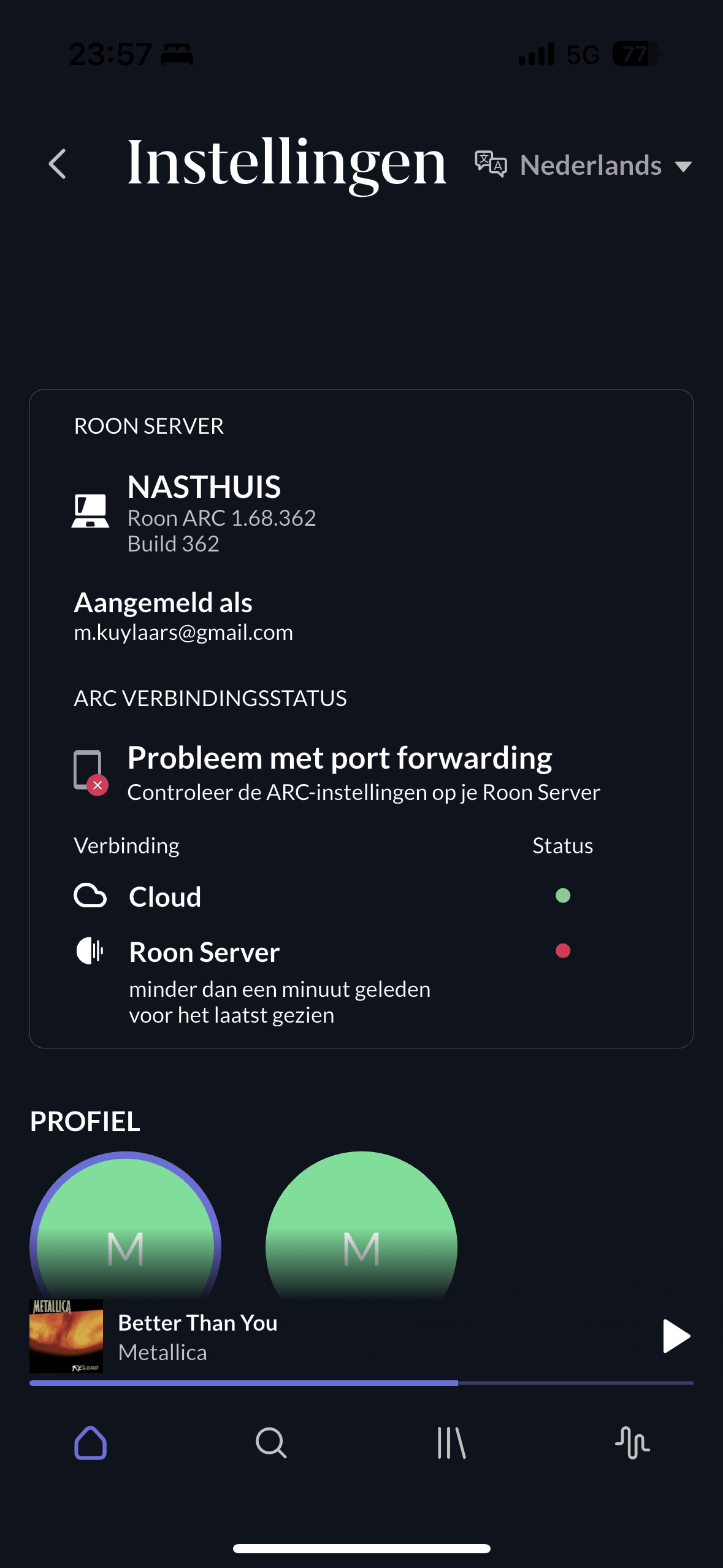
ens. It connected to the Roon cloud but not to the Roon Server. I restarted the server. Switcht portforwarding on and Off that makes no differents. I do not get it to work iam affraid?