· Trying to copy Music file from an iMac used as a core to a new Nucleus One new core with internal drive. Having issue linking to the iMac music files. I have reviewed the Migration Help file but still having trouble.
Thank you for reaching out, and congratulations on your new Nucleus One! I understand you are running into some trouble migrating your library from your iMac to the new internal drive.
To make sure we provide the exact right guidance, could you please clarify a bit more about where the process is getting stuck?
When you mention "linking to the iMac music files," are you trying to copy the files from the iMac directly onto the Nucleus's internal storage over your network using Mac's Finder?
Or are you trying to keep the files stored on the iMac and just point the Nucleus to read them over the network as a shared folder?
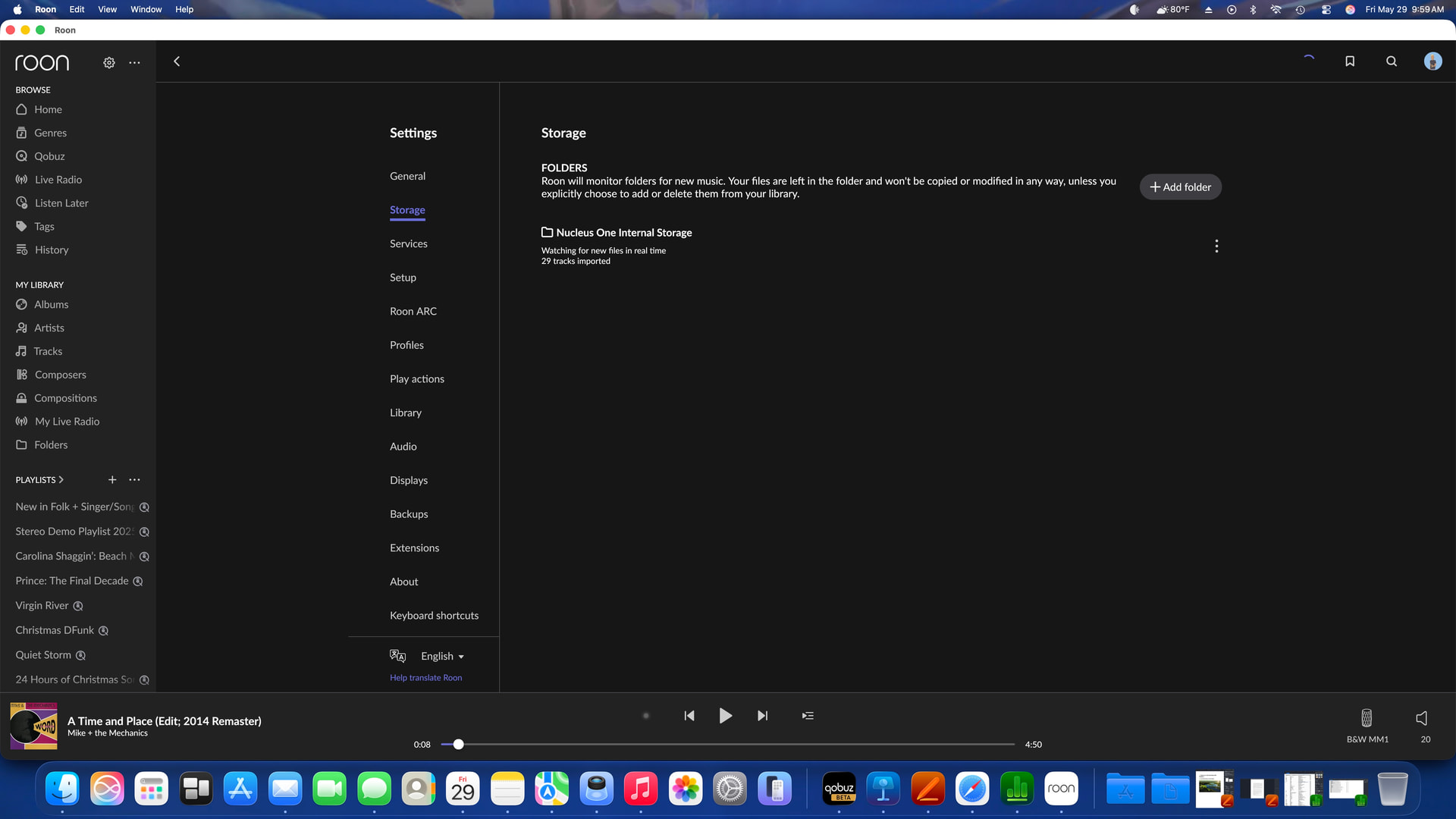
Additionally, if you are seeing any specific error messages, could you please take a screenshot of what you are seeing and share it here? A screenshot of your current Settings > Storage page in Roon would also be incredibly helpful for us to see exactly what the Nucleus is looking at.
Looking forward to your reply so we can get your music properly migrated over!
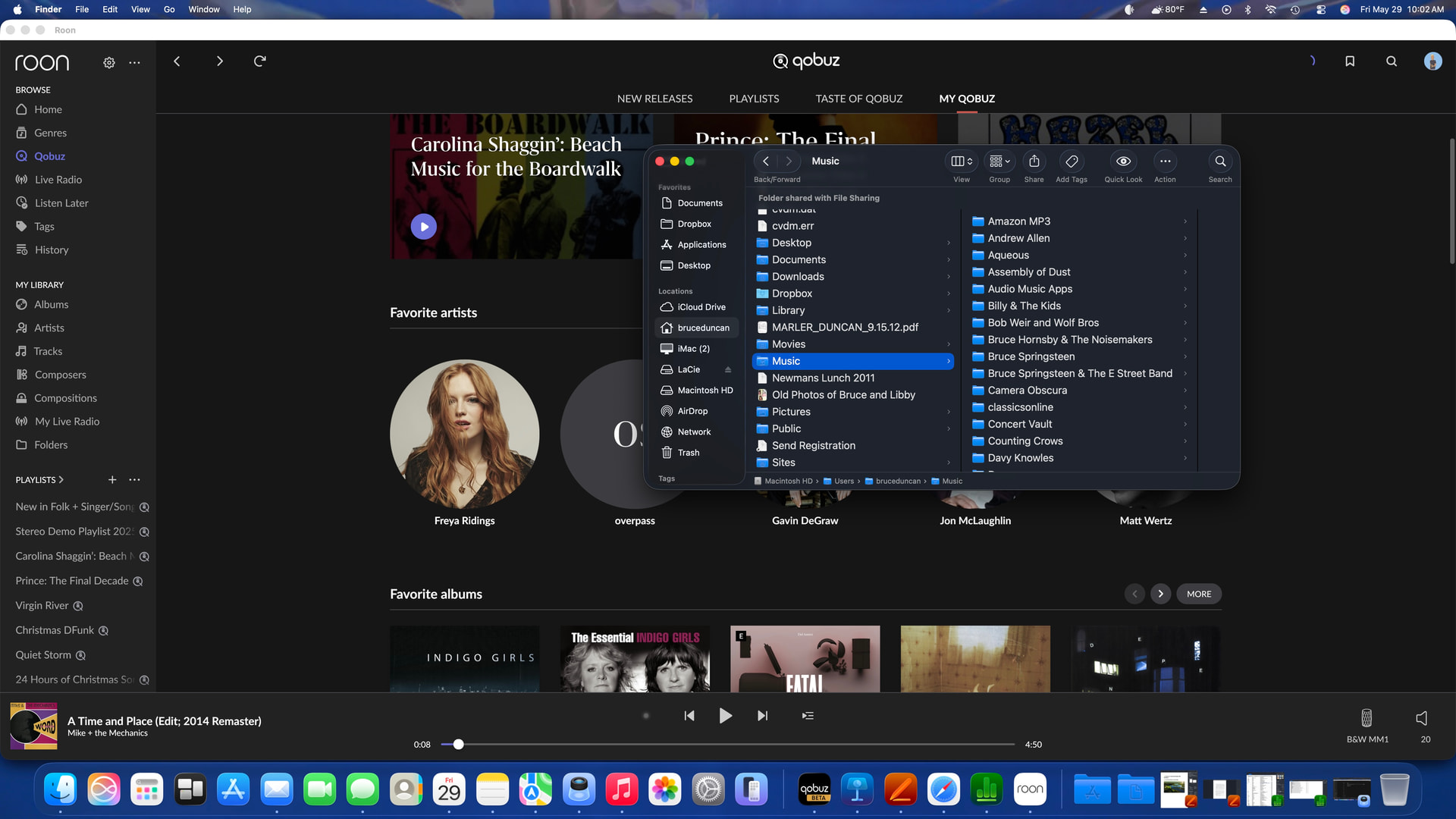
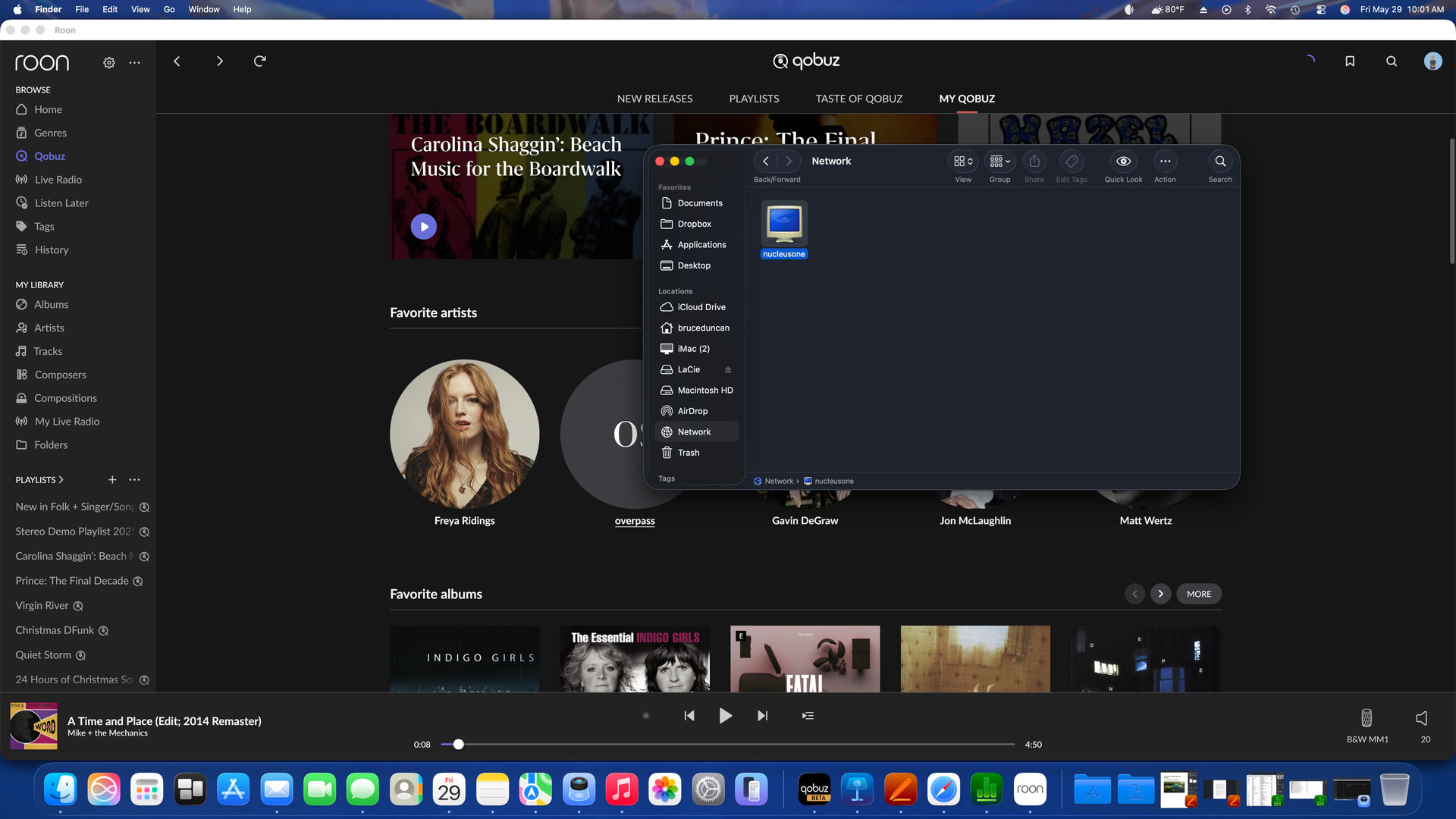
The files are currently being read over the network and show up in ROON. I want to copy the files from the iMac directly onto the Nucleus internal storage over the network using Mac Finder. Currently only two files seem to have copied, after a 24 hour time period. Three screech shots are attached.
Thank you for the screenshots! To copy your music library from your iMac directly to the Nucleus One’s internal storage, the fastest and most reliable method is via SMB network share from Finder.
Open Finder on your Mac
Press Command + K to open “Connect to Server”
Enter: smb://NUCLEUSONE/Data/Storage/InternalStorage or smb://<IP address>/Data/Storage/InternalStorage
If prompted for credentials, enter Guest for both username and password
A Finder window will open showing the Nucleus internal storage — drag and drop your music folders into it
The transfer speed will depend on your network, but a large library over a wired Eero connection should move significantly faster than what you’ve been seeing. If only two files copied in 24 hours, it’s likely the files were being transferred a different way.
The issue I have now is the process is hitting a song it cannot copy and stopping the process instead of giving the option to skip the song and continue. Please advise
Replace /Users/YourName/Music/ with your actual music folder path, and make sure the Nucleus share is already mounted in Finder as InternalStorage. If it is not mounted yet, mount it first via Finder → Go → Connect to Server → smb://NUCLEUSONE/Data/Storage/InternalStorage (username and password: Guest).
Alternatively, if you prefer to use the SMB path directly without mounting:
The –ignore-errors flag skips any problem files and continues with the rest, showing you a summary at the end.
Option 2 — ForkLift
ForkLift is a third-party file manager for Mac (available on the Mac App Store) that handles copy errors gracefully and will skip problem files rather than stopping the entire transfer.
Option 3 — Carbon Copy Cloner or ChronoSync
Both are Mac utilities with graphical interfaces designed for large file transfers with built-in error handling.
Let us know which approach you would like to try and we can help you through it.
Just checking in on this, have you had a chance to try the ChronoSync transfer steps we outlined, including setting the source to your iMac Music folder and the target to smb://NUCLEUSONE/Data/Storage/InternalStorage with Guest credentials? If anything got stuck, let us know where it happened and we can take a look. Thanks!
I had to put this process on hold as ROON would not open and stay open due to the size of my music. Tech support had me install a larger memory chip which I have just installed tonight. System seems to be working now so I will return to moving my music. Unfortunately I will not be able to continue for 6 days as I am heading out of town.