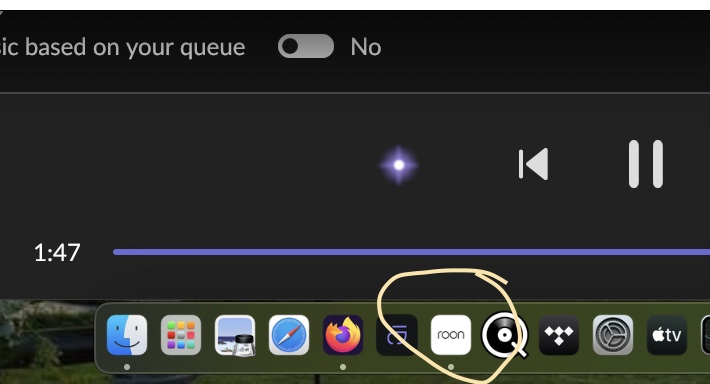
Dedicated for ROON MacOS Sonoma 14.4.1 system M2 16GB/512Gb + Drobo DAS 48TB via Thunderbolt.
upgrade started 1 Pm 04/18/24 it ended successful @1:30 Pm and still waiting for the core. Checked @ 7:30 Am 04/19/24
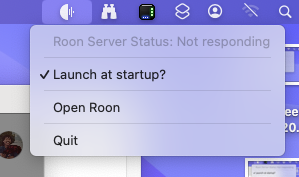
The message; It always asks to select another core, I only have One! After selecting the same core? ROON app starts and can select anything like before .. but after playing 1-2 tracks the message start again waiting for the core. I do see the bar of the Mac Mini @ the Roon server: is not responding when that happens. Normal it says :running - This morning exactly the same no progress. Same issue.
@Max_Mackenzie
Hi Max Maybe try closing and restarting the Core.
Click the Roon Icon in the very top Status Bar which is for the Core. Once it has closed, just start your normal Roon Icon and the Core and Roon UI should restart.
Hopefully that may help. If not, try a Mac restart and if still not working I would suggest you reply here as others may be able to assist.
Hello Fergus, Thank you for the quick reply. I did reboot this morning the whole network from router to Mac mini’s. I now stopped the ROON Core and wait a while.
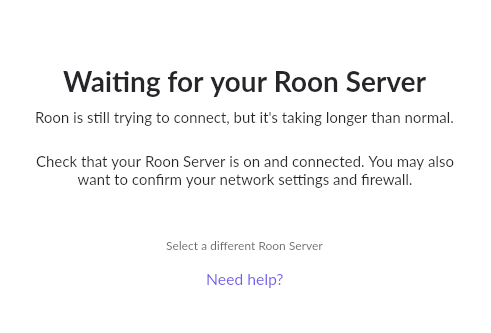
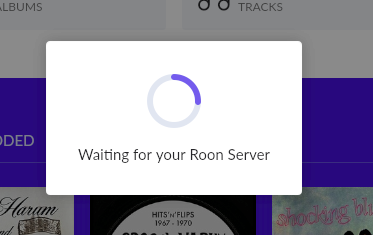
when starting the ROON control it comes with this message - screenshot:
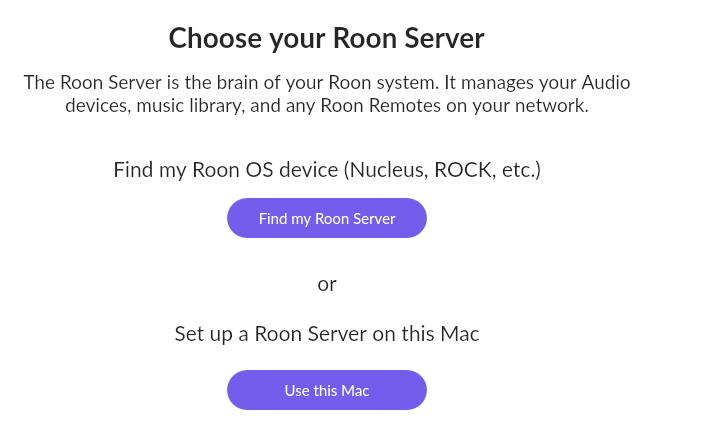
so the only thing I can do is select a different Roon Server right? so here we go. (Keep in mind the ROON Core is on this machine, which I stopped.
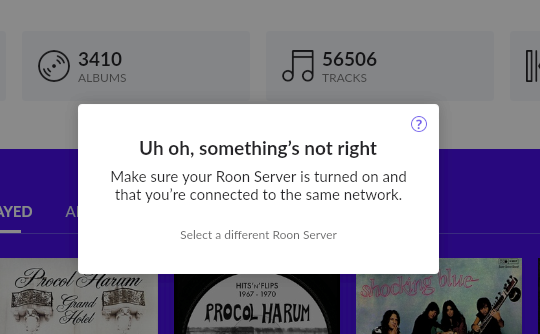
Well I have to use this machine as it is my dedicated ROON machine right? here we go, the Roon control app comes up and I hear my hard drives going like crazy, think it is doing something? and than this message
And yes the Roon server is turned on and resides in the same network just 1 network One IPaddress just a fixed address 192.168.68.221 (UTP) which is for as long as I have ROON no IPV6 no WiFi. no multi mumbo jumbo … So again I select a different server
and see the well known spinning thing right next to my profile
This is repeatedly waiting for the server / Roon server status not responding
Something crossed my mind during the previous update 1392 … as I can see in my notes with previous version 1392 I executed exactly the same steps, because the Roon Server was not responding … these steps I had taken before and now doing the same with 1402
it is very rudimentary what I did but this was the only way for me to get ROON up and running again.
I stopped and deleted the ROON server.
I removed the ROON app.
Made sure there is only One connection (UTP) to the network no IPV6 no WiFi.
On the dedicated Mac mini M2 16Gb/512Gb Sonoma 14.4.1.
Installed from scratch the ROON and ROON server. In the ROON control app I defined the path to my music library again. And let it ‘roll’.
Lucky I have not a hugh music library so it will hopefully finish before the evening.
In other words putting back the backup, something got mixed up.
Even the update button (there is a new version please update) when ROON is updating its database Something got really mixed up.
This happened on my side … maybe something raise at your side what I am doing wrong.
For your information - never had ANY issues with upgrading ROON / Roon Server but the version 1392 and now 1402 are very tedious. At least I am listening now already without interruption to ROON for more than an hour or so … looks hopeful right now if it goes haywire again I let you know
Hi Fergus, yes indeed the ROON server is on the Mac I referring to . it is my one and only ROON server in my network.
yes @ Roon server Top Bar I quit the Roon Server. and @ docking I quit the Roon control app.

 … looks hopeful right now if it goes haywire again I let you know