Hi! What’s not quite right with Roon?
· None of the above quite fits
None of the above quite fits
· None of these quite match
Tell us what's going on
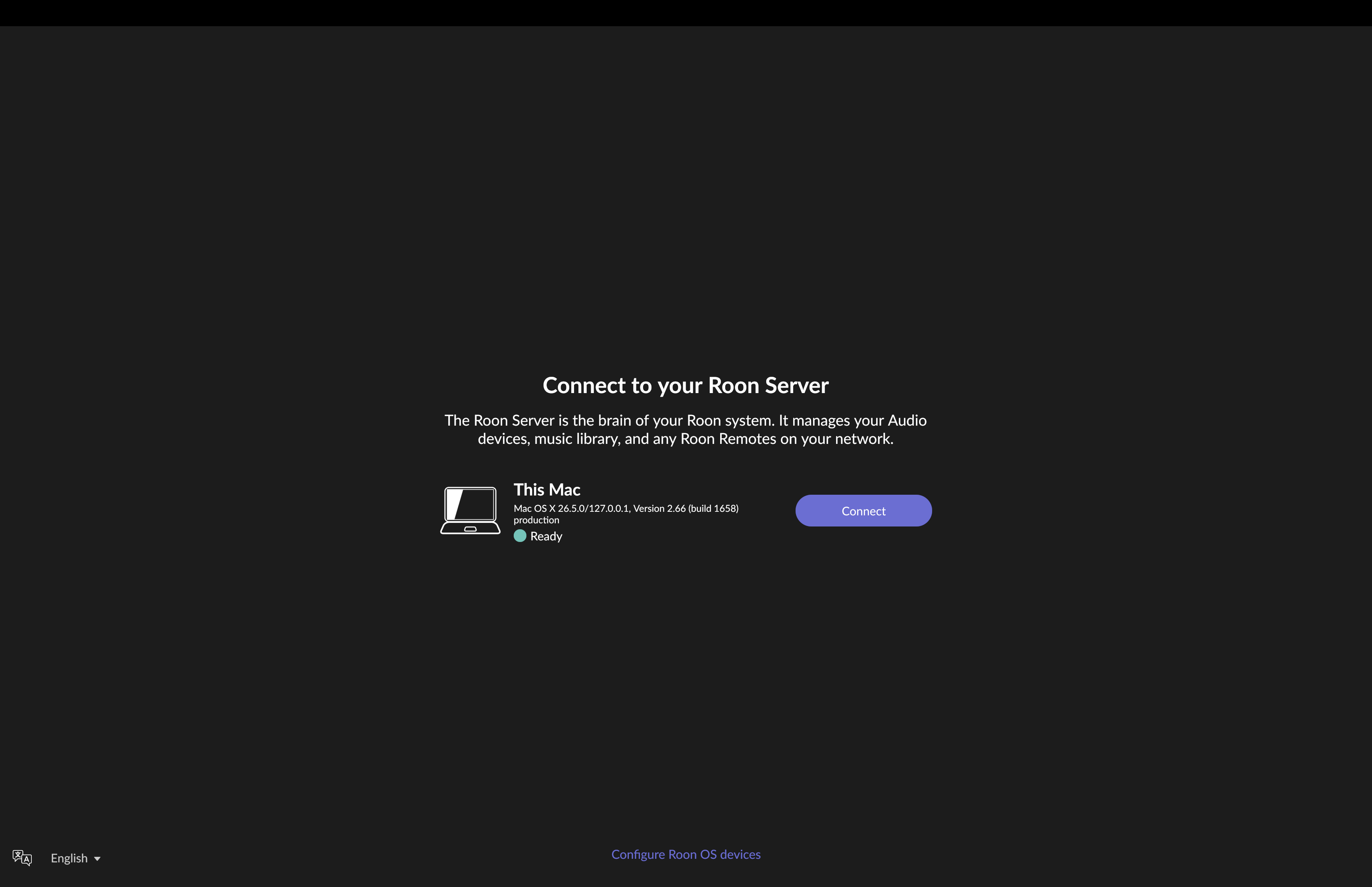
· I have the Nucleus Titan playing with my iPad Pro 12 and iPhone Pro 17 along with my Mac Pro 16 that all sync and allow the full program to find and play music with the same screen view. After installing the latest Tahoe 26.5 to all three, the Tablet and phone work fine. The Mac Pro came back looking for server and I stupidly chose to find another server and lost my connection to this Nuleus Titan and now it says the Laptop is the server and yet tries to connect to the proper Titan with the correct IP address showing on the screen and then when I click DONE it then shows to connect to THIS MAC with another IP address that says CONNECT to. Please tell me how to find this access to run the correct Titan Server for all three to be in sync as it was before this update. Thank you very much.. Please note that when it did connect the Mac as the server, I was able to see all my Itunes music that I had played before upgrading to this Roon Nucleus Titan and would like to access this path of the Mac if possible once the Mac is under the correct Server Name.
Tell us about your home network
· Orbi 965 and is super fast with no issues