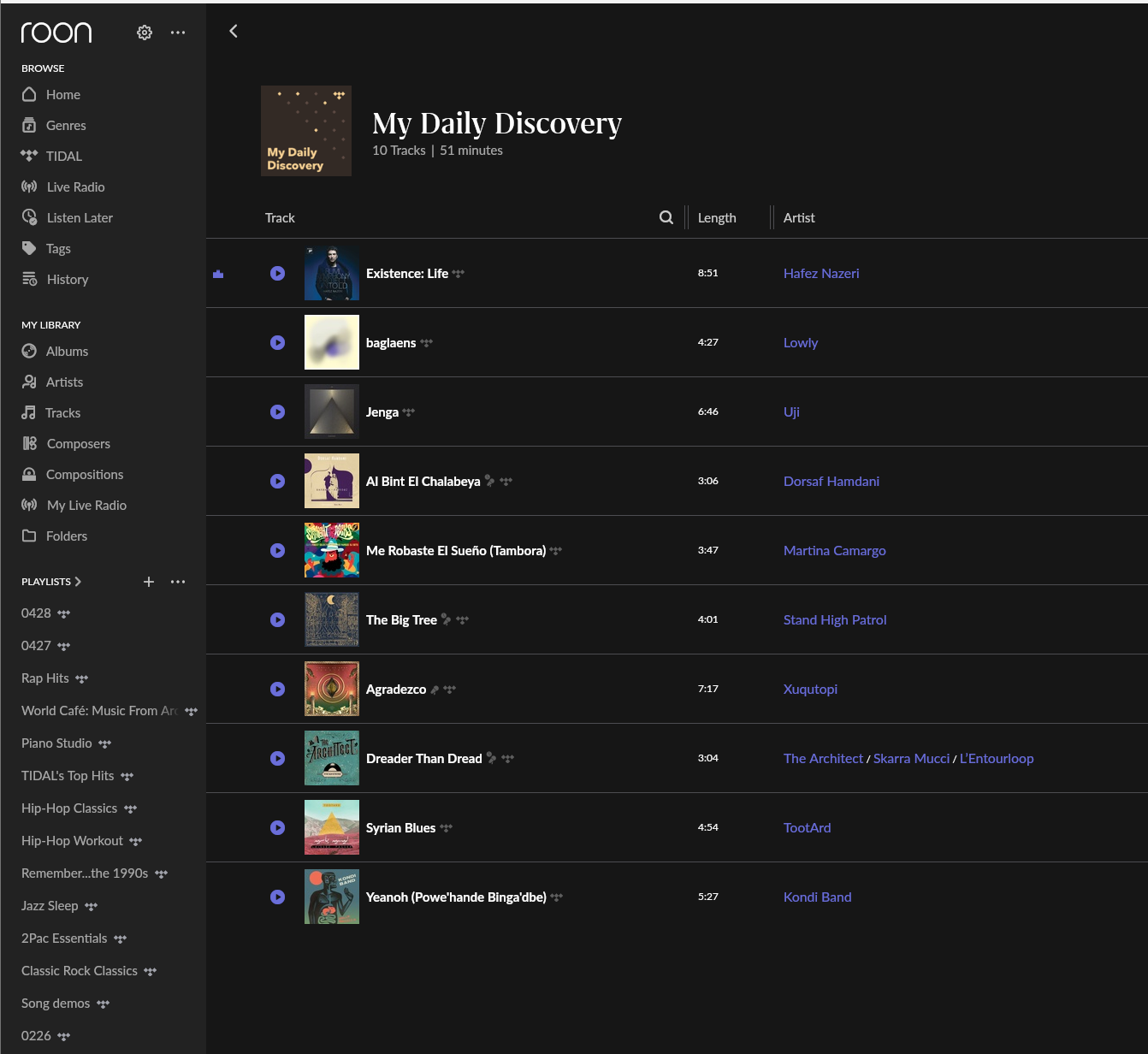
· Hi, I am having issues with updating a particular "My Daily Discovery" Playlist from Tidal while playing through Roon. I get daily updated playlists from Tidal that I listen to every day, I've had issues with how the library updates these day to day. The only solution that I've found so far to update them is to hard reset my Nucleus and that seems to do the trick. I am wondering if you all have a solution for this? Thank you Anthony
Tell us about your home network
· Roon is connected directly to a Xfinity Router/WiFI hub
Thanks for the report! Could you please update your Nucleus and Roon remote devices to the latest version of Roon and see if you still run into issues?
If so, does clicking the refresh arrow within your Tidal page in Roon help? Or, if you force a resync via Roon Settings > Services > Tidal >edit, does that help?
If not, I’d also temporarily set up a direct ethernet connection from your Nucleus to your primary router, and see if that changes any behavior.
Move the contents of the /Cache folder elsewhere, like your desktop
Try restarting Roon Server via the WebUI and verify if the issue still occurs
Next, navigate to the settings administration for the router in your local network setup. Look for a section related to DNS where you can assign a custom DNS server by entering an IP address. We recommend Cloudflare (1.1.1.1) or Google (8.8.8.8). This will help ensure that requests to Tidal’s API aren’t failing to due address resolution problems.
Let us know if this helps. We’ll watch for your reply. Thank you!
We have a ticket in with development to review things further. In the meantime, see if the below help:
Unfollow and re-follow “My Daily Discovery” in TIDAL In the TIDAL app (not through Roon), unfollow/unfavorite “My Daily Discovery,” wait a few minutes, then re-follow it.
We have seen users have a better experience in the past if they change their Router’s DNS servers from the ISP provided ones to Cloudflare DNS, Quad9 or Google DNS. Can you please give this a try and let me know if it helps?
We’ve looked at this with developers and identified the root cause. The team has a ticket in the pipeline to resolve this problem. Thank you for the reports. We’ll reach back out as soon as we have an estimated timeline to release for the fix.