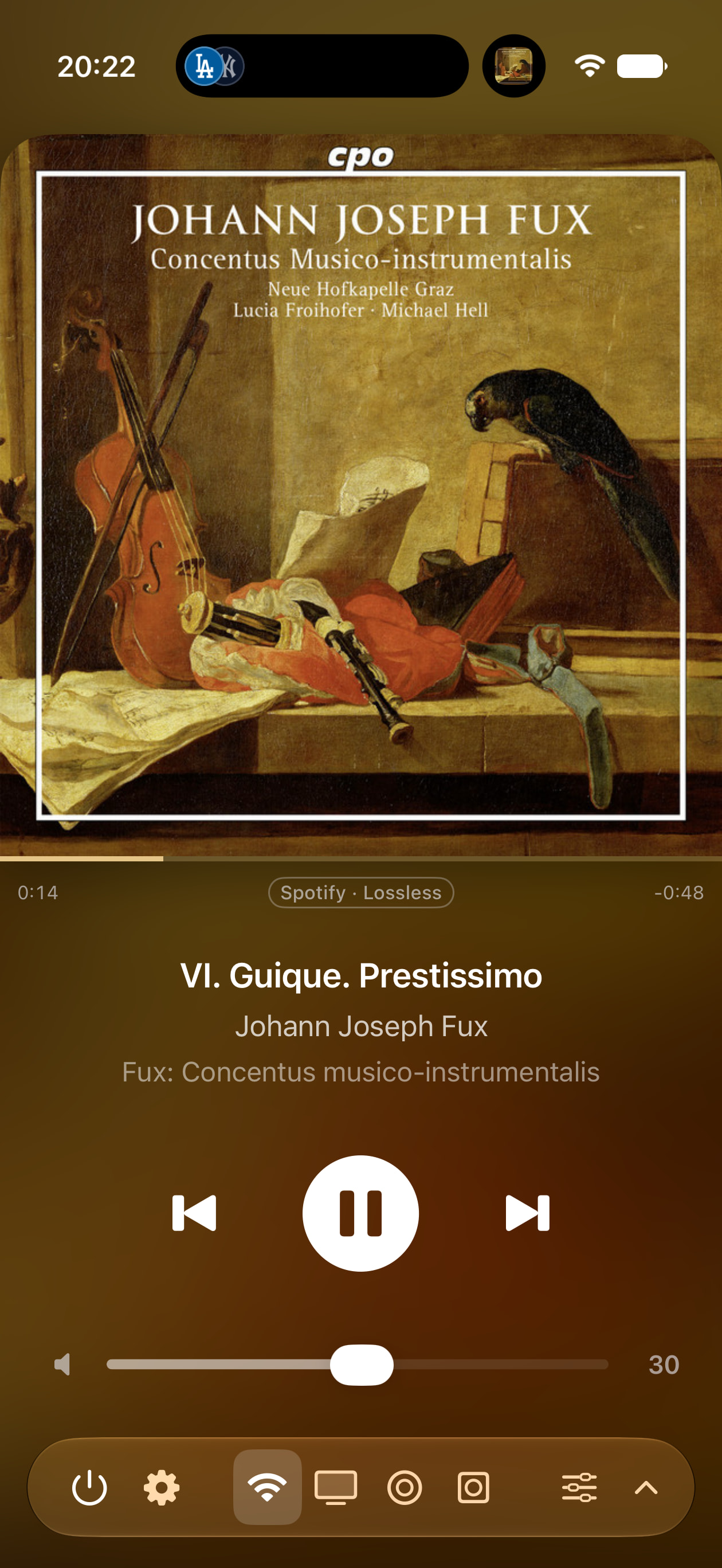
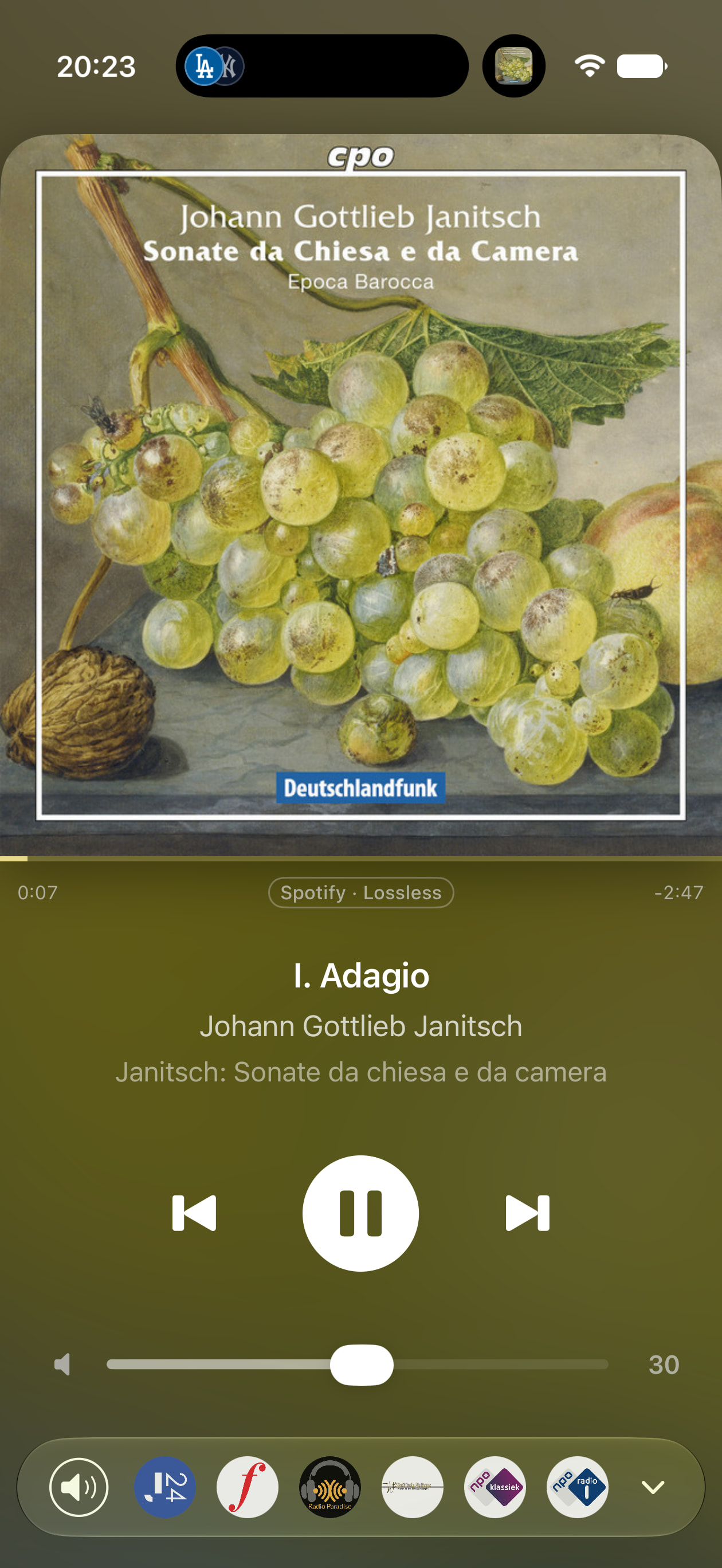
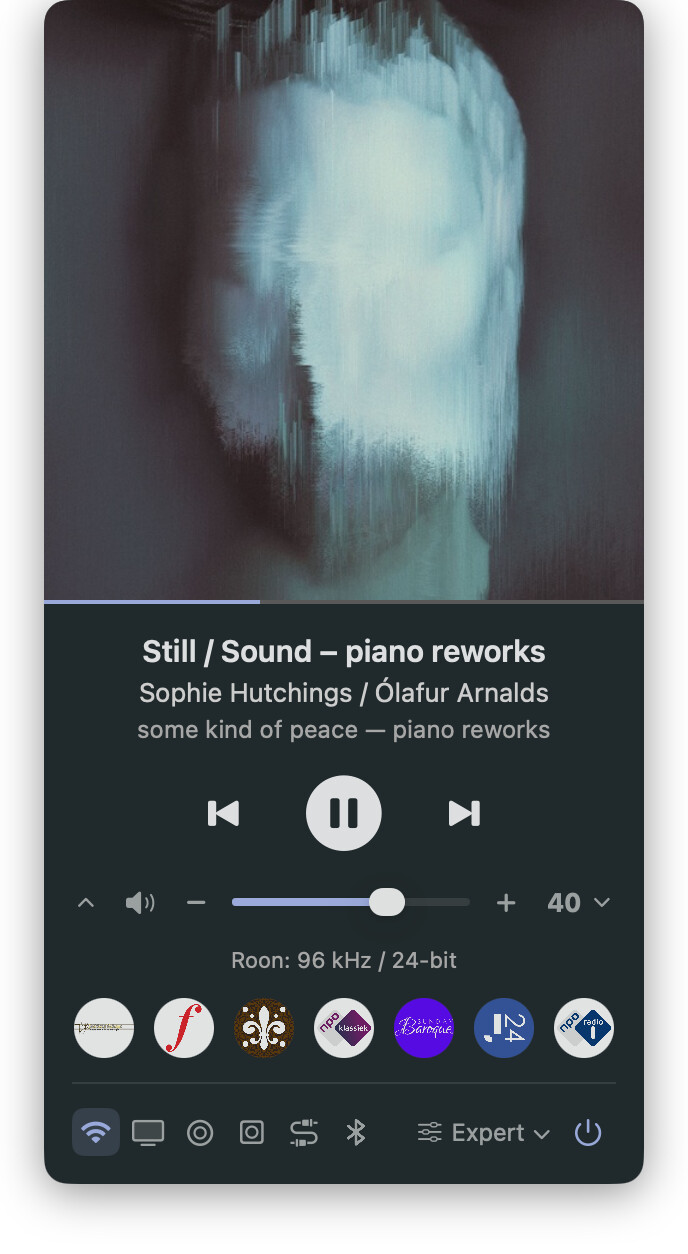
My good friend Claude and I are having a blast this weekend… Ever since I set up my KEF LS60, I have been longing for a friendly and fun way to control the speakers on my Mac. Yes, you can run the iOS KEF Connect app and there’s a few utilities in the public domain – but nothing that tickles my fancy. Over the last few days, Claude and I whipped up a nice-looking little menu bar app that covers a lot of ground with a few nice extras to boot. Without further ado, here’s the main screen:
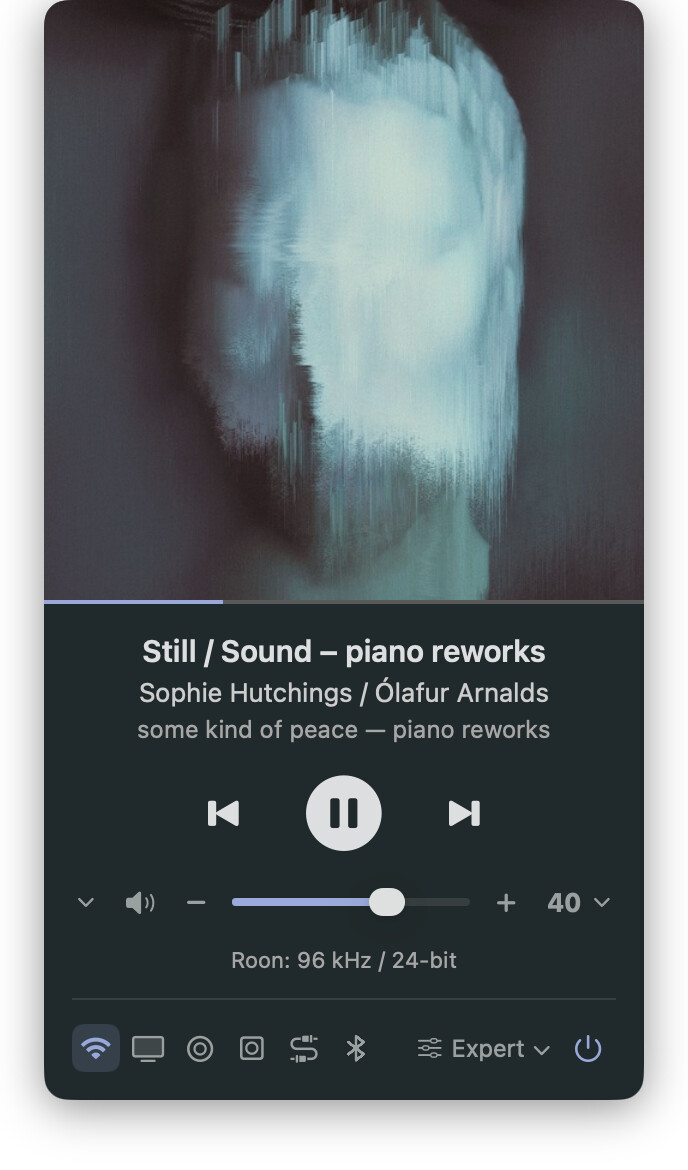
In order from top to bottom (everything read directly from speakers via the KEF API):
- Artwork
- Progress bar / scrubber
- Track / Artist / Album metadata
- Play controls
- Volume slider (drag, +/-, mute)
- Left chevron opens radio stations (configurable in settings from play history)
- Right chevron opens volume presets (configurable in settings)
- Source selection (configurable: pick & order)
- EQ switcher (reads profiles set in KEF Connect App)
- Audio Source (all possible sources) + Format (Roon: 96 kHz / 24-bit, Spotify: Lossless, etc.)
- Standby button
The menu bar icon has three states: standby, powered on, playing. It can also show KEF volume in the menu bar (configurable in settings):


There’s (optional) hotkey settings for the app, play controls and volume presets. A few more pics:

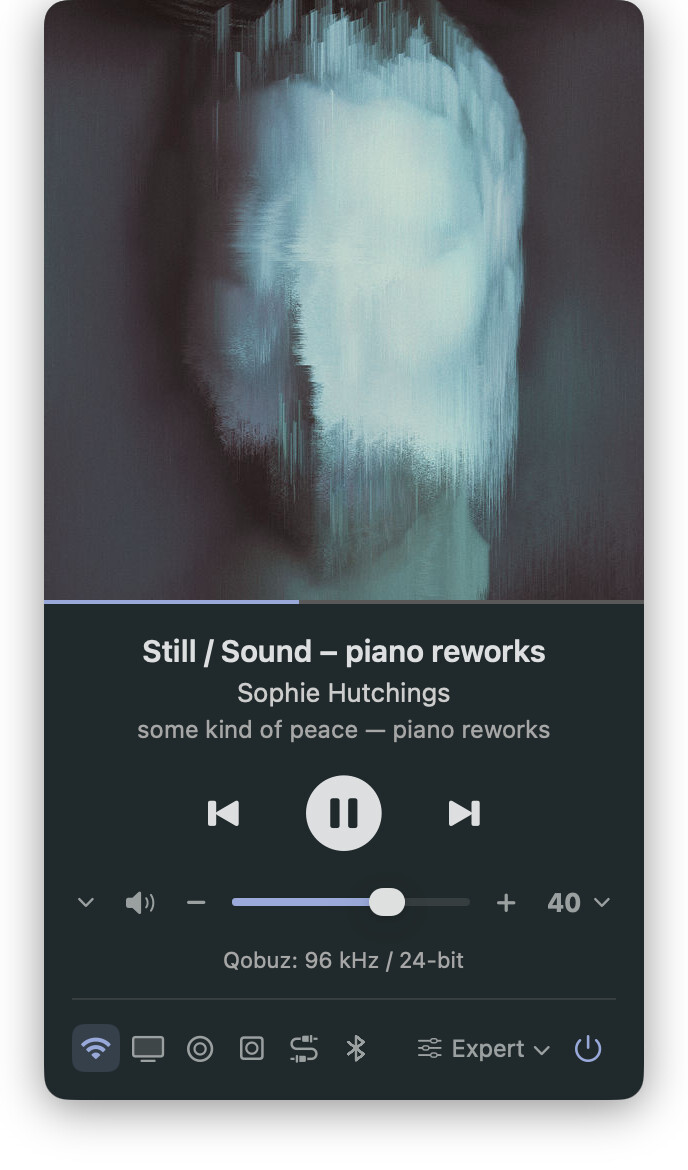

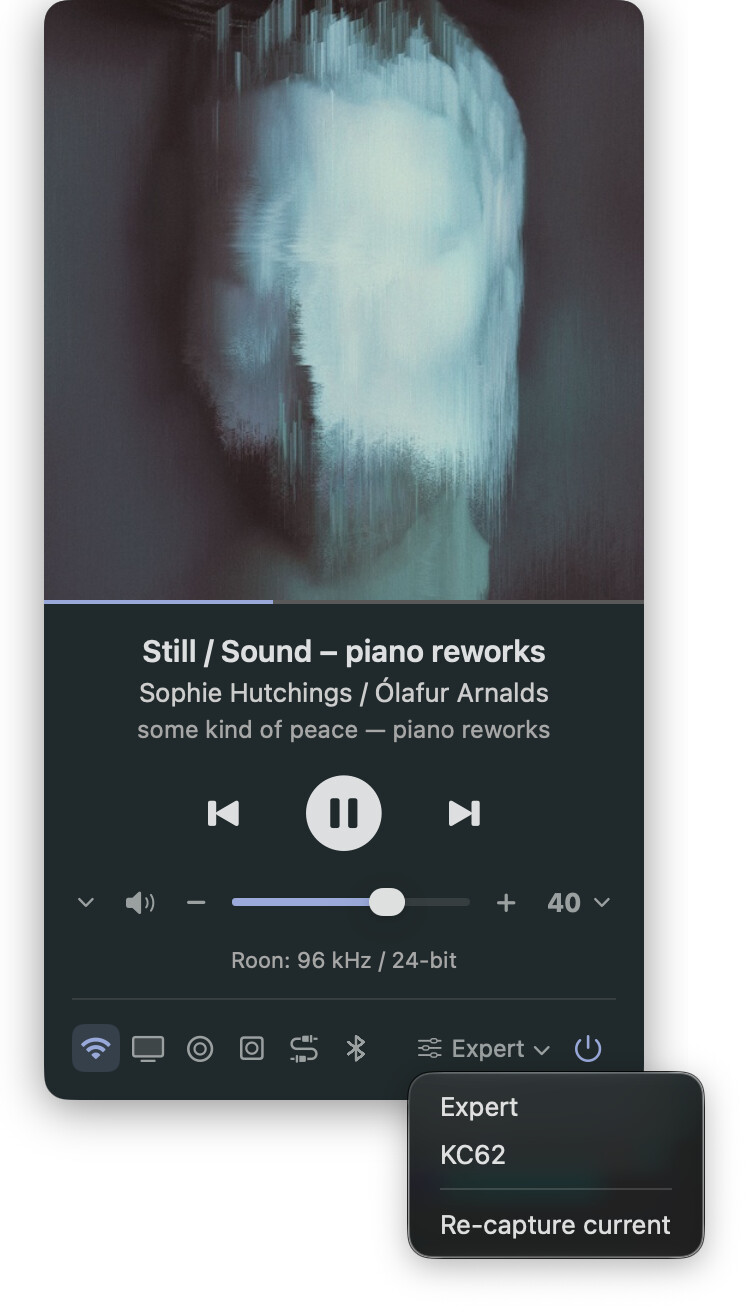
Anyway – I had fun.  Anyone wanting to sneek a peek or try things out:
Let me know how it goes. First time I tried any of this, but seemingly these days when you want something, you can just build it with a bit of imagination and no previous skills – and a little help from my friend Claude. Now wondering what a similar client geared towards Roon could do…