Don’t think so, no mention of it, this one’s for better regionalisation of language translations.
I stand corrected 
I wasn’t aware adding the [HR] or normal (HR) brackets to the [Album Name] metadata Tag triggered the [Version] tag population. Probably because I never add anything to an Album Name to ease ID by text matching.
It does on an album folder name eg
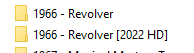
EDIT - Quick and dirty test
Album Name changed to J Geils Band [Original CD Set] and freshly imported
File tags ala Roon

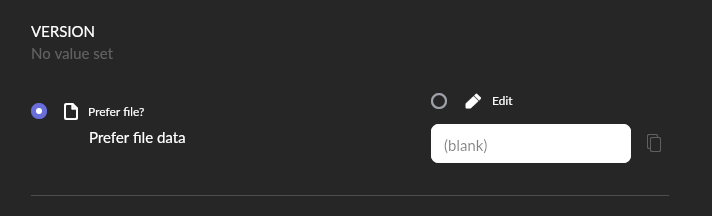
Now changed Folder Name (Windows)

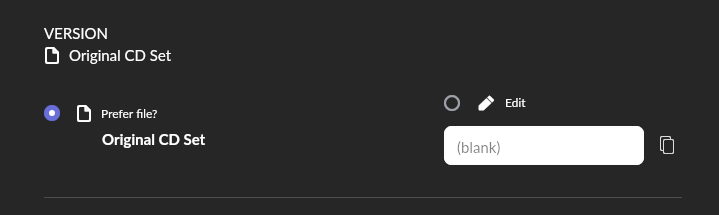
Looks like only the Folder Name suffix works ?
TL;Dr all of it……just a thought…
A NUC up is a mobile grade cpu typically, not a powerhouse.
I use rock on a i7-10700 32GB ram and 500GB M.2 SSD and 330k tracks and search while takes a short time it’s hardly unacceptable performance.
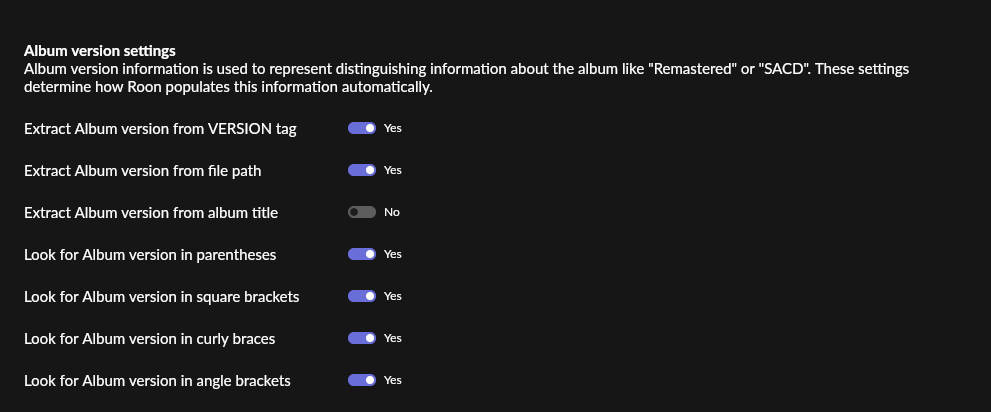
You have to set that up in Settings/Library/Import and scroll down to the bottom and look at the “Album Version Settings” section.
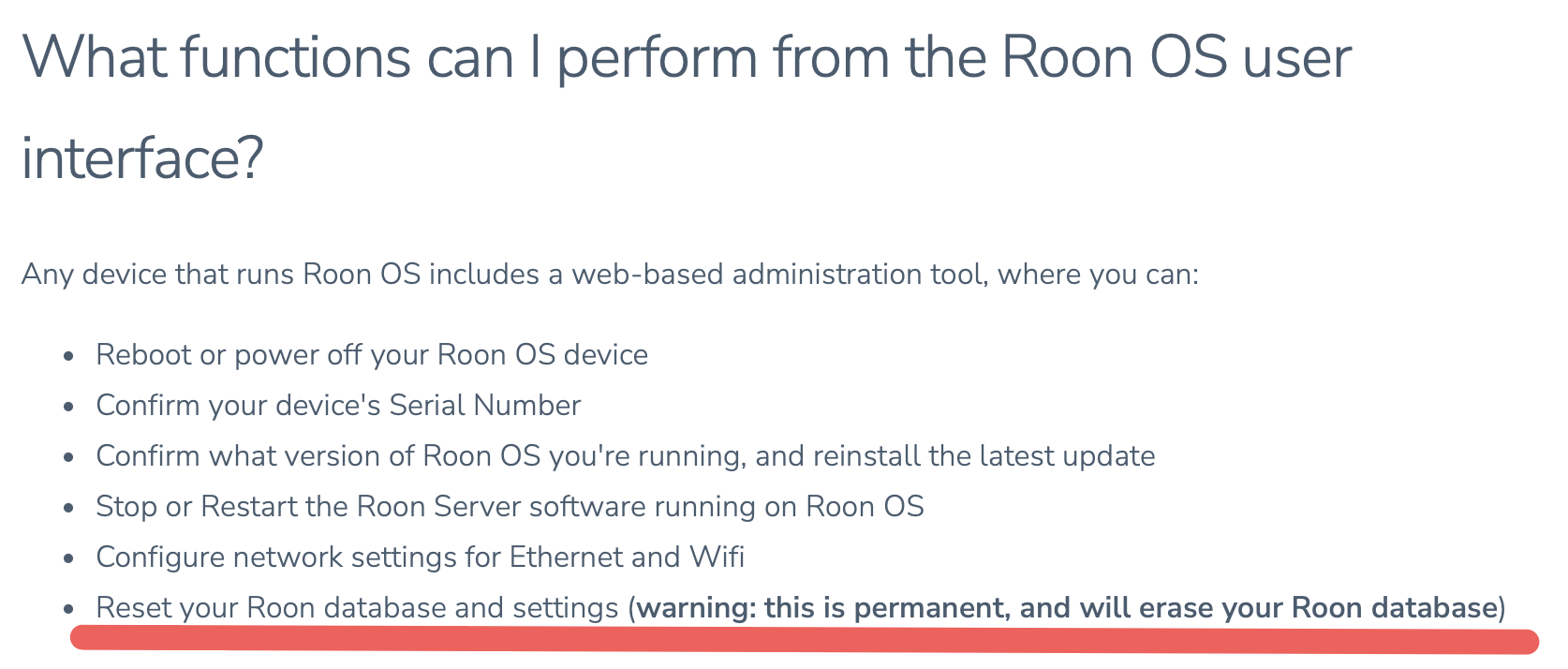
Understood, but when do you throw up your hands and do this nuke job?
I don’t know. I would obviously never want to do this (or restore a backup anyway). I guess if continuing with the current situation is worse than restarting the whole database edit process from scratch - which I pray never happens to me.
As ever you are quite right , I am set NOT to get from Album Name, so in my test Roon obeyed !!
These are my settings , so you would have to make them all Yes
The only thing missing is a method to actually use the Version… Neither search nor focus will find it afaik.
That has been a request of mine since 2015, sigh.  along with a party mode / guest profile.
Hi, this would be added by SongKong for HD albums if you have Add [HD] to album title for High Definition albums enabled on the Album Format tab.
If this is the case and you want to remove it the SongKong solution would be to rerun SongKong but enable Ignore songs previously checked that could not be matched on the Basic tab, and disable Add [HD] to album title for High Definition albums enabled on the Album Format tab. SongKong will then skip over any songs not matched first time round, and for songs already matched will just update with new information/changes due to you changing IS HD option. It will still take a while for this many songs but much less time than first time round.
Do you have any recommendations on how to use [HD] tagging when the collection might include mixed format albums? I personally disabled this option because SongKong was splitting the album into multiple folders and putting the HD files in one folder and the non-HD files into another. I then spent days identifying and manually remediating instances of this. Mixed format albums aren’t particularly common but when you have 10k albums it can be a pain in the butt to remediate.
Fair point, I had never really considered that albums may be only partially HD. Now, if you dont actually rename files and just modify the metadata this is not an issue but if you want to rename the files as well then it is.
I dont have a fully automated solution for you but one method would be.
- Run Fix Songs with HD option enabled but renaming disabled
- Use View as spreadsheet to scan results and check for any albums where there ids a mix of HD and non HD
- Manually modify these albums so have consitent value for album name
- Run Fix Songs again, renaming enabled but with album added to the Never Modify Field option
(Note in forthcoming SongKong 9 release there is now a separate Rename Files task to make this easier)
Thanks Paul, Qobuz has a significant number of mixed format albums for sale.
Interested in your preferred solution, what would you like SongKong to do for these cases, also raised an issue for this - [SONGKONG-2418] - jthink
I think that in cases of mixed formats in a single album it would be desirable to name the folder as such (maybe [MIXED] or something similar) and continue to drop all files into that folder. That might be tough to implement though so my second preferred option would be to continue with same naming convention of [HD] and ensure all files (whether named HD or not) that belong with that album end up being put into that same folder.
My thought process for the second option is because the album does contain some HD tracks that it would be appropriate (although not ideal) to mark the folder [HD].
Or, perhaps have a setting on the “Format” tab that gives the user the option of how to handle these cases. I can’t see a use case where putting them into different folders would be appropriate, others might have a different opinion though, so for me that would probably leave just three options.
- Place all files into same folder and mark folder as HD.
- Place all files into same folder and do not mark folder as HD.
- Place all files into same folder and mark folder with %Custom Name%.
For #3 there could be an input box to allow the user to type in a name of their choosing.
That’s a difficult question to answer for someone else, it really depends on how much you value the data within the DB. It sounds like @Suedkiez places a significant value on his DB and it would be a big impact if they had to start over. I, on the other hand, am not too concerned with my Roon DB. I have gone to significant length (with the help of SongKong) to build a library that has consistent file and folder structure. Also any metadata that is important to me is contained within the files themselves so losing the Roon DB is something that I would get over in a day or two. Really the only things that I would miss would be play history (although I also track that on LastFM) and the import date/time stamp.
Thanks for the ideas, worth noting that metadata within file, and filename are two different things, but filename is always based on metadata. So I think it would be better to concentrate on fixing the album name rather than a folder name. So I like your first idea of adding [MIXED] to album name instead of [HD] if only some of the files in grouping were HD, we can do that. Therefore if user then elects to rename files they will end up in same folder. This has additional advantage that the album name will be same for all files in album then which is important for music players such as roon to recognise they are all part of one album.