· My library isn’t working correctly (local/streaming, importing, or storage access)
Describe the issue
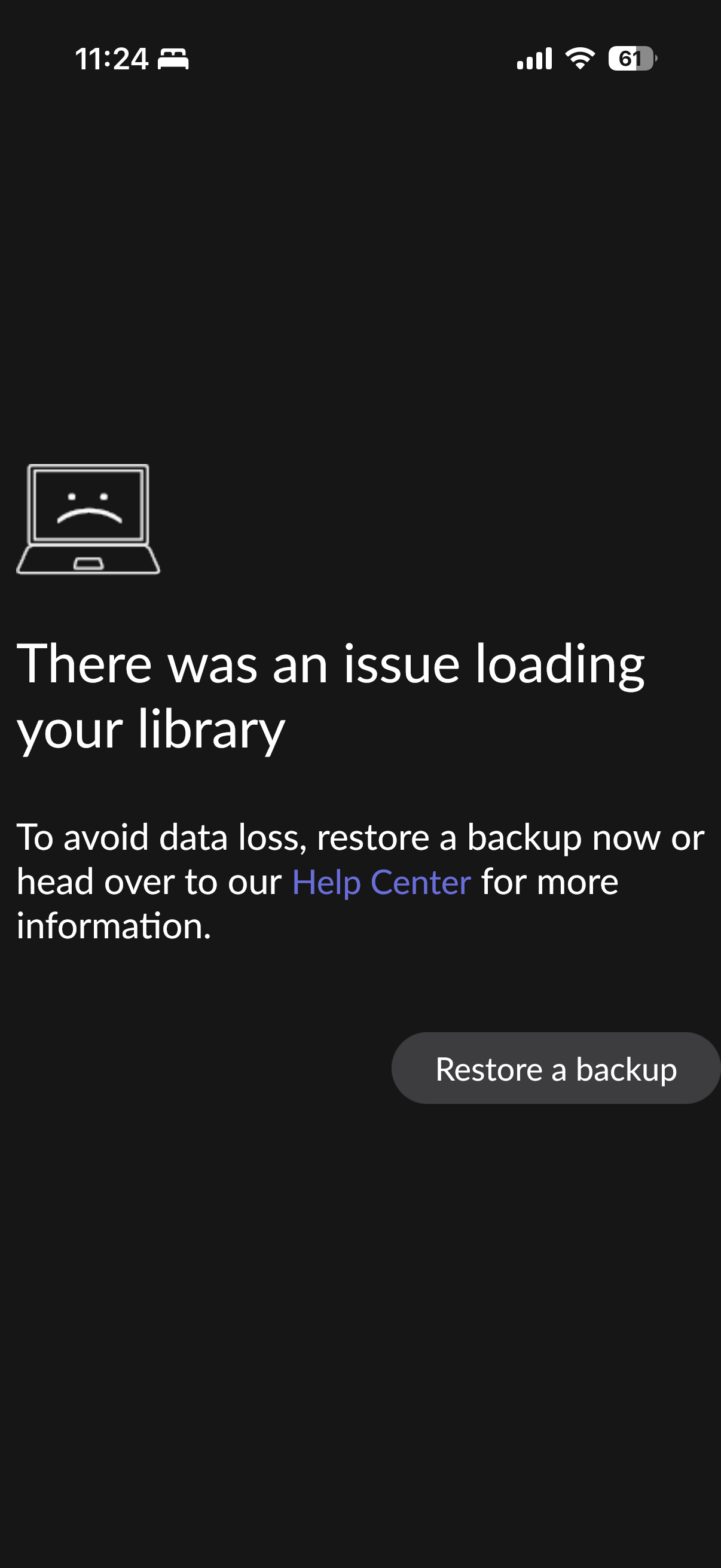
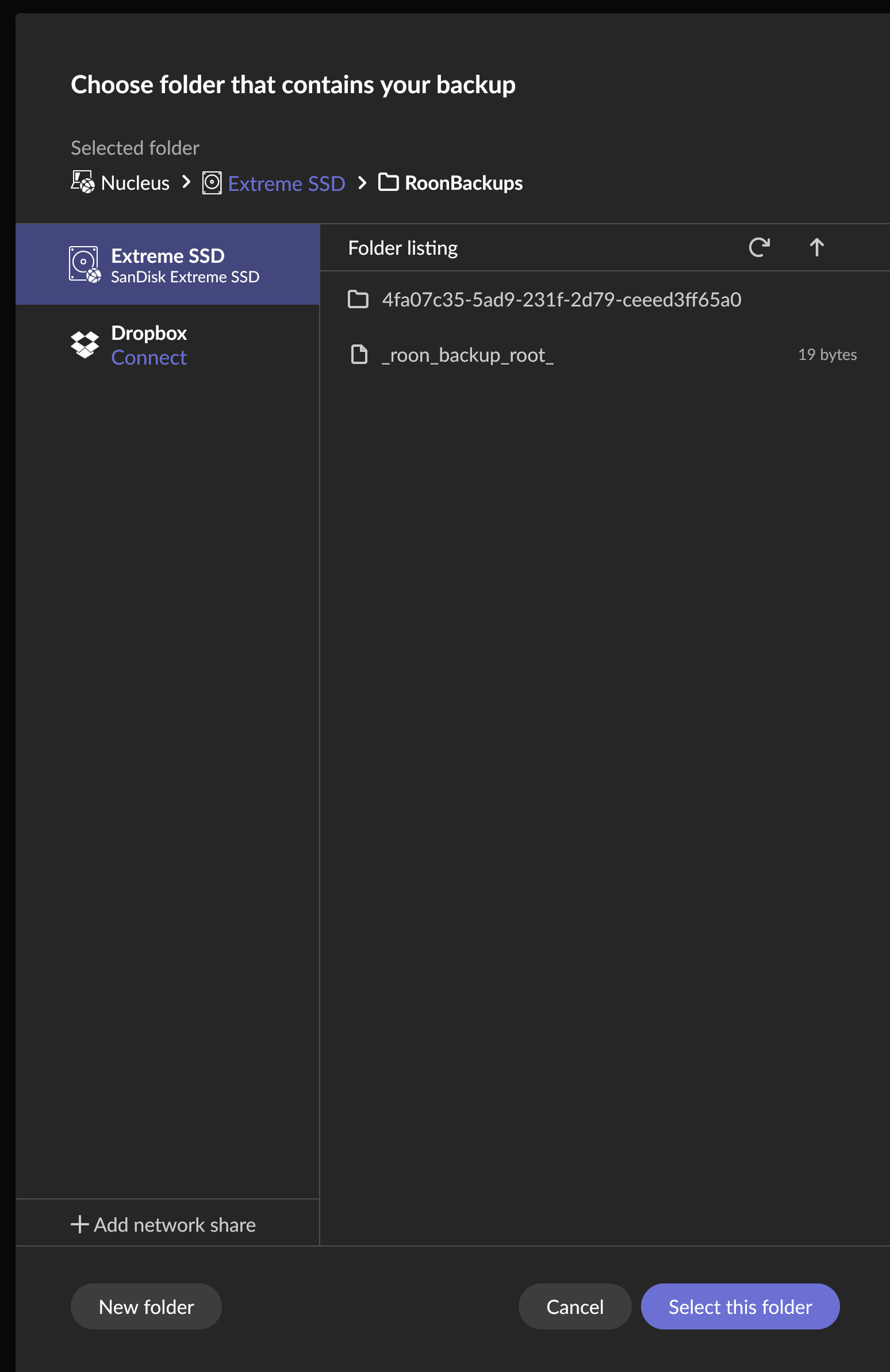
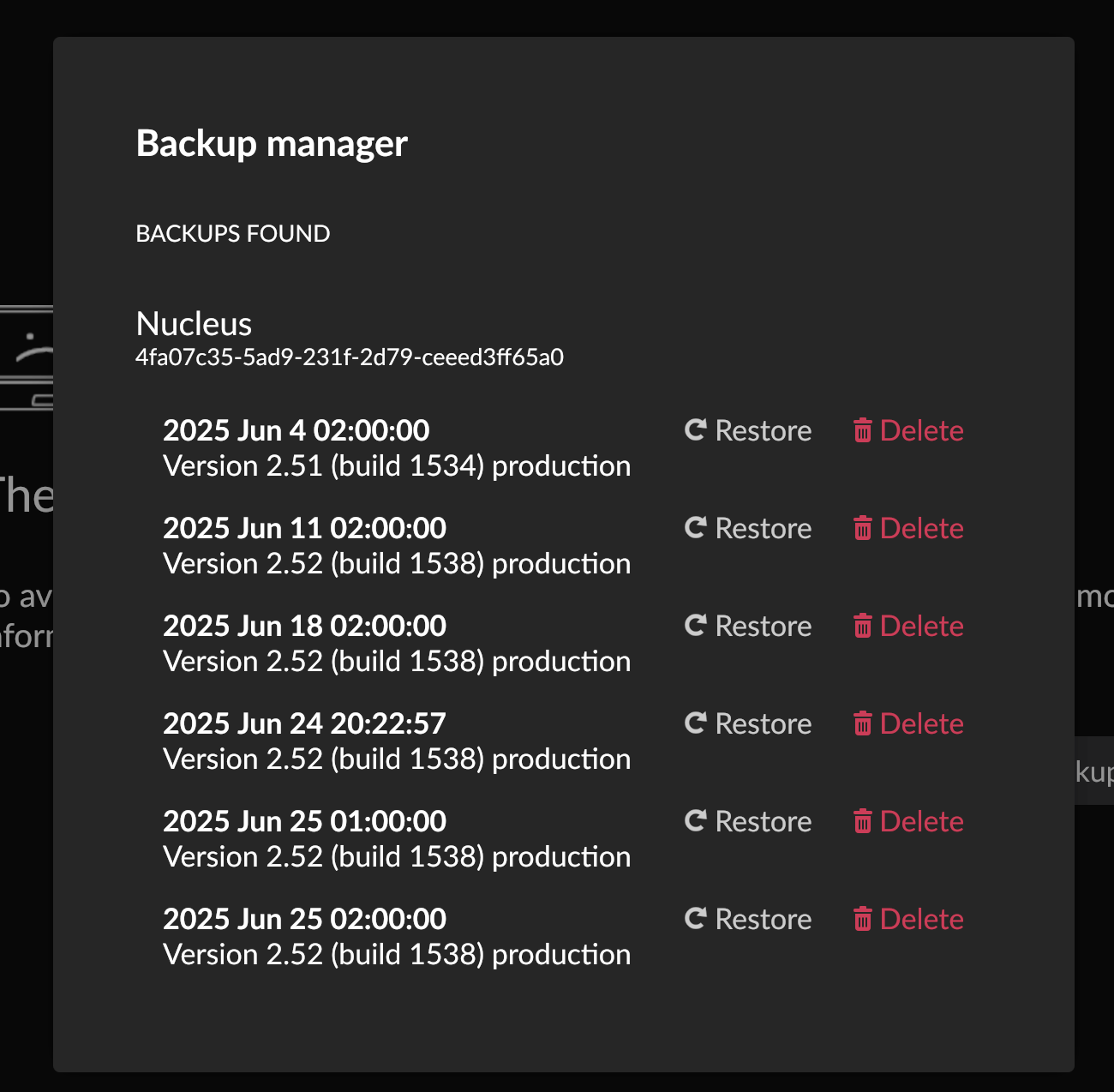
I am having an issue loading my library. I followed all of the steps outlined to correct the issue. I attempted to restore backups from two distinct usb drives with no success. Every time the restore is complete, my library crashes and I get a message that I am having an issue with loading my library.
Would you kindly let us know you are restoring the backup created on the same device?
The issue may be related to the latent corruption inside the database.
There are a number of reasons why a Roon database can become corrupted, and this can include failing hard drives, as well as other environmental factors, like power loss, or sync programs tampering with the contents of the database.
It’s extremely hard to know what might be at play here, but what is certain is that when Roon reads the database back, the files are different from what was originally written to the drive, and the changes are significant enough that Roon cannot load the database properly.
There are times when the corruption can be “latent”: part of the database is corrupted, but the database can still load. Often, this latent corruption is revealed when Roon updates to a new database format, as this process requires that every record in the database is accessed.
This is likely the case here — The backup that you used to restore was made after the latent corruption existed.
Generally, the solution is to try using an even older backup if you have one in order to use a backup from before the corruption occurred. Otherwise, starting fresh is the second option.
Hello @David_T
Thank you for reaching Roon support.
Would you kindly let us know you are restoring the backup created on the same device?
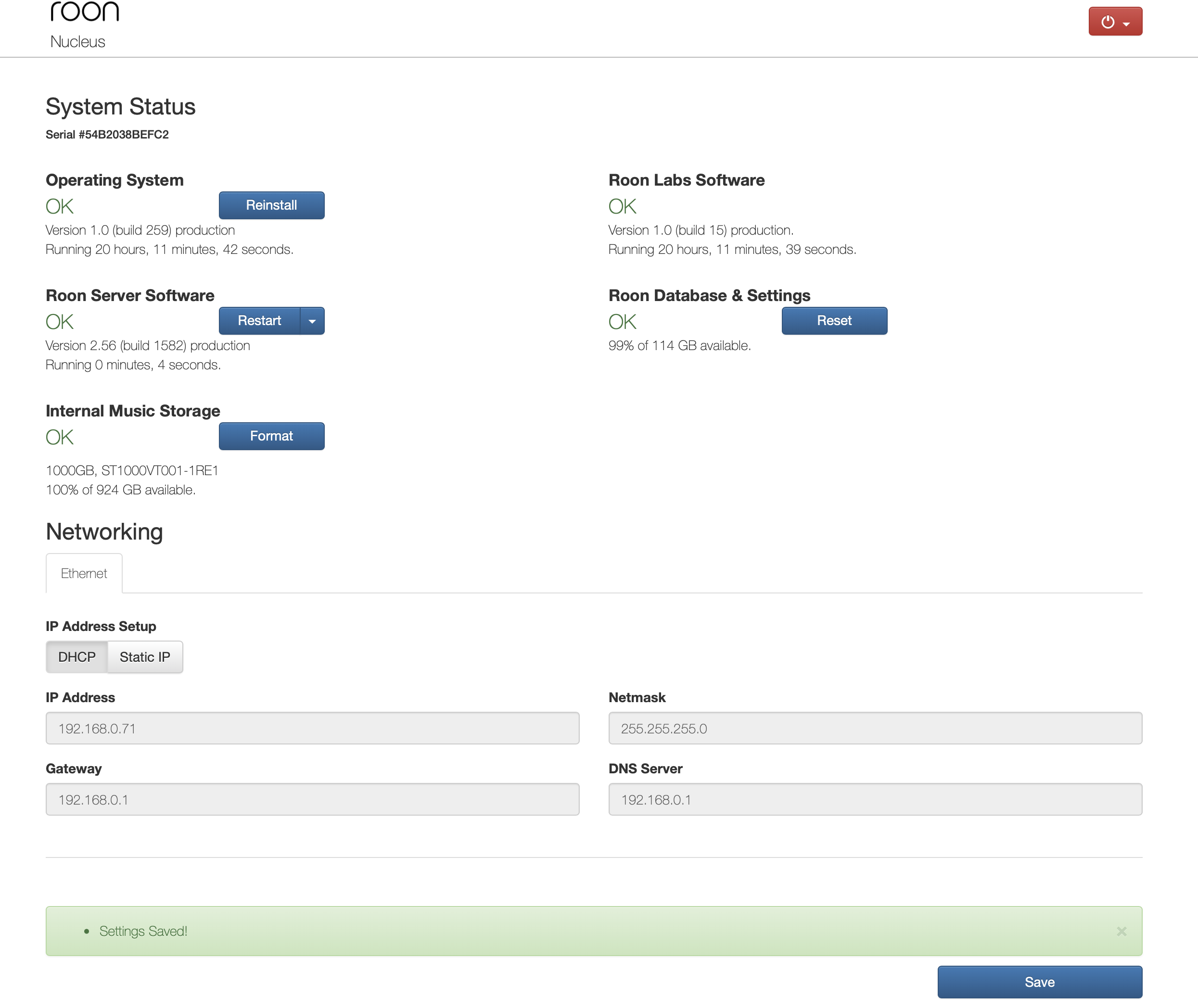
I am not sure what you are asking here. Are you asking if I am restoring the backup to my Nucleus Rev B only? If so, then yes.
The issue may be related to the latent corruption inside the database.
Is this a reference to the internal HDD?
There are a number of reasons why a Roon database can become corrupted, and this can include failing hard drives, as well as other environmental factors, like power loss, or sync programs tampering with the contents of the database.
I’ve not experienced power loss, nor have I ever tampered with the contents of the database.
It’s extremely hard to know what might be at play here, but what is certain is that when Roon reads the database back, the files are different from what was originally written to the drive, and the changes are significant enough that Roon cannot load the database properly.
There are times when the corruption can be “latent”: part of the database is corrupted, but the database can still load. Often, this latent corruption is revealed when Roon updates to a new database format, as this process requires that every record in the database is accessed.
How would I reformat the database to purge the latent corruption?
This is likely the case here — The backup that you used to restore was made after the latent corruption existed.
Generally, the solution is to try using an even older backup if you have one in order to use a backup from before the corruption occurred. Otherwise, starting fresh is the second option.
I will use a very old backup to test your theory. How do we start fresh?
I also wanted to clarify - we weren’t referring to the external USB drives hosting your backups being corrupt, but rather, the saved Roon backups themselves may carry the same latent corruption that currently exists on your current Roon database.
Do you have any older backups? Your best bet in this case would be to try older backups that may predate any latent corruption. It’s a very unfortunate situation - I’m really sorry you’re experiencing it.
Our QA team will review your backup files to see whether they can be processed. If the backup turns out to be corrupted, our ability to recover it is unfortunately limited. In that case, you may need to set up your library from scratch — but we’ll confirm this only after the QA review is complete.
We’ll keep you updated as soon as we have more information.
I’m afraid I have some unfortunate news. Our QA team encountered the same database corruption when reviewing your backups, and they were unable to recover any usable data. If all available backups show the same issue, then starting from scratch is, regrettably, the only path forward.
We’re very sorry for the inconvenience this causes — losing a library state is never something we take lightly. We’ve reported this case to our R&D team so they can investigate the underlying cause and improve resilience in future versions of Roon.