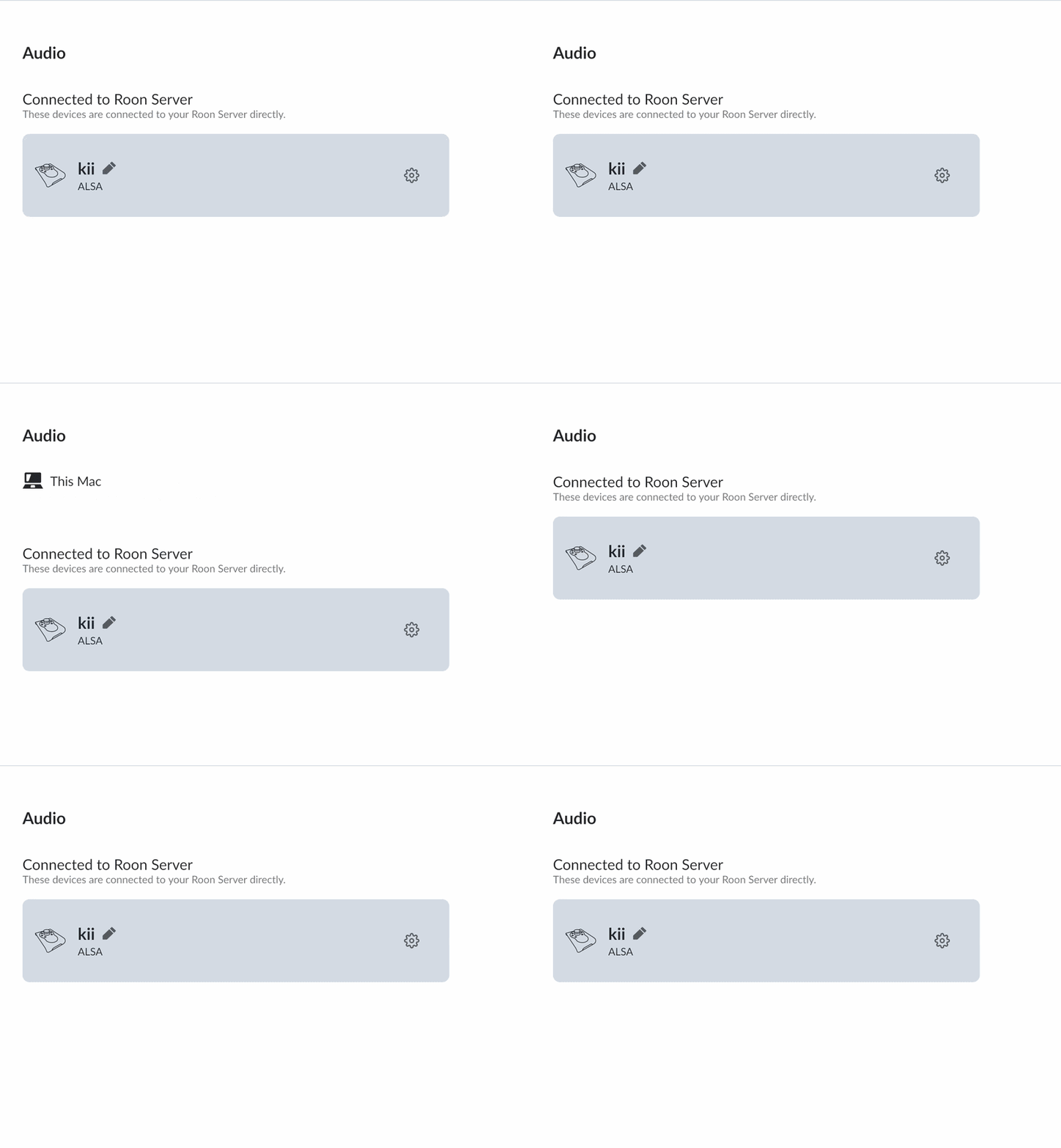
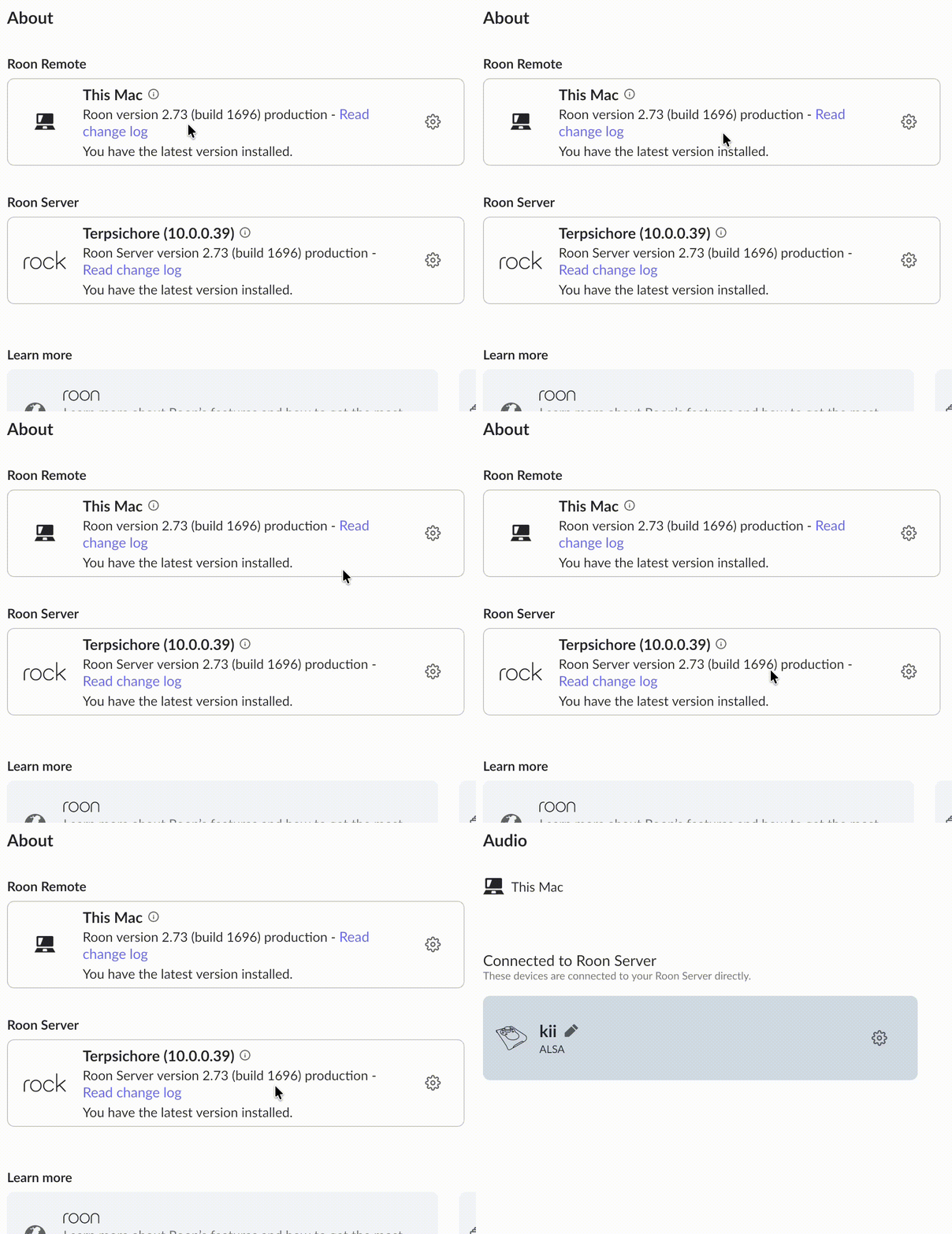
Hi @vadim , thanks for taking the time to pick up on this. Since it seemed obvious, I forgot to mention, I’d gone through the steps prior.
Now, onto more useful stuff, here’s what I’ve traced down.
After the speaker is discovered and the JSON server starts, RAATServer repeatedly logs
[jsonserver] uv_tcp_nodelay failed: invalid argument
[jsonserver] uv_tcp_getpeername failed: invalid argument
These errors repeat every few seconds.
I also reproduced the exact same errors using a completely local connection:
nc 127.0.0.1 9200
The log showed:
[jsonserver] [127.0.0.1:49305] accepted connection
[jsonserver] uv_tcp_nodelay failed: invalid argument
[jsonserver] uv_tcp_getpeername failed: invalid argument
[jsonserver] [127.0.0.1:49305] read error: connection reset by peer
This, to me, signals the errors are not dependent on the ROCK or LAN connection, hence my “not a network problem”.
Now, RAATServer logs also contain macOS security error -25294. Stack traces show it occurring around SecKeychainItemCopyKeychain. The login keychain exists, is the default keychain, and unlocks successfully. RAATServer itself has valid Roon Developer ID signing. I did not reset/delete the keychain.
From what I understand, RAATServer advertises itself successfully:
[servicemanager] added device raatserver/<UUID>
[servicemanager] added service com.roonlabs.raatserver.tcp
[servicemanager] registered 1 devices, 1 services
As far as I can tell, CoreAudio sees the MacBook Pro Speakers, RAATServer discovers them, RAATServer starts and listens, ROCK can reach RAATServer, but RAATServer’s JSON/socket handling starts returning EINVAL (uv_tcp_nodelay / uv_tcp_getpeername) even for a localhost client, and the Mac audio endpoint never becomes available in Roon.
This is about as far as I’d been able to get before I asked. Please let me know if there’s something further you’d like me to look into on my end.