@Arindal Thanks for your reply. Yes it is annoying that it does not simply work - but I really appreciate the support.
I searched and found this (3yr old) thread:
https://www.reddit.com/r/qnap/comments/13qnu9h/qnap_docker_directory_permissions/

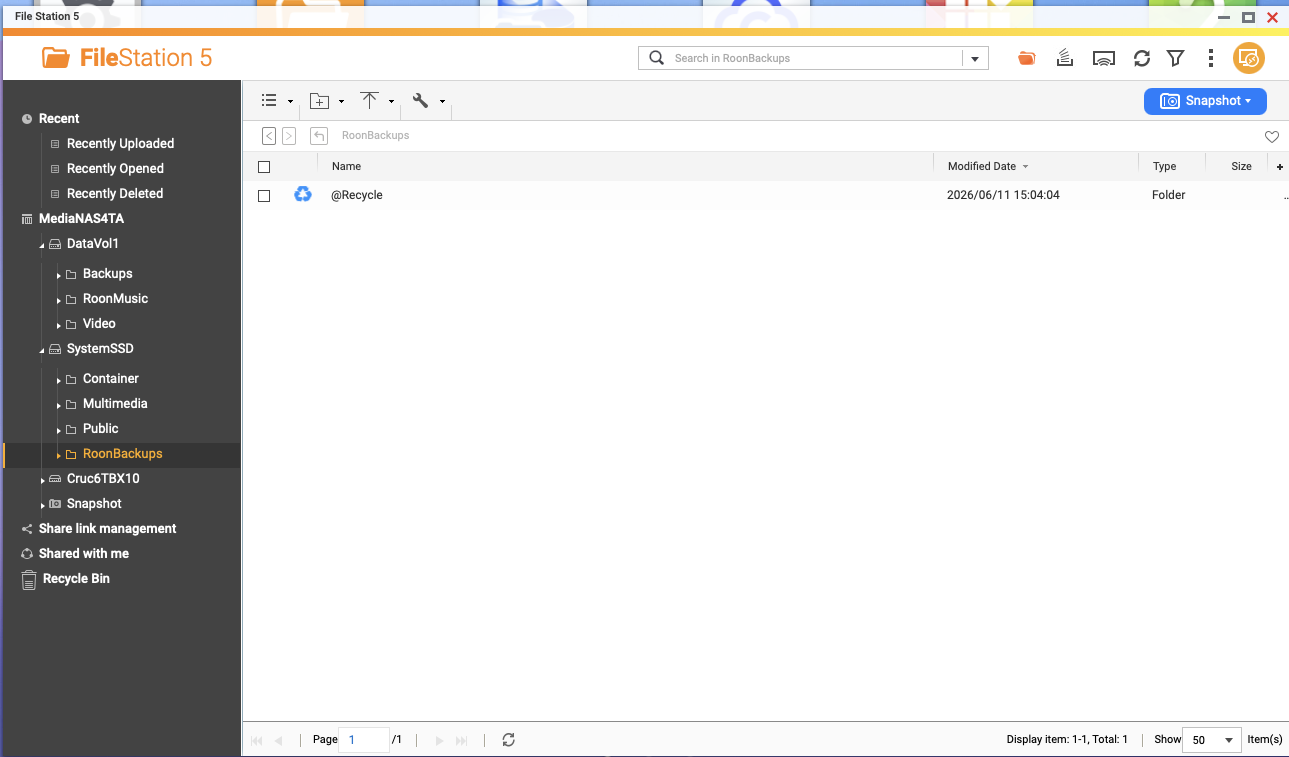
I am using the Docker GUI and Command Line.  Some extracts below:

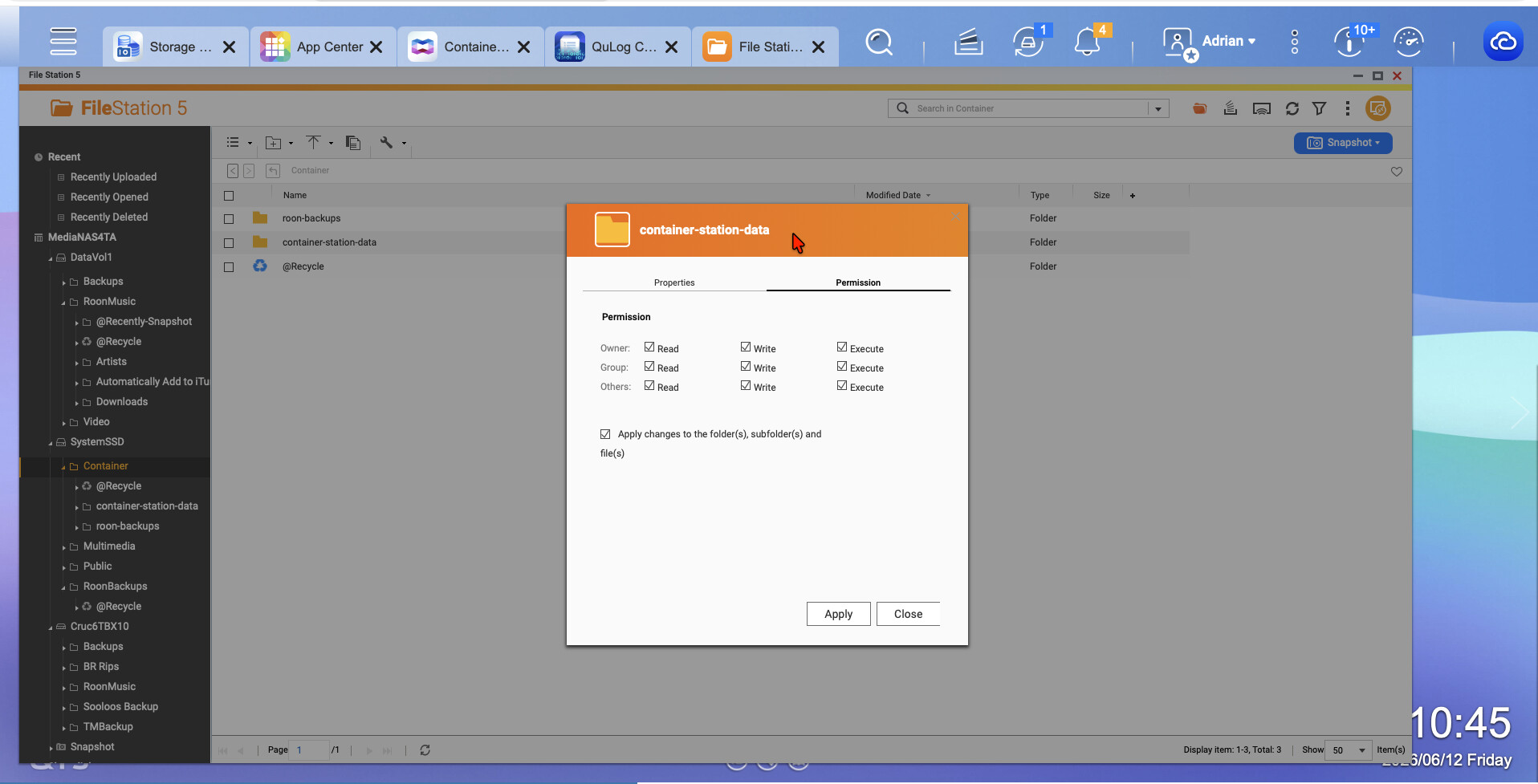
But the directories underneath this directory (image, volumes etc) are owned by admin:administrators with mostly 700 privileges (see screenshot), so no-one can get into these directories except the admin user. Even being in the administrators group won't work:

Yep, container station still creates containers and docker files with 700 permissions and admin as owner.
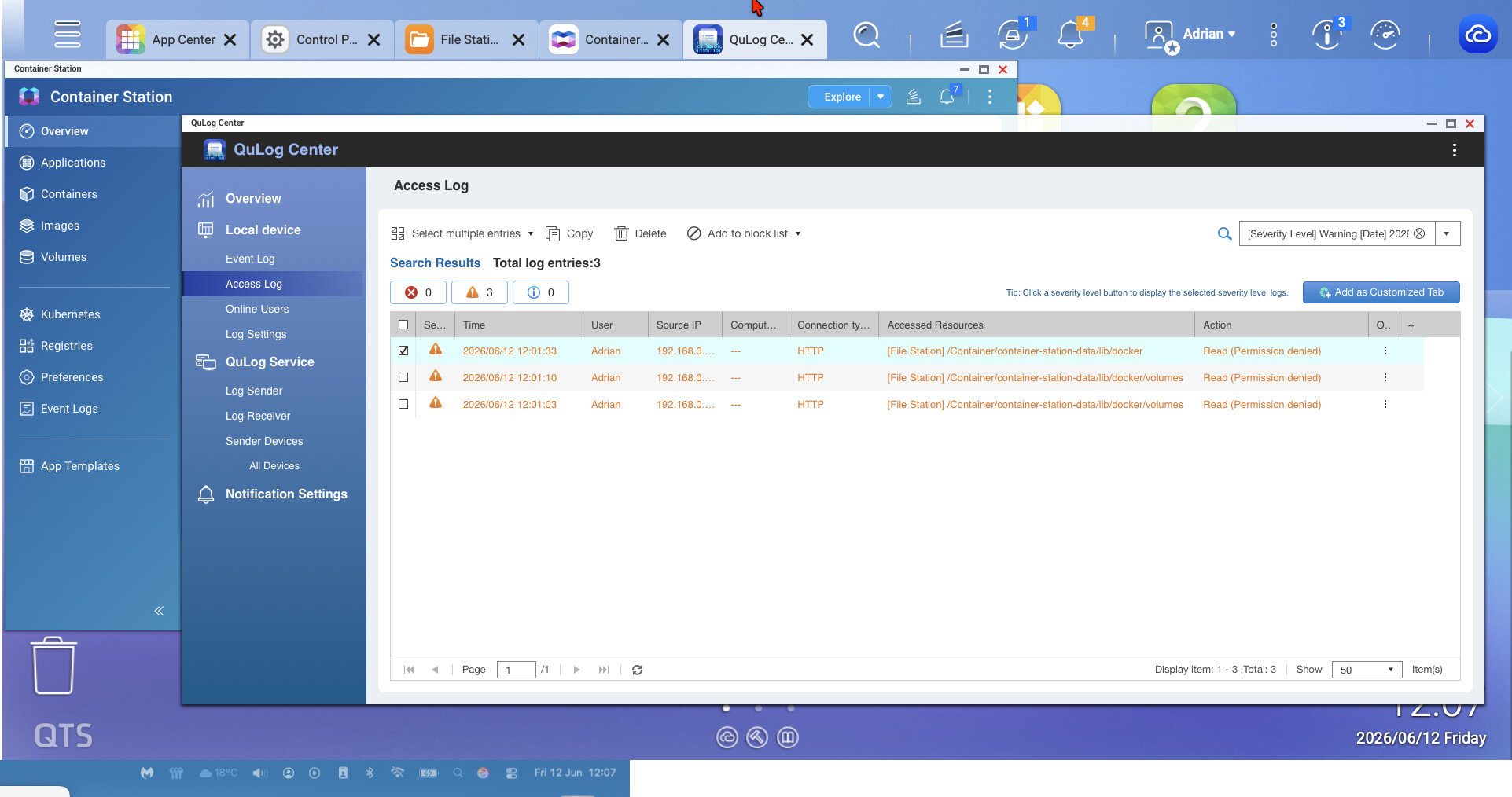
I also get this error warning from QTS, which seems to validate this problem:
Warning 2026-06-14 19:01:47 Adrian 192.168.0.25 --- Web Desktop Mozilla/5.0 (Macintosh; Intel Mac OS X 10_15_7) AppleWebKit/605.1.15 (KHTML, like Gecko) Version/26.5 Safari/605.1.15 HTTP [File Station] /Container/container-station-data/lib/docker Read
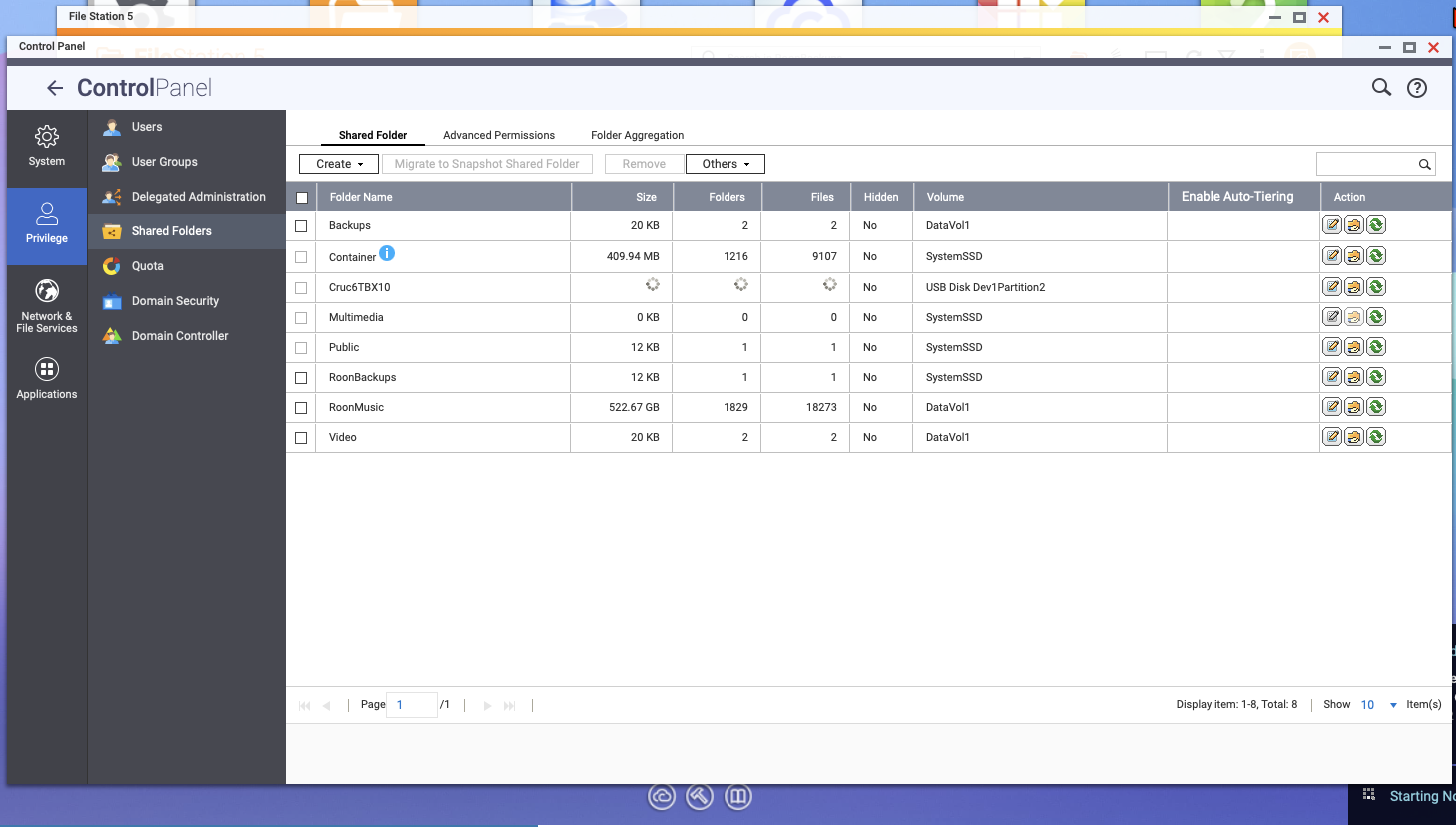
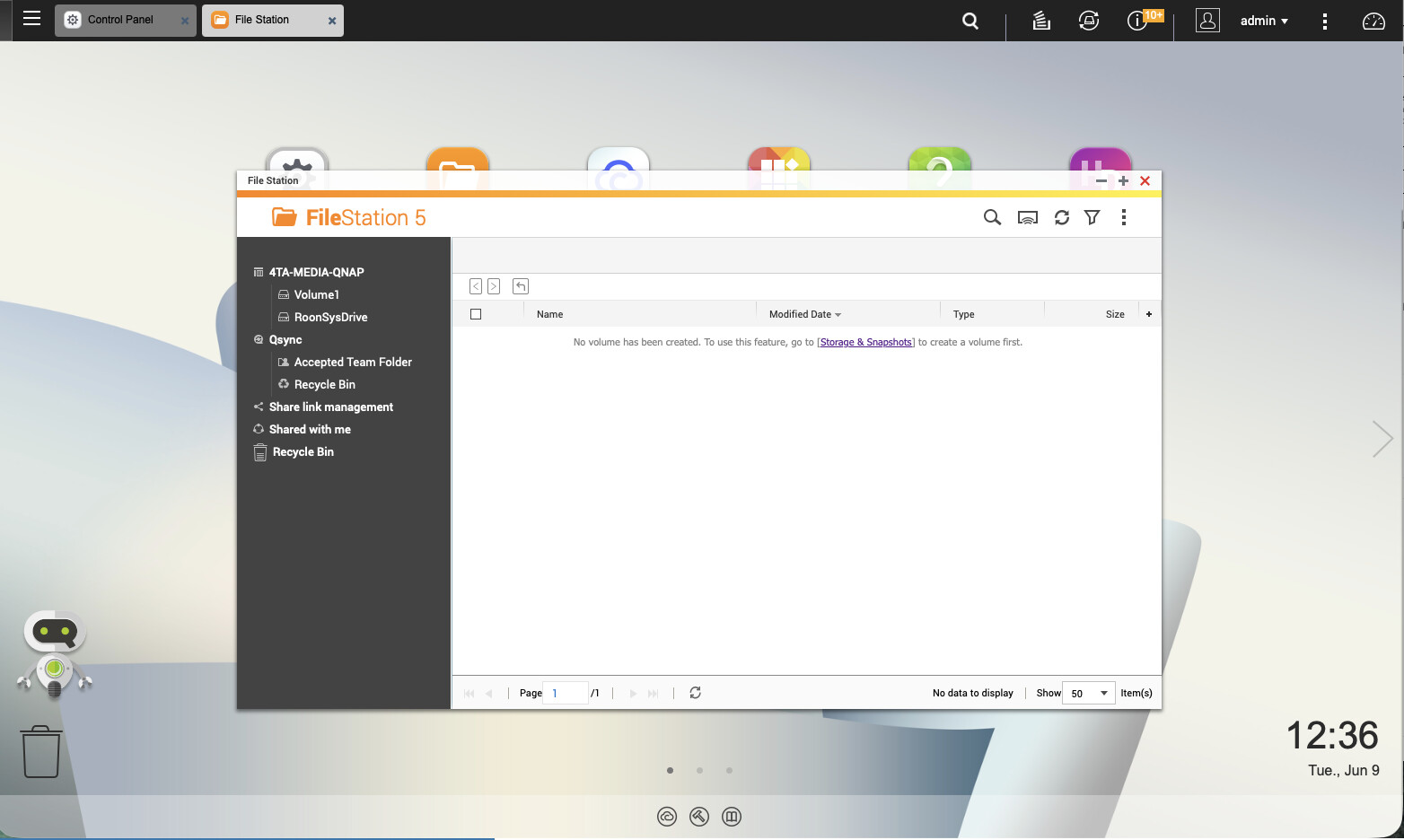
So I have gone into Control Panel/Privileges/Users and viewed my User account and looked at Edit Shared Folders Permissions. There was a line for Container which was RO and I changed it to RW. I also activated the Admin account and set a new password and User Shared Folders Permissions. Logged out my User account and entered via Admin account. Went into Container Station and went into the existing roonserver app - edit - recreate. Validated the existing YAML. App still did not build but the error message is different (ie now “Cannot write: No Space left on device”).
roonserver  | Roon Docker image 1.0.7 starting.
roonserver  | VERSION file at /Roon/app/RoonServer/VERSION is empty — treating as no existing install.
roonserver  | Resolved ROON_INSTALL_BRANCH='earlyaccess'.
roonserver  | No install present; installing branch 'earlyaccess'.
roonserver  | Downloading from https://download.roonlabs.net/builds/earlyaccess/RoonServer_linuxx64.tar.bz2...
                                                                     #####                                                                #############                                                        #################                                                    ####################                                                 #######################                                              #########################                                            ############################                                         ###############################                                      ##################################                                   #####################################                                #######################################                              ##########################################                           ############################################                         ###############################################                      ##################################################                   #####################################################                #######################################################              ##########################################################           ##############################################################       #################################################################    #################################################################### ############################################################################################################################################# 100.0%
roonserver  | Extracting to /Roon/app...
roonserver  | tar: RoonServer/Appliance/NotoSansCJKjp-Regular.otf: Wrote only 9216 of 10240 bytes
roonserver  | tar: RoonServer/Appliance/NotoSansDevanagariUI-Bold.ttf: Cannot write: No space left on device
roonserver  | tar: RoonServer/Appliance/NotoSansDevanagariUI-Medium.ttf: Cannot write: No space left on device
##Extra lines not added##
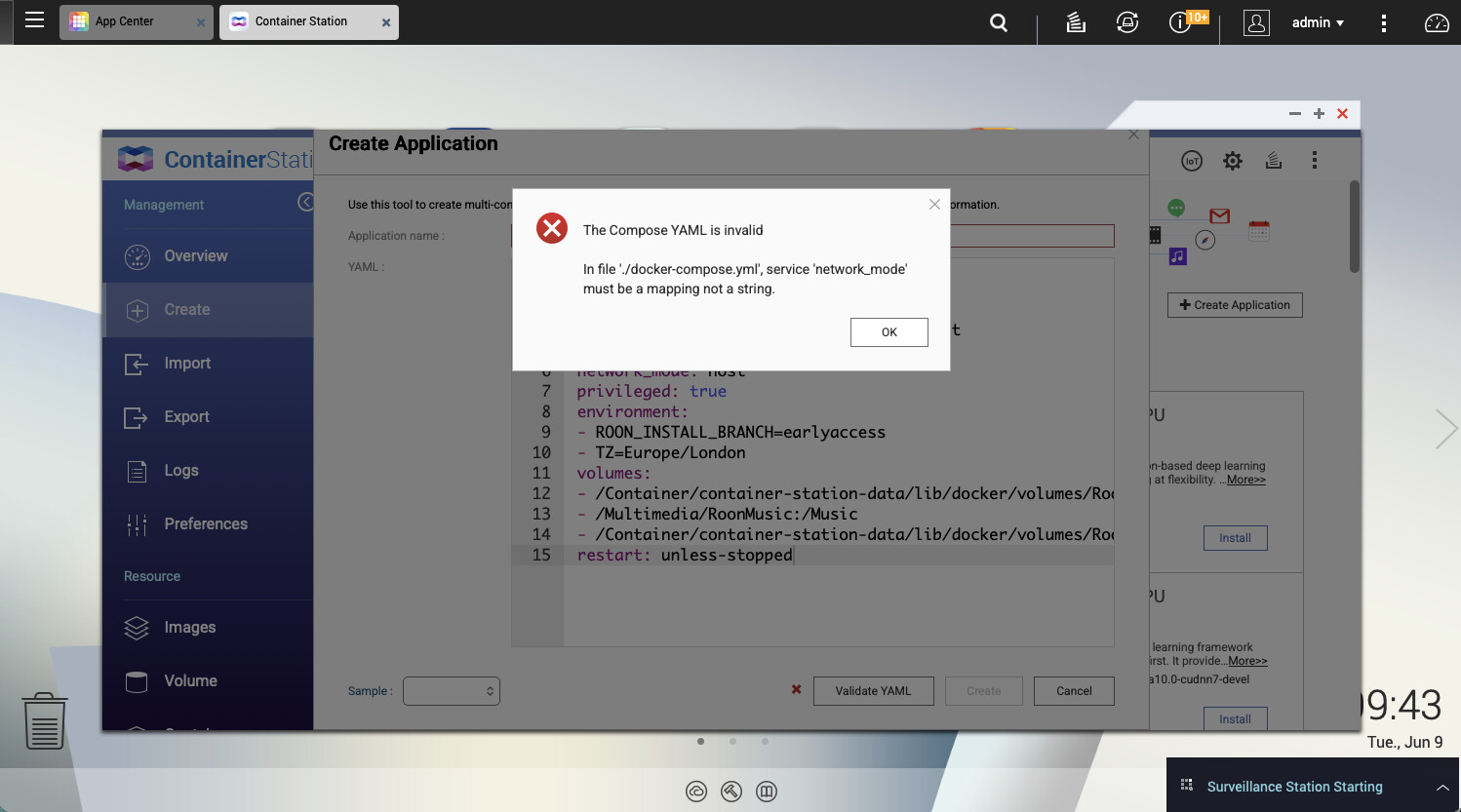
I then made 2 changes to the YAML file (still logged in as Admin) adding:
adding line: Version '3'
In volumes added /share to :/Roon definition
version: '3'
services:
  roonserver:
    image: ghcr.io/roonlabs/roonserver:latest
    container_name: roonserver
    network_mode: host
    privileged: true
    environment:
      - ROON_INSTALL_BRANCH=earlyaccess
      - TZ=Europe/London
    volumes:
      - /share/Container/Roon:/Roon
      - /share/RoonMusic:/Music
      - /share/RoonBackups:/RoonBackups
    restart: unless-stopped
    logging:
      driver: local
roonserver  | Roon Docker image 1.0.7 starting.
roonserver  | No existing RoonServer install found under /Roon/app/RoonServer.
roonserver  | Resolved ROON_INSTALL_BRANCH='earlyaccess'.
roonserver  | No install present; installing branch 'earlyaccess'.
roonserver  | Downloading from https://download.roonlabs.net/builds/earlyaccess/RoonServer_linuxx64.tar.bz2...
#=#=#                                                                ##                                                                   #######                                                              ########                                                             ############                                                         #################                                                    ####################                                                 ########################                                             ############################                                         ################################                                     #####################################                                #########################################                            #############################################                        ##################################################                   ######################################################               ###########################################################          ###############################################################      ###################################################################  ############################################################################################################################################# 100.0%
roonserver  | Extracting to /Roon/app...
roonserver  | RoonServer installed successfully.
roonserver  | Image:   1.0.7
roonserver  | Branch: earlyaccess
roonserver  | Roon:    2.70 (build 1665) earlyaccess
roonserver  | 00:00:00.001 Info:  get lock file path: /tmp/.rnsgem0-
roonserver  | 00:00:00.005 Info:  GetLockFile, fd: 74
roonserver  | 00:00:00.005 Info:  GetLockFile, res: 0
roonserver  | 00:00:00.005 Trace: Nope, we are the only one running
roonserver  | Initializing
roonserver  | Started
roonserver  | [Sentry] Initialized for RoonServer (appliance), release: roonserver@207001665+earlyaccess
roonserver  | aac_fixed decoder found, checking libavcodec version...
roonserver  | has mp3float: 1, aac_fixed: 1
roonserver  | Running
roonserver  | Roon Docker image 1.0.7 starting.
roonserver  | Detected existing RoonServer install (branch: earlyaccess).
roonserver  | Resolved ROON_INSTALL_BRANCH='earlyaccess'.
roonserver  | Installed branch 'earlyaccess' matches requested branch; no reinstall needed.
roonserver  | Image:   1.0.7
roonserver  | Branch: earlyaccess
roonserver  | Roon:    2.70 (build 1665) earlyaccess
roonserver  | 00:00:00.001 Info:  get lock file path: /tmp/.rnsgem0-
roonserver  | 00:00:00.004 Info:  GetLockFile, fd: 74
roonserver  | 00:00:00.005 Info:  GetLockFile, res: 0
roonserver  | 00:00:00.005 Trace: Nope, we are the only one running
roonserver  | Initializing
roonserver  | Started
roonserver  | [Sentry] Initialized for RoonServer (appliance), release: roonserver@207001665+earlyaccess
roonserver  | aac_fixed decoder found, checking libavcodec version...
roonserver  | has mp3float: 1, aac_fixed: 1
roonserver  | Running
So it finally created the roonserver App. Not a lot of NAS resources usage (eg CPU utilisation and Memory utilisation are both low). Do I have to figure out Guest user privileges? I then started the Roon app on my Mac and iPhone. It now sees the newly created NAS roonserver (and notes Upgrade Required).
I click on that newly created roonserver - then nothing happens save for the screen changing to “Waiting for your Roon Server… Roon is still trying to connect, but it’s taking longer than normal etc etc.” I left my Mac app and the NAS on overnight. I have a similar experience when I try to use my iPhone to bring up Roon. All devices and NAS are on the same network. When I use Finder to see the NAS drives on the network, I need to login with my User account - so how to the Roon apps login? Do I need to figure out Guest user privileges for the Roon apps to connect?
I was expecting to see a lot of usage of the roonserver app in the Container Manager app status functions.
FYI I do not have a backup of my old roonserver (although I still have the old SDD card drive where the version of roonserver was installed).
Closer and closer…
Final Edit - changed to production from earlyaccess, as Roon clients were production version and not earlyaccess version. Now all up and running. Thank you all.




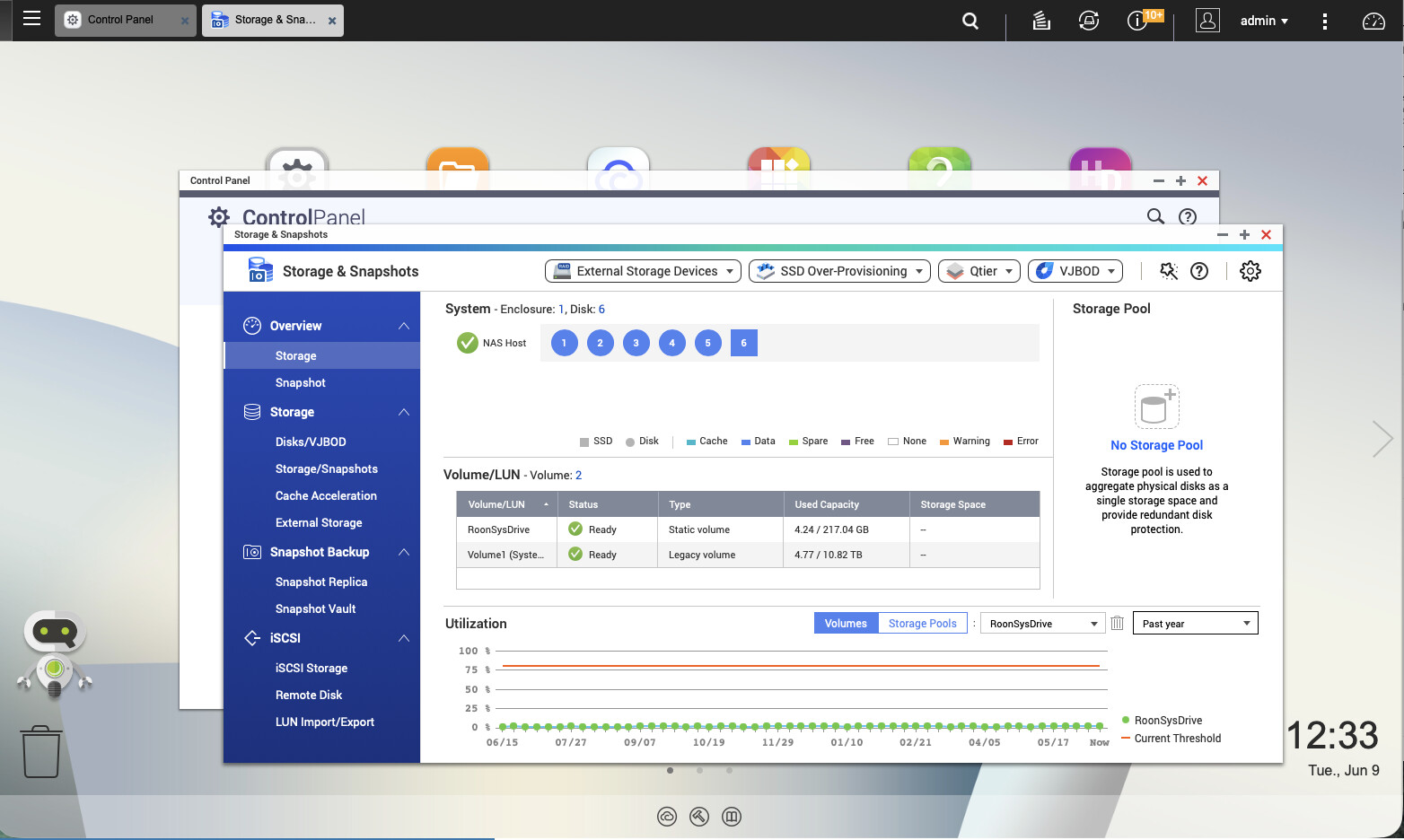
 Currently backing-up over 15,000 tracks. I guess having an SSD drive for RoonServer is still advisable?