· MacBook connected to Roon Server on MacMini but is only showing the output devices from the MacMini (server) - can't play on a DAC connected to MacBook - macOs 26 on both systems - Roon fresh installed
Hi Benjamin,
Firewall is disabled on both machines, toggled the Setting for local Network as described, rebooted but still the same issue.
For my understanding the MacBook should show up in the Audio-view like the iPad and iPhone do - but is only listed in the other network devices?
I tried also both wireless and ethernet connection with the MacBook…
Thanks in Advance
The DAC is connected via USB-C Port and is working fine with other apps.
This is not a Problem related to the DAC it is for my understanding a general Problem with the ROON Software on this MacBook.
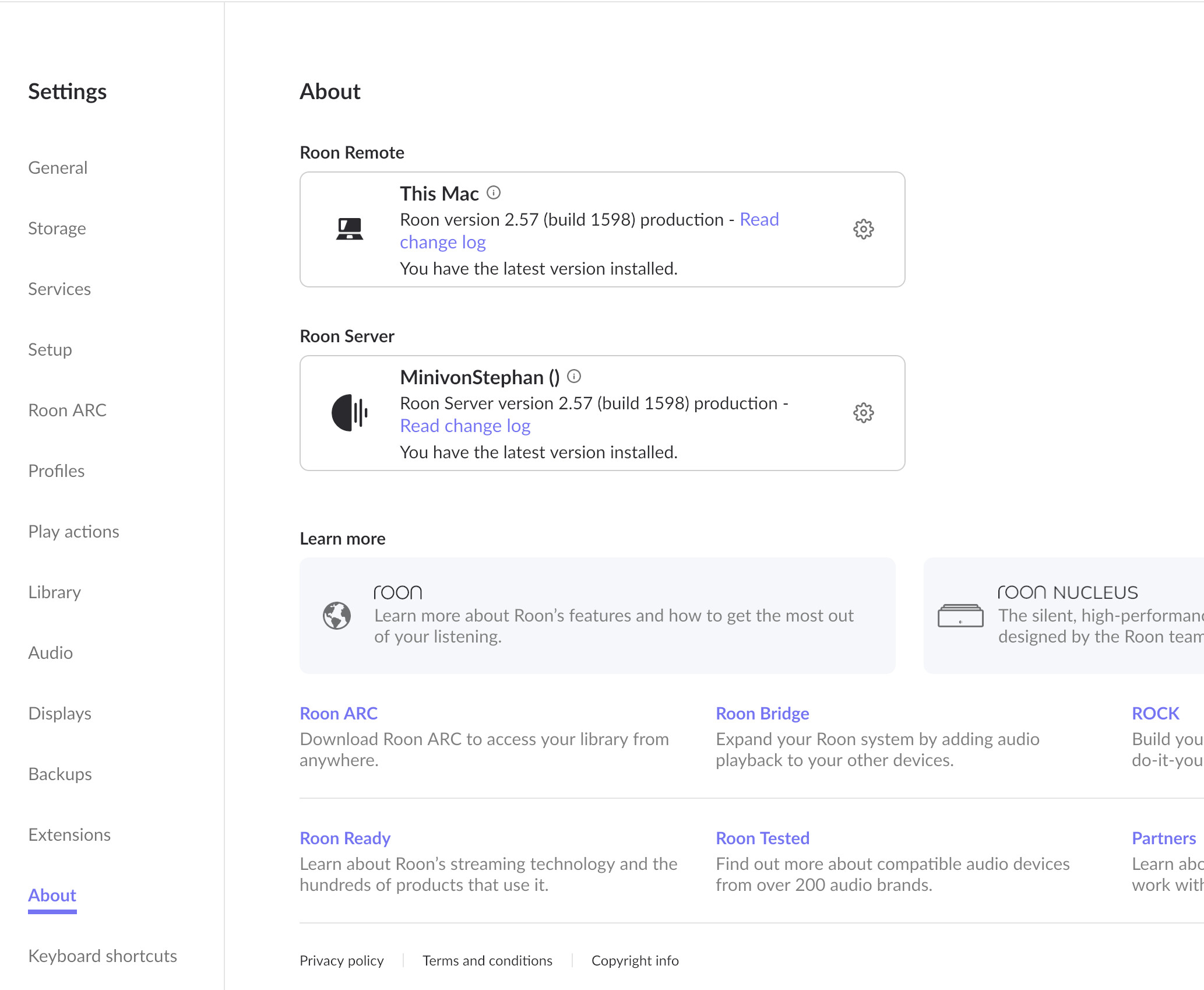
I’ve attached screenshots from the Audio- and About-Page from the MacBook
Under “This Mac” it is shown the same config as on the Server (MacMini) - seeing only the Devices directly attached to Server…
For my understanding under the section This Mac I should see the devices attached to MacBook eg MacBook Air-Loudspeaker and the Dragonfly DAC…
I can use the MacBook at the moment only as a remote to control the playback on the Server … Connection is all fine so no Network or Permission-Issues to be considered.
I have still 9days left for testing, but without proper function it will be sad to say goodbye to this very good App…
Thank you for the update. We’d like to bring your case to our R&D and QA teams for further review.
We’ve requested diagnostic data from both your server and your remote, but for some reason the data from the remote is not reaching our servers. Could you please bring your remote back online and let us know here once it’s connected to the internet? This will allow us to collect the required diagnostics and continue the investigation.
We’ve extended your trial to accommodate for this additional troubleshooting.
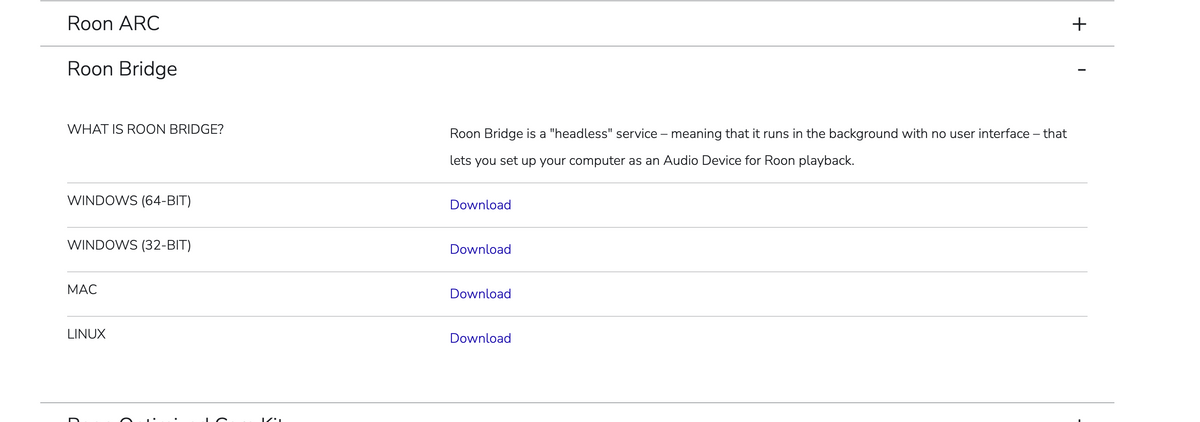
A side question for you - did you also by chance download and install Roon Bridge on the issue Mac? If so, you can remove this, as running the issue Mac as a Roon remote (using the Roon app) will provide the same functionality.
Did you use Time Machine across your macs, restoring the same macOS database from your Macmini to your MBA?
And lastly, if you temporarily disable Roon Server on your Mini, and shut the machine off. Then, temporarily open and run Roon Server on the issue MBA, are you able to see the local audio devices in this situation?
Just to summarize our findings, do we understand correctly that you are talking about UDA-DAC ? And it is visible on the Mac Mini running as server, but not visible when connected to MBA when it’s running as Remote, but if you set it up as server and connect DAC to it - it will be working just fine ?
Also, please turn on the MBA once again so we could retrieve a diagnostics data from it. Thanks!
Hi Alex,
yes, the DAC is only available on the MBA when setup as a server - as a remote (connected to the server running on the MacMini) no direct connected device to the MBA is visible when running Roon.
Hi Benjamin,
Problem still exists with the MacBook working as a remote and connected to the MacMini (Roon Server)
No output device connected directly to the MacBook is visible in Roon.
What you see in the report are the devices attached to the MacMini.
Can you please confirm that RAATServer is running on the Macbook (the remote) in the Console app (Applications → Utilities) or by checking Activity Monitor?
This would be an edge case, but from the symptoms alone, it looks like the remote is falling back on the server’s RAATServer instance because the local RAAT instance never launched.