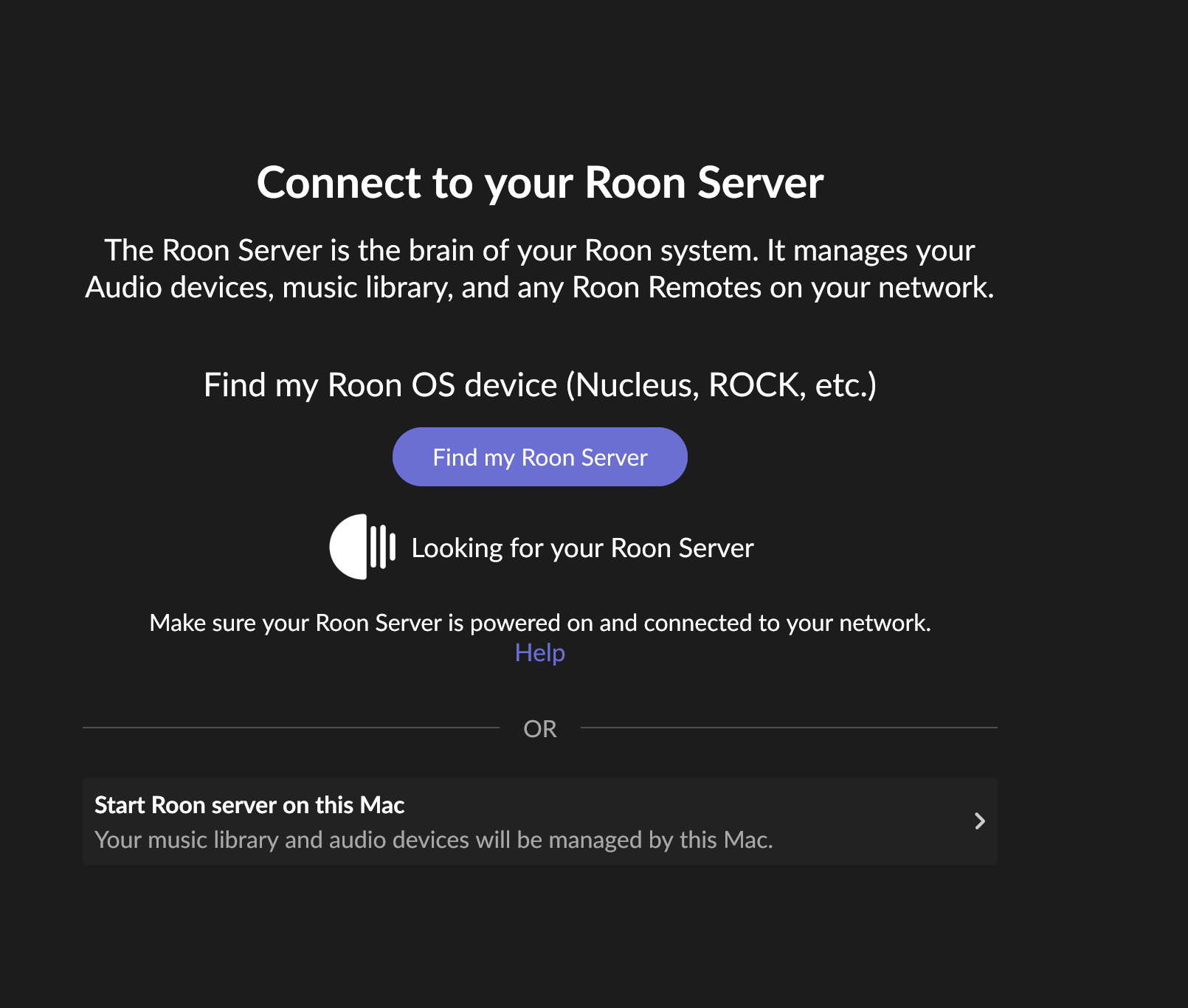
What happens if you press the "Select a different Roon Server" button?
· I don't see Roon Server.
Please try to restart your network setup by unplugging, waiting 30 seconds and then replugging in your networking gear.
· No, the issue remains the same
Please select how you've connected your Roon Server to the internet
· Roon Server is connected by *Ethernet*
Have you checked your firewall settings to ensure that Roon is allowed through?
· Roon still won't connect even after checking this aspect
Have you verified that Roon Server is on the same subnet as your Remotes?
· My Remotes and Server are on the same subnet and I still can't connect
Sometimes the issues can be resolved with a reinstall of your Roon Remote app. Let's try to perform a reinstall and see if it helps.
· I've reinstalled the Roon Remote but it did not help
What is the operating system of your Roon Server host machine?
· *MacOS*
Select any of the following components that are present in your local network setup
· None of the above
Describe the issue
this is after updating roon server to the hot fix, the remote on macOS still can't see it - iOS seems to be ok. i reinstalled roon on remote, still can't see server. i have no way to update from within roon like normal ('there is new version avail' alert) so had to dl from app store which likely still has the release version. server is running and updated to hot fix. still can't get remote app updated and so doesn't see server. thx.
Describe your network setup
nothing new, all very high functioning for years. im an engineer. hardwired, gigabit, unifi switches, etc. that is not the issue.
For due diligence, double-check that you’ve retoggled Roon’s local network privileges in Privacy & Security → Local Network. A new update sometimes triggers MacOS to blacklist Roon from the network.
From our diagnostics servers, both the remote and the server have access to separate subnetworks outside of the subnet they share. RoonServer won’t automatically connect to the same interface on startup, so verify that the two Macs are on the same subnetwork.
We’ll watch for your response and proceed from there.
ok, will check the security toggle when i get home.
and yes, they are absolutely on the same subnet. there are other subnets yes, and a vpn, but the server has always reconnected properly without issue. it knows what it’s looking for as i haven’t changed the server ip in years.
the additional issue is i can’t get the remote (on MacBook) to update versions to the hot fix. the server is updated, but not the remote. the remote app starts up but hangs on the looking for server page and won’t let me access settings or about pane etc. what is the workaround for that? as isn’t it likely that when i update the remote app to the hot fix it will see the server fine? or am i misunderstanding?
please note that my system has been working flawlessly for years. in this configuration. through many updates of roon, server, os’s, hardware, etc etc.
thanks!
edit: i should also note that the iOS app sees the server no problem. on several devices. it’s just the macOS remote app that is the current issue. thx
Since you’re running macOS, the behavior you’re seeing is consistent with the newer, stricter Local Network permission controls in the recent macOS releases.
Please try the following steps:
Open macOS System Settings → Privacy & Security → Local Network
Make sure Roon and Roon Server are both enabled
Even if they are already enabled, please toggle them off and back on
Fully quit Roon Server from the macOS menu bar / task bar
Reboot your Mac
After reboot, launch Roon again and check if the devices is avaliable again.
Once these permissions are refreshed and the system restarted, your audio devices should reappear.
Please let us know if the issue persists after these steps, and we’ll continue from there.
hi, ok, will try, but know that i did an OS update a couple days ago and fully rebooted the server, and after checked the lan toggles, and still the macOS remote does not see the server. and to state again, the remote app is NOT the hot fix version, i have no way to update it, as re-downloading from Roon gives me the same release version i now have, and it does not allow any updating from the app while it’s running cause it only shows the hang screen looking for server.. EVERYTHING else works fine: server, iOS apps, all endpoints, files play and stream no problem. thx.