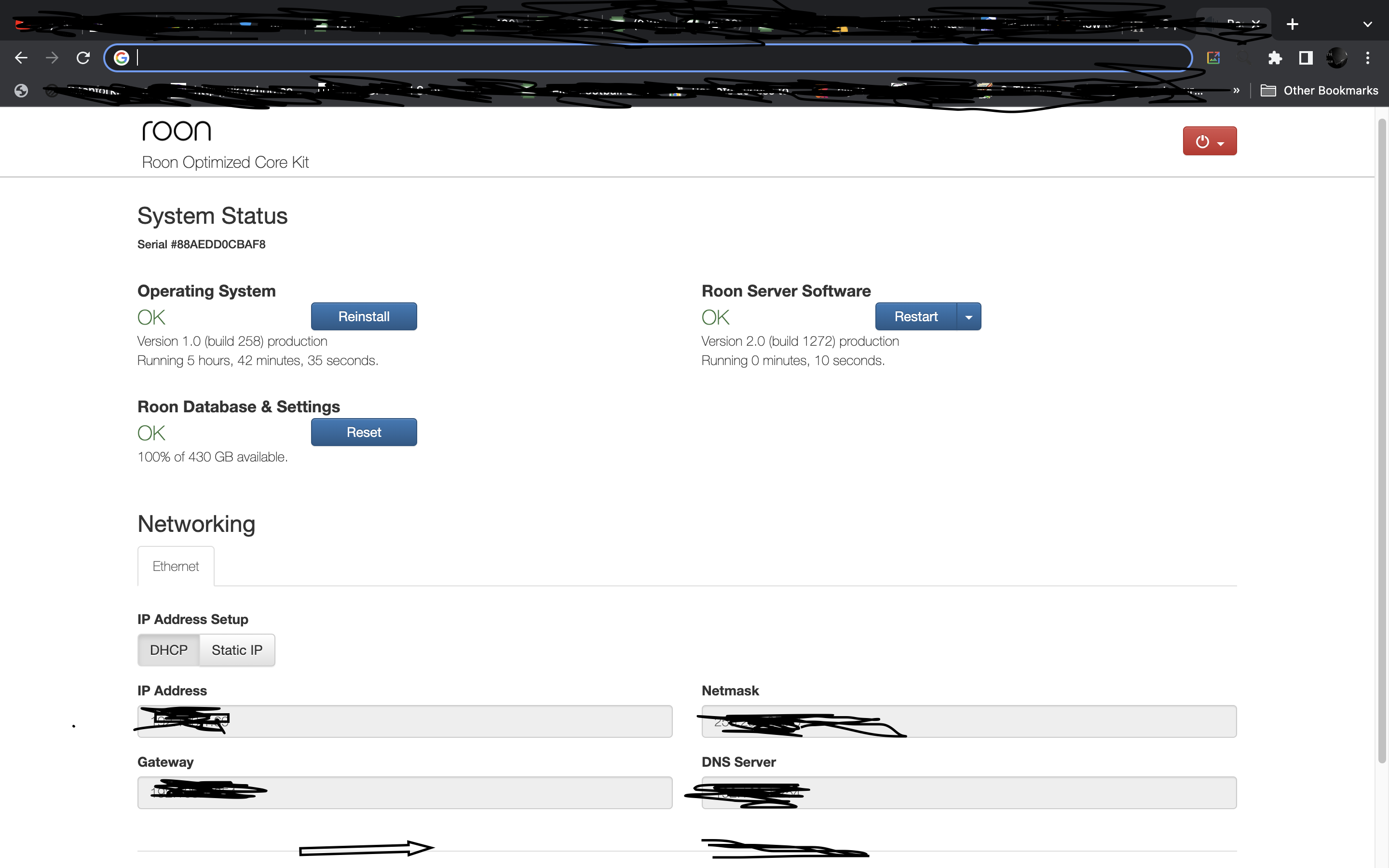
I use an Intel NUC with ROCK installed. Also have an Apple MAC and Windows PC as Core machines. The NUC and Windows PC are wired, the Apple MAC is not
Networking Gear & Setup Details
BT Smart Hub
Connected Audio Devices
USB connection to SMS 200 Neo.
Number of Tracks in Library
20000 tracks.
In the last couple of days any new albums I add do not display artwork, whether using Roon on my NUC, Mac or Windows PC. This is for my own music, as well as Qobuz albums.All “historical albums” added to library before last 2 days are fine.
I can see that Metadata improver is halted. I can also see a display that says "Adding music to Library: Of 160 tracks, 160 added, none identified.
I have the latest version of Roon installed and followed the Roon guide for Metadata improver halted issues, eg rebooting Core. My Router has also been rebooted several times.
I have not yet attempted the Resolve Networking Troubles section as I am reluctant to do that at this stage because i do not want to tamper with my Router unneccesarily and cause issues elsewhere outwith Roon, and not sure why I even need to do that at all when this Metadata issue hasn’t been an issue for me in the many years I’ve had Roon.
Hi Carl, thanks for replying. As you can see from my original post I have already tried what you suggest.
eg - " I have the latest version of Roon installed and followed the Roon guide for Metadata improver halted issues, eg rebooting Core. My Router has also been rebooted several times."
Hi. I have the same issue, using Roon server on a Windows 11 machine. Have tried switching Firewall off and re-booting the whole network. Coincidentally, I have a BT Smart Hub too?
Interesting!! I guess while we wait for some guidance from Support or other Roon users like Mike it would be good to know if any Roon users who have a BT Smart Hub are not experiencing the same as both of us. I would imagine that a decent amount of Roon users in the UK have a BT Smart hub, but I would also imagine if this was somehow an issue between Roon and BT Smart hubs this place would be overrun with people reporting this.
Yes, I’m pretty sure this has appeared today but I normally use my phone as a remote control and hadn’t noticed the issue till I got on my laptop this morning. A red warning triangle alerted me and I can’t make the annoying thing go away!!
@Kev67 I’ve just noticed you posted two days ago. This is the first time I’ve noticed this as my album art has continued to show. It was the warning triangle that alerted me to a problem.
Yes 99.9% of my album art is there, but as stated in my first post if I add a new album to my library it does not show album art. Perhaps you should try adding an album and see what happens, I’m pretty sure you won’t get artwork.
Yeah, so we need ROON support or some techy wizzard Roon user to help us here and get the Metadata Improver working again. I think I have had something like this happen once in a blue moon, can’t remember how I fixed it but it would have been something as simple as stop/restart of Roon, or a reboot of router.
I have to rest My whole system sometimes 3 times daily. I quite often see the metadata impromvr error.
My NUC is set to restart on power restore , but my modem/rout e r. Startup is much slower than the NUC , so Roon fails to connect , as there is no internet, when I open the UI I often have to confirm I am connected and retry the connection to Tidal
The way to clear the metadata improver is to restart there Roon Server on the NUC , or restart the NUC
Sounds like you have tried tha but any hints ?
BTW just added an album from Tidal, artwork ‘en all
Nice one Mike, sorted now. Previously I had only restarted the NUC itself after rebooting the router, but seems as if that is not enough to fix. As per your suggestion I restarted the Roon Server Software and now have the missing artwork.