Client just bought a new Nucleus and was previously using a Mac Mini as his core as well as where all of his music was stored. I’m trying to find the easiest way to migrate all of this over to the new Nucleus. All the documentation I can find seems to be referring to database metadata transfer only.
Roon Core Platform
macOS
Roon Core Specifications
Old core is a Mac mini, new core will be a 4TB Nucleus.
Thanks for the reply. Yeah, I found that but I thought that just pertained to the metadata about your music, not the files themselves? I just want to swap the files to the internal storage on the new Nucleus and delete the Mac as a core, all that other database backup doesn’t concern me nearly as much and seems to be pretty straightforward with that article.
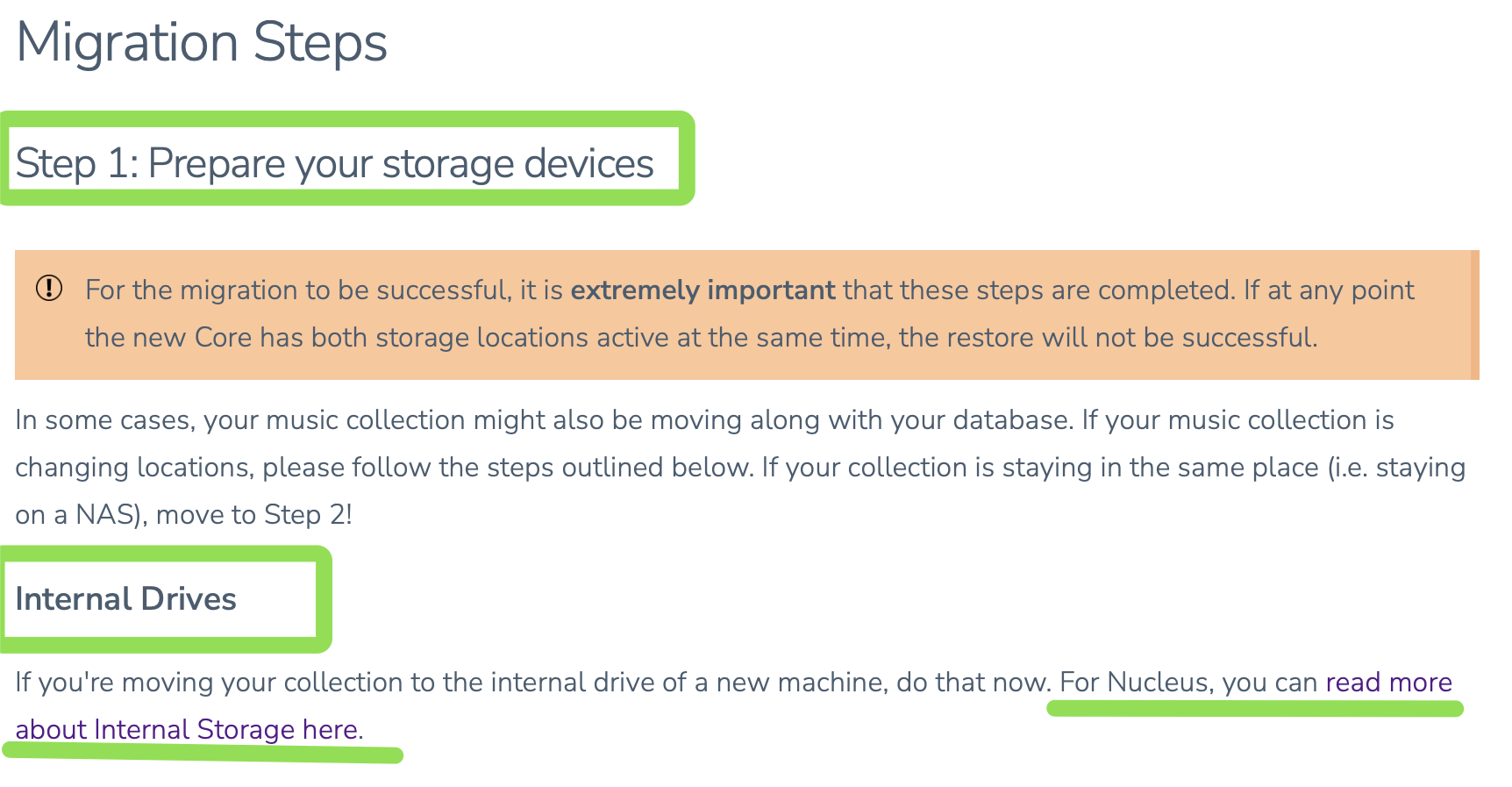
There is a whole step about moving the files, the relevant part is the one about Internal Drives. Copy the files off the Mac Mini and onto the Nucleus’s internal 4 TB drive
Basically, you have to copy the music over the network to the internal drive in the Nucleus. Keep in mind the internal drive is only for music and cannot be used for database backups. I prefer the SMB method described in that help page
I usually prefer a USB hard drive (formatted exFAT) , that way the drive can have the music loaded in on a PC, then just plugged into the Nucleus. It can also be the target for database backups.
Oh boy. So after the successful file swap to the Nucleus internal storage I followed the steps to create a backup of the existing Roon Core(a Mac Mini) database, deleted the database folder, restored on the new Core(Nucleus), etc…except now the internal storage is showing double the amount of files within the Roon App. Looking through the artists and tracks it appears to have doubled most of them up but not all, though the storage space available when I go directly to the Nucleus’ webpage shows the correct amount of space being used. Any chance there is an easy way to remedy?
So just in the time that it took me to write that the imported tracks started dropping dramatically. I thought it was being smart and reconciling the duplicate info, which it did, but now I seem to be missing a few thousand tracks. Imported over 38,000 tracks to the internal storage initially, the count ballooned up to over 70,000, and now reads 32,955 on the home screen and internal storage says 32,890.
And yes, I followed that to to the letter. I believe it states below that that you can disregard if the only folder is the default music folder, which it was.
Checking the webpage of the Nucleus again it seems it’s only used about 304GB of storage, nowhere near the almost 870 gigs that were transferred from his mac mini. Guess I’m looking at reformatting again and network sharing the entire folder again from the mac?
This might be normal if Roon Settings > General > Show Hidden Tracks and Albums is set to No. Because:
With this setting it groups different versions under the Versions tab of an album, instead of showing them separately in My Library > Albums. But it may need some time to find and group them, so the numbers in My Albums can go down with time.
With this setting the number of albums in Home and My Library > Albums tend to always differ:
Home shows the number of all albums even if they are individual versions
My Library > Albums shows the reconciled number after version grouping.
I.e., assume that I have 4 albums A, B, C & D.
– A and B each are an individual album, while D is a different version for C
– Then Home would show 4 albums but My Library > Albums would show 3 (being A, B, and C/D grouped into one)
Yeah, I was looking at the info for the internal storage from the webpage wrong. Thought it was giving me an actual GB number but it just states what’s available to write to and the percentage left. Checked that math and it was over 800GB. It appears the library has sorted itself out? Appreciate the help again.