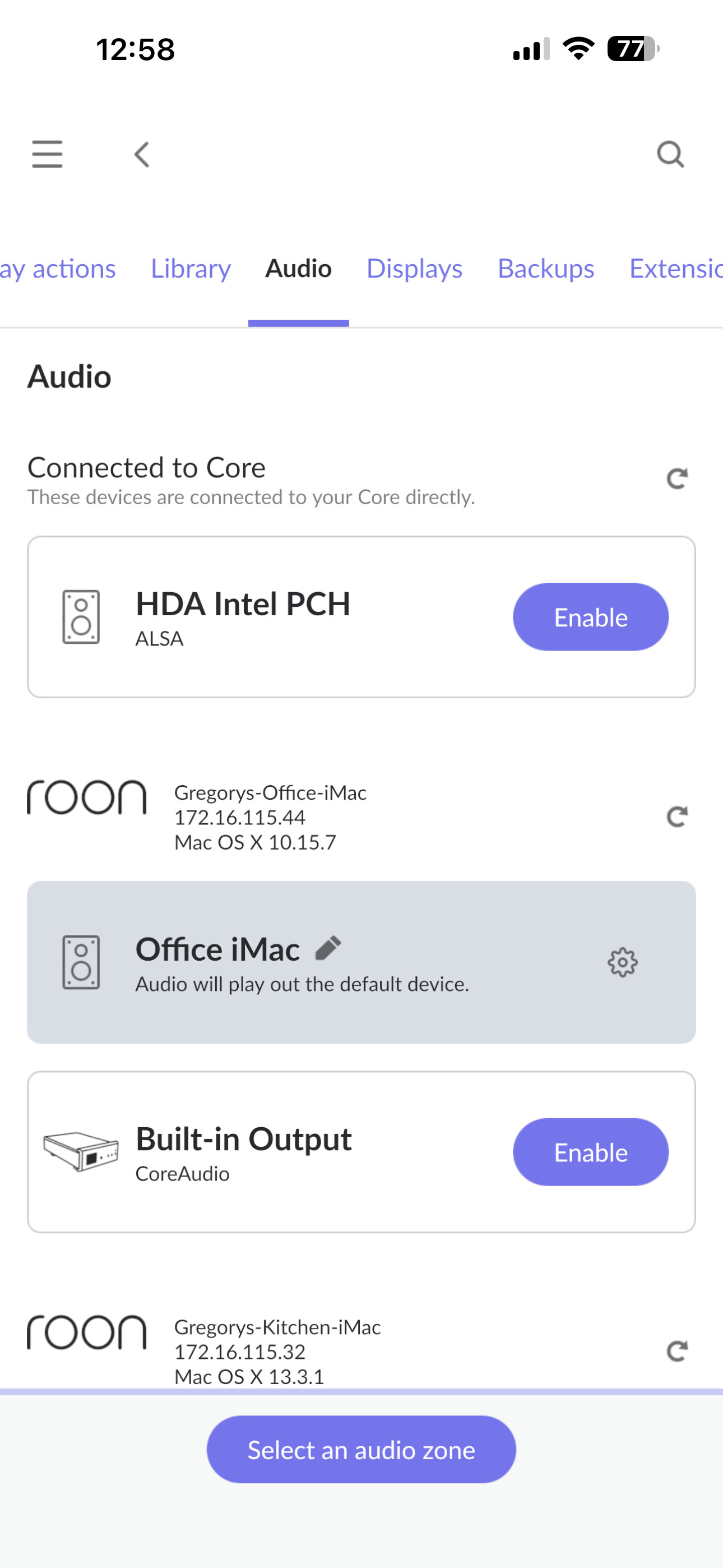
Previously my iPad or iPhone would automatically show up as an option for playback under the Audio tab in Settings. That no longer happens. I have no trouble playing music back through speakers directly from my Bryston BDP-Pi or my Airplay speakers so it’s not a network issue. Oddly, if I use ARC on the iPad or iPhone, music plays without issue on the device. It’s just with the Roon app. What am I doing wrong? My Core is on my Qnap NAS which is hardwired to my router. Everything is up to date, software-wise.
Check the device settings of the iPhone and iPad directly on each device. Maybe they were reset to being a private zone. Sometimes a setting gets reset my an update
Thanks for the prompt reply!
The problem is that the option to use the iPad for audio playback doesn’t even appear in my list of available audio options, so I cannot reset to a “Non-Private Zone” if, in fact, that is the problem.
Maybe there is another way to find Private Zones?
Did you check on the iPad itself? In case the iPad zone is set to private, it is only visible on the iPad (until configured differently)
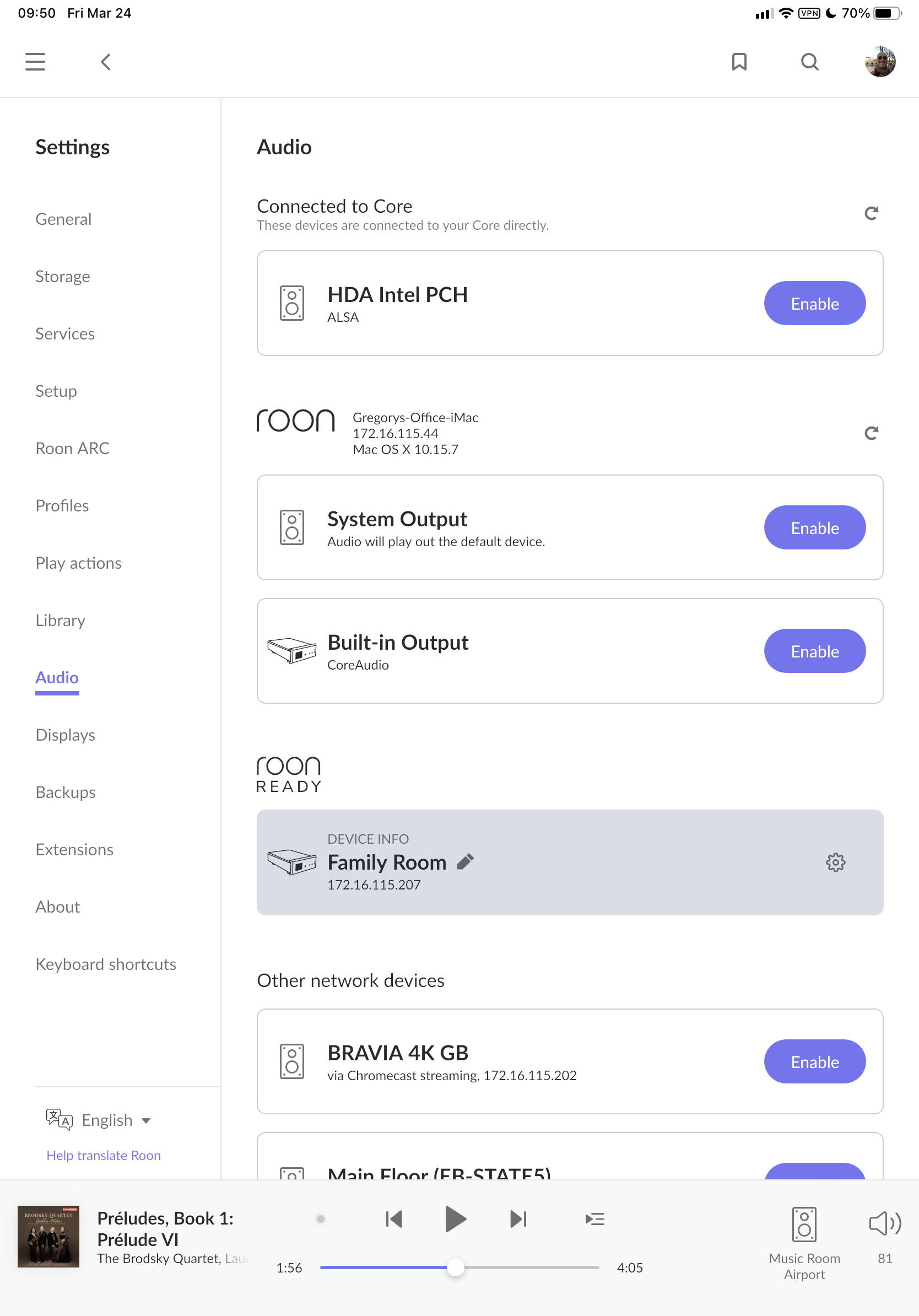
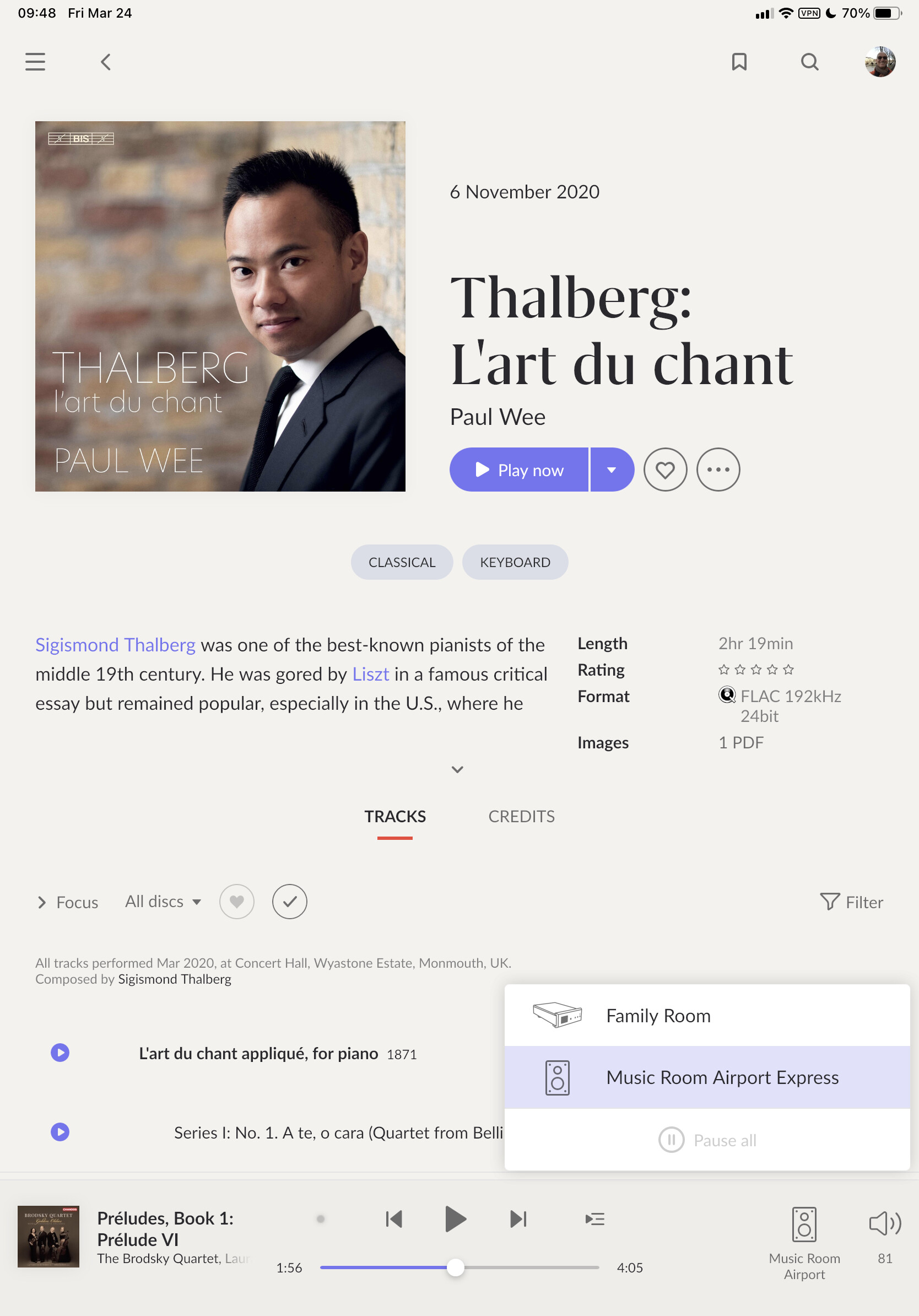
OK, that’s weird. I checked on my iPad and it’s where it should be
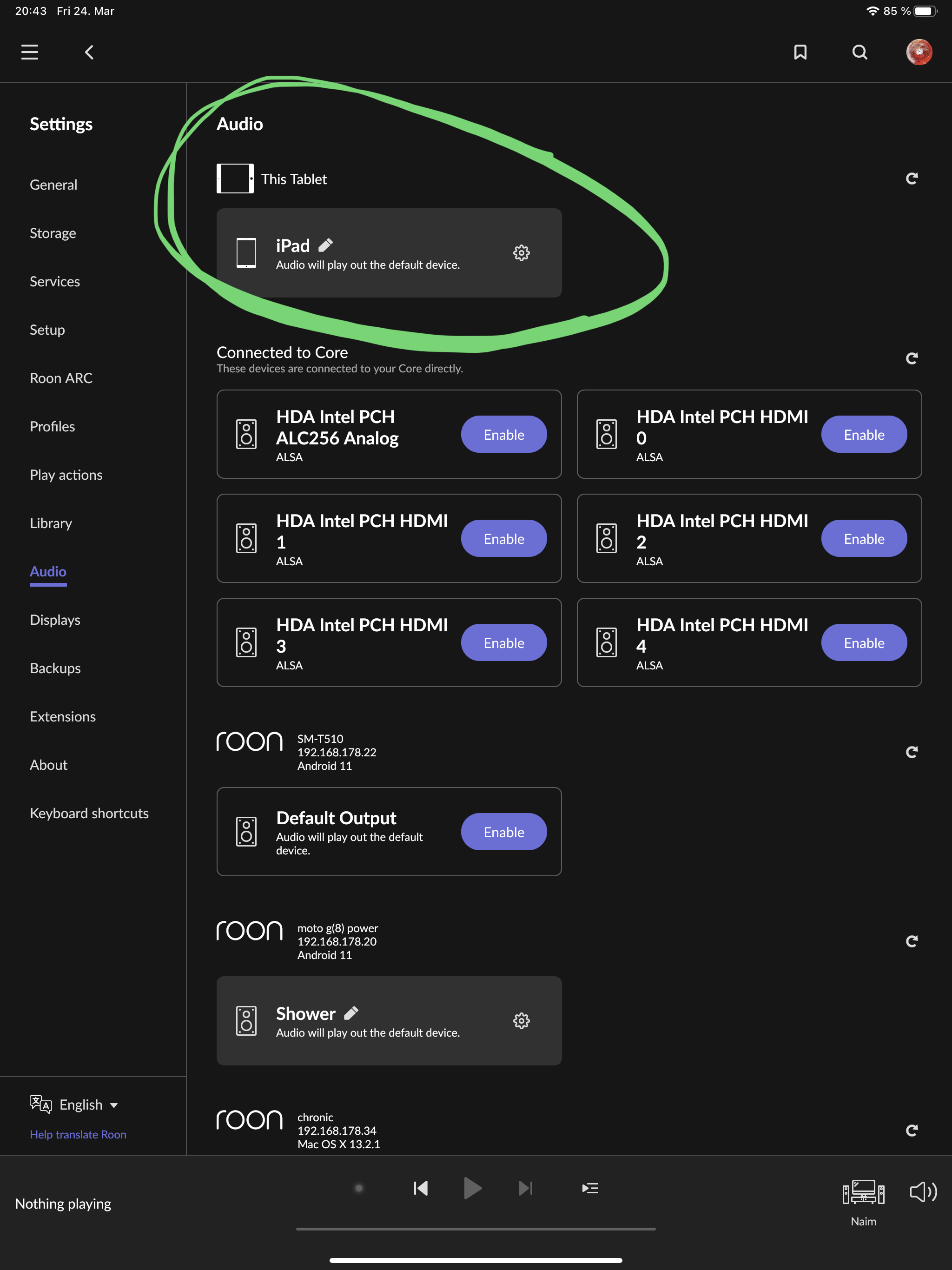
I am running the earlyaccess version but I doubt it matters because if this affected production, there would be complaints everywhere.
I also doubt you could do anything wrong here, so I’m sorry but I have no idea what is going on
Precisely. It used to be exactly where it appears on your iPad but now it’s gone. I’ve rebooted the Core, deleted and re-downloaded the app on the iPad, all to no avail.
This is rather frustrating. Hopefully someone else will have some ideas. But thank you for trying!
Hey @Gregory_Garbin,
Thanks for your patience while we continue to work through each thread! 
I wanted to check in on your status here. I was able to pull your account up and I see your iPad was online recently, are you still having output issues on the device?
If so, could you please fill out
Roon Core Machine
Include your operating system and machine info (Model, CPU, RAM)
Networking Gear & Setup Details
Your network gear (model of routers/switches) and if on WiFi/Ethernet
Connected Audio Devices
Specify what devices you’re using and their connection types, like USB/HDMI/Chromecast, etc.
Number of Tracks in Library
Tell us how large your music library is, eg. “30,000 tracks”
Description of Issue
Tell us about the problem you’re having in as much detail as possible. Screenshots are always appreciated!
the necessary system info below:
Roon Core - Dedicated SSD on QNAP NAS connected via Ethernet cable to Network. Music Library located on two separate non-SSDs.
Router - Gateway device (provided by Internet provider, details unknown, but latest model) hardwired to internet (Ethernet) and hardwired to Bryston BDP-Pi, Yamaha Amp/Pre-amp, Bowers and Wilkens speakers, and broadcasting WiFi to Airplay speakers via Airport Expresses as well as to all remote devices
Devices include 3 iMac desktops, multiple iPads/iPhones
41000 tracks
When using iPad or iPhone, I used to be able to steam music via Roon directly to the remote device and listen with headphones. Now, in the Audio tab under Settings, the option to stream through the device I am currently using no longer exists. All software updates have been performed, all hardware devices powered on/off and problem persists. Interestingly, I have no problem streaming music via ARC to those devices.
Interested to know your thoughts.
Thank you,
Gregg
Hey @Gregory_Garbin,
Thank you for the info and update!
Does the same thing happen if you try to play directly from the system output of the ipad/iphone? Are the headphones Bluetooth or hardwired?
With that, are you able to play audio to other endpoints from the problem devices?
If possible, it would be good to grab a set of manual logs from one of the affected devices. If possible, please use the directions found here and send over a set of logs to our File Uploader?
HI Benjamin,
The option to play directly from the system output of the ipad/iphone no longer exists as it did before. The only options I have are for System Outputs for 2 iMacs, a Roon Ready Bryston BDP-Pi, a Roon Tested AppleTV, and the AEX Airplay devices for remote speakers. I only use Bluetooth headphones, but as I mentioned previously, if I use the ARC app instead of the Roon app on the ipad/iphone, the music streams fine through the headphones or the device speakers. And, yes, I can play audio to other endpoints from the affected ipad/iphone.
Attached you will find the requested logs. Please let me know if you need any other information.
Thanks,
Gregory
HI Benjamin,
The option to play directly from the system output of the ipad/iphone no longer exists as it did before. The only options I have are for System Outputs for 2 iMacs, a Roon Ready Bryston BDP-Pi, a Roon Tested AppleTV, and the AEX Airplay devices for remote speakers. I only use Bluetooth headphones, but as I mentioned previously, if I use the ARC app instead of the Roon app on the ipad/iphone, the music streams fine through the headphones or the device speakers. And, yes, I can play audio to other endpoints from the affected ipad/iphone.
Attached you will find the requested logs. Please let me know if you need any other information.
Thanks,
Gregory
HI Benjamin,
The option to play directly from the system output of the ipad/iphone no longer exists as it did before. The only options I have are for System Outputs for 2 iMacs, a Roon Ready Bryston BDP-Pi, a Roon Tested AppleTV, and the AEX Airplay devices for remote speakers. I only use Bluetooth headphones, but as I mentioned previously, if I use the ARC app instead of the Roon app on the ipad/iphone, the music streams fine through the headphones or the device speakers. And, yes, I can play audio to other endpoints from the affected ipad/iphone.
The Roon logs have been uploaded as requested.
Please let me know if you need any other information.
Thanks,
Gregory
Hey @Gregory_Garbin ,
Thanks for sending those over! While we investigate deeper, I’d be curious to see if the same issue occurs on a fresh core database. Steps to follow below:
- Make a Backup of your current RoonServer Database
- Exit out of RoonServer
- Navigate to your RoonServer’s Database Location
- Find the folder that says “RoonServer”
- Rename the “RoonServer” folder to “RoonServer_old”
- Reinstall the RoonServer App from our Downloads Page to generate a new RoonServer folder
- On the Roon Remotes, press “Use another Core” and connect to the new database
Let me know if your system outputs on the iOS devices are still unavailable before restoring from a backup. 
I followed the instructions as you recommended and after reinstalling the app and opening Roon and selecting the new core, I have absolutely no audio devices available, nor any music since I have not restored any backup. I’m wondering if I did something incorrectly?
After some more attempts I am now fully unable to access my Core, hence I can no longer even open the Roon app on any device. I log in and then… nothing. Clearly something is amiss.
I have performed the necessary back ups but I can’t even get to a place where I can access back ups.
Please advise.
Hey @Gregory_Garbin,
Odd indeed - is your status still unable to access your Core? I was able to review diagnostics on your Core, and it looks like you were able to play some music earlier today. Is this not the case?
I would give both your core as well as your router a hard reboot, and let know if you’re still not able to access your core.
It turns out that the download for the Roon Server for QNAP NAS is not under “Multimedia” (no such option exists) but rather under “Entertainment.” I did not know this so it caused me to search for the download from the “Chris Reike” website in the form of the “qpkg” download and I believe this is what messed things up. Once I removed that version of the Roon Server and found the one under “Entertainment” I was able to configure things properly (your instructions did not mention having to manually create a new folder to house the new server. It sounded like it was automatically happening - " Reinstall the RoonServer App from our Downloads Page to generate a new RoonServer folder" - maybe you can remember that in the future).
Despite all this, the original problem with the audio still exists and I continue to lack the ability to stream audio wirelessly to my ipad/iphone as those options still do not exist as they once did in the past. Can you explain why I am having no issues using ARC to stream to those devices?
Hey @Gregory_Garbin,
Apologies for not having additional clarity there. We’re still investigating your diagnostics a bit deeper to try and pinpoint specifically what might be going on.
In the meantime, could you also try heading to your system preferences on either device> Roon > Toggle on ‘Reset Roon Remote on next startup’ and let me know if there are any changes in your output options?