· For some reason the IP address of my NAS changed. I’ve mapped the drive to my PC and I can access the NAS via web browser and it shows up in the Synology assistant. I was also able to point Plex to the new drive (I use Plex for remote listening)…
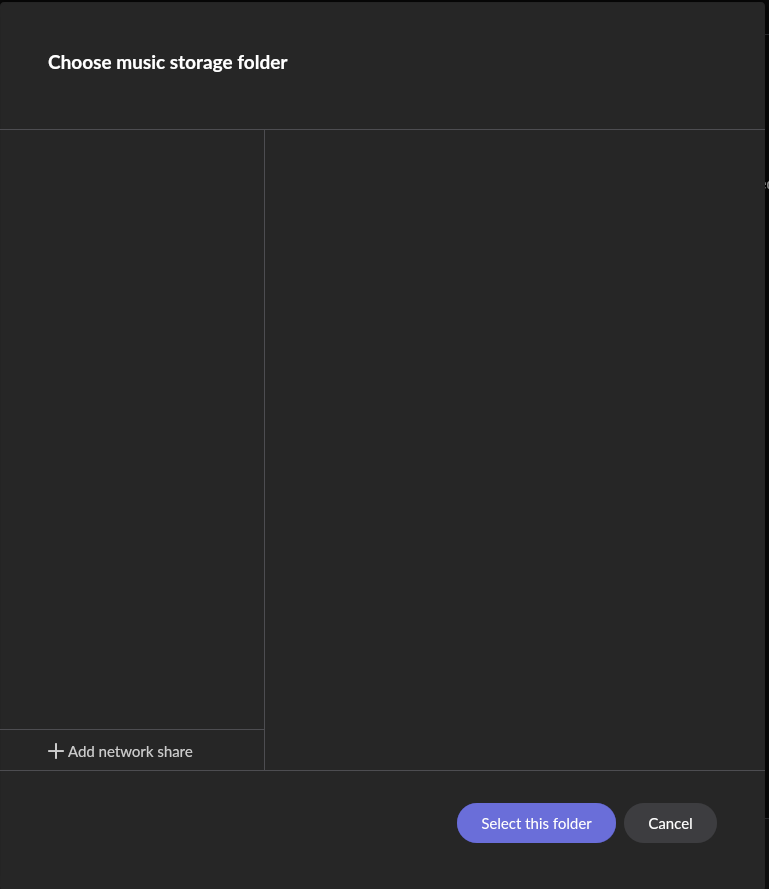
The problem is when I try to add the music folder on my NAS to Roon… no drives show up in the add folder within storage on Roon. When I setup Roon 8 months ago in the new house, I was able to select add folder and I could see my local PC along with any drives connected to my PC and could see my NAS where the music is stored. If I select add folder now… there is nothing populating in the choose music storage folder.
Tell us about your home network
· Roon on NUC with ROCK Version 1.0 (Build 259). Roon Server Software Version 2.70 (build 1671). This is connected directly to the GFiber Wi-Fi 6E Router. My Synology DS-1821 NAS is also connected directly to the GFiber router.
The folder picker in Add Folder populates from Roon Server’s view of the network, not your PC’s. Your PC can see the NAS fine (mapped drive, browser, Synology Assistant) because Windows re-resolved it, but ROCK still has the old mount and won’t auto-discover the new one. The stored network path it has for this NAS broke when the IP changed.
The fix is to add the share by network path rather than browsing to it:
In your screenshot, select “+Add Network Share” at the bottom and re-map to the NAS, something like:
\192.168.x.x\MusicShareName
Use the NAS’s new IP and the exact shared-folder name from Synology (case-sensitive). If the share needs credentials, enter the Synology username/password when prompted.
Give the NAS a DHCP reservation (static lease) in the GFiber router so its IP never drifts again. The router’s dynamic IP assignment is the root cause here. This is the single most important step to keep it from recurring.
If the IP address isn’t mapping, try the hostname, but the IP address is more reliable and should take priority.
Your old stored folder will likely still show as an errored/disconnected location. Once the new path mounts and imports, you can remove the dead one.
Thanks for the info… I was able to get the Synology NAS added as a network share and it’s still scanning/populating the libary… Currently it’s at 465578 tracks and counting and should finish up with a little over 650,000 tracks.
Glad to hear that worked! We’re happy the Synology NAS is now added as a network share and still scanning and populating the library, and it sounds like it’s well on its way to the full count of a little over 650,000 tracks. Enjoy the music once it finishes indexing!