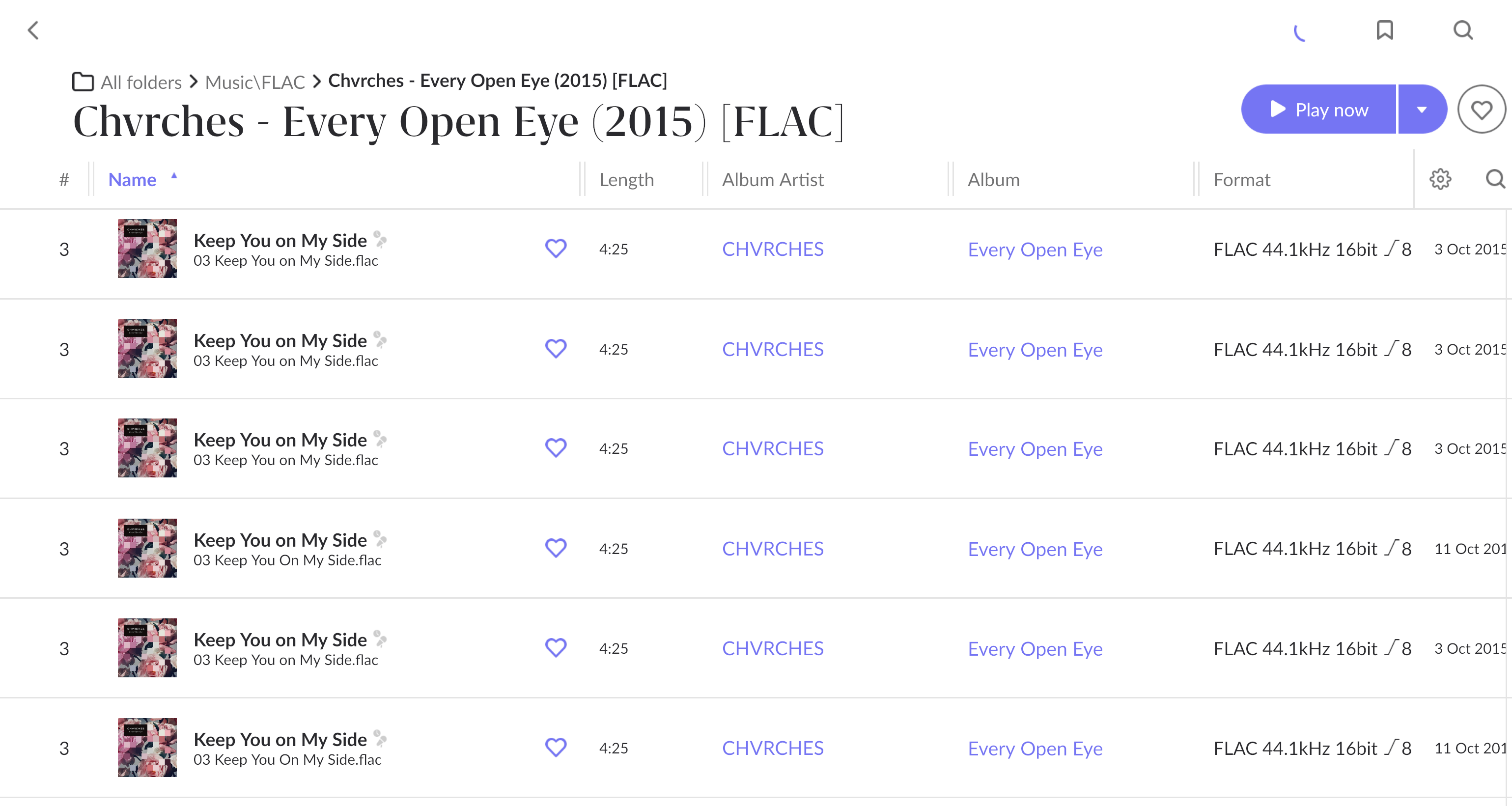
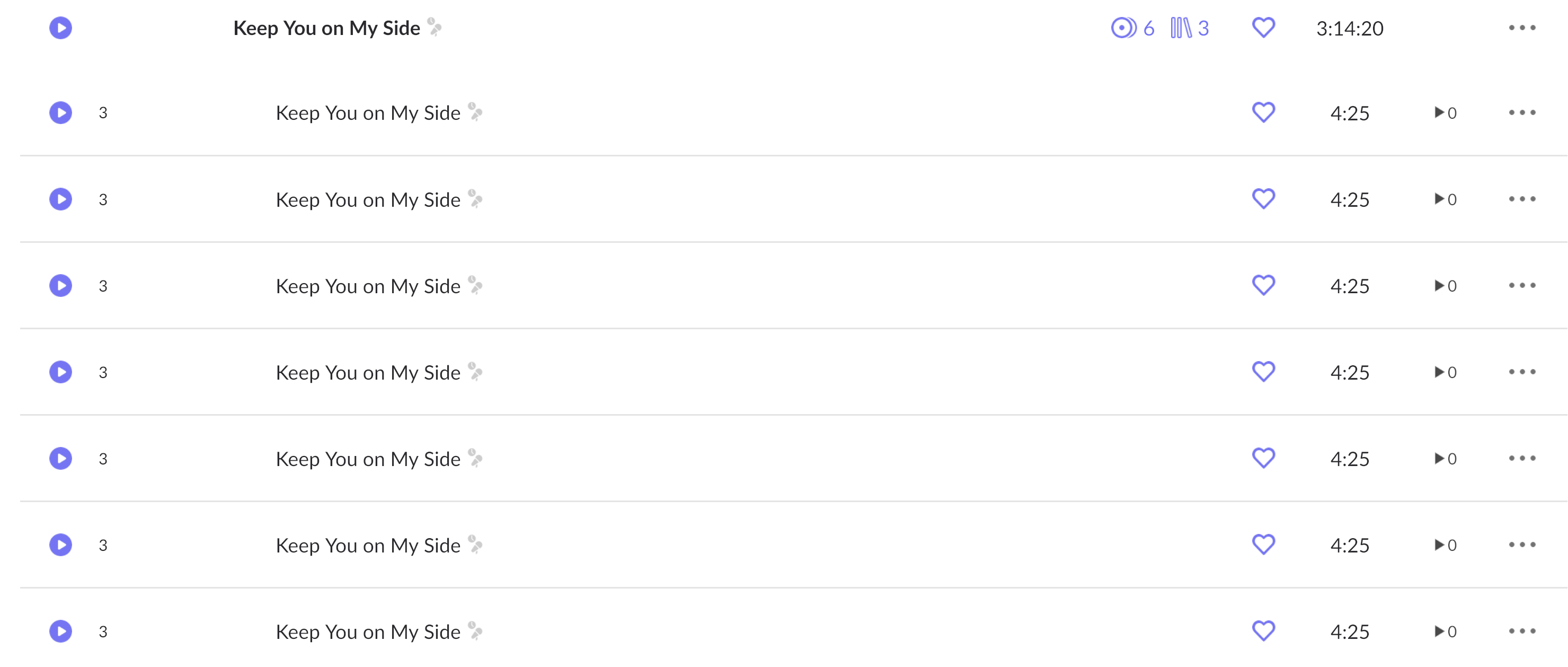
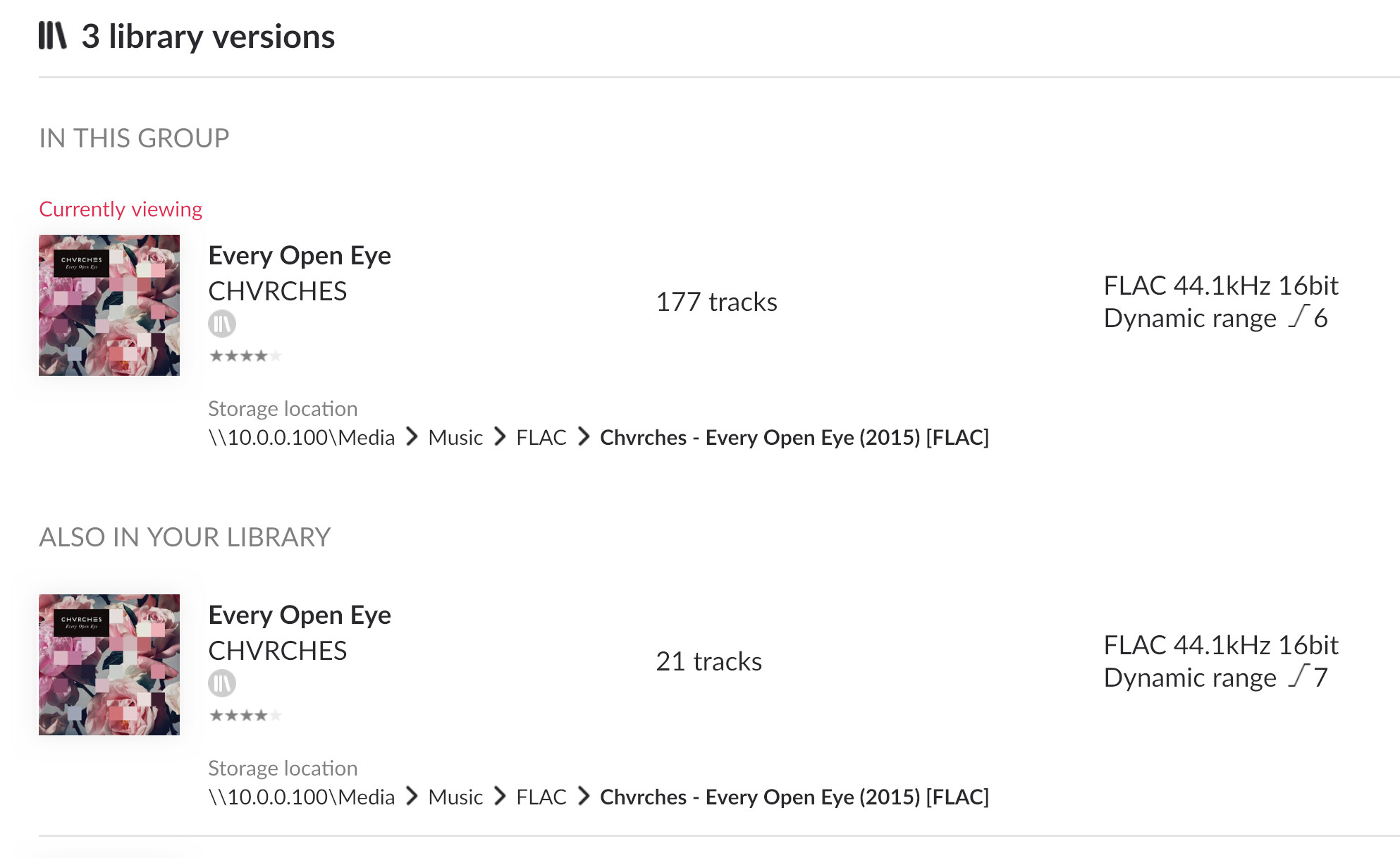
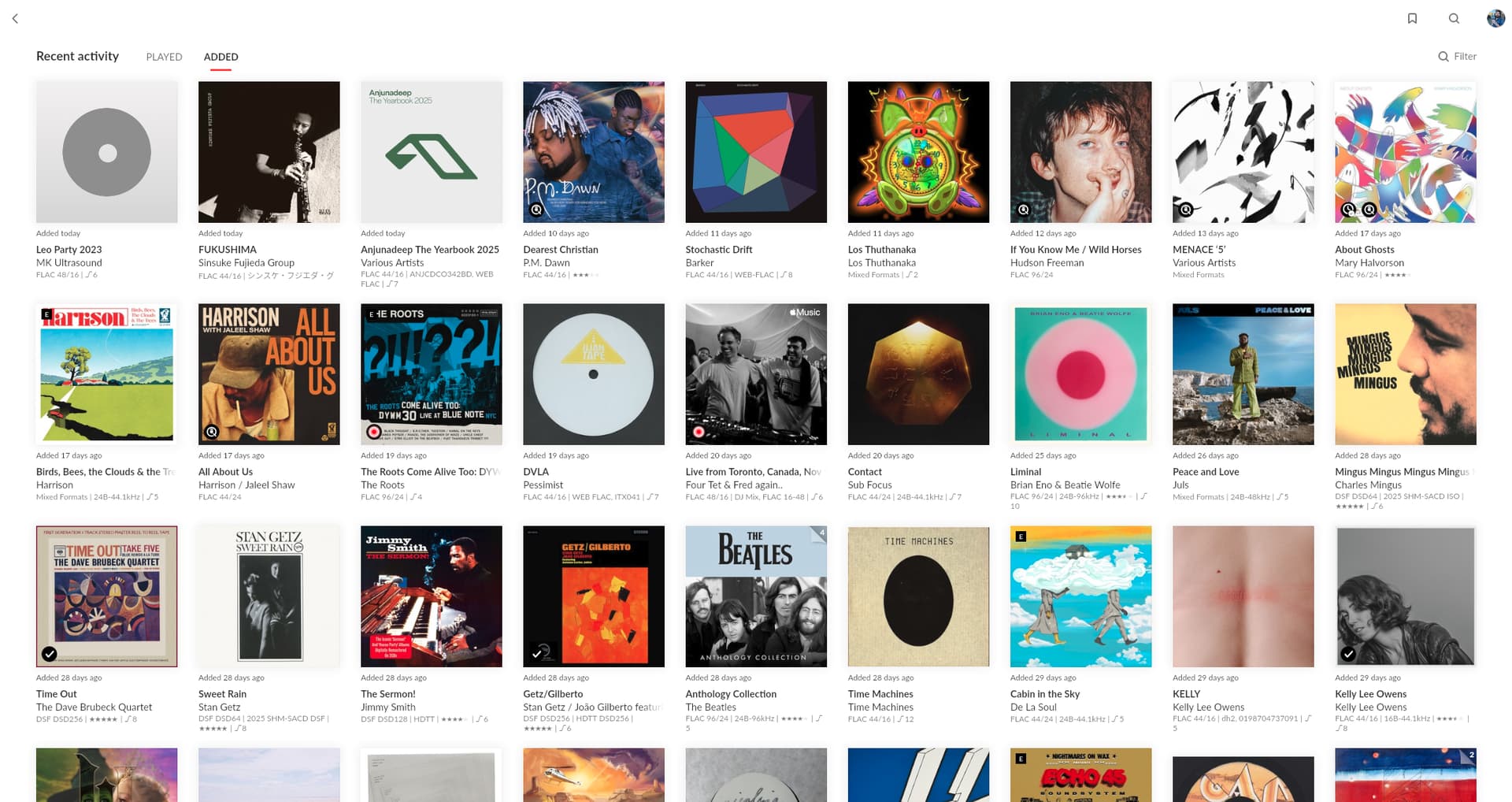
Restarting NAS added hundreds of recently added albums that are old. I believe Roon may be scanning snapshot history? One album in particular has 177 duplicate files all showing the same filename.
Describe your network setup
TPLink Deco 6 with a wired network switch between Roon Rock and Truenas
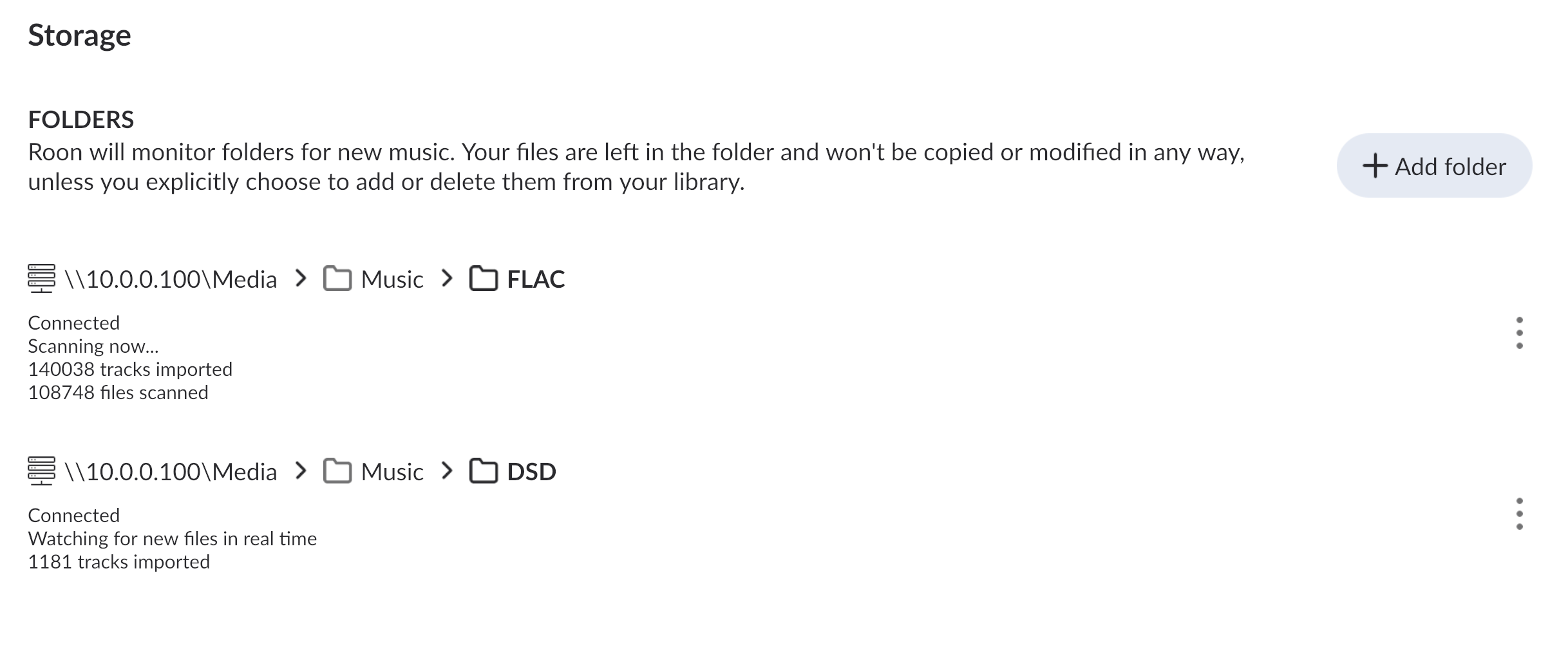
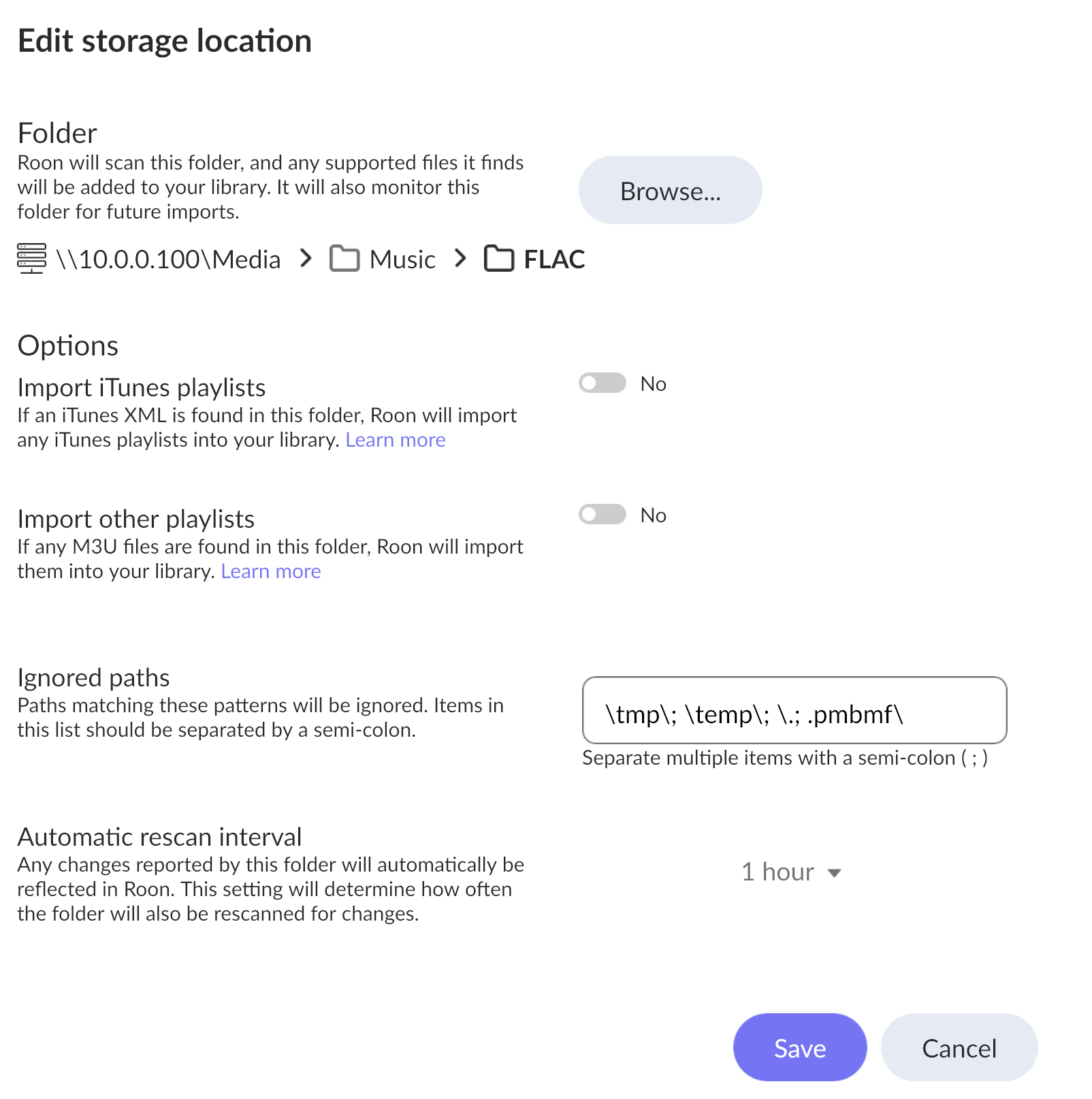
Thank you for your post. Can you please share a screenshot of your Watched Folders page in Roon Settings → Storage?
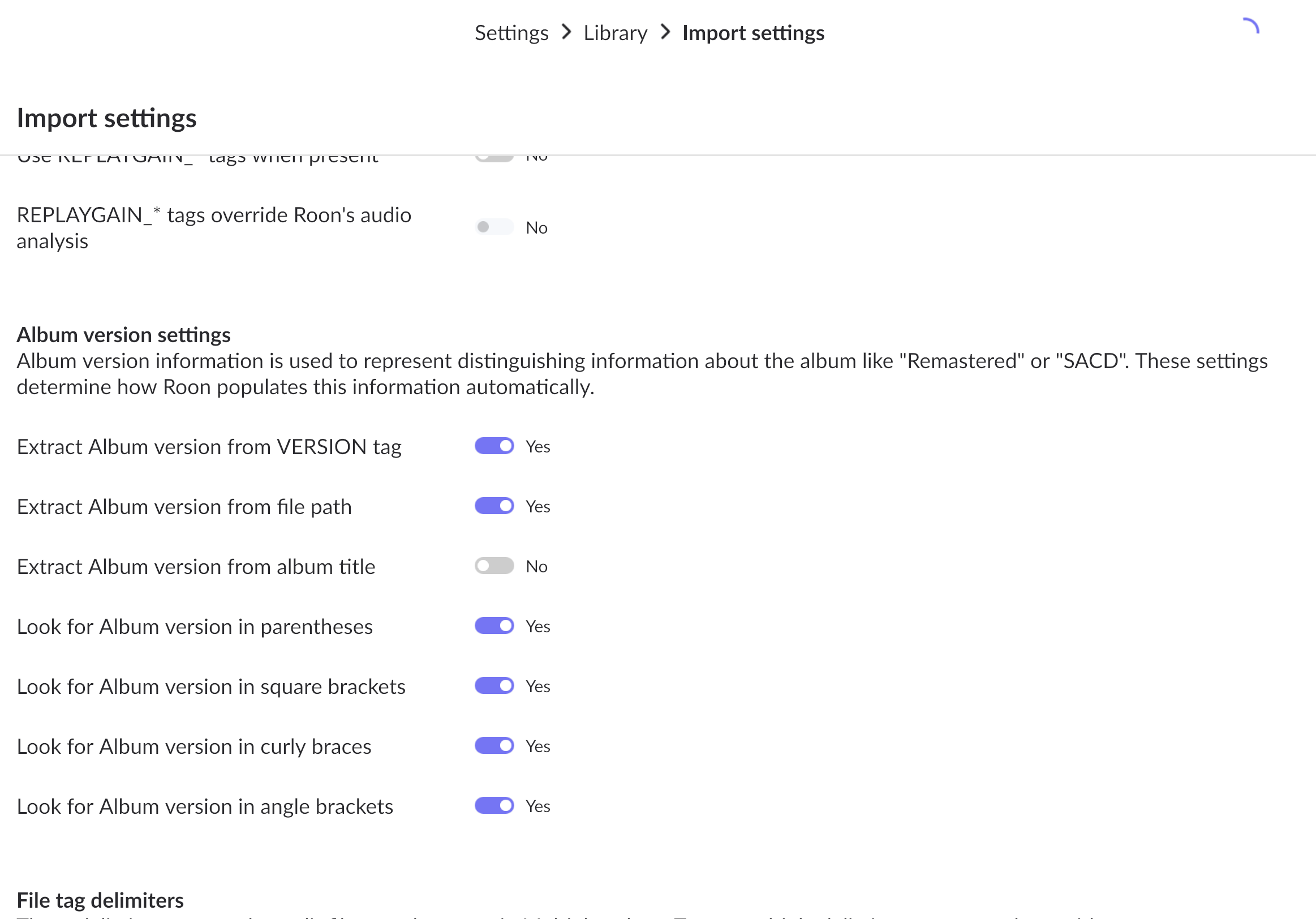
Please also share a screenshot of the Album Versions settings section of the Import Settings page in Roon Settings → Library.
This is definitely not normal behavior. We’ve requested diagnostics and can see RoonServer extracting this particular Chvrches album repeatedly in logs.
We’ll watch for your response and escalate on the backend in the meantime. Thanks!
Thanks for sharing the above @Brian_Garwood - our team will take a closer look into things, and should have more information to share next week. We appreciate your patience in the meantime!
Developers would like to request a copy of your database to confirm a theory about what’s causing duplication here.
At your convenience, please navigate to your Roon Database Location and find the folder that says “Roon Server.” Compress this entire folder and upload it to our secure upload servers here. Thanks!
Thanks for letting us know @Brian_Garwood , we’ve forwarded the database upload to our team to try to reproduce the behavior, we’ll let you know once we hear back from them, thanks!
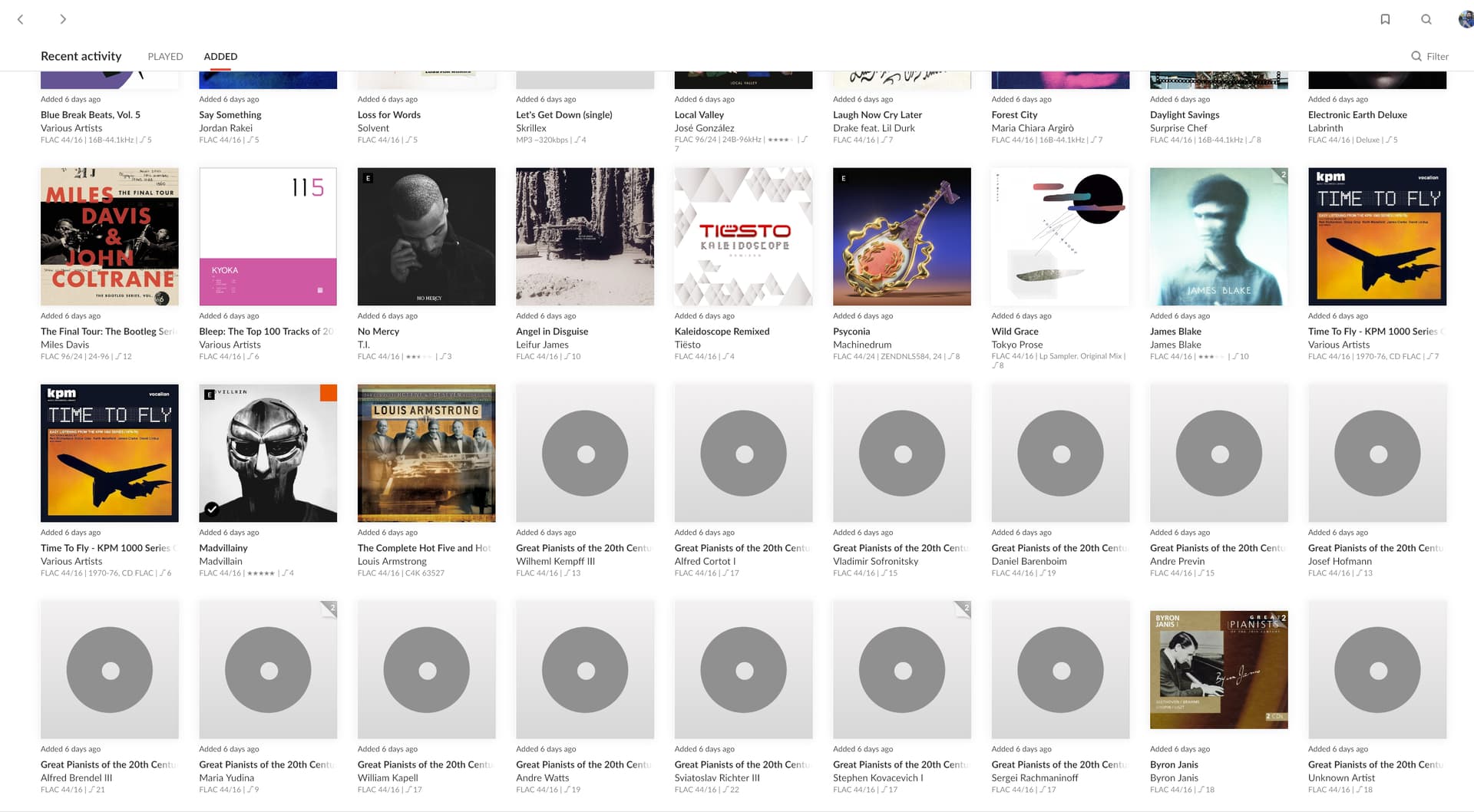
Hi again - just restarted my NAS again 3 days ago and now ROON is showing 187 albums under new releases that are all old. No one ever got back to my support request in June so I’m adding this again here.
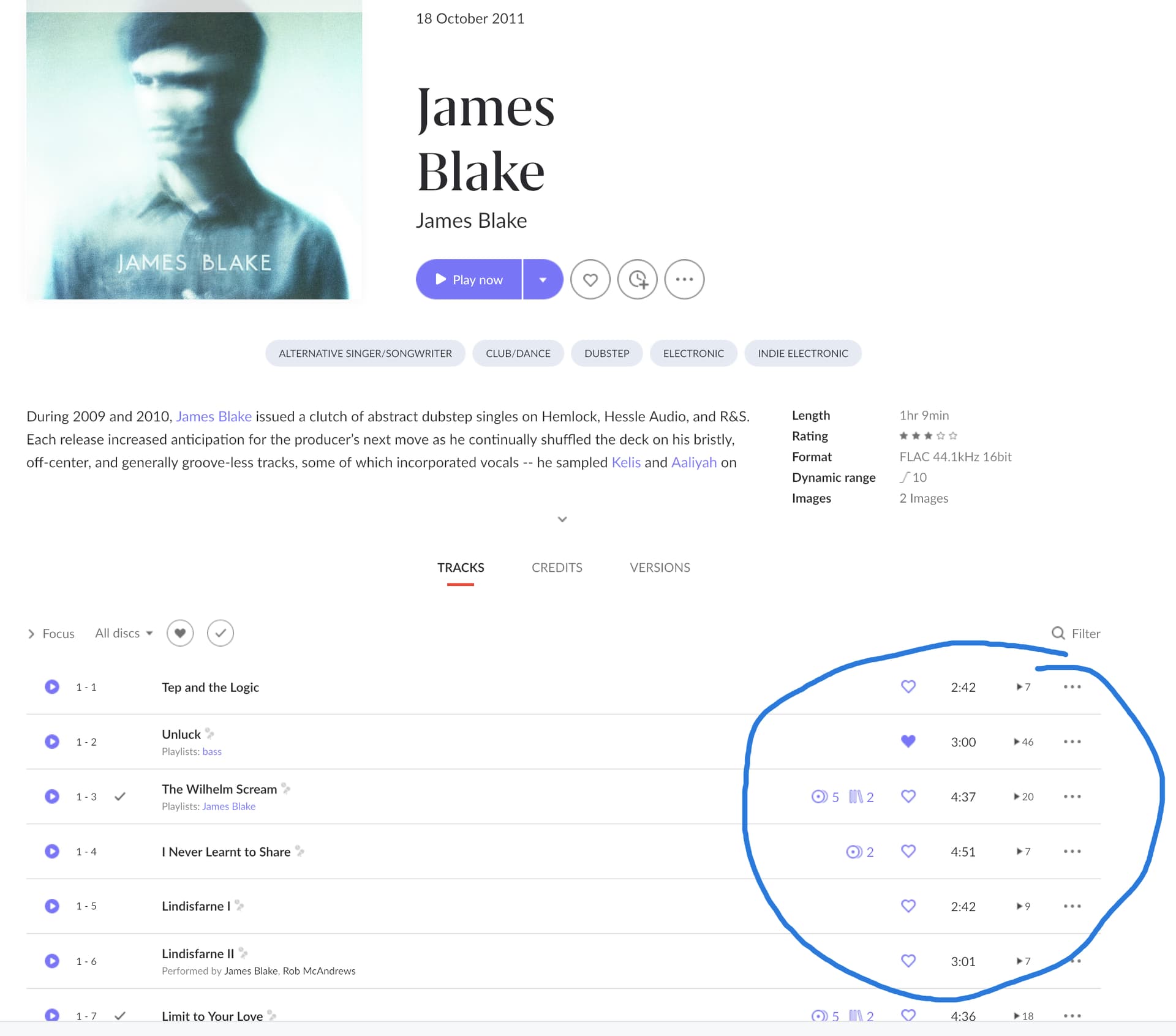
Some albums kept their play count and some are zeroed out.
There’s also a huge compilation album that is no longer one album, but 23 different albums.
See screenshots. Huge Great Pianists album is now split up, also James Blake shows just added but still has tons of plays.
Thanks for performing that test, we have added this info to the investigation ticket. The ticket has been submitted for developer review, meaning that this may take some time to be reviewed.
There aren’t any additional details needed at this time, so we will go ahead and close the thread for the time being, and if any other questions arise after the developers have reviewed the case, we will re-open the thread and reach out once more.
Thanks again for your report, and thank you in advance for your patience as the ticket progresses through the development queue for review.
Thanks for reaching back out, and I’m so sorry to hear you’re still experiencing issues with duplicates in your library.
Our team had released a fix for this a few months ago, and so we’ll definitely want to take a closer look at things.
Could you create a fresh backup and share it via our uploader again?
Zip up your RoonBackups folder or your latest backup (right-click it and select "Compress..."):
Submit the .zip file to us through our [Database Issues portal](
https://workdrive.zohoexternal.com/collection/gnhz54df9ddffa33d49a3be8619bd6376a5de/external
)
Let us know when you’ve been able to do this, thanks Brian!
Thank you for your help. I’m uploading the zip file. I noticed that it messed up quote a few compilations I put together, mainly this huge Piano compilation cd which is now all messed up as different albums. But also messed up albums clearly from the same album, and in the same folder. See screenshots.
FYI - I had to tar the backup folder from my server, as zipping it finished with 100 errors, then split it, as it was larger than the 50GB you allow.
Also - as I’m waiting for the upload to finish, I checked my backups and realized I could restore a version before this mess happened, which I’m going to try next. It also looks like I have some old backups I’m removing, so sorry about the large upload!
As a temporary fix, going back to the 14th backup date before this happened did fix everything (minus my listen history since then). It even rescanned and added the 3 new albums I added since then, WITHOUT adding the mess of other albums.