Network Details (Including networking gear model/manufacturer and if on WiFi/Ethernet)
Google AC-1200 Mesh Router with an ethernet cable directly to Nucleus
Audio Devices (Specify what device you’re using and its connection type - USB/HDMI/etc.)
PS Audio DirectStream DAC utilizing its I2S input from a Matrix X-SPIDIF 2 USB digital interface
3rd generation 128GB 11 inch iPad Pro interface
16k+ tracks in my library
Description Of Issue
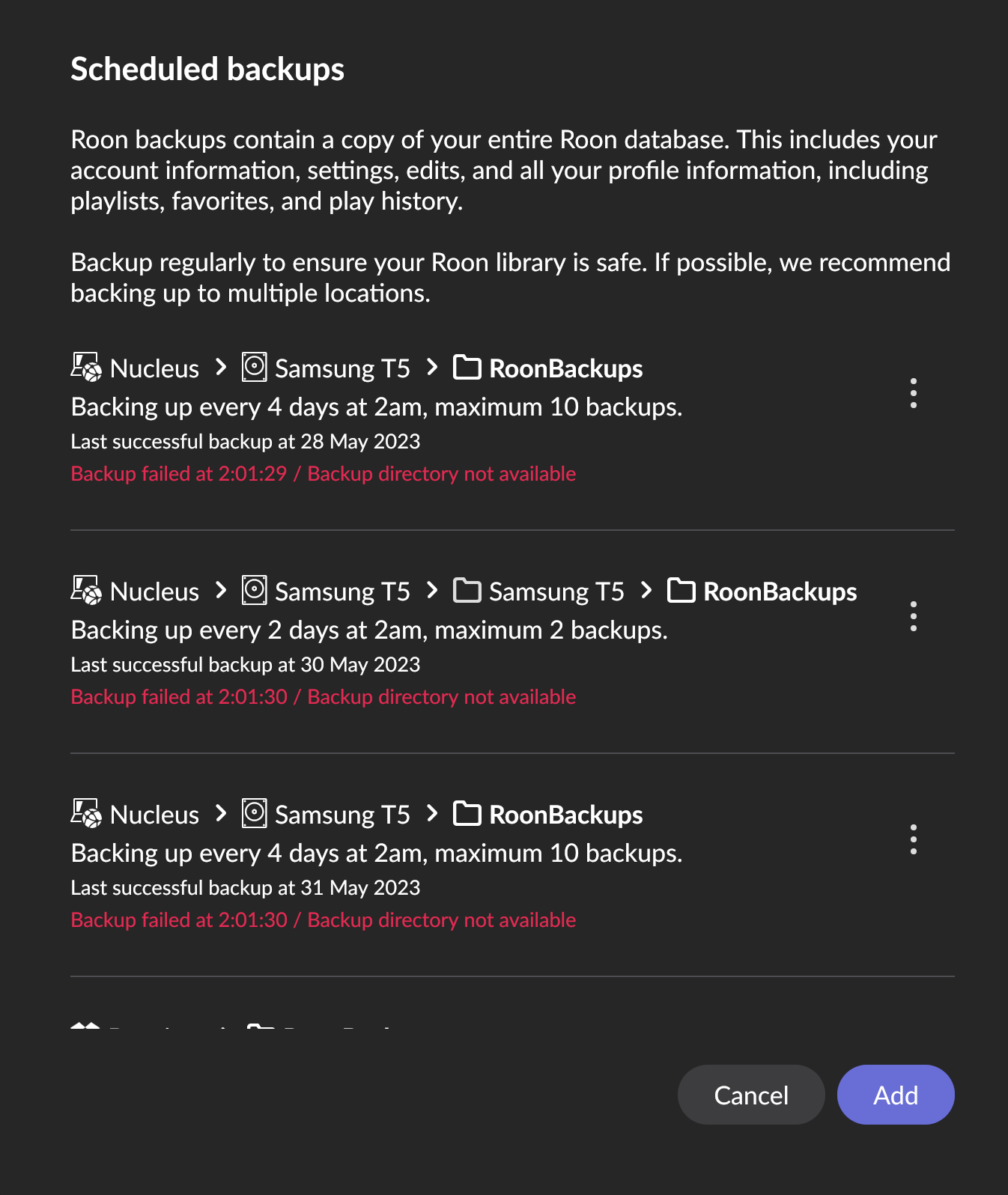
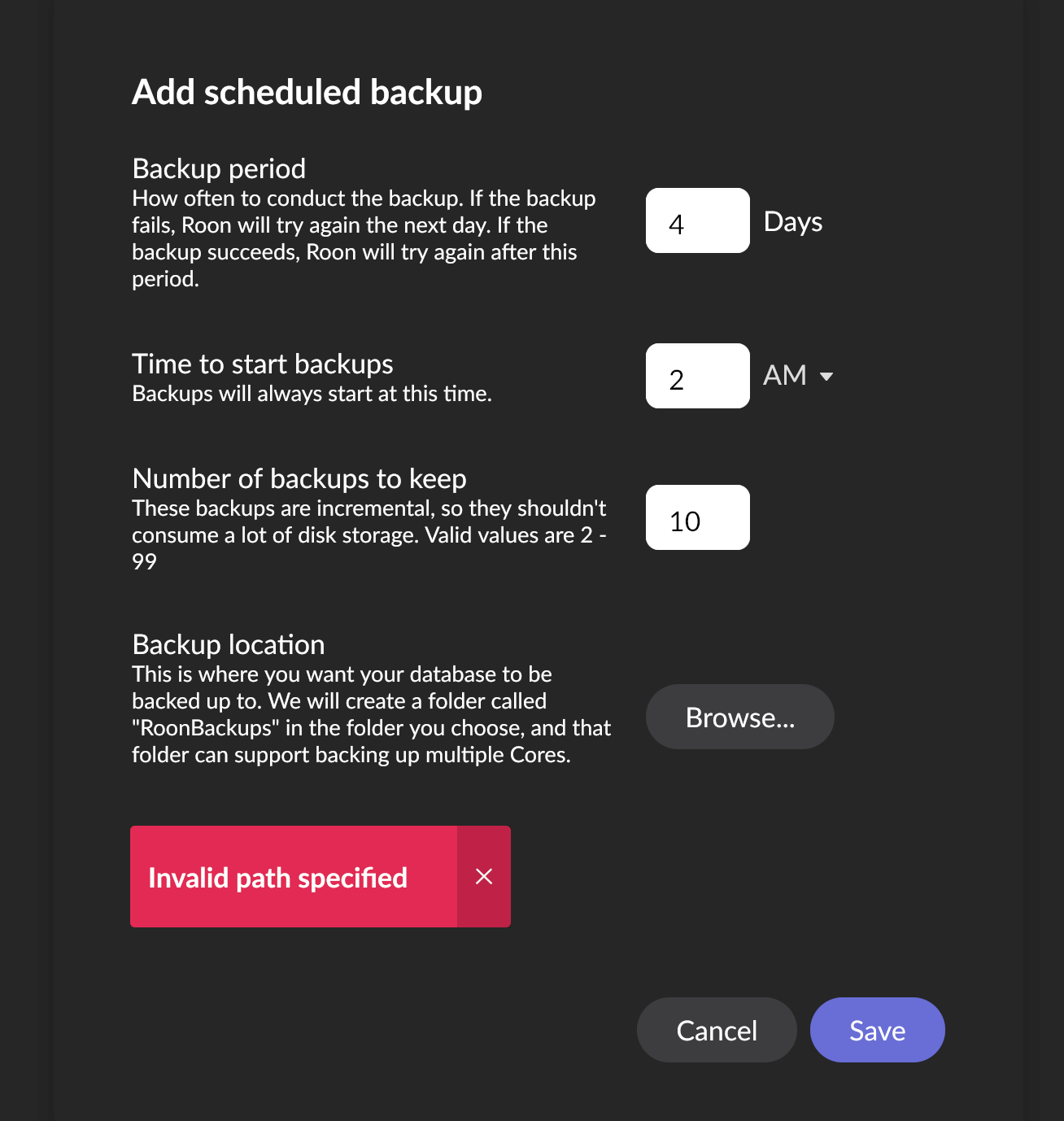
Roon let me know that my 500GB backup drive was full a few days ago. I unplugged it form my Nucleus and plugged it into my laptop and hit Erase. I then reconnected to my Nucleus but it’s not backing up my files and I don’t know why.
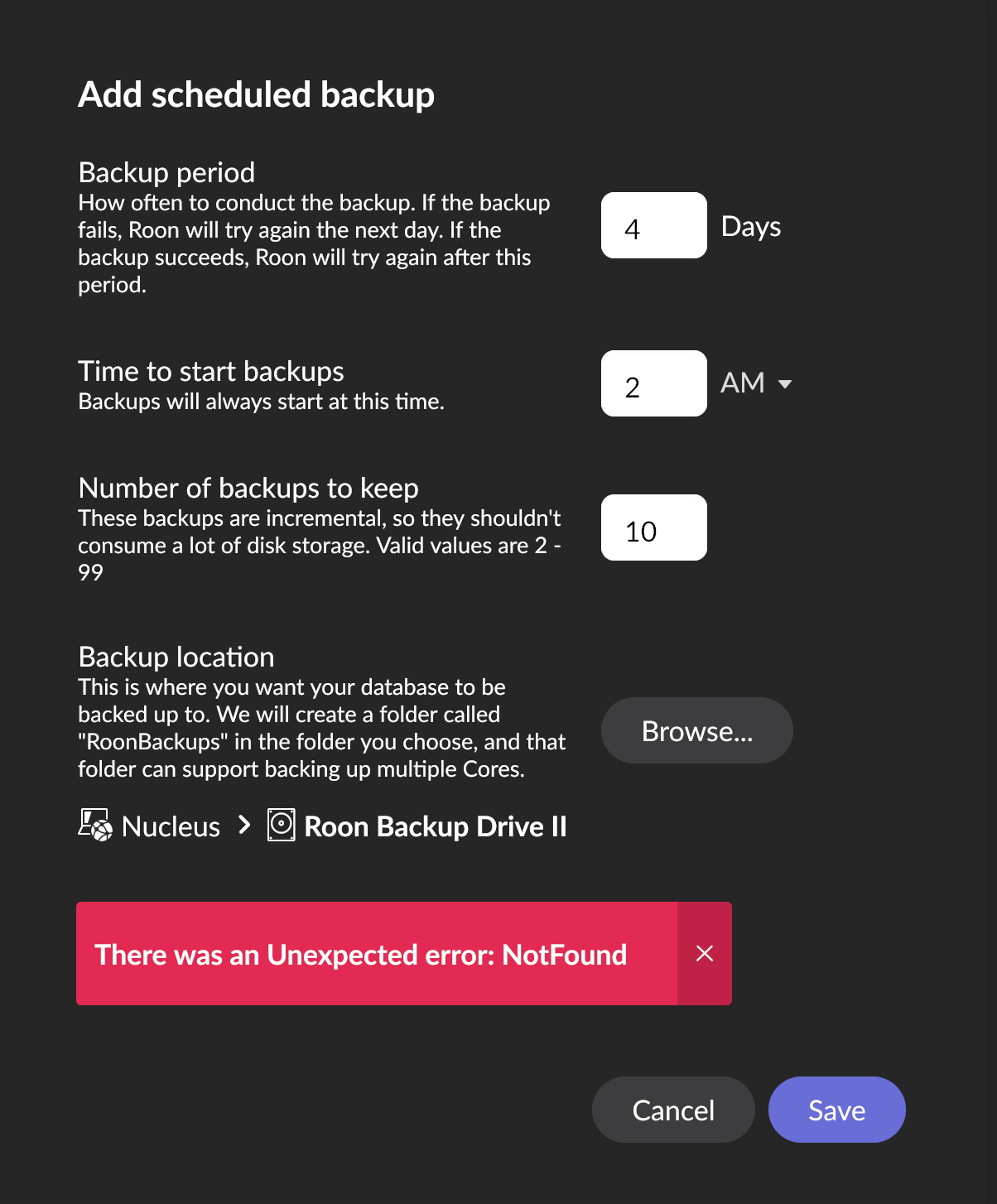
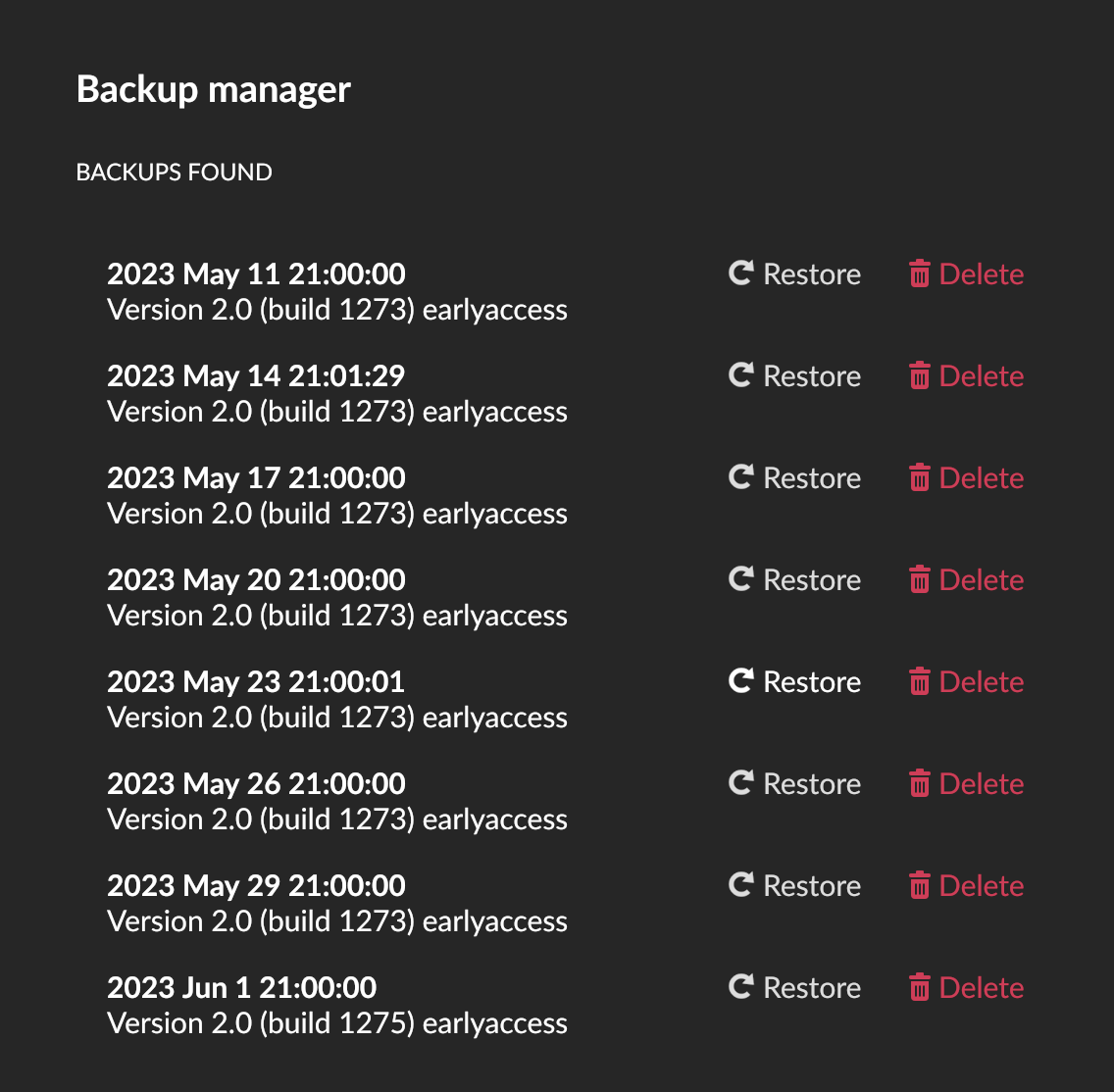
Did you rename the T5 to another names, such as Roon Backup Drive II? Also, what format is the backup drive, ExFAT, NTFS, something else? Also, are you aware that you can delete Roon database backups directly from within Roon, so you may not need to erase the drive on another computer if you start to run out of disk space.
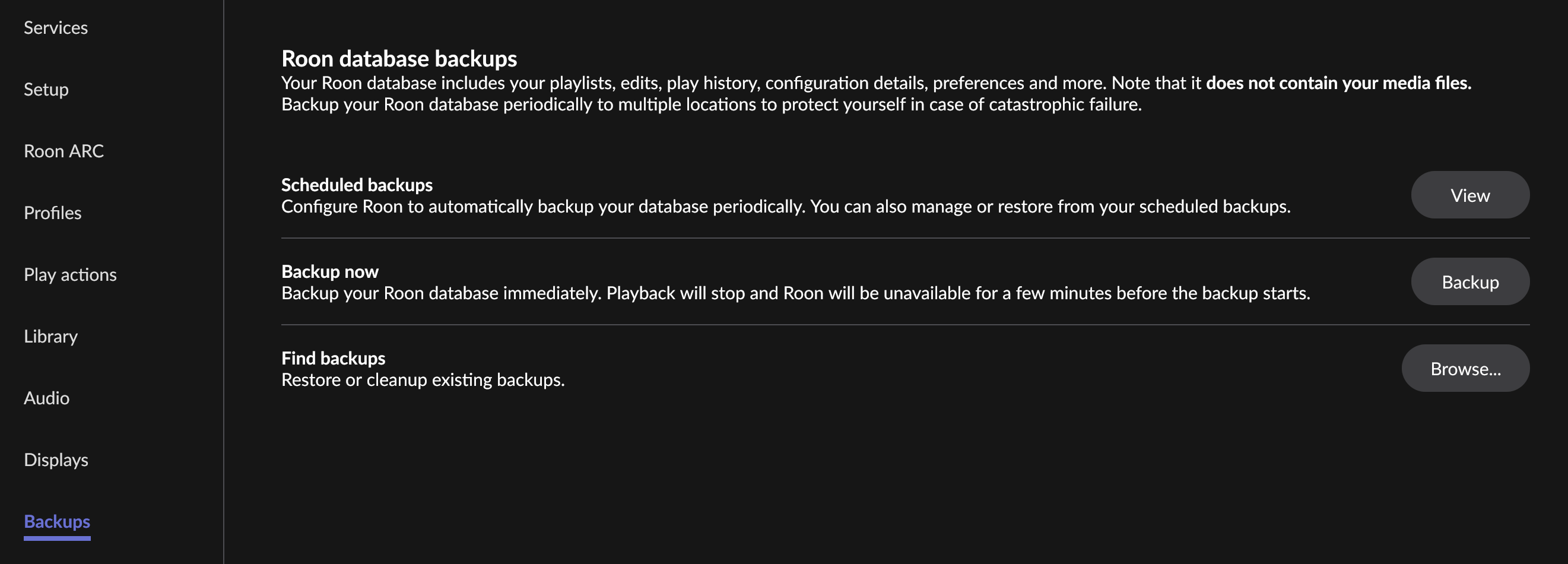
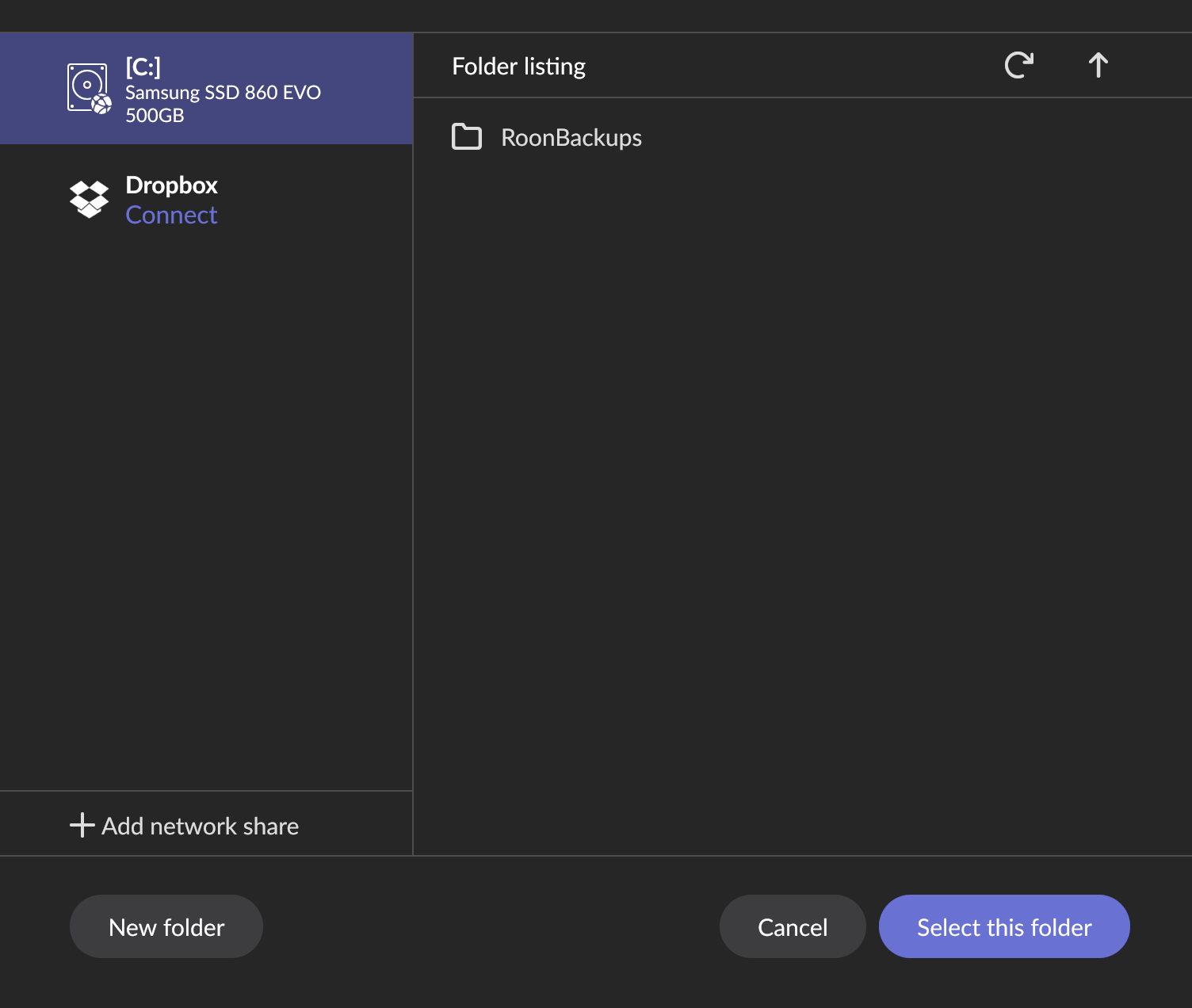
If you plug your external drive into your Nucleus, and then go to Settings->Backups->Backup now and “Backup”, can you see your drive and select that for your backup locations? You may need to create a directory or folder named RoonBackups to start the process.