Windows 11
TP link AC1750
In ROON running on my PC PS audio is working fine.
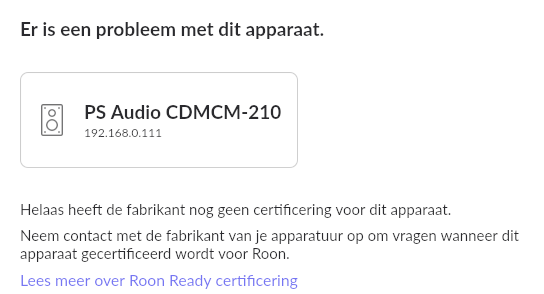
Today I have installed Roon on a NUC (Roon Rock): it sees PS audio, but systems says certifcate is not
What is wrong? This (below) is the message when selecting PS audio when I use NUC with Roon:
Translation: there is no valid certificate
BUT: when I use my computer however Roon with PS Audio is working well.
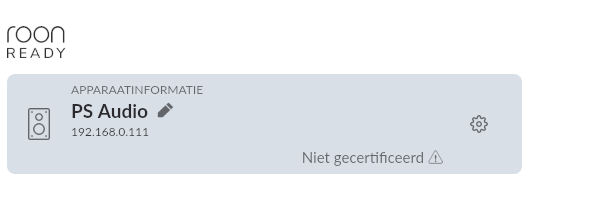
Below a screenprint when I use Roon installed on my PC: no certificate, but PS Audio is working.
WINDOWS 11
TP link AC1750 and router / modem
PS AUDIO Perfect Wave with Bridge II
2500
Roon on my computer: then I can choose Roon in Audio and play (although there is a mention about the certificatie, Roon is working)
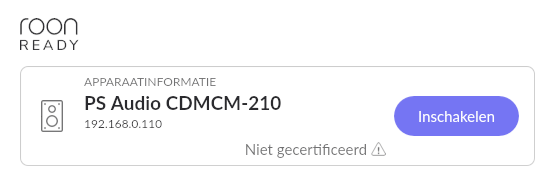
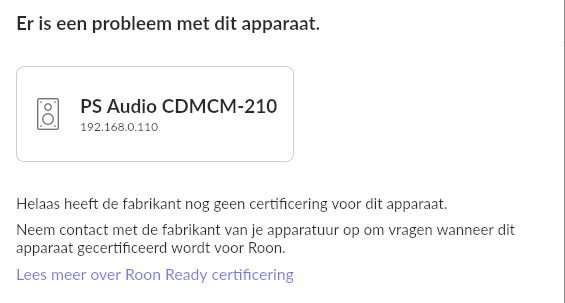
Roon installed on a Intel NUC 11 pro i5: I can see the PS audio in the list. But it doesnot connet; it is saying that there is no certificate
What is wrong
AceRimmer
March 22, 2023, 5:07pm
7
@Raimond_Siebesma @support are very busy right now with a small dedicated team and it maybe a little time before you reach the head of the queue.
I’m closing this thread - the OP has discovered the solution:
OKAY SOLUTION
Before: check in your main router the attached devices: ROON ROCK should be listed and also your device.
(if you have a second router which is not in bridge (installed as accesspoint) you get conflicting IP adresses. }
SOLUTION
When ROON is connecting to a device, it checks if it is certified.
When you have old firmware of your device (which was my case) ROON doesn’t recognises and says: not certified.
–>So update your firmware of your device, the ROON will recognise the devi…