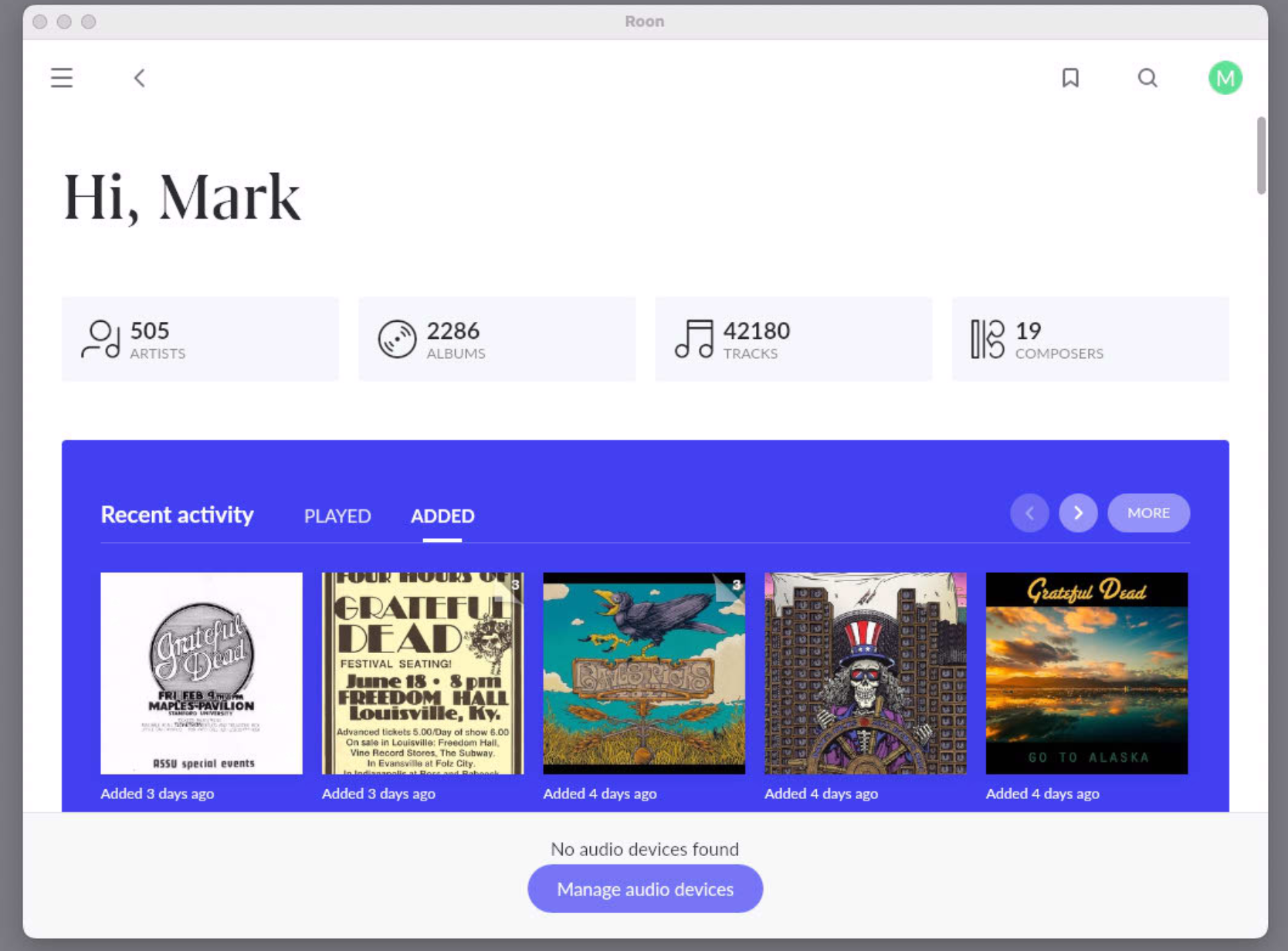
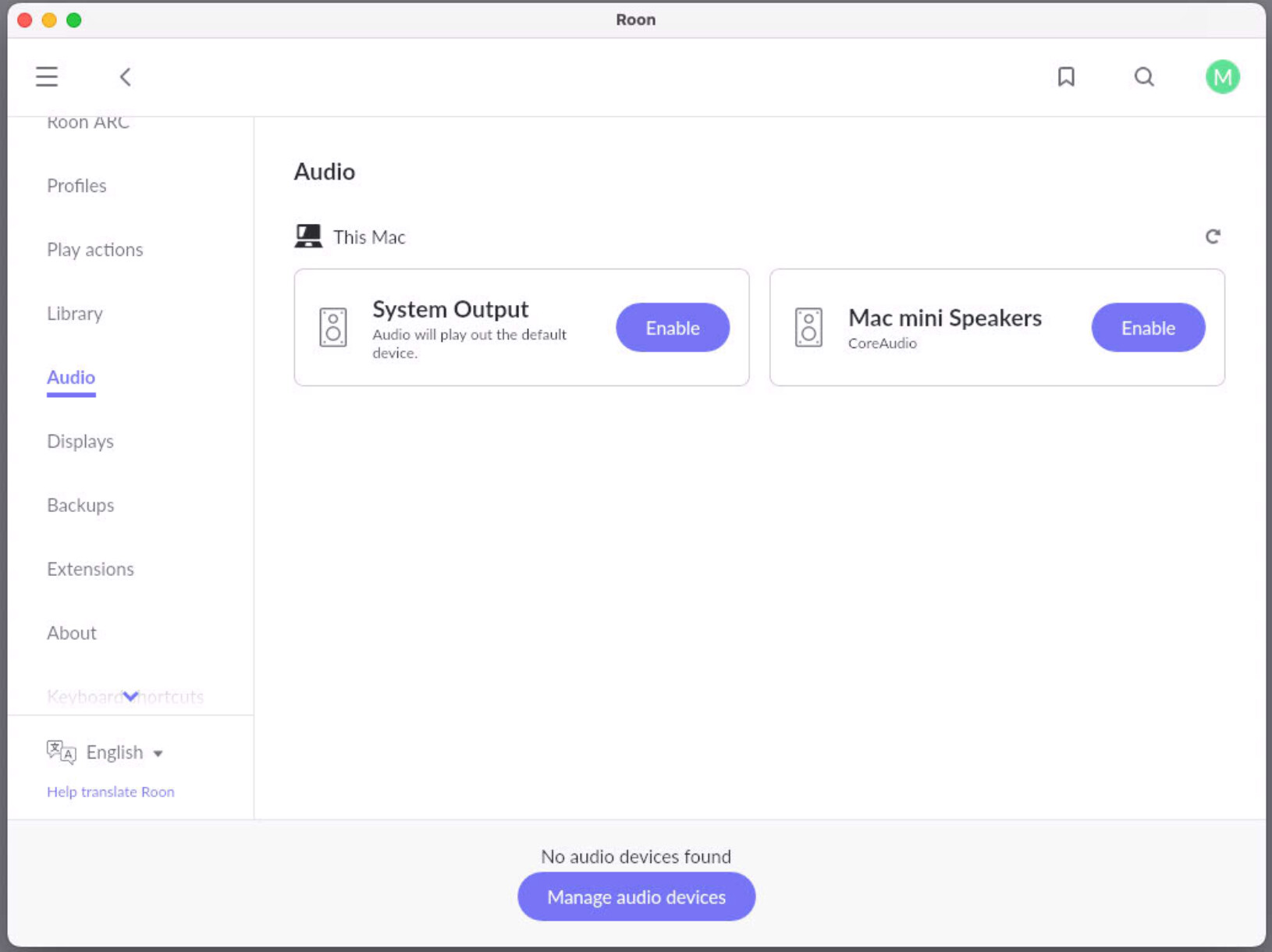
Same issue that’s been reported again and again. This time, no software update involved. I’ve followed the troubleshooting suggestions, five times, in fact. Have restarted entire network infrastructure.
I’m nearing my wit’s end with this. Roon is not cheap, and I can’t count on it to work.
Thanks for reaching out. The most likely issue when seeing these kind of missing audio devices are the MacOS security settings.
macOS Sequoia (version 15), has tighter (and more obfuscated) network security settings than preceding MacOS versions.
Can you please navigate to macOS System Settings > Privacy & Security > Local Network, and make sure Roon is allowed.
If it is already enabled, toggle it off and on again. Then reboot your Mac, and see if the same issue persists.
If you have checked this aspect already, can you please confirm if you are using a regular MacOS account, or an administrator acocunt when the issue occurs?
Do you have any additional firewall/antivirus tools or VPNs on this machine? If so, is the behavior the same with them temporarily turned off?
@noris As I said in my first post, I have done all of these things. Five times. It is frustrating that you’re pointing me at this again when I noted that I had done it.
Same here
Not related to firmware update
When power down turned off Mac mini the same issue about “ no audio device found” and can’t use Roon anymore
Please fix this ASAP!!!
Can you please confirm that all your devices are running on the same local subnet within your network? Based on a recent Roon Server diagnostic report, there’s a chance your devices are running on a 10.0.0.x IP while your mac itself is running on a 192.168.x IP.
If you’re able to - temporarily disable one of your active subnets and reboot your devices, and let me know if that helps. Thank you!
@benjamin All devices were running on 10.0.0.x subnet. As noted in my previous response to support, VPN had been turned off.
As of 10 minutes ago, the issue has randomly resolved itself. As @Rob_Welles and I have discussed in the other thread that I included a link to above, sometimes the issue simply disappears after a period of time, not as a result of the five times I ran the troubleshooting as suggested by Roon support.
I continue to be frustrated and baffled that this issue has persisted for nine months, and that Roon has not offered any compensation to the users whose experience of the product has been so degraded.
Thanks for confirming - your Roon Server is still showing potentially multiple IPs, so that is definitely something to consider in future testing.
We understand how frustrating the macOS network security issue introduced with the launch of Sequoia can be. While the latest version of Sequoia has resolved the issue for many users, we’re still actively working on a more complete fix. Apple’s lack of a flexible approach to network security adds some complexity, but our team continues to investigate and has an open ticket to track progress.
Rather than just following the script on how you “understand how frustrating the macOS network security issue introduced with the launch of Sequoia can be,” can someone from the Roon team address this point, please? A way you could mitigate my frustration would be some sort of compensation to make up for the inconstent operation of the product that I paid you for.
I have been with Roon since day one but I too am frustrated with the resolution of this issue. It is more than just toggling the Local Network security permissions. It also seems to be related to end points remaining powered while Roon itself is shut down and restarted a few days later. The Router also needs to be restarted to work with Roon. I no longer recommend Roon to friends and family. It’s like a sports car that is constantly in need of some form of maintenance between running great.
I have a suggestion. Work with Apple support engineers to resolve the issue once and for all because I can honestly say I have had no network issues other than Roon Labs on my MacMini M4. Qobuz, Apple Music, YouTube music, Amazon Music, BluOS etc all work fine.
Roon please no more features just reliability. I too am at my whits end.
I share your frustration. The problem was much worse for me some months ago, now it’s far less frequent, but still happens and, usually, it requires a machine reboot and sometimes another Roon restart after that. As soon as it happens, the first thing I do is run iNet network scanner (iNet Network Scanner on the Mac App Store), which tells me which devices are connected to the Mac Mini M4 that I use for Roon. This eliminates the possibility that the missing audio devices problem is caused by local network issues. Usually, all the devices are present, which strongly suggests the problem is with Roon.
Also, when Roon is finally connected to the audio devices on our network, some of the Roon IP addresses differ from the IP addresses listed in iNet (and our network hub) for the same devices. I suspect this is to do with Roon detecting some audio devices via Wifi, rather than the ethernet that runs throughout our house. Frustratingly, it’s not possible to manually amend IP addresses in Roon, which, I think, would address this problem (pun intended!).
As others have said, the problem doesn’t happen using other music apps from the same server, it seems to me that the Roon fixes so far aren’t addressing the fundamental network connection problem.
VPNs are the devil for many things including Roon. I use Mac mini headless with no problems. Occasionally need to stop and restart the Roon server to pick up all my devices. You can do this without rebooting the Mac.
I’m glad you’re having a better experience @Richard_Kerr. But many users aren’t, either with or without VPN.
It seems to me that you really shouldn’t have to occasionally have to stop and restart the Roon server to pick up all your devices, but if it doesn’t bother you, that’s great. Also, restarting the Roon server, rather than just the Roon application, isn’t the world’s most intuitive task, as one can see from the many feature requests for a more accessable way to do so from the app.
Agree @Mark_McClusky1 . The issue occurs every time there is a Roon update. Always. I found the quit start server within the application folder on the mac and created a shortcut in the desktop. It works but you are right, I shouldn’t need to do that. I also have used Volumio for a while and it too had network issues. I also use Simaudio Moon Mind 2 which also has network issues as does Sonos. I almost quit Roon before but I guess I have learned to live with it and can’t find something that has the same multi device flexibility but with more reliability. If only!