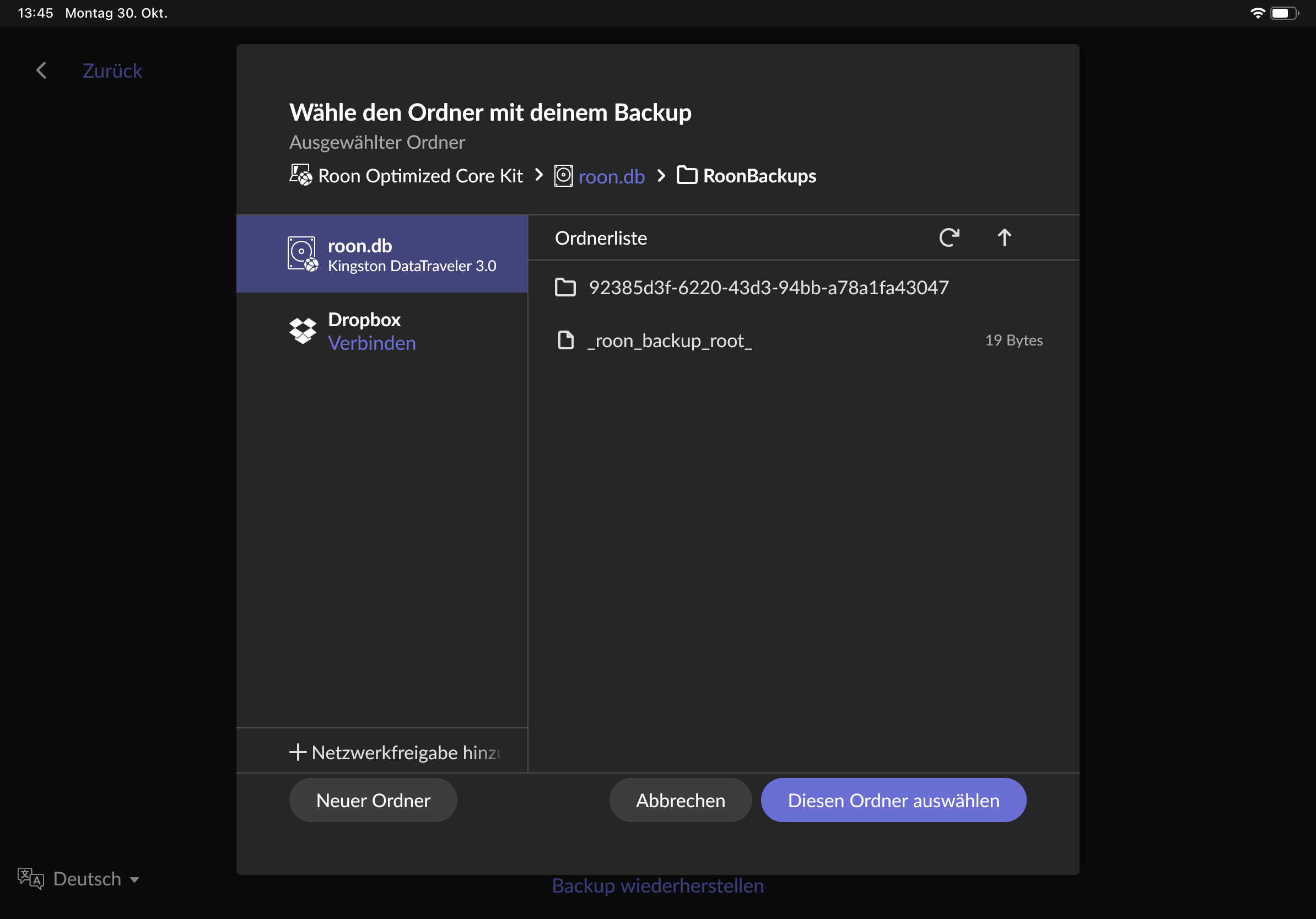
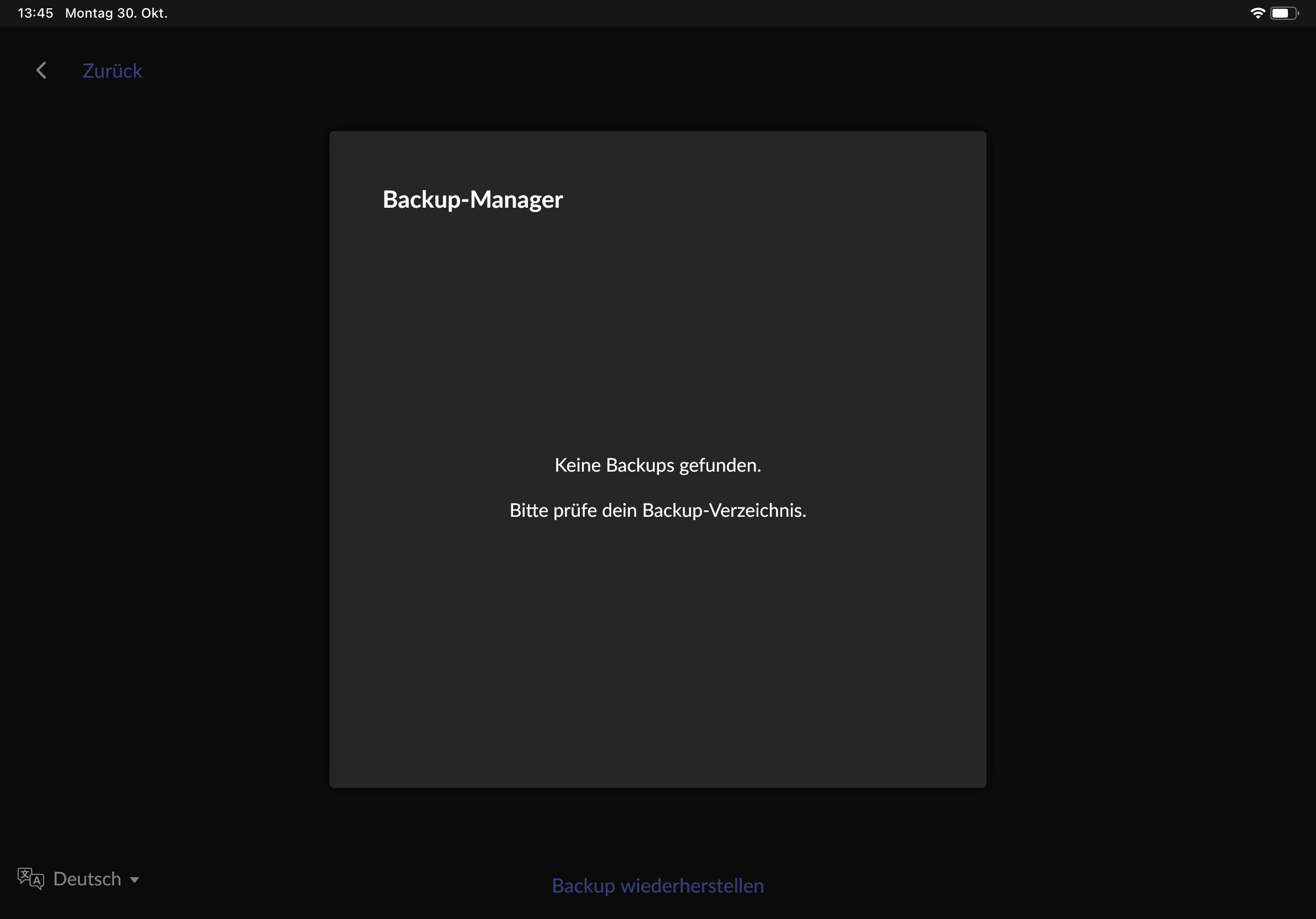
Hello, i wanted to move with my roon core to another device. I made a backup of my database on the old device, but by trying to import the backup on the new device i receive the message “no database found on device”. but it is on the device i saved the backup.
[moderated] This is one of the MOST IMPORTANT functions in roon and you made this buggy??? Sorry but from a $700 program I don’t expect anything like that to happen!!!
I ask because database backups need to be made to an external location, an external USB Hard drive, an external USB flash drive, a NAS, or another network location on a PC, for example.
From his screenshot, it appears to have been a Kingston DataTraveler 3.0 USB stick.
Personally, I don’t trust USB sticks for Roon database backups, given the nature and structure of the backup - I use USB drives instead. I suspect that the backup was corrupted when written, and thus cannot be restored.
It’s an odd one. Particularly since you say that the USB stick can be read and the backup found on your Mac Mini. Any chance of taking a new backup from the Mac Mini, preferably on another USB device?
so i made a new backup of the FROM core to a harddrive. this backup is found by the TO core. i imported it and restarted the new core. but then the core is not active and i cannot connect to it
There’s an old saw that is completely true - data does not exist unless it is in at least three different places. Consider connecting to Dropbox, and automating daily backups to that location. Then you can easily copy off to other locations for secuity. Dropbox also allows you to recover from the “oops I deleted it” moment.