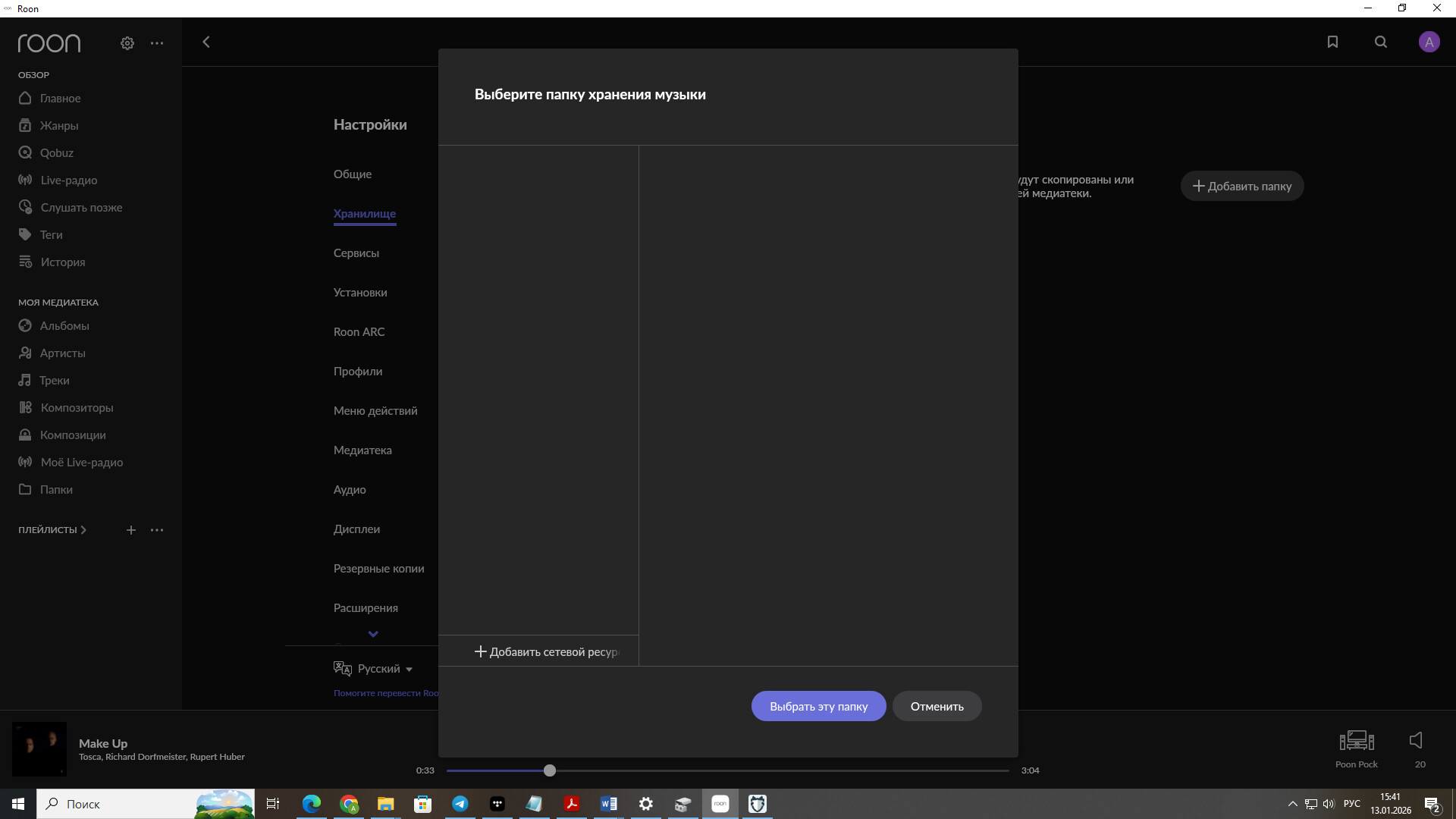
· Hello! The problem is this. The web interface doesn't show any hard drives. The SSD is connected via SATA, but it's not visible. Additionally, flash drives are not readable.
Unfortunately, I can’t insert a screenshot, but there’s a complete lack of information in the storage tab. All disks, including the internal SATA drive, are formatted in NTFS.
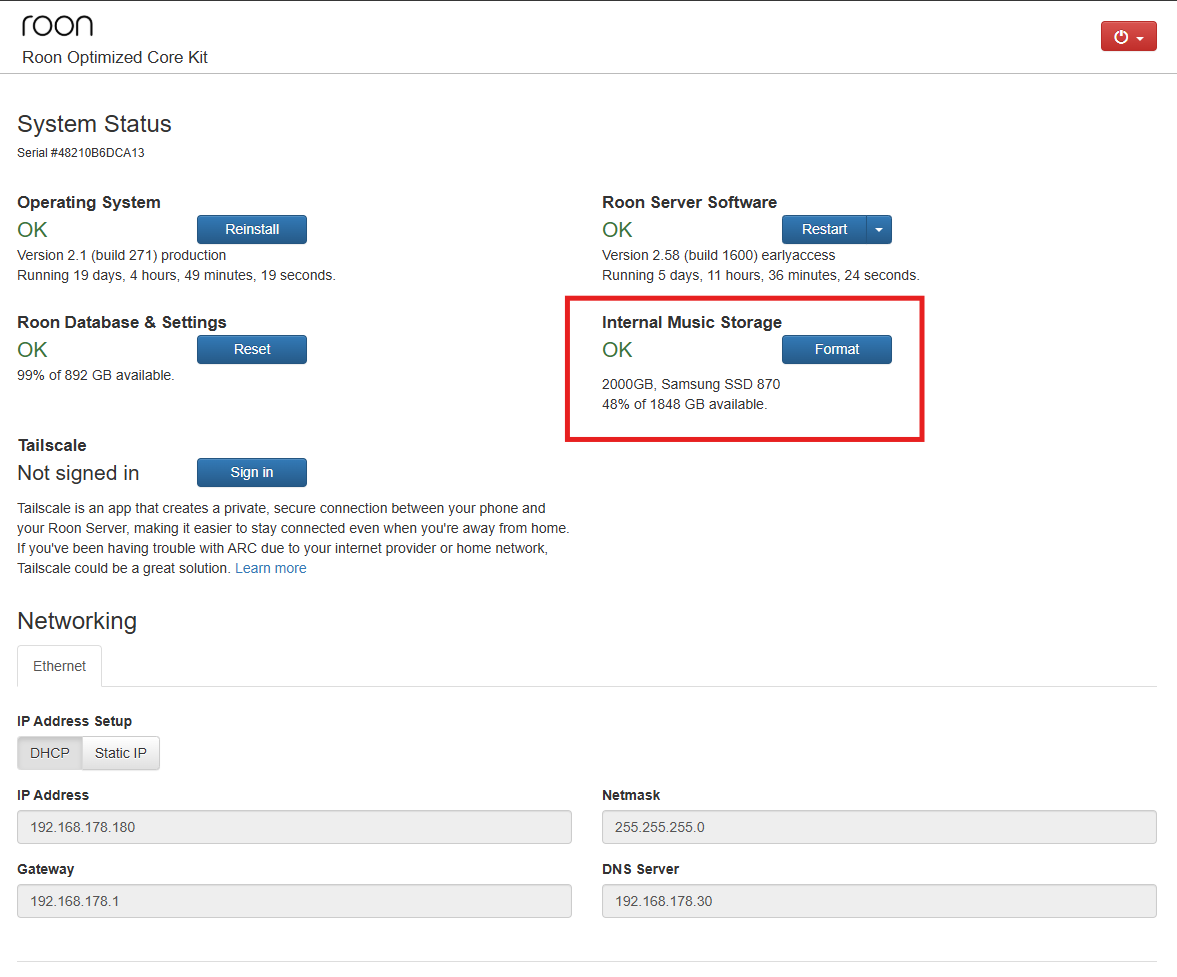
If the internal SSD is formatted NTFS, you will need to format it to EXT4 by using the Format button in the Web UI screen.
The USB drive (which you say is also formatted as NTFS) may have been unsafely connected from a Windows PC, and so can’t be read by RoonOS. Please reattach it to a PC and perform a chkdsk operation on it and then safely disconnect it.
Looking at your previous screenshot, there doesn’t seem to be any Internal Storage set up, because the “3 dots” menu seems to be missing on the right hand side of that screen.
And you say there is no drive section showing in the Web UI, so this section (outlined in red in this example) is missing in your screen?
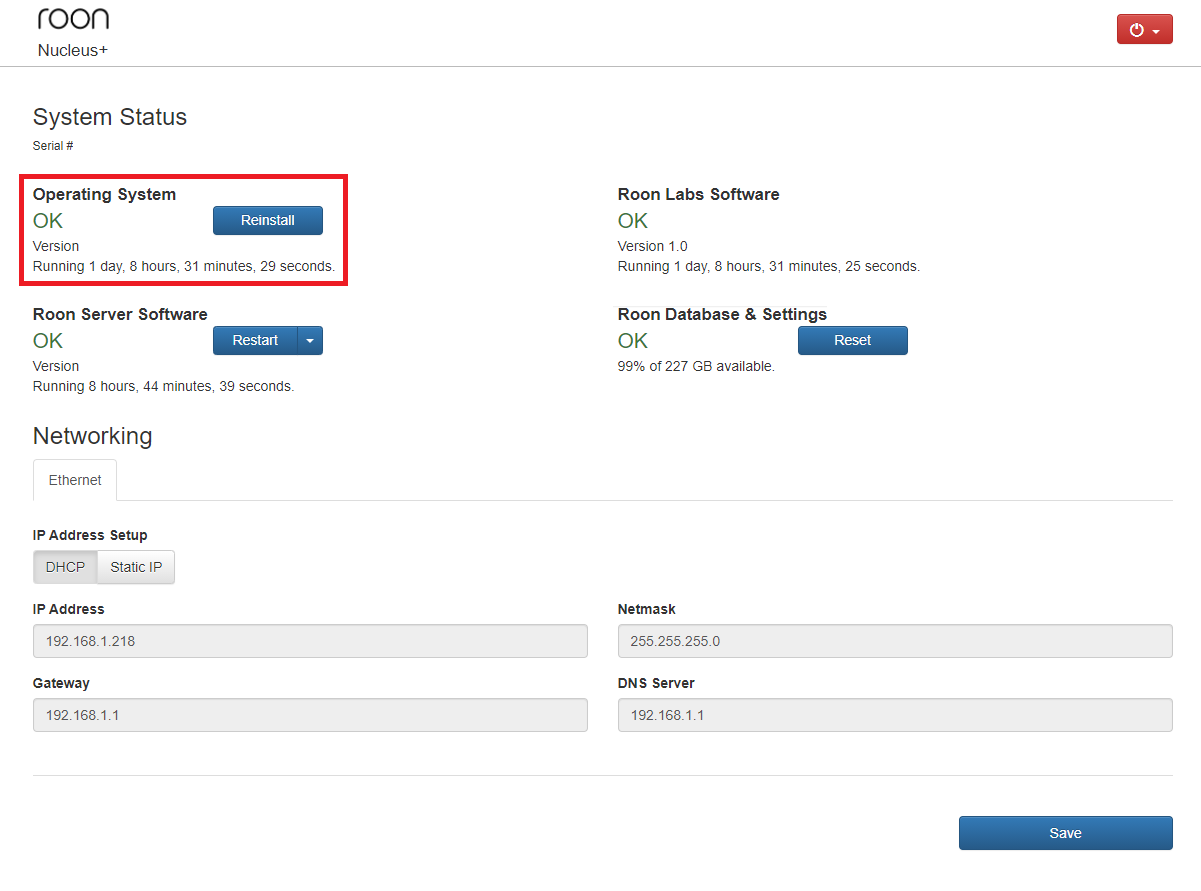
Was this hard drive previously used, and does it contain another partition? How was it formatted in the past, was it NTFS? I would wipe any partitions you may have on the drive, especially if it was used as a Windows operating system disk. Is the behavior the same if you reboot the Nucleus? You can also create a Backup and try to perform an OS reinstall from the Web UI:
Hello! I decided not to reinstall the system because I was afraid. The disks are readable on another computer. The computer with Roon Rock is in working condition.
Reinstalling the OS should not affect your library, and you should be able to continue right from where you left off.
That said, please ensure you have a current backup just to be safe, and then feel free to proceed with the OS reinstall.
If the Nucleus is still unable to recognize connected drives after the reinstall, it likely indicates a hardware issue, and we can then look into opening an RMA ticket.
We would really appreciate it if you could complete this test first to confirm.
Just for due diligence, can you please bring the ROCK online? We’d like to request automatic diagnostic logs from the machine as a last resort before we proceed with testing for a hardware issue.
It looks like our servers are having a hard time enabling diagnostics on your machine running ROCK. With that, could you please use the directions found here and send over a set of logs to our File Uploader? Once logs have been uploaded, please let us know so that we can check the server for your files, thanks!
On a ROCK, the database should be housed at \\ROCK\Data by default. Is this the path you used? Are you able to access the ROCK otherwise over the network? Please share a screenshot as relevant to help us pinpoint the issue.