Please try to restart your network setup by unplugging, waiting 30 seconds and then replugging in your networking gear.
· No, the issue remains the same
Please select how you've connected your Roon Server to the internet
· Roon Server is connected by *Ethernet*
Have you checked your firewall settings to ensure that Roon is allowed through?
· Roon still won't connect even after checking this aspect
Have you verified that Roon Server is on the same subnet as your Remotes?
· My Remotes and Server are on the same subnet and I still can't connect
Sometimes the issues can be resolved with a reinstall of your Roon Remote app. Let's try to perform a reinstall and see if it helps.
· I've reinstalled the Roon Remote but it did not help
What is the operating system of your Roon Server host machine?
· *Windows*
Select any of the following components that are present in your local network setup
· None of the above
Describe the issue
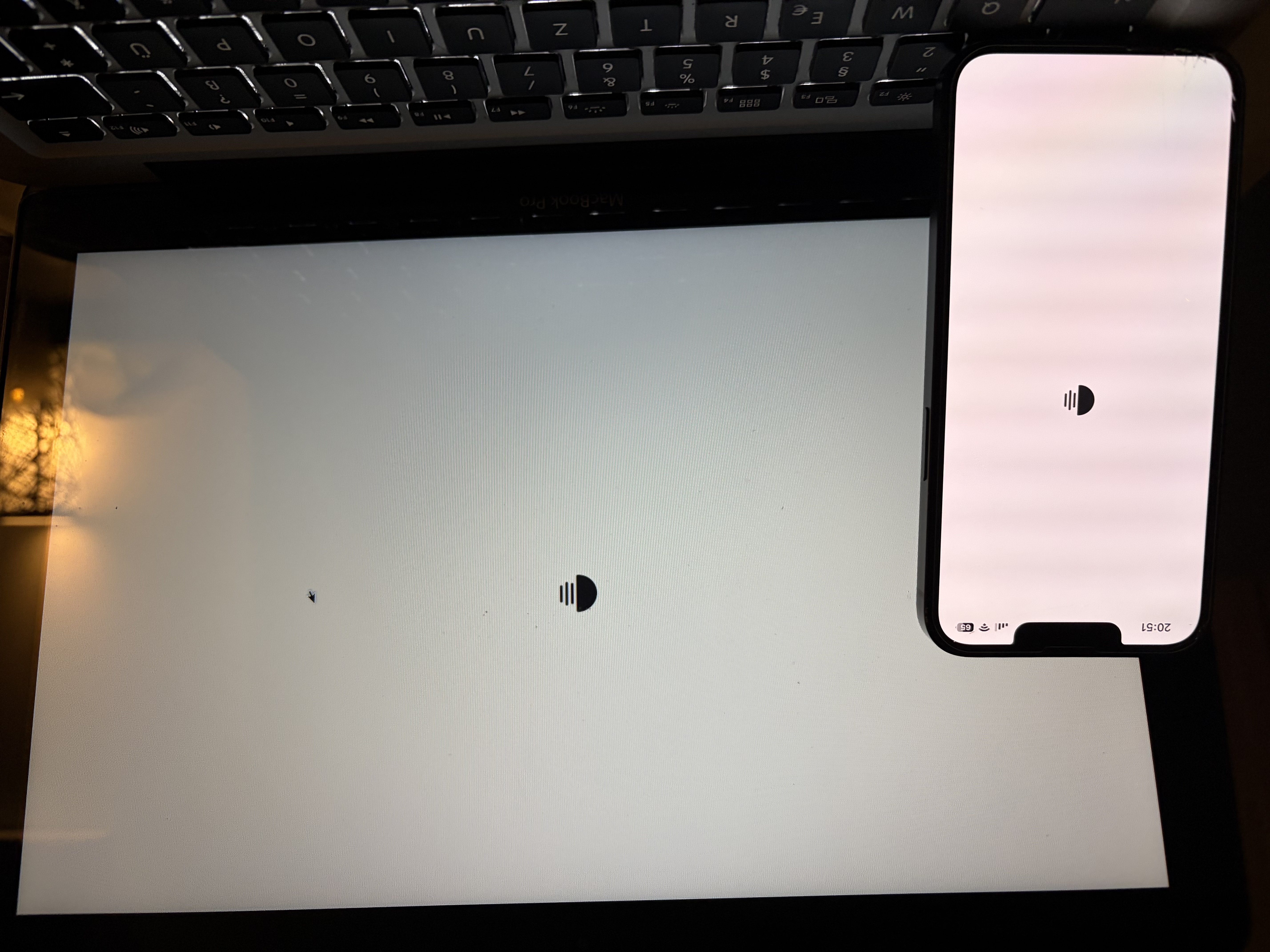
No remote can connect to roon server - all see animated roon logo
Describe your network setup
Windows 11 25H2 Server runs roon server. Connected via Ethernet to a HP Procurve Switch. Remotes are connected via LAN and Wifi (Windows Desktop PCs, Macbooks, iPhones). Wifi APs are from UniFi.
Some additional notes:
I completely reinstalled my server a few days ago with Windows 11 25H2 - before that everything was fine with Windows 11 24H2.
After installing roon on the server, I can connect with every remote to it. I can choose to Sign in new, or restore a backup.
First I chose to restore my backup. I was able to look for the backup-path, choose a backup and roon was loading the backup. After the 100% restore was reached, all I saw was the animated roon logo - from all my remotes.
I then deinstalled roon and deleted all roon-folders in LocalAppData.
I reinstalled roon.
Again, I could connect. This time I started a fresh server. I could choose the Music Storage location (I added my NAS shares), I could login to Tidal, I saw all my roon endpoint, activated them, clickt “Finish”. Again: animated roon logo forever.
Third time: again complete deinstall and reinstall of roon. Signed in, was asked for Music Storage paths. Did not add any more, just left the standard “Music Folder” active, next did not sign in to Tidal, next did not activate any endpoint. Again, same issue: animated roon logo.
I tried disabling the windows firewall, rebootet the server, etc. etc.
All other things in this server work without problems! Also a Plex server running in parallel. And the fact that the whole configuration steps work in roon until it should start, tells me that there is a deeper problem.
Thank you for your post and we’re sorry to hear you’re experiencing connectivity issues with your remotes.
Our diagnostics show that there are two active RoonServer instances on your network. One is running on your Windows 11 machine, and the other is hosted on a RoonOS system (ROCK). The ROCK server is still online and running a deprecated Roon build (1496), which can cause Roon Remotes to become confused about which server to connect to.
You mentioned that the Windows 11 server is new. Did you recently migrate from the ROCK to the Windows machine? If so, please confirm whether you followed the steps in this guide exactly.
As a first step, please power the ROCK off completely. This will ensure that your Roon Remotes aren’t attempting to connect to the outdated server and encountering a version mismatch.
You also noted that your network includes an enterprise-grade switch. Many managed switches can interfere with Roon’s device discovery, particularly multicast traffic. To test this, please try bypassing the switch entirely by connecting your RoonServer and any Ethernet-capable remotes directly to the same router or access point.
Finally, in your UniFi network settings, please make sure IGMP snooping and any options related to multicast forwarding are enabled.
Let us know how this goes, and we’ll be happy to continue troubleshooting if needed.
The roon ROCK machine you mentioned is an Intel NUC, which is not used as a server. I have ROCK installed on it, to use it as a roon end-point for multi-channel audio. Over its HDMI I can output DSD and Multi-Channel PCM. It was never used as a server.
My roon server has always been my “server” which has been Windows 10, Windows 11 24H2 and now is Windows 11 25H2. And only now it is not working. I did not change anything on my network side.
I am also setting up roon servers for friends to try it from time to time. So I sometimes have multiple roon Servers on my network and it has never been an issue to switch between them - that always worked flawlessly.
I checked my UniFi settings and activated IGMP Snooping, with no effect.
I grabbed an old Netgear unmanaged Switch and connected the server and my Macbook to it, not working.
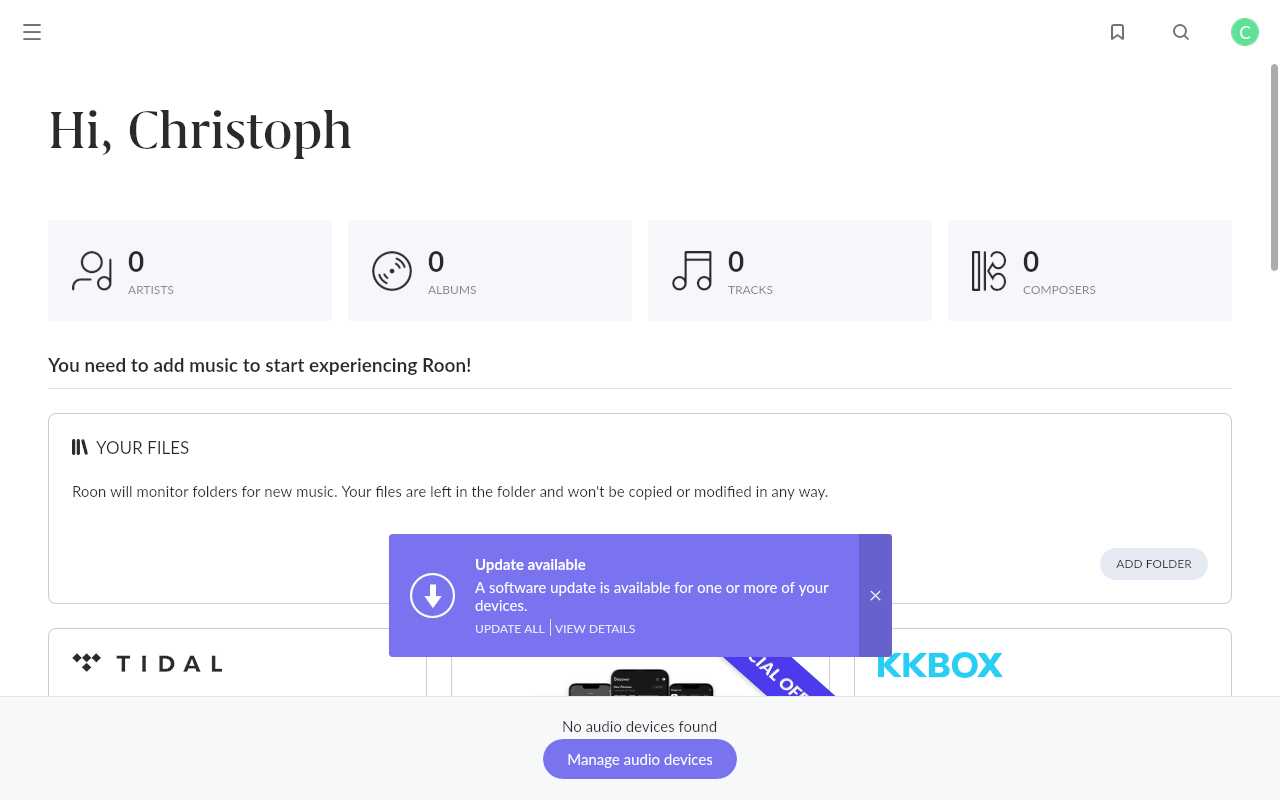
But I did a test in my normal setup. I connected to the second server you found in my network, the Intel NUC with Rock I mentioned above. There everything works fine! I added only the music folder, no endpoints and - tadaaa! - I land on the user interface with no problems (see screenshot). The Intel NUC with ROCK and my Windows 11 25H2 server are connected to the same switch, in the same VLAN with the same IP-Range. The Intel NUC works without a problem. Connecting back to the Windows 11 25H2 server shows the animated roon logo.
The Roon Remotes are unable to complete the control-plane handshake even though the can discover the Windows server. Windows might be blocking inbound TCP connections even though mDNS is working.
Have you tried setting your Windows ethernet to Private, not Public? Windows Settings → Network & Internet → Ethernet usually has this option available.
Can you connect to the Windows 11 25H2 server using Roon on that same machine?
Also try temporarily disabling IPv6 to see what effect that has:
Open Network Connections
Right-click the Ethernet adapter
Properties
Uncheck “Internet Protocol Version 6 (TCP/IPv6)”
Reboot (important)
Lastly, please double-check that you’ve added the relevant Roon processes to the Microsoft Defender firewall safelist.
The latest diagnostics show the Windows RoonServer latching onto three separate network interfaces during a single session. Only of these appears to be within the same VLAN and IP range as the other Roon devices on this network. Can you try disabling the two separate network interfaces to ensure RoonServer latches onto the correct VLAN?
This thread is soon closing due to inactivity under the assumption that the issue has been resolved. If you still require additional troubleshooting or assistance, you can reactivate the topic thread by submitting a new support request here. Our team will merge threads accordingly to keep everything in one place.