What is the operating system of your Roon Server host machine?
· Nucleus
What kind of device are you using to perform the login?
· iOS
Where are you trying to login?
· I can't log into Roon
Please try to restart your Roon Server by closing the Roon Server app in the taskbar (MacOS), task manager (Windows) or rebooting your Roon Server machine.
· No, the issue remains the same
Different device
· I cannot switch to a different device
Are you still facing the issue on the different device
· No, the issue remains the same
Record the timestamp
· Constant. IP address cannot be found
Describe the issue
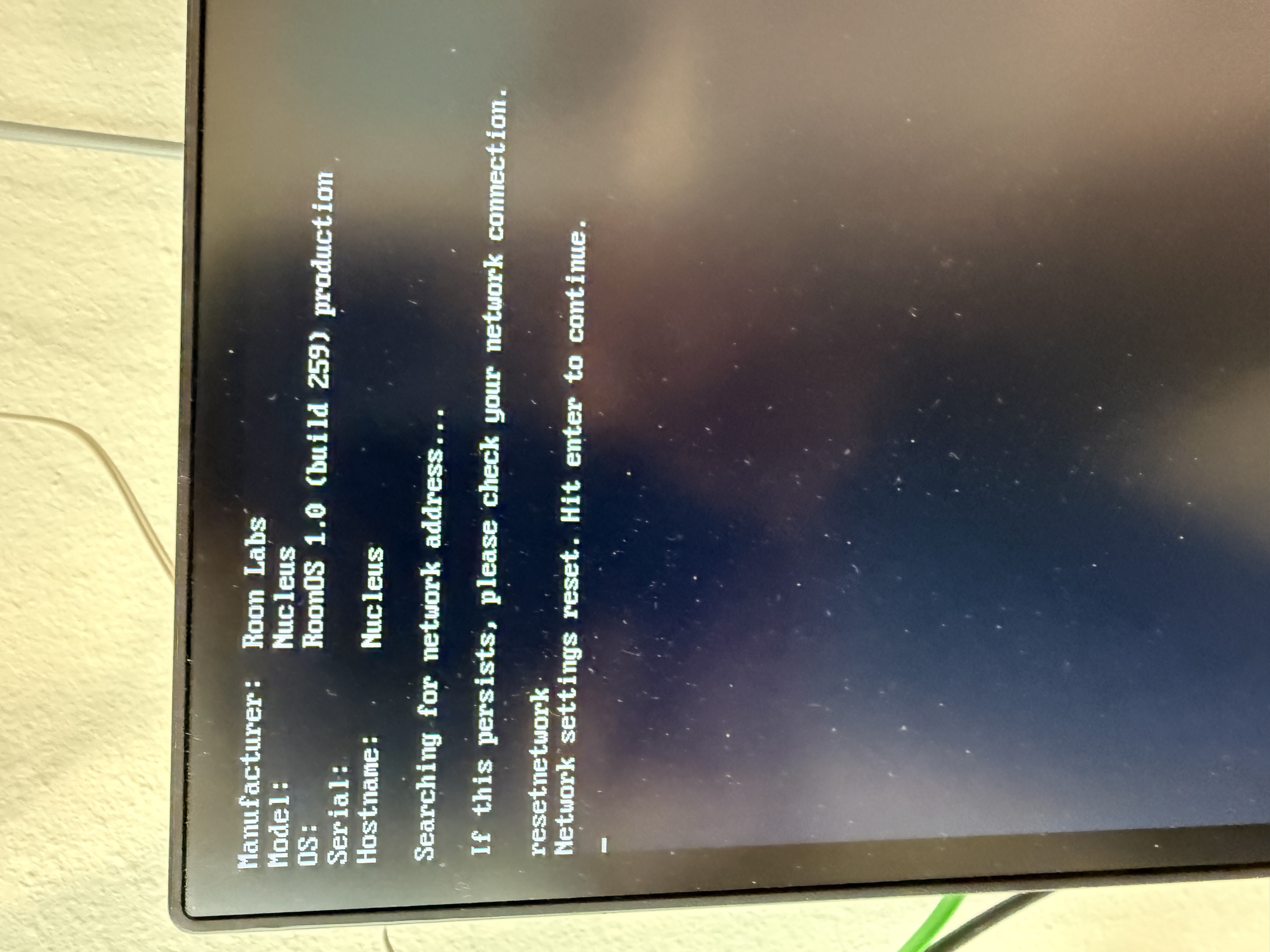
No IP address appears for my Nucleus (rev B) on my Orbi or when connect to my Nucleus by HDMI and reset. Cat 5 connected to router, light appears on back of Nucleus, and cable has been replaced
Describe your network setup
Orbi RBE771 mesh router, Cox fiber internet. System had been working prior to someone disconnecting one of the cables. Has not worked since despite my efforts
Hey @James_S_Deneke, welcome to the community, and thanks for laying out the setup clearly.
Since the Nucleus is not getting an IP address at all, we want to separate a link-layer issue from a DHCP issue. A few targeted checks would help:
Do you see a link light on the Orbi port where the Nucleus is connected, and if so, does it stay solid or blink?
Can you confirm the exact cable path, for example Nucleus directly to the Orbi router, or through a switch or wall jack in between?
In the meantime, if there is any switch, wall wiring, or adapter between the Nucleus and the Orbi, please bypass it and connect the Nucleus directly to a different LAN port on the router with a known-good cable. If the router never sees a link on any port, that points us toward the network handshake side rather than DHCP itself.
@Carl is correct in that rebooting your router is a good next step as well.
I had the wall connection checked since originally was not properly terminated. It then was working utilizing this pathway. I did purchase a new connecting cable which produced no change
Thanks for the detailed follow-up, this is really helpful.
Two things stand out. First, on the screenshot: after resetnetwork the unit shows “Hit enter to continue,” and that reset only fully applies once you press Enter and then power-cycle the Nucleus. If you haven’t already, please hit Enter, then do a full reboot and let it sit for a minute or two.
Second, and most important, given the history you described, since the wall jack was originally mis-terminated, that run is our top suspect. A marginal termination can bring the link light up (which is why it’s solid) while still failing to complete the network handshake, and swapping the patch cable wouldn’t address a fault inside the wall wiring itself.
So the key test is to take the wall jack out of the picture entirely. Could you run a single known-good cable directly from the Nucleus into a LAN port on your main Orbi router (not a satellite node, and not through the wall jack), then reboot the Nucleus?
If it pulls an IP that way, we've confirmed the wall run is the issue and can focus there, all eight conductors re-checked at both ends.
If it still won't get an IP even directly on the main router with a good cable, try a second LAN port so we can rule out the port too.
One more quick check: can you confirm whether the Nucleus is plugged into the primary Orbi router or one of the satellites? Wired devices on a satellite with wireless backhaul can sometimes have trouble getting a DHCP lease, so we'd want the test done on the main router.
Let us know how the direct-connection test goes and we’ll take it from there.
Connected directly to Orbi with new Blue Jeans Cat6 cable. Light on rear remains solid whether Nucleus is turned on or off. No change on unplugging power or Ethernet.
IP address still does not appear on Orbi.
Previously I connected a laptop to the upstairs wall connector and obtained a good Ethernet signal. Have not tried today
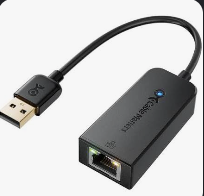
Thanks for the update and additional tests! I think the last test we can run before declaring general hardware failure would be to try out a USB>Ethernet adapter on the Nucleus.
See if you’re able to gain network access by using this adapter via USB on the Nucleus. The adapter is rather cheap, here’s an example image:
Let me know if you’re able to give this a try, and if it allows for proper connection.
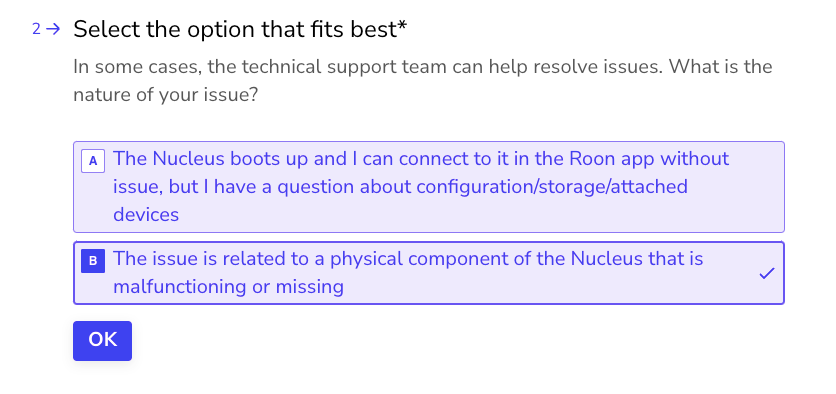
We’ll likely need you to submit an RMA request for a replacement part, which you can start this process below as well:
To do so, open the Typeform link below and select ‘Other’ followed by 'This issue is related to a physical component".
Nucleus IP address does not appear on Orbi when connection is made by USB using USB>Ethernet adapter. Even after unplugging Nucleus power cord for 2 minutes and then reconnecting.