Nucleus Roon Server intermittently shuts down and disappears from Web Admin (ref#4MVF2G)

What’s happening?

· I am experiencing freezes or crashes

How can we help?

· I'm having trouble with my Nucleus hardware

Other options

· My Roon software won't start up

Describe the issue

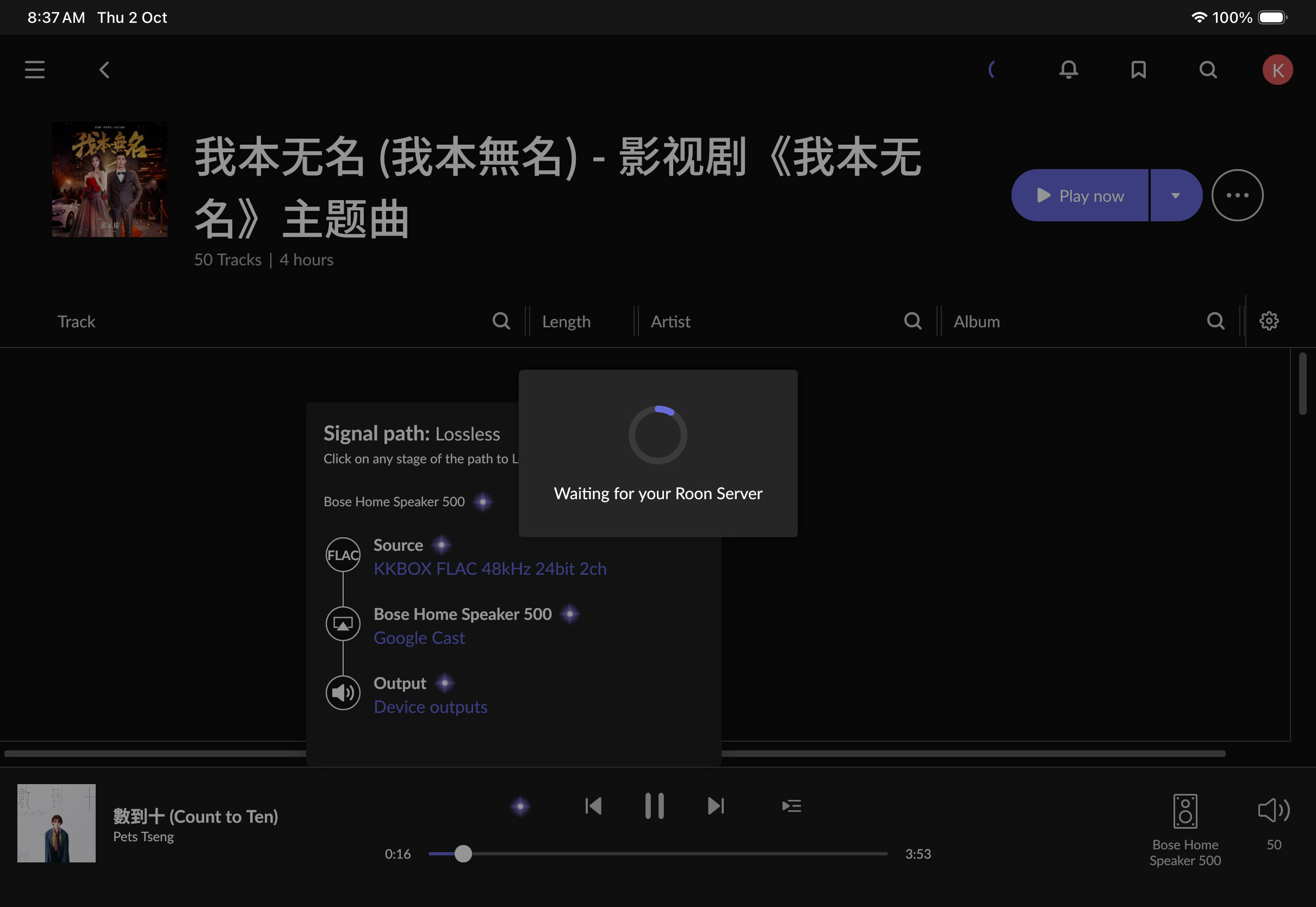
The Nucleus will start up. Everything is fine but within some time the Roon Server software will switch off itself. And then restarts. Other times, it seem that the Nucleus disappears from the Web Admin interface. I have reinstalled the OS a few times now and the problem persists. There are other times when the Roon Server Software will be switched off and I have to switch it on

Describe your network setup

I am using Google nest wifi. which goes into a switch and other devices are plugged in. I had run a mac mini as roon core for ever since I was first a Roon member. I had converted to a life time member a few years ago. :)

1 Like


Just to show what I see on my iPad.

Good day @Kiat_Lee !

I hope you’re doing well today.

We’re sorry to see that you are facing this problem.

Can you please share with us logs from your Nucleus (

) so we could analyze possible reason of failures ?

You can upload them here:
https://workdrive.zohoexternal.com/collection/8i5239cc05950ac07456889838d9319545a82/external
.

Let us know please once you have uploaded them.

Regards.

i have uploaded the zip file. under name of Kiat

Hi @Kiat_Lee,

Thank you for sending those over! We were able to see from the logs that your library size falls outside the scope of what is supported for the Nucleus One:

Info: [library] Queueing initial load of 161842 tracks + 5560 auxfiles 

The Nucleus One can typically handle up to 100k tracks. Your best next steps here would be to either trim down your library, or consider adding additional RAM to your machine.

You can do this manually, or send the Nucleus in for our team to perform the upgrade. :+1:

Thanks, Benjamin. I see. No issues. I assume we are speaking about the number of tracks in my home collection, and not the tracks on Tidal or KK Box I have saved in my list?

Yes, that is an easy fix then. :slight_smile:

The “number of tracks” refers to the number of tracks that you have added to your Roon Library - these can be both local tracks or tracks that you have added from a streaming service.

Thanks @Geoff_Coupe ! That explains it then. I can be a bit irrationally exuberant in adding from streaming apps. I clean up my Tidal and KKBox library and start from scratch; be more selective about what I add. :slight_smile:

Hello @Kiat_Lee

Thank you for the update.

Just in case you want to increase the size of the RAM on your devices, just let us know, and we will share the step-by-step guide.

Thanks for the offer. :slight_smile: The Nucleus One seems to have calmed down since I took all the Tidal and KKBox tracks out of the library. I took the added precaution of resetting the database and settings.

With regards to RAM, if I am so minded to, the local AD in Singapore (Norman Audio) has offered to assist, if necessary. I will form a view after a week of running the Nucleus.

Question is this: I assume that since it is a RAM bottleneck, if I added RAM, the Nucleus would be able to handle bigger libraries?

Thanks!

1 Like

Hello @Kiat_Lee

Yes it will be able to handle a bigger library

Thanks for the response. What is the recommendation in terms of additional RAM? How many additional tracks per amount of additional RAM. that would help me determine how much additional RAM I will add.

And, yes, the step by step guide for installing RAM would be most useful.

Thanks!

Hello @Kiat_Lee

Thank you for the update.

What is the recommendation in terms of additional RAM?

The required amount of RAM mainly depends on the size and complexity of your library’s metadata. While it’s difficult to provide an exact number, as a general guideline:

  • 8 GB of RAM should handle libraries with up to approximately 350,000 tracks.
  • 16 GB of RAM can typically support libraries with up to around 1 million tracks.

Here is the RAM we suggest:

Suggested: Crucial DDR4 2666 MHz CL19 2

Requirements: DDR4 2666 MHz CL19 - ECC Type = Non-ECC, Form Factor = SODIMM, Pin Count = 260-pin, PC Speed = PC4-21300, Voltage = 1.2V, Rank and Configuration = 1Rx16, 1Rx8 or 2Rx8

And here is the step-by-step for replacing the RAM. Be sure to make or have a recent Roon backup or two saved!

Power Down and Unplug the Nucleus:

Turn Off the Nucleus by properly shutting it down through the Roon app or web interface.

Unplug all cables, including power and network cables, from the Nucleus.

Open the Nucleus Case:

Remove Screws: Use the screwdriver to remove the screws securing the top cover of the Nucleus.

Lift the Cover: Carefully lift and remove the top cover to access the internal components.

Install the New RAM:

Locate the RAM Slot: Find the RAM slot on the motherboard.

Remove Old RAM (if upgrading): If you’re replacing the existing RAM, gently release the clips and remove the old RAM module.

Insert New RAM: Align the new RAM module with the slot and firmly press it down until it clicks into place, ensuring the clips secure it.

Reassemble the Nucleus:

Replace the Cover: Put the top cover back on and secure it with the screws you removed earlier.

Power On the Nucleus:

Reconnect All Cables and power on the Nucleus.

Check Functionality: Ensure that the Nucleus starts up correctly and that Roon operates as expected.

If you encounter any issues or have any questions during the process, feel free to ask for further assistance!


Please note: The Nucleus Titan/One is sold in a tested and recommended configuration. In the event a user modification results in unexpected behavior or a unit malfunction, warranty coverage can be at risk.
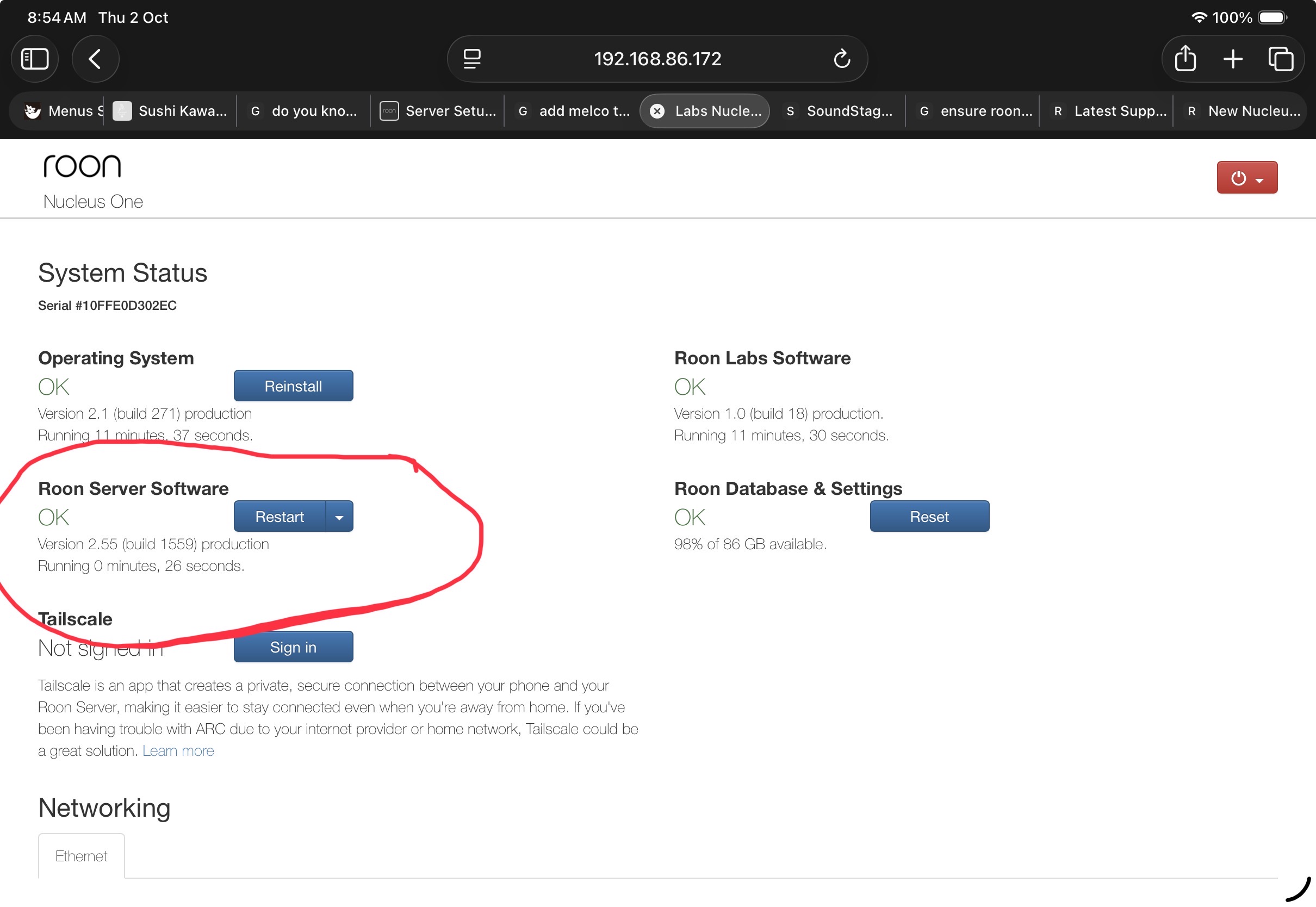
Thanks Vadim. Any issues if the RAM chip has a memory speed of 3200 MHz instead. Reason is Amazon store in Singapore does not have the 2666 MHz ones left.

Hi @Kiat_Lee,

No, you shouldn’t have any issues there - 3200 MHz is supported :+1:

This topic was automatically closed 24 hours after the last reply. New replies are no longer allowed.