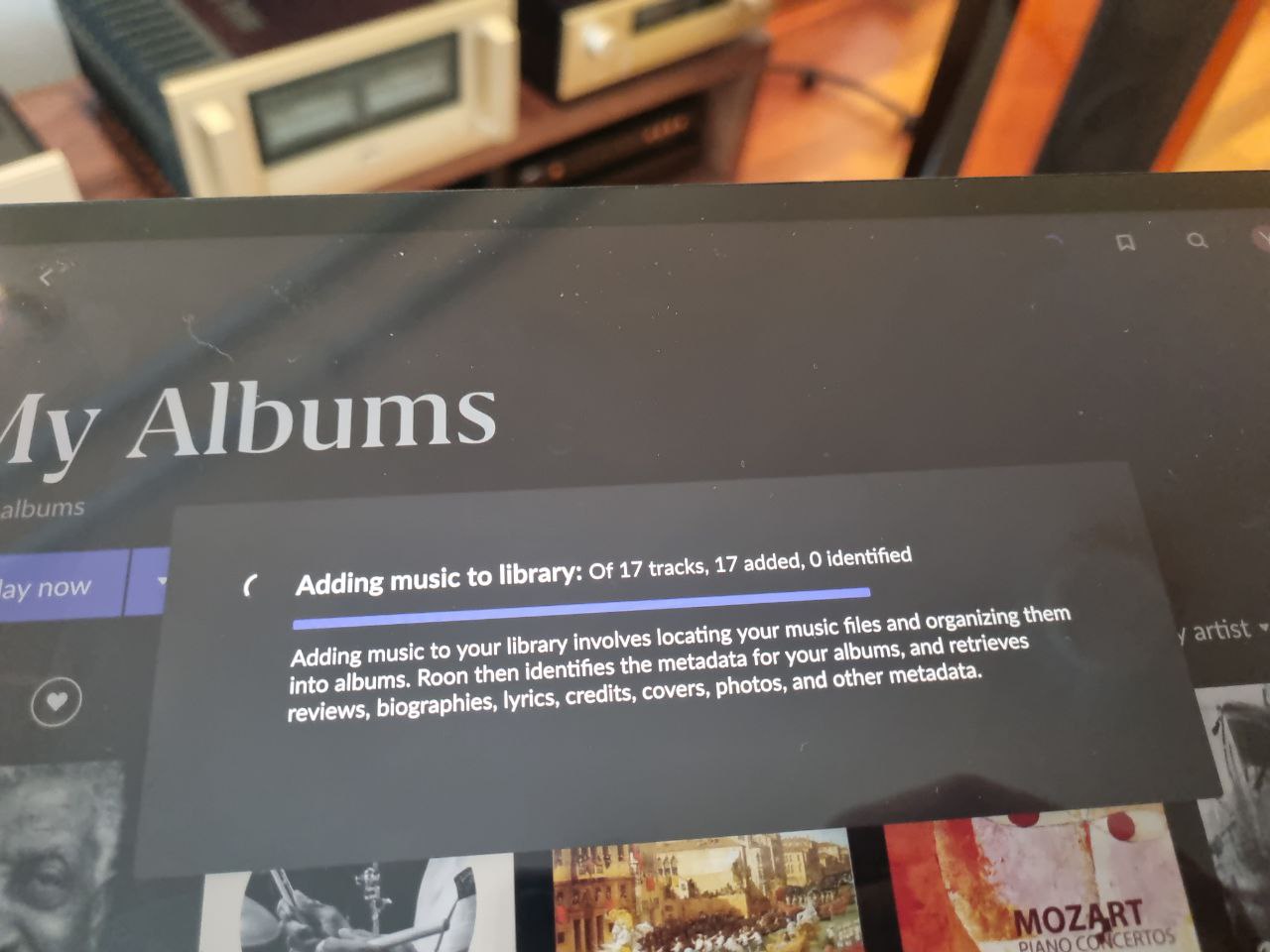
What kind of performance/speed issue are you experiencing?
· Adding music to library take a long time/doesn't complete
Please try to reboot your Roon Server
· No, the issue is still the same even immediately after a reboot
Please try to reboot your networking gear (Router/Switches/etc.)
· No, the issue is still the same even after a reboot
Is there any change in behavior if you try to navigate to Roon Settings -> Library and set both Background and On-Demand Audio Analysis to Throttled or Off?
· No, the issue is still the same
Does the issue happen on multiple Roon Remotes (controllers) or just one?
· Issue happens on multiple remotes
Router Domain Name System (DNS) change
· I don't know how to do this
What is the operating system of your Roon Server host machine?
· Nucleus
Which model Nucleus do you have?
· Nucleus+ Rev B
Timestamp of issue occurrences
· 16 January 2026
Describe the issue
Hello Roon team. Nucleus+ can't identified 17 tracks. This has been going on for over three days now. Restarting and reinstalling doesn't help and I haven’t changed anything in my network settings in the last year. Best regards Yury.
Based on the behavior you’re describing — a small number of tracks remaining unidentified for several days despite restarts and reinstalls, with no local changes made — this does not appear to be an issue with the Nucleus hardware or the Roon database itself.
In similar cases, we’ve seen this caused by restricted or filtered access to Roon’s metadata and identification services at the ISP level. When access to these services is partially blocked or interrupted, Roon may continue retrying identification for the same tracks indefinitely, resulting in the behavior you’re seeing.
Since your network configuration hasn’t changed, the next best step would be to:
Check with your internet provider whether access to external metadata or cloud services is being filtered or restricted
Alternatively, briefly test the Nucleus on a different network (for example, via a mobile hotspot or VPN) to confirm whether identification completes normally
If identification succeeds once network access is unrestricted, no further action is required on the Nucleus side.
Hi Vadim.
Indeed, everything works fine through the VPN. What internet services or websites does ROON use? I can selectively add them to the VPN so I don’t have to enable the VPN for all internet traffic.
Best regards
Yury.
If you could, please test out disabling the VPN and rebooting your Nucleus. The use of VPNs falls outside the scope of Roon support, so I’d suggest posting over in the Tinkering category for additional guidance.
That said, we’d be happy to continue troubleshooting if you move your Nucleus and Roon devices off the VPN.
We’re unfortunately unable to enable diagnostic mode on your Nucleus, can you please use the directions found here and send over a set of Roon Server logs from your Nucleus to our File Uploader? Once logs have been uploaded, please let us know so that we can check the server for your files, thanks!
Thanks for that! It looks like you’ve sent over Roon Goer logs, not Roon Server logs - could you please give it another try and see if you’re able to send over Roon Server logs?