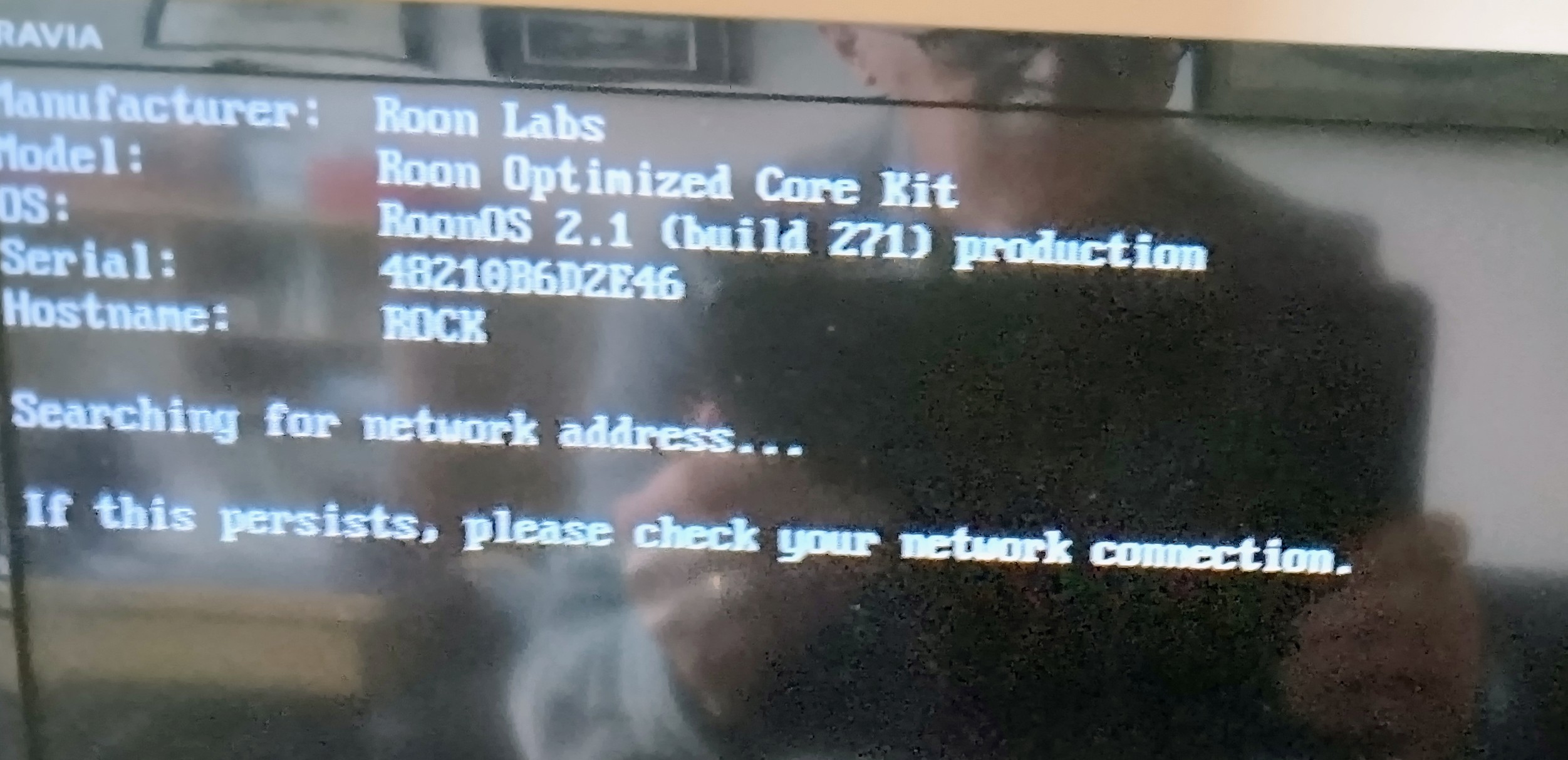
Thanks for giving that a try! A good next step in this case would be to now plug your Nucleus into a monitor via HDMI (while keeping it connected to your router) and share a screenshot of what you see.
Let me know if this makes sense and if you have any additional questions!
Just to confirm, you’ve tried to perform a full reboot (power off, unplug, wait 30s, plug back in), for both your ROCK and all your networking gear?
Do you by any chance have a USB → Ethernet adapter around the house or can purchase one (they are usually less than $15)? If so, can you please try to use that instead of the on-board Ethernet port?
You can also try to perform a network reset command by using a USB keyboard, this may help:
Excellent work in troubleshooting here! Yes, you are correct - lets get the return process going asap so you can get back to your music.
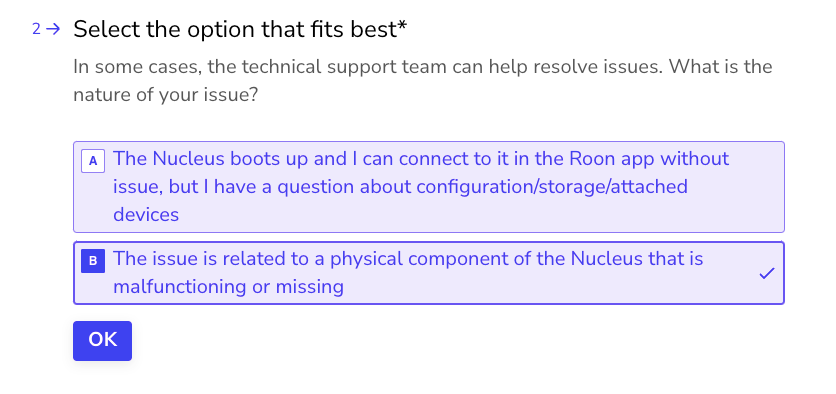
The best next step here is to get in touch with our RMA department directly, as they’re in charge of all hardware-related Nucleus issues. To do so, open the Typeform link below and select ‘Other’ followed by 'This issue is related to a physical component".