What is the operating system of your Roon Server host machine?
· Windows
What kind of device are you using to perform the login?
·
Where are you trying to login?
· I can't log into Roon
Please try to restart your Roon Server by closing the Roon Server app in the taskbar (MacOS), task manager (Windows) or rebooting your Roon Server machine.
· No, the issue remains the same
Different device
· I cannot switch to a different device
Are you still facing the issue on the different device
· No, the issue remains the same
Record the timestamp
· roon server has been suspended 15.58-15.59 GMT+2
Describe the issue
ÜI’m using the latest version of Windows 11 pro and a QNAP server with Roon installed. For the past few days, whenever I’ve been listening to music in the car via ARC, the playback has suddenly stopped, and I can’t open Roon from home either. The server shows a ‘suspended’ status. Version 2.66 (build 1658) qpkh 2023-03-07 ffmpeg system default I’ve had a lifetime subscription to the Roon service for 2 years... I’ve read that others have had the same problem for days and I imagine Nucleus has it too... What should I do? Thanks, Edoardo Tomasi (I)
Translated with DeepL.com (free version)bersetzt mit DeepL.com (kostenlose Version)
Describe your network setup
I can’t answer any more. There are too many questions, and anyway, everything else is working fine – the router, Qobuz, PC, QNAP, etc.
According to the diagnostics, it looks like both the Windows 11 machine and the QNAP have been used as Roon Servers. Does this issue happen with only one of them and not the other, or on both equally? We tried to enable diagnostics for your account but the servers are not showing as online, please let us know when you next use them so that we can check for the diagnostic report.
Thanks for your reply! Both are used as servers, although the QNAP is my preferred choice. I’m currently connected for 30 minutes whilst I’m here, but I’ll leave both of them switched on even when I’m not around… thanks
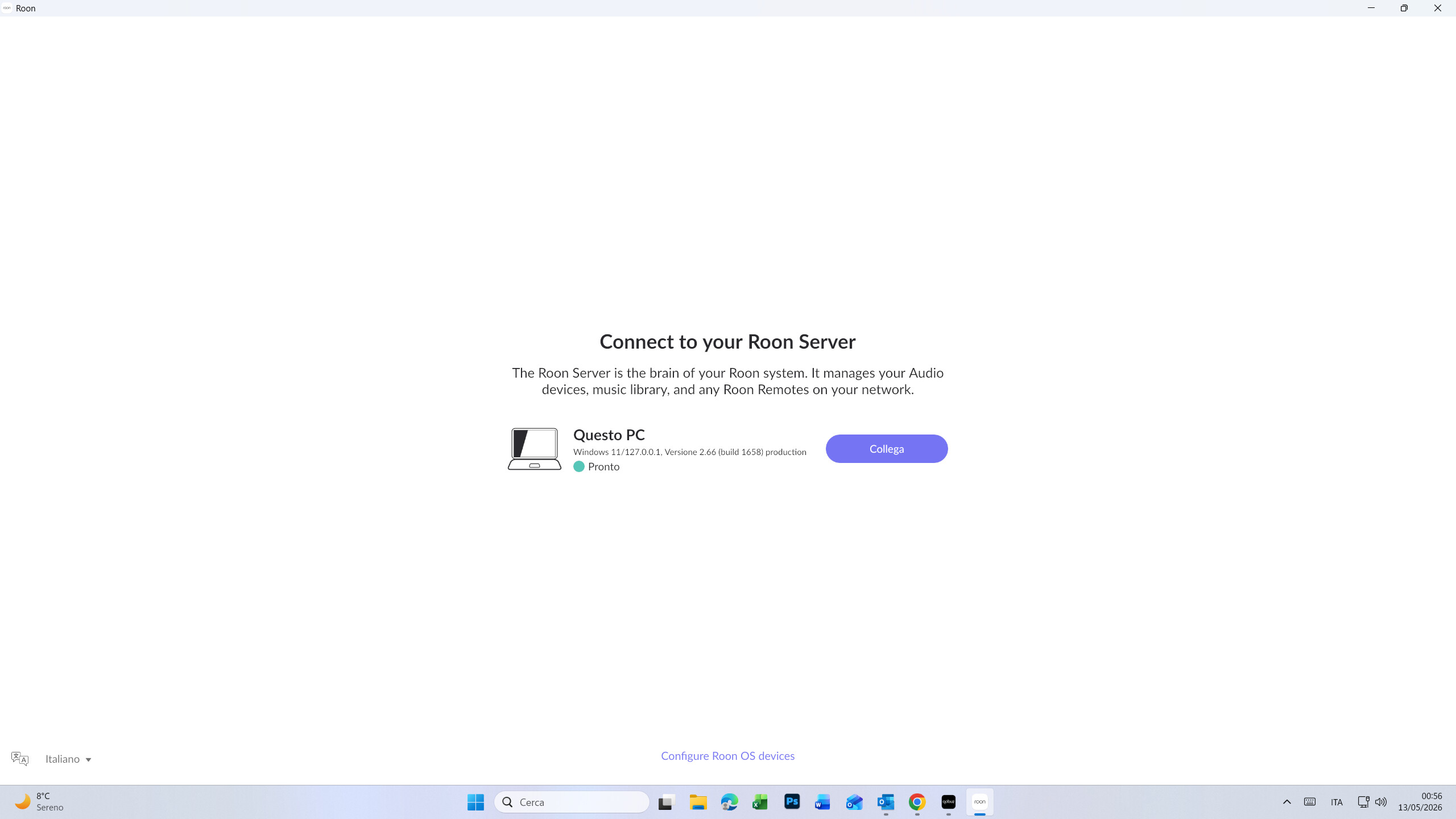
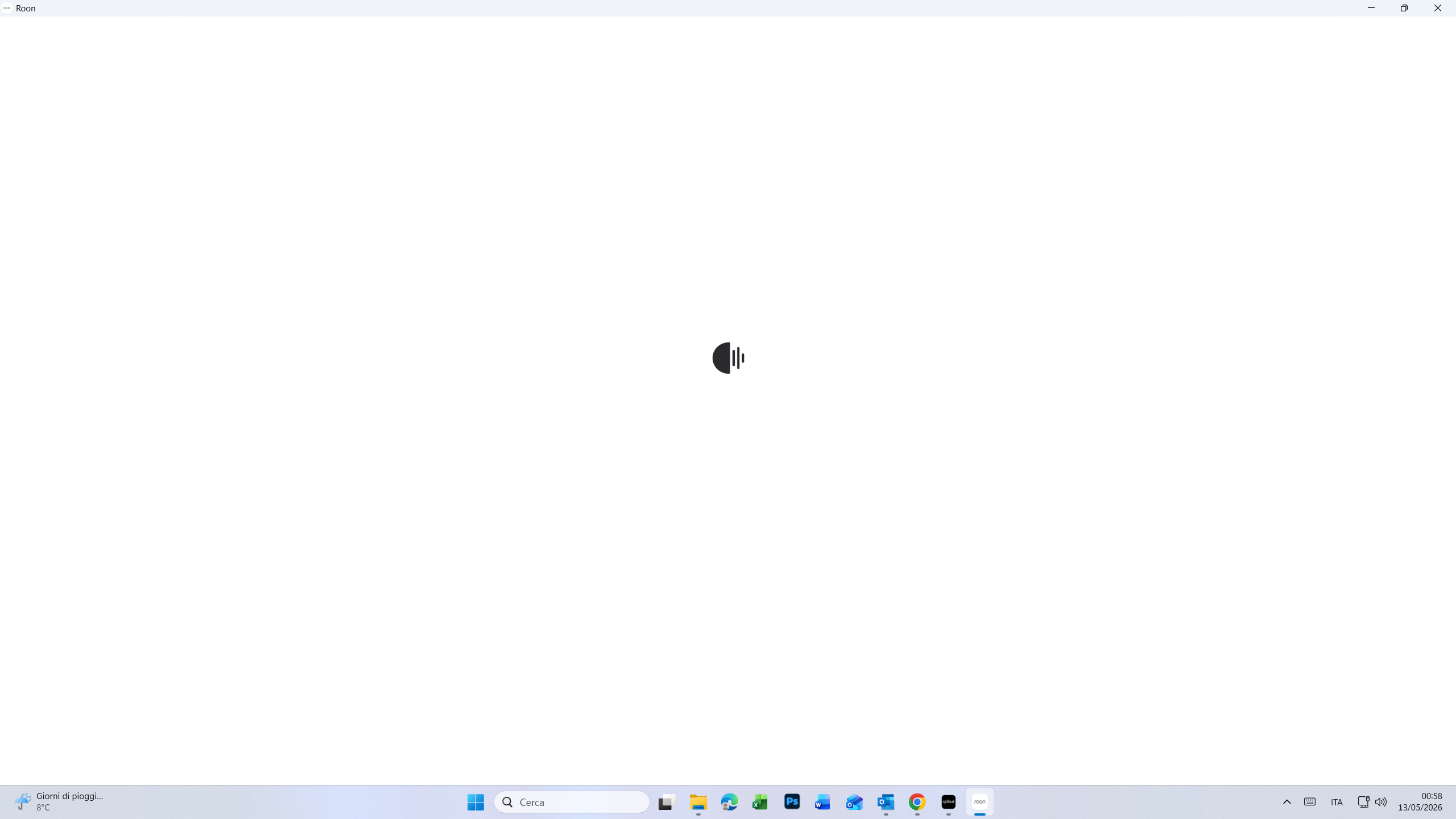
Roon hasn’t been working for the past 15 days and won’t open (it’s constantly searching for the server), and it doesn’t work via ARC either.
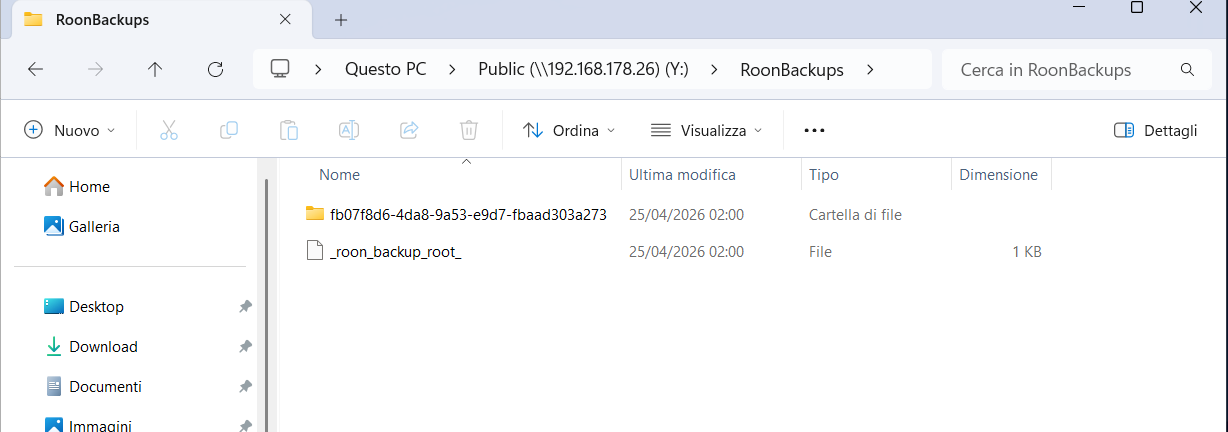
I’ve attached some screenshots, one of which is from the QNAP.
Basically, the system won’t open, so it can’t work. I’ve tried re-downloading Roon Server onto the computer, but nothing has changed. I’ve read that others have had the same problem. Qobuz, on the other hand, is working as usual…
Thanks for the update! For your QNAP running Roon Server, it’s likely that you’ll need to migrate over to running Roon Server via Docker. Here is more info on this, as well as a step-by-step instruction for QNAP specifically.
For Roon Server issues residing on your Windows 11 PC - I would verify that both Roon.exe and RAATServer.exe have been added as exceptions to your Windows firewall.
You can use these instructions to add the exceptions and the executables themselves would be located in your Database Location/Application folder path.
I would also add these exceptions to any Antivirus or other Firewall blocking applications you may have and ensure that you connected to your network via a Private network, not a Public one, see this guide for more information.
Just wanted to touch base, and see if you had a chance to try the QNAP Docker path we mentioned for Installing RoonServer on QNAP with Docker. On the Windows 11 side, were you able to add both Roon.exe and RAATServer.exe as exceptions in Windows Firewall, along with any antivirus or other firewall tools, and confirm the machine is on a Private network? Let us know what you’re seeing and we can take it from there, thanks!
We see a few server instances running on different operating systems are now associated with your account. Are you still intending to host your server on QNAP via Docker, or are you fully comfortable in a PC-based setup at this point?
Let us know how we can assist further. This thread will auto-close without any new responses after a few more days. Thank you!
Good morning. Unfortunately, I haven’t used Roon for over a month now; I’ve been using Qobuz instead. I’d like to be able to use Roon mainly on QNAP, but also without it. I’m a bit disappointed to find myself in this situation without any warning and to have to pay for a technician if I want to sort out the problem. Yet I’ve paid for a lifetime subscription… What would you recommend?
Thank you for your patience, and we completely understand the frustration — a month without Roon is not the experience we want for anyone, especially a lifetime subscriber.
To clarify one important point: the native QNAP package was never an officially supported Roon installation method, which is why it has become unreliable. The supported path going forward is running RoonServer via Docker on your QNAP, and the good news is that the migration is much more straightforward than it might sound.
We have a step-by-step guide with screenshots specifically for QNAP that walks you through the whole process:
Once Docker is set up, your existing Roon database and library will carry over, and you’ll be back up and running — no technician needed.
Give it a go and let us know if you get stuck at any point — we’re happy to walk you through it!