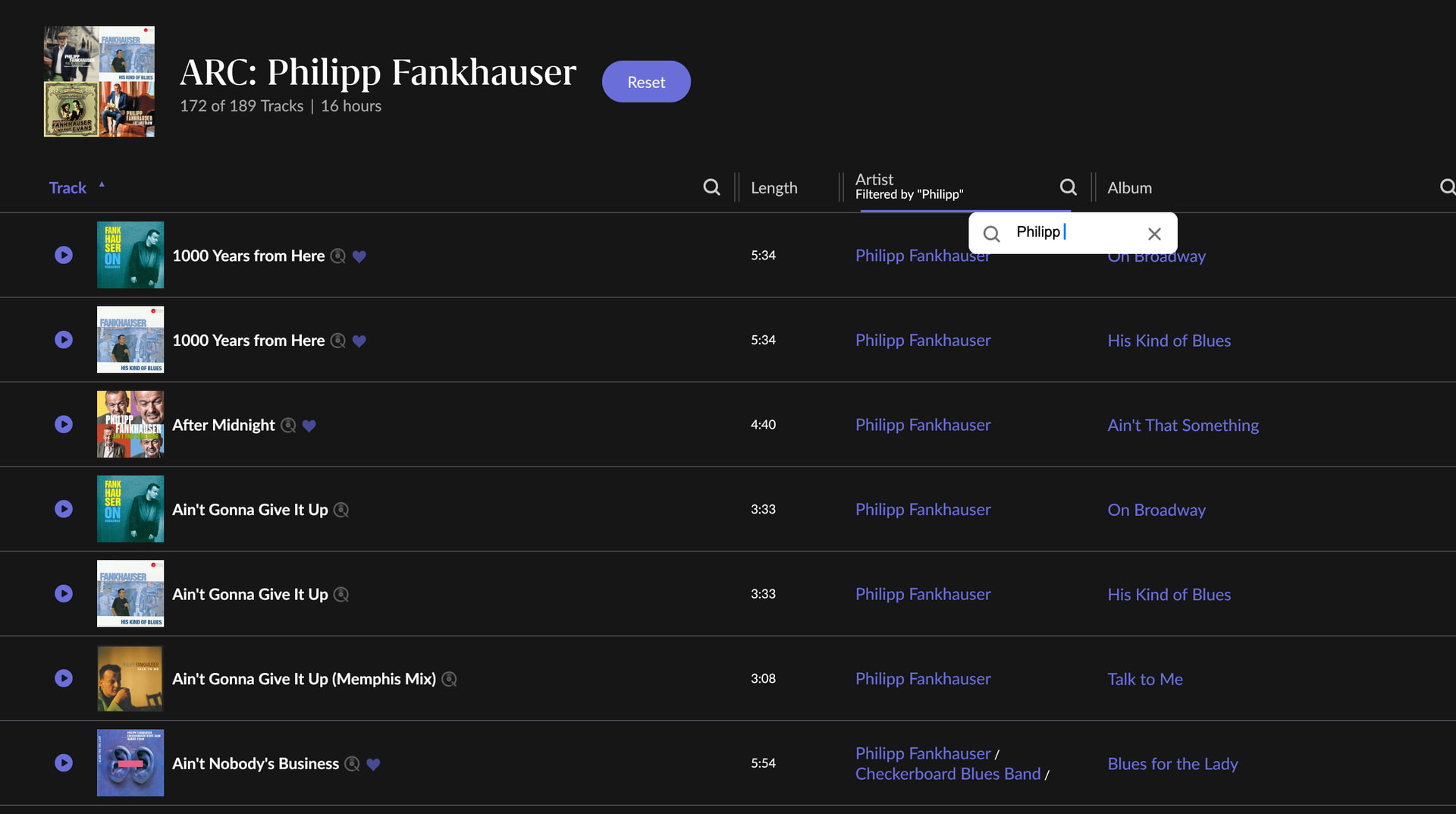
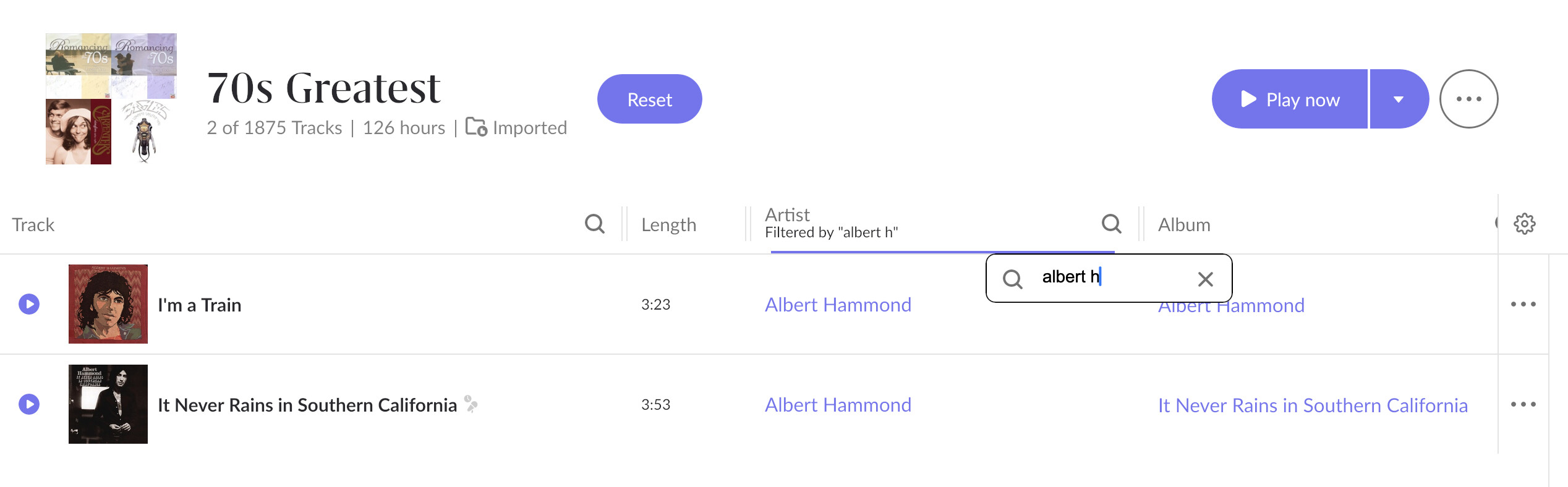
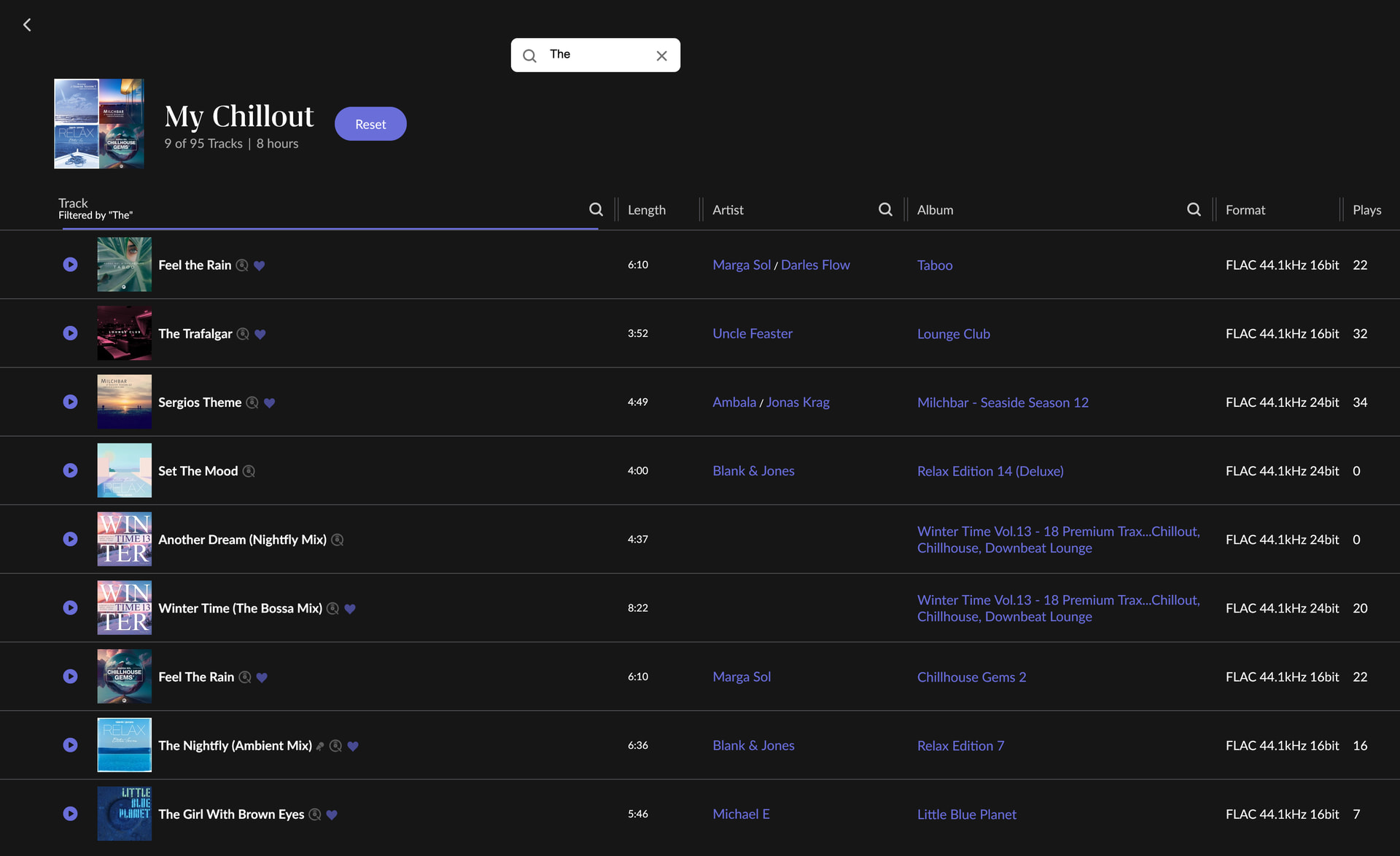
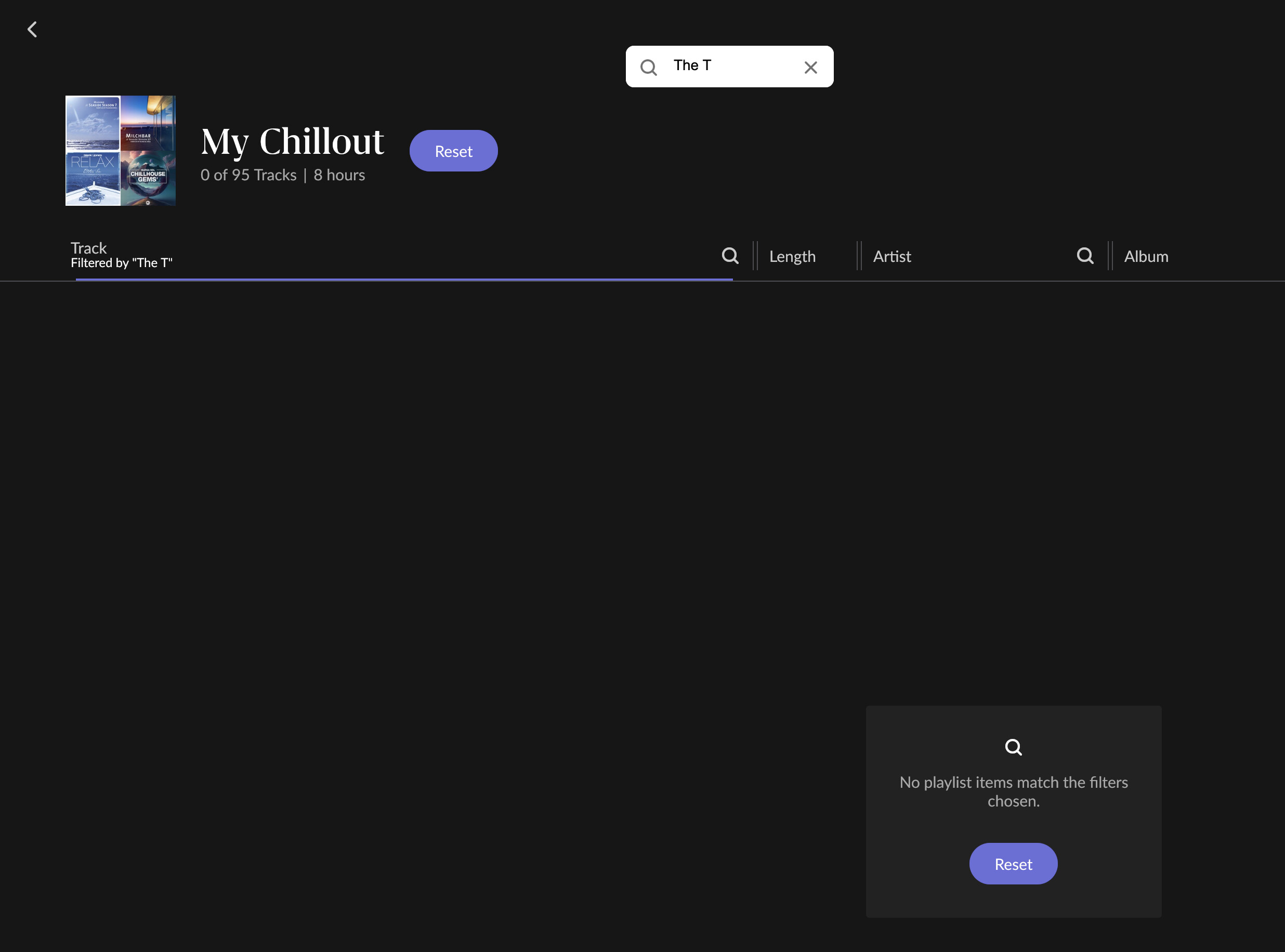
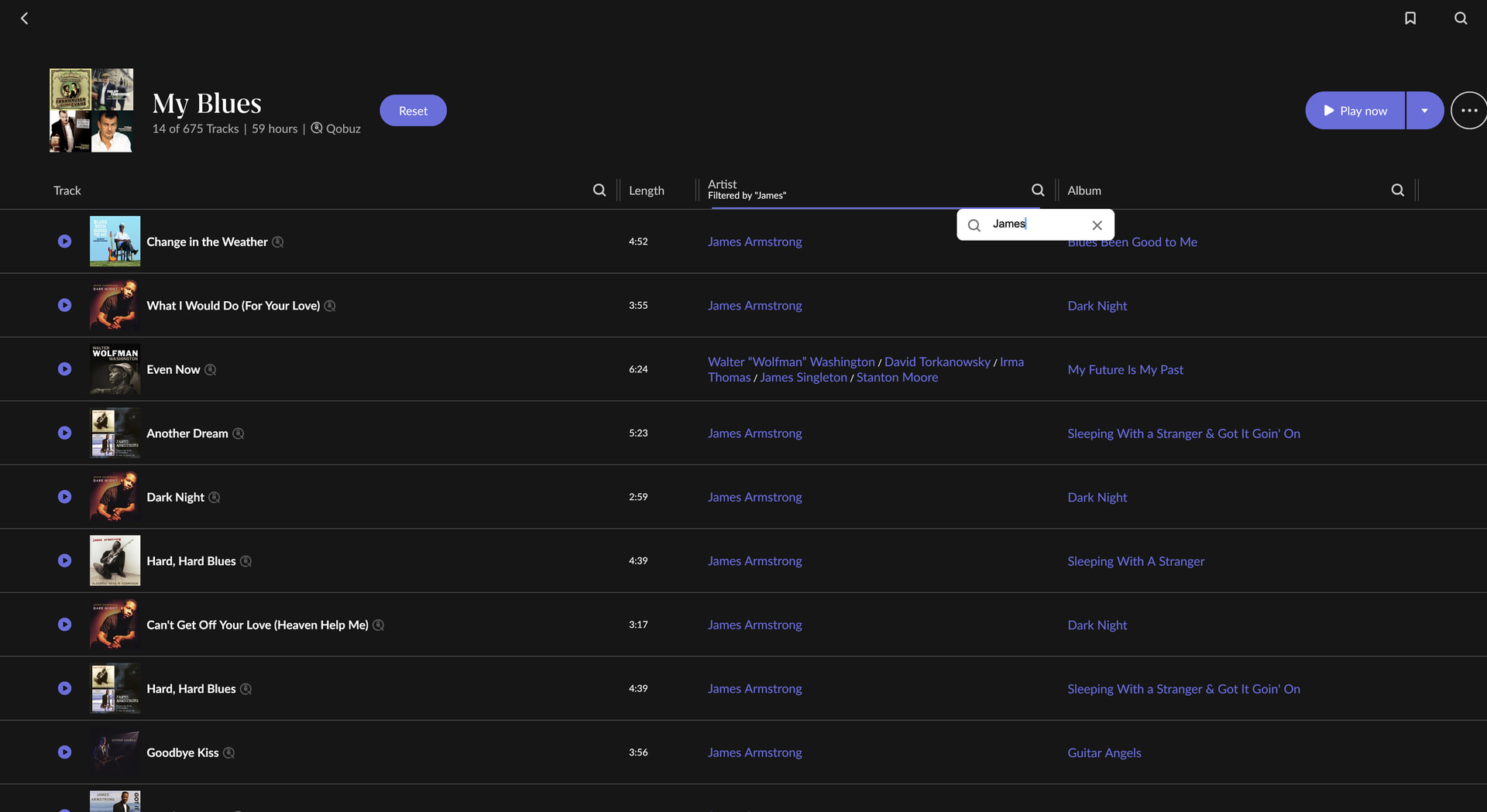
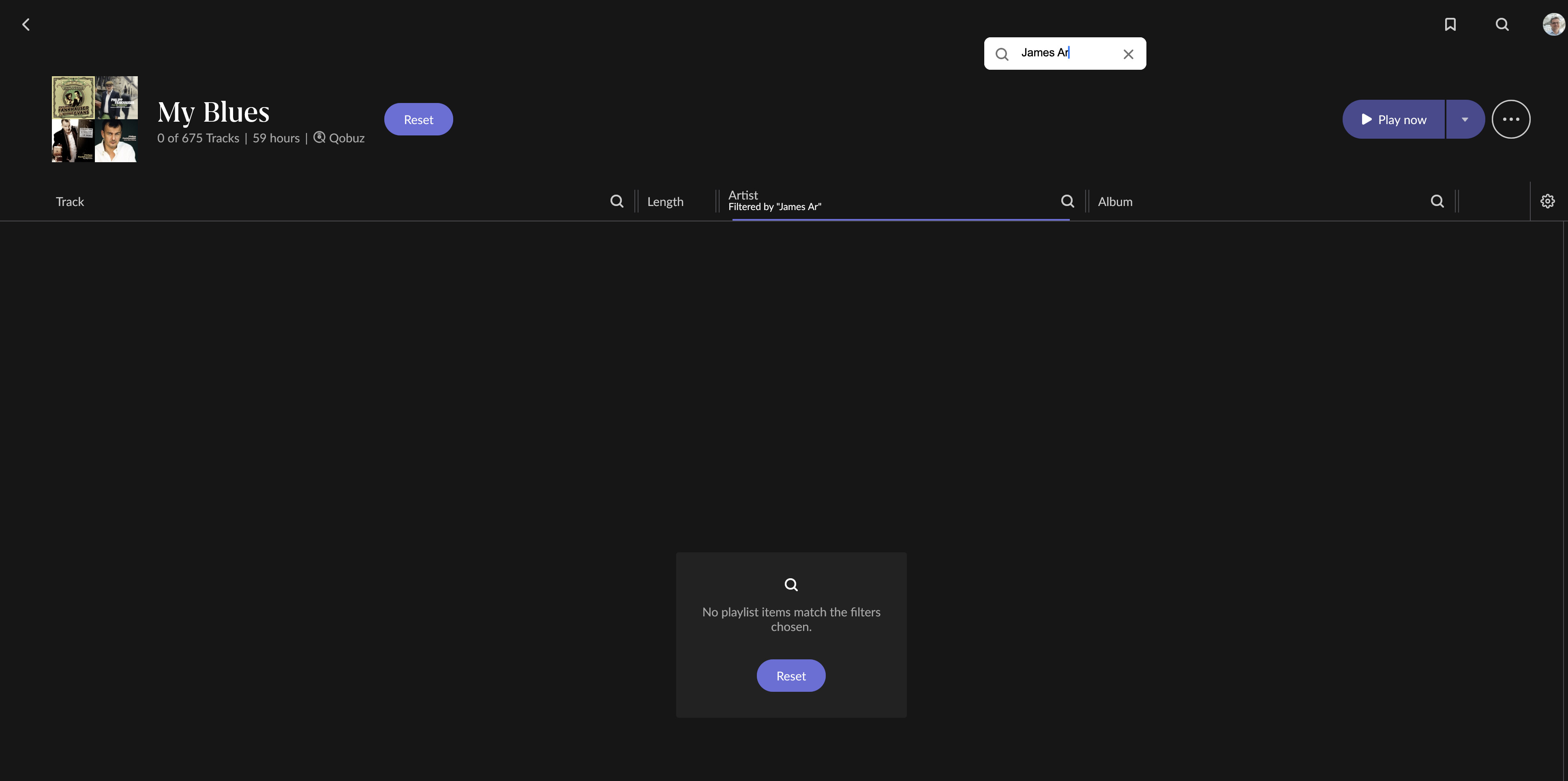
· I have an issue when searching for an artist within a playlist: When I type a name such as Philipp Fankhauser, the search works at first, but as soon as I enter a letter after hitting the space (after the first name), the result becomes empty. Hence, after pressing the space bar, no results are shown anymore. However, searching the same way in the Artists section (with space bar) works as expected.
Tell us about your home network
· All Cat6 cabling, no Wi-Fi. Fiber-Router connected to a UNIFI Switch USW Lite 8 PoE -> Nucelus. On the same network is a Holo Red connected with eth via another USW Lite 8 PoE
Thank you for your post. We so far haven’t been able to reproduce this with the same artist (or other artists) during internal testing. Does this reproduce consistently? It doesn’t reproduce when filtering with other fields, like Albums?
The filter and global search rely on separate mechanisms, so it’s understandable that you can older reproduce this while filtering within a playlist.
Dear Connor, thanks for your reply. The problem is persistent. It happens in both scenarios, when a playlist consits only of artits pointing to Qobuz as source, or if a playlist consist of a combination of Qobuz and locally stored artists.
It happens as well, when I try to filter track names within a playlist.
Even after re-installing a new database, the problem exists. What I also tried was to copy the playlist to Qobuz resulting in the same when I try to search within that particular playlist.
Thanks for the reply! Sorry to hear a fresh install didn’t help. Our team is still unable to reproduce this on our end - are you able to reproduce this issue no matter the Roon remote you use?
Or, is this specific to a singular device? Does this only happen under the artist search field, or can you reproduce this using track / album as well?
Does this also happen on a Qobuz curated playlist? For example, under ‘New Releases’?
Thank you for testing those different scenarios and providing such clear answers. The fact that this behavior is 100% reproducible on your macOS remote specifically with local playlists—but works perfectly on iOS and with Qobuz-curated playlists—is a very helpful clue.
Since our team has still been unable to recreate this exact behavior in our testing labs, the best next step is to bring your specific library data into our environment. Having a copy of your database will allow our developers to load your exact playlist structures and find out why the macOS remote is tripping up on the search filter.
Could you please provide us with a copy of your most recent backup?
How to upload your database:
Locate your most recent backup folder.
Zip up your RoonBackups folder (right-click it and select "Compress...").
Submit the .zip file to us through our [url=https://workdrive.zohoexternal.com/collection/gnhz54df9ddffa33d49a3be8619bd6376a5de/external]Database Upload Portal[/url].
Please reply here to let us know once the upload is complete so we can attach it to your internal ticket and pass it directly to the development team. We look forward to getting to the bottom of this!
While our team takes a closer look, I’d be curious to see if a complete refresh of Roon remote on your Mac may change the behavior. Steps to follow below: