I love Poolsuite FM’s streaming radio with its retro-styled, SoundCloud-powered chill beats and 80’s vibes, but I could never figure out a way to get it into Roon. I’ve seen other threads on Poolsuite and getting radio metadata into Roon, but no solutions.
Well, I got tired of waiting so I just vibe coded my own Poolsuite radio integration using Claude!
How It Works
The code runs a local “radio station” on your computer or Roon server which simply wraps Poolsuite’s stream and makes it discoverable by Roon. There are a few clever tricks under the hood to trick Roon into treating it like regular streaming radio. For the end user, it’s as simple as copying a URL and adding a new station in “My Live Radio” in Roon.
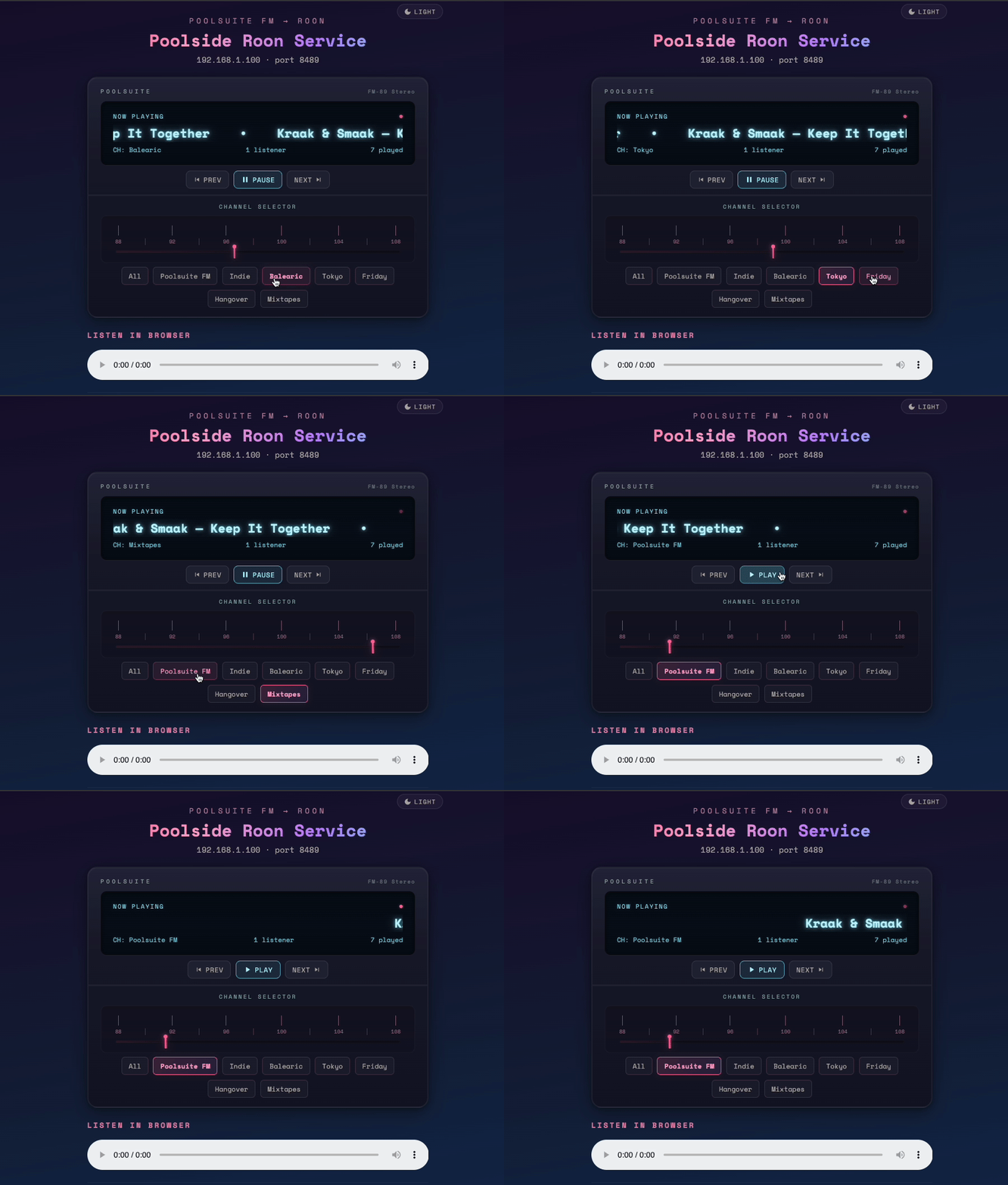
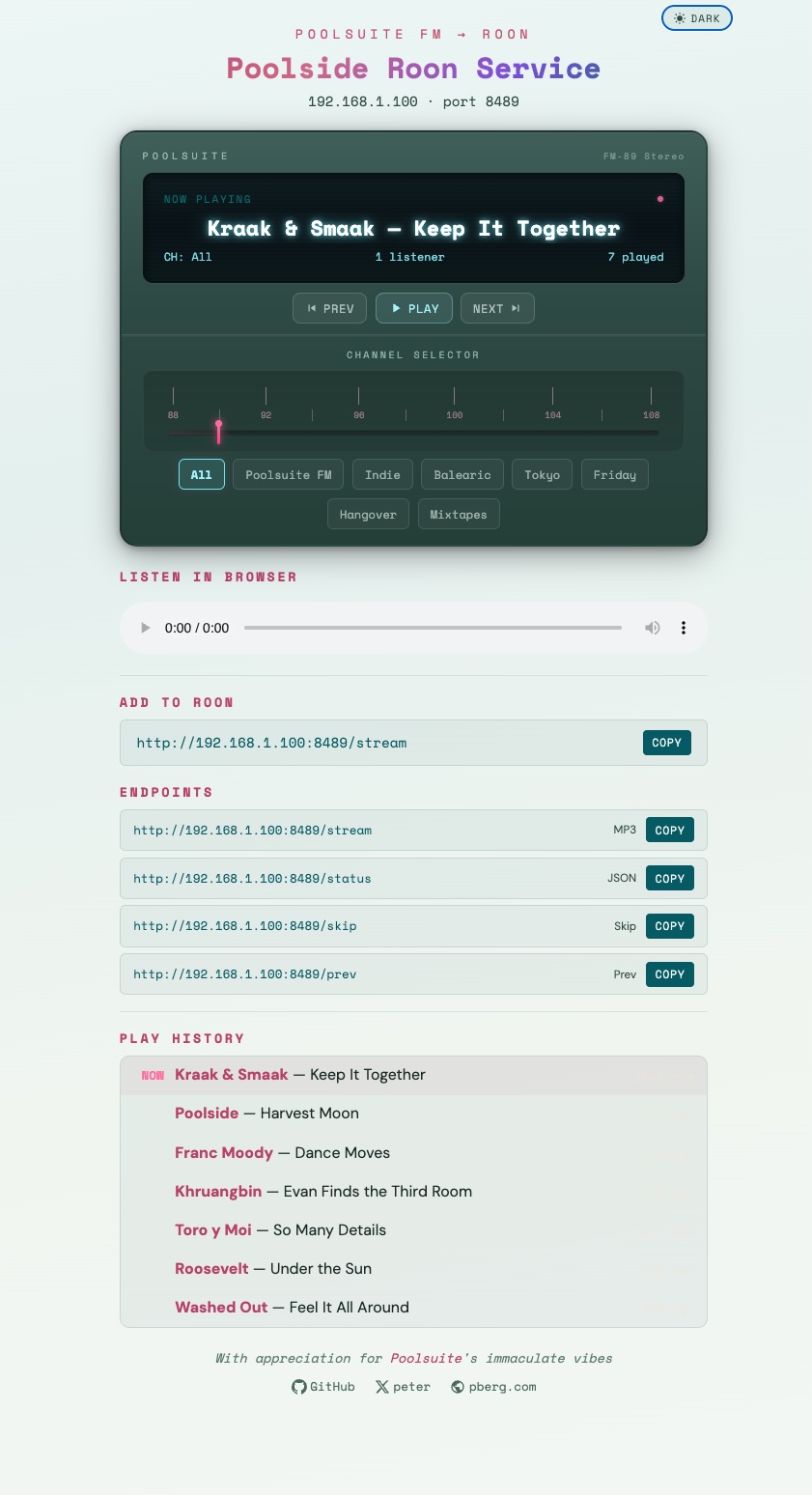
There’s also a web interface that runs locally in your browser and lets you:
- control playback (play/pause, next & previous tracks)
- change Poolsuite channels
- pass through song metadata, including links to Soundcloud
- match songs & artists to Tidal & Qobuz within Roon
- keep a list of recently played songs (with links to Soundcloud files)
I had some fun turning the web player into a retro design, complete with an analog-style “tuner” that changes position based on which Poosuite channel you select.
Adding Poolsuite to Roon
Once you download the code and copy/paste a couple command-line instructions, a locally hosted web interface pops up in your browser. It’s trivial to copy & paste the local streaming URL from that page into Roon.
Your local URL will look something like http://[LOCAL_IP]:8489/stream, e.g. http://192.168.1.2:8489/stream
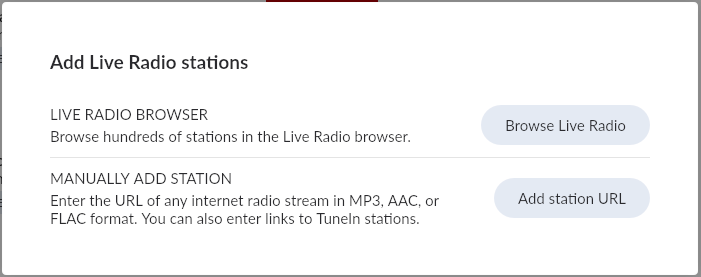
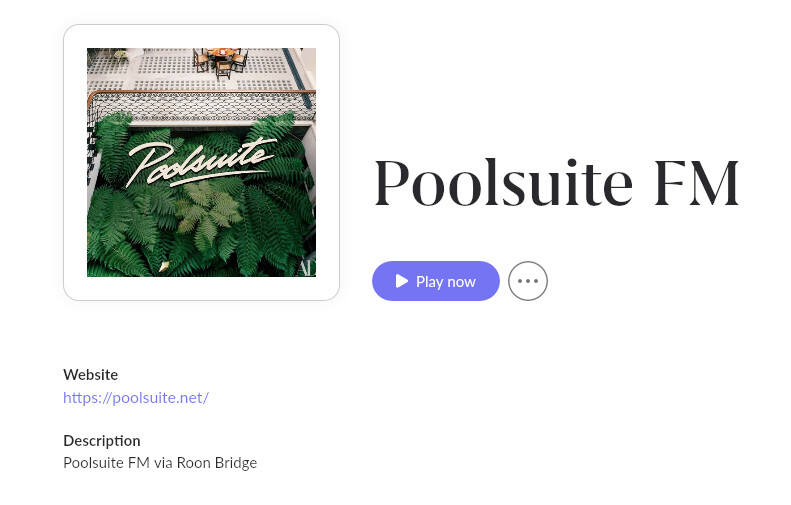
You just go into Roon under “My Live Radio”, click “+ Add Station” and choose “Manually add station”. Paste in the URL, add some optional details and artwork (included in my GitHub repo), and you’re all set!
Song Matching in Roon with Tidal / Qobuz
This implementation passes the Artist & Song metadata directly through to Roon, so if it finds a song or artist match via Tidal or Qobuz the “now playing” info will link to the respective files within Roon’s app, so you can add songs to your Library & Playlists.
There’s also a playlist history in the web browser so you can see what played previously and click through to the underlying Soundcloud pages if it’s not found in Tidal/Roon.
Web Interface
I had some fun designing the interface and went with a retro-inspired look as an homage to Poolsuite’s immaculate vibes. There are both light & dark modes:

Works on Bluesound & Sonos, too!
There are step-by-step details in the GitHub repo, but this hack also works to add radio stations to Bluesound (BlueOS) and Sonos systems. You can add a station directly via the URL, or even easier is via the TuneIn integration by adding a new favorite radio station.
Get the Code
Here’s the public repo with all the code. I’d welcome any feedback or improvements. Happy streaming! 