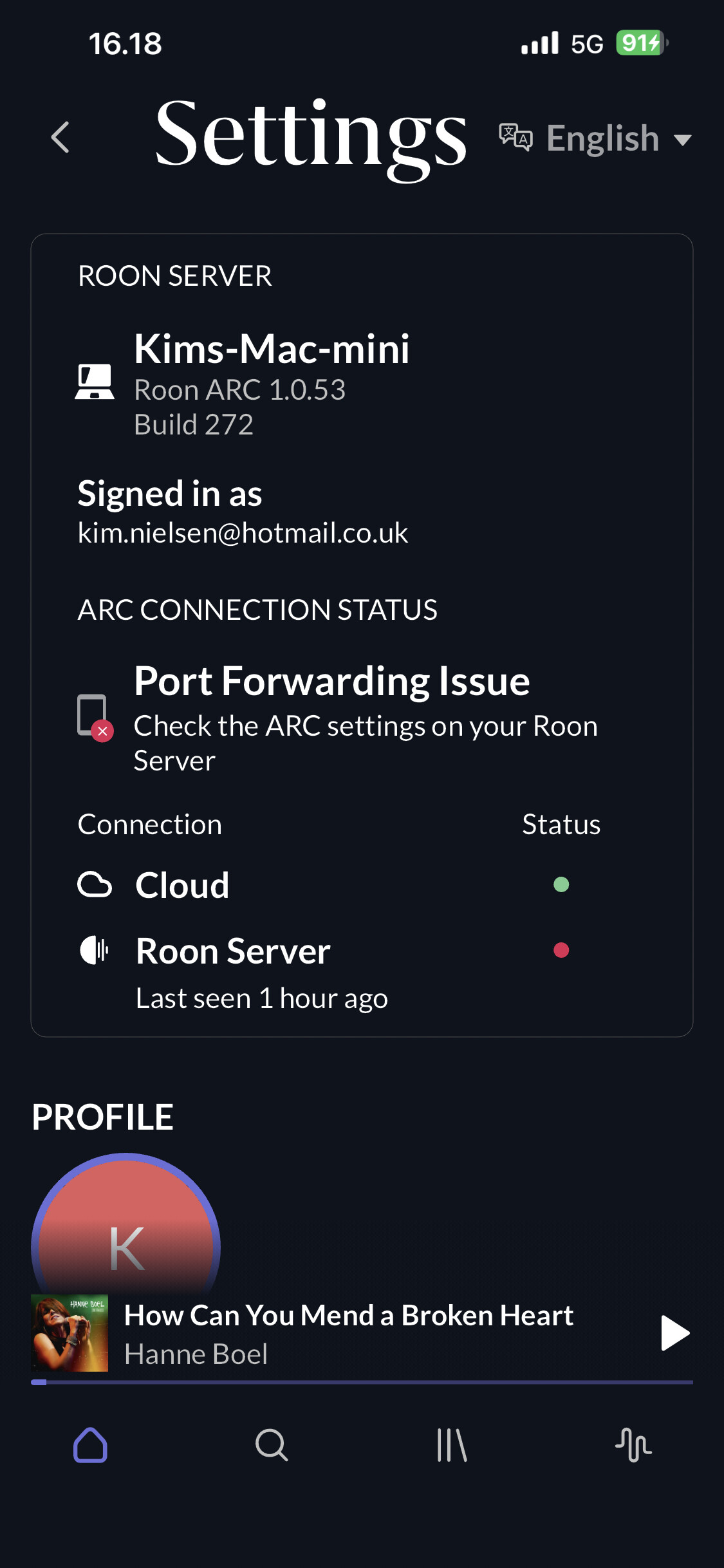
· “Did not find UPnP service with WANIPConnection on network”
Have you successfully located and enabled the UPnP or NAT-PMP settings in your router's web UI?
· I've turned UPnP/ NAT-PMP on and ARC won't connect
Select the Diagnostic Keyword or Text String
· Something else
Don't give up yet.
· I'm stuck. I'd like to create a post to ask Roon Community for help.
Describe the issue
All recommendations/steps taken in arc troubleshooting does not work for me. It dismiss ARC in the car due to Poor Connection. On the Iphone there is a green dot on Icloud and ARC and Roon appears live in the House. However in the car it tries but then I get dismissed - Pure Connection
Describe your network setup
3.DK (wireless). Huawei CPE 3. 8 port English Audio switch. OS 12.7.4 MacMini
Hi @kim_nielsen,
Thank you for writing in to let us know about this issue. Have you noticed these poor connection issues anywhere other than in your car? Are you using ARC with a head unit for CarPlay in your vehicle?
Hi Daniel!
Thanks for coming back. Poor connection issue is only fed back in the car and I use no head unit for CarPlay. Inhouse Iphone is OK green dot on Icloud and ARC. However on the Ipad - Roon not Ready error message remains after trouble shooting ARC.
Are you playing ARC through your car speakers using a USB cable? We’re seeing log traces that look like ARC is trying to start CarPlay but can’t since you aren’t using a head unit.
Daniel. Correct, In a new Mercedes with MBUX you need a USB lightning connection to the Iphone in order to activate Apple Car Play and consequently the ARC app and the cars soundsystem. Never used a headset in my car! So slightly puzzled, but sure we’ll get there thanks to Your expertise!