The basic problem
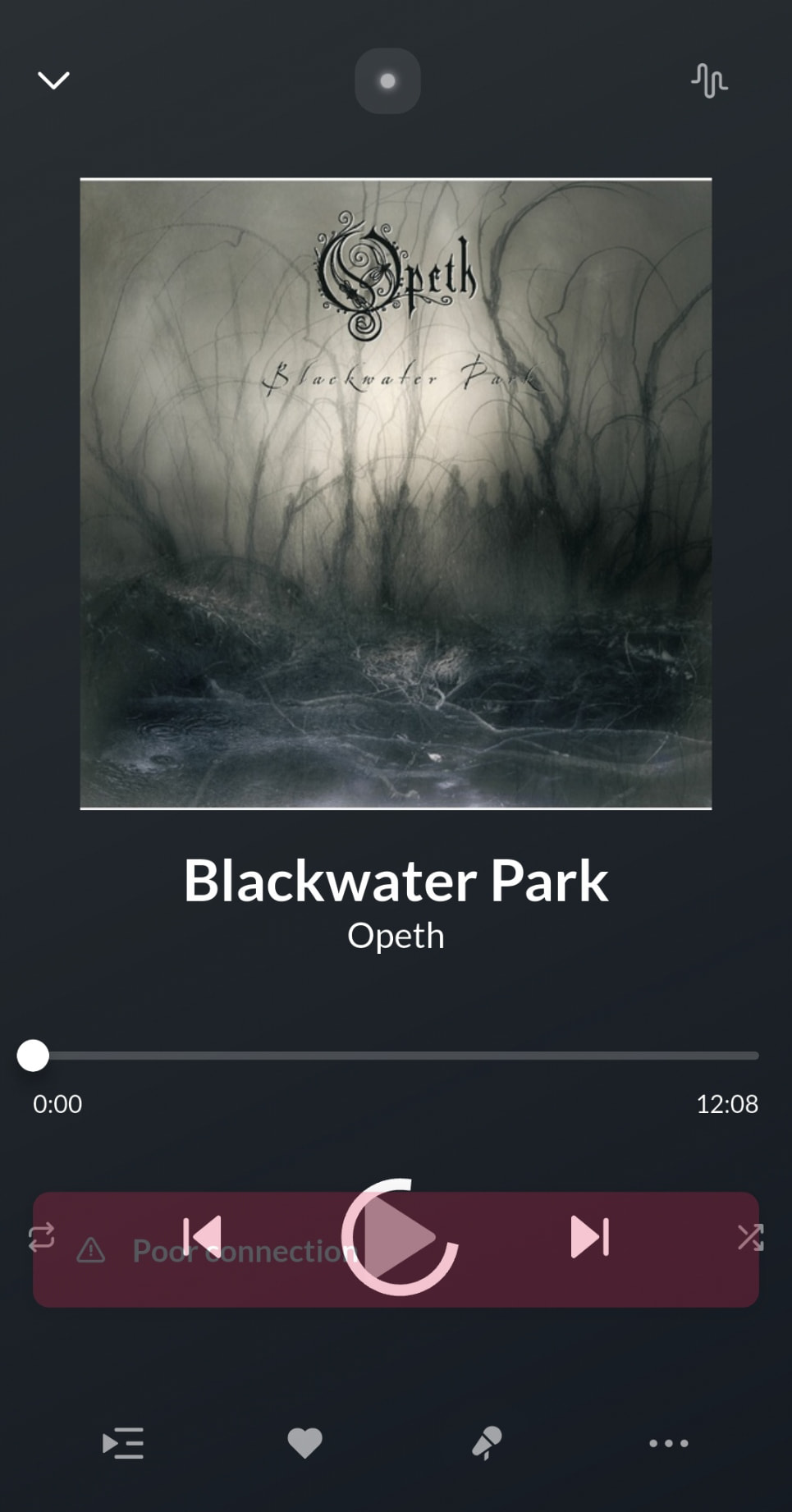
Roon ARC works flawlessly over wifi and with local files, but the moment I’m on cellular and try to stream something from Qobuz specifically, it throws “Poor Connection” and just won’t play, even though everything else about the connection is fine. I spent a long time treating this as something wrong with my own network before finding out it wasn’t.
The technical breakdown
- ARC connects straight from your phone to Qobuz’s own servers when streaming, unlike local tracks and the regular Roon Remote app, both of which route through the Core first.
- Because of that, Qobuz sees the request coming from whatever public IP your carrier happens to be sharing across a pool of subscribers at that moment (CGNAT), rather than your home’s stable IP.
- 5G networks tend to sit behind a much more heavily shared CGNAT pool than older LTE infrastructure. That makes this tied to which radio connection is active in the moment, not the phone or the carrier account, the exact same account, even the exact same phone, can avoid the problem entirely if it happens to be running on LTE instead of an active 5G connection. I ran into this exact pattern myself, the issue started right after I switched from a 4G-only phone to a modern 5G one, same account, same carrier, nothing else changed.
- If that shared IP has been flagged by Qobuz’s own fraud/abuse detection because of something an entirely different subscriber did, ARC gets throttled or blocked and shows a generic “Poor Connection” error that’s indistinguishable from an actual bandwidth problem.
- Worth being specific about which connection is getting flagged, too. Roon accesses Qobuz through their public partner API, which requires a registered app_id and app_secret and is monitored per-partner for abuse. Qobuz’s own native app almost certainly isn’t going through that same channel at all, it talks to their backend over its own private, first-party interface, so this filtering is specific to the partner integration layer that Roon relies on, not something a Qobuz subscriber using their official app would ever run into. My Qobuz certainly runs fine.
- This has been independently diagnosed down to this exact root cause by multiple users and Roon support across several threads, but the only current workarounds are a VPN exit node, which by default tunnels your phone’s entire internet through home unless you dig into per-app split tunneling to scope it down to just Roon (Android-only, and doing it cleanly requires MDM tooling most casual users have never touched), or asking your carrier for a non-CGNAT IP, which not every carrier even offers, not to mention usually charges for even if they do support it.
If this sounds like ground that’s already been covered and ruled out, it’s worth being precise about what actually got ruled out. Roon staff have explained before (see the CGNAT thread linked below) why they didn’t build a general relay/VPN system to get ARC connected to a private home Core through arbitrary network configurations, that’s a genuinely hard, open-ended problem, and a fair one not to solve for a v1 release. But that’s not what’s being asked for here. By the time ARC is already showing a healthy connection and playing local files, that hard part is done, there’s already a working, authenticated path from phone to Core. This isn’t new connectivity infrastructure, it’s routing Qobuz/Tidal audio over that already-established path instead of opening a second, separate connection straight to Qobuz. And it’s not even hypothetical, the desktop app and the regular Roon Remote app already do exactly this, they already proxy Qobuz and Tidal through the Core. This is asking for that same, already-built and shipped code path to also be available as an option in ARC, not new technology.
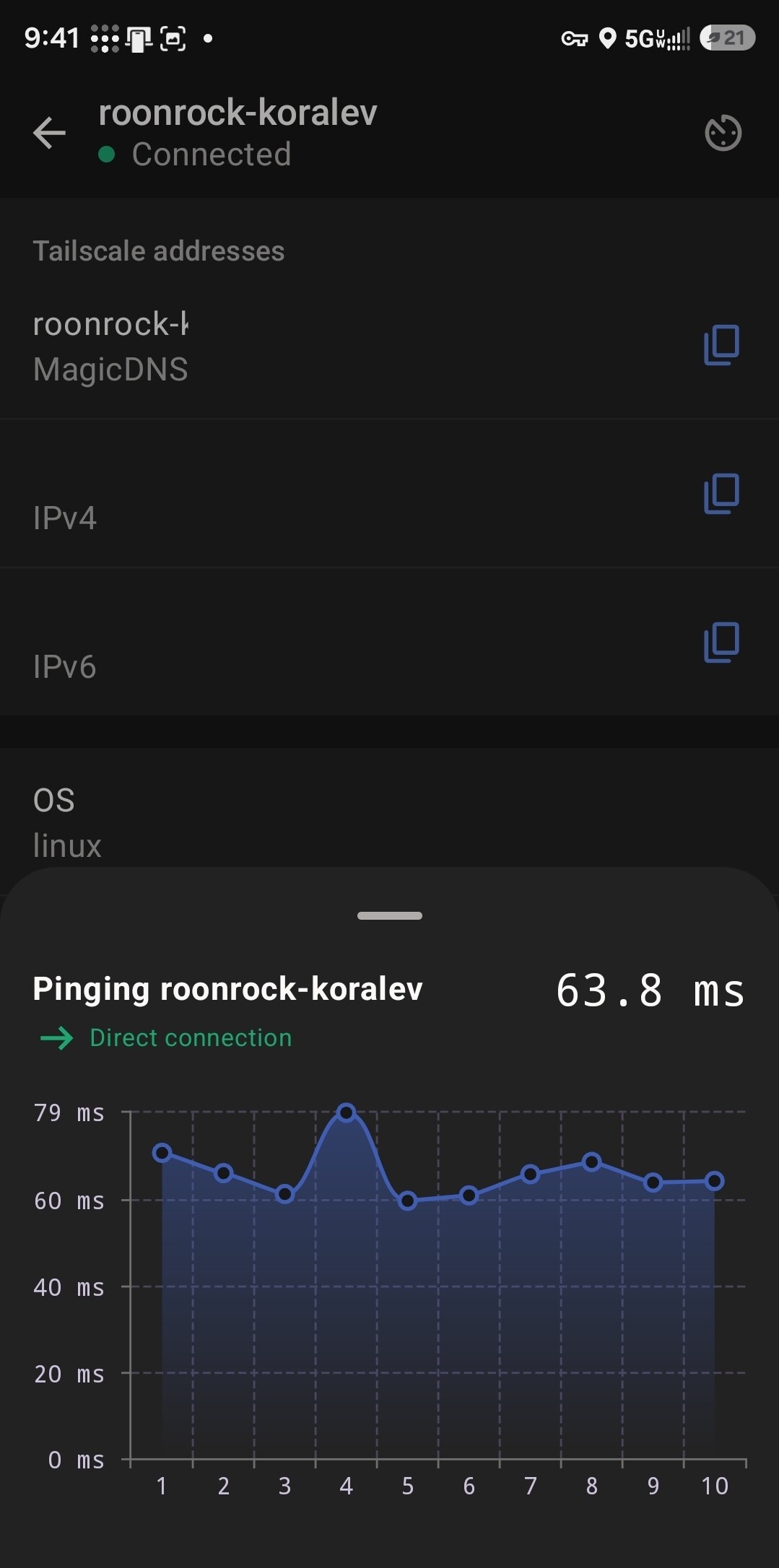
This has been sitting unresolved for years at this point, and even if a full fix isn’t realistic since the root cause lives on Qobuz’s own infrastructure, it’s well overdue for at least an official workaround for the people dealing with it. This will only become a bigger issue as more people upgrade to 5G phones. Relying on a home network VPN isn’t a good solution, it’s a lot more involved than flipping a setting, and it asks casual users to become their own network administrator just to stream music reliably. And if your Core happens to be ROCK like mine, it gets even more limited: ROCK’s built-in Tailscale integration doesn’t expose exit node functionality at all, so turning it on there runs into the exact same problem as running with no VPN whatsoever. Actually getting this working means standing up a separate, general-purpose device on the same network just to act as the exit node, more hardware than just the Roon Core most people already have.
The suggestion
An opt-in toggle, either in ARC’s settings or the Core’s ARC section, to proxy Qobuz/Tidal playback through the Core the same way local files already work, instead of going phone-direct to the streaming service, would do it. Doesn’t need to be the default, the upload bandwidth trade-off is a fair reason it isn’t already. Just something simple enough for anyone to flip on: “Turn this on if ARC keeps showing Poor Connection. (May increase home bandwidth usage)” People with decent home upload get an actual fix without needing to understand CGNAT or set up a VPN on an external device just to stream music on the go.
Related threads for reference: