Can someone please explain to me what the request is really for? And why we should need an extra option like @mikeb proposes, if we have the following, like below.
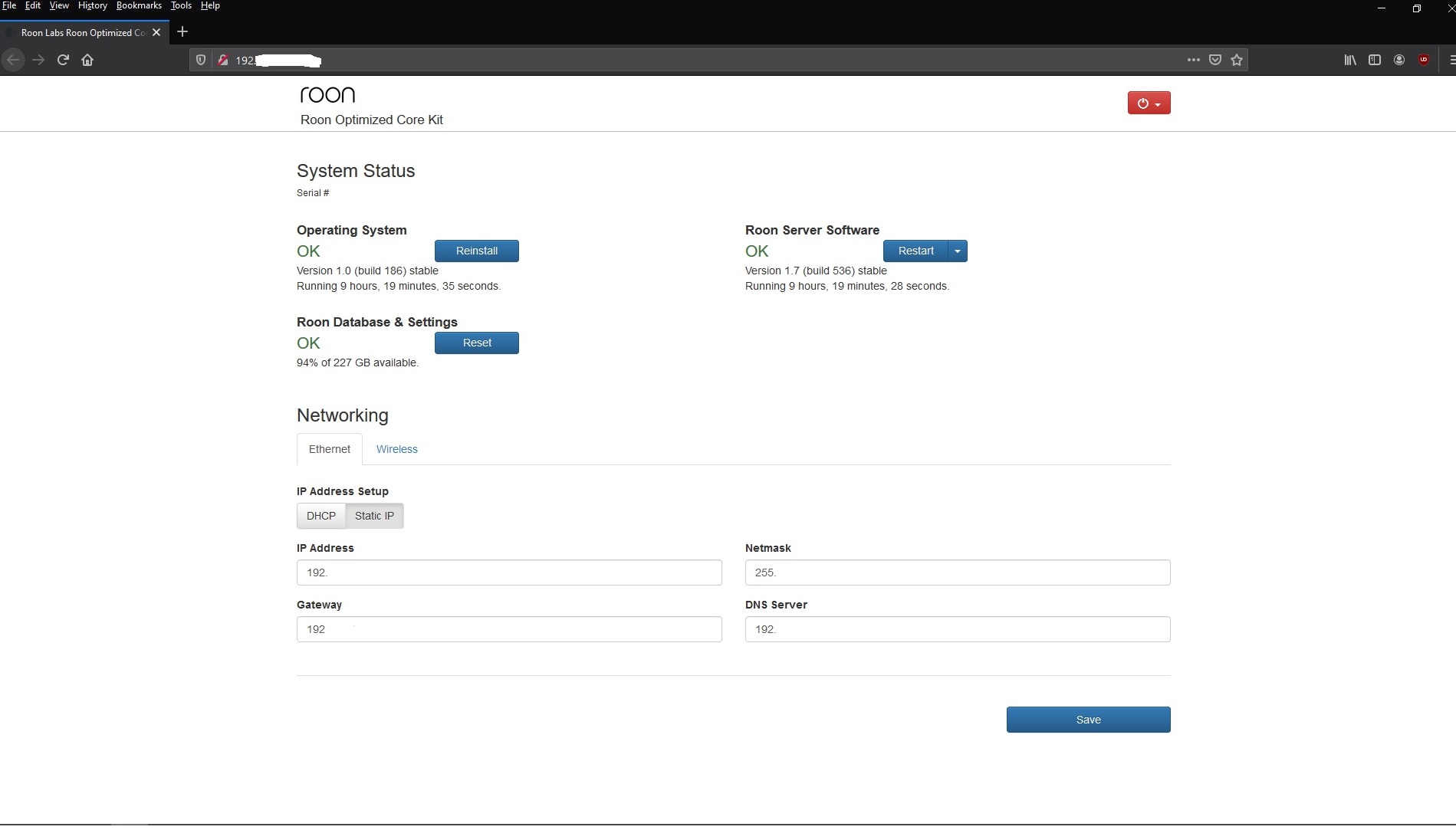
To remotely restart Roon on MacOS, you can use the following commands. First, you’ll need to allow remote access in System Preferences.
ssh martin@192.168.0.123
osascript -e 'tell application "Roon" to quit'
osascript -e 'tell application "Roon" to activate'
Thank you @mikeb for the explanation.
Just curious, but how often do you have to restart the core? Till now, I only had to do it when there was an update.
Have a nice day
It’s backfired because people only read one or two posts and then offer their opinions.
For such a simple and, I thought, clear request this has generated so much confusion.
As it goes, I’m pretty sure this won’t stop here. 
As to why one would need such an option, I can only speak for myself. My Core machine (a WIN10 PC) runs headless, down in the cellar. If there is a problem, the only way to restart Roon is to power off/on the machine. Something one probably shouldn’t do. Lately, I and many other people have found it necessary to restart Roon Core on too many occasions, as evidenced by the necessity to create this thread -
.
And before someone chimes in and opines that this request option will only work if Roon is not totally locked up - That’s true, but Roon is seldom completely frozen.
1 Like
Fair enough. I do doubt it would make much difference anyway, as you’ve said.
Not only that, but the second post of this thread actually is just a reposting of the two feature requests I posted plus another one I didn’t see.
1 Like
Well I for one would still love this funvtionality… roonserver is not a stable as they claim it to be, I have all sort of issues with my dad’s roonserver that I manage. It if forever crashing and he is often asking me to remote in and reboot it, as it runs on a headless machine which he can’t access
It seem Roon are more interested in ai recommendations than simply functionality fixes like this. Please reconsider this little request Roon team!
1 Like
Notwithstanding the feature request (which I support), a “forever crashing” Roon Server on a headless (Windows 10?) machine is not usual. Something else is likely afoot, and might be worth getting Support involved?
1 Like
OK maybe that’s a slight overstatement then, but it is not entirely stable. I have got support involved and have a workaround for now.
It’s overly complex and something like the ‘reboot core’ button would be a huge help.
2 Likes
Also please note that if one has a large roon library (like 500K+ tracks), it takes more than 15 mins for roon to come up (this does not include library scan time, which can be another 20~30 min). So such button is fine for smaller libraries but this issue needs to be address from a more ground-up fashion. BTW, my setup slows down significantly after 1~2 days of use. I switched to SSD, new machine, opened a roon support ticket. No sign of relief yet.
1 Like
That size library is so on the extremes of normal usage it’s going to tax any set up In would have thought. Are you using a custom built machine for that?
Nope. Just a plain old macmini late 2012 with a spinning hdd. 16GB of memory. Ran fine for the past 5 years. Recently switched to an SSD drive but still gets slowed down after a few days of use. I wonder why roon gets slow by hours/days of use. Is it because it is optimized for smaller libraries?
I have no idea how it’s architecture but the symptoms you are getting are associated with underpowered hardware.
There are a few threads on running such big libraries and the need for higher end hardware.
1 Like
+1 from me as every time I’ve had a hiccup, a quick restart has fixed it.
1 Like
I scheduled an automatic restart (with auto login configured) job to run every morning for my macmini. Not very elegant but it radically collect garbage and it comes with OSX free.
Hi @ged_hickman1,
Thank you very much for pointing the above thread to me. Mystery solved. Money saved (I think).
1 Like
Yes, that will work, but this Feature Request is to be able to 'Remotely" restart the Core (not the Core machine) when there is a Roon problem.
1 Like
I know you can with ROCK, but that’s only because Roon has complete control over the operating environment. So I can agree this would be a nice-to-have on the regular Roon server as well, via the Remote. Which kind of brings about the question of access levels again, I guess, You don’t want just any random person running the remote app to have access to restart your Roon. Password verification, maybe?
Hello,
The stability of roon drop (for me) after the last upgrade. I used the simple method to restart core on my QNAP - shut it down - and it isn’t the right way
I like to find restart button in user interface of roon core
Better way will be to improve the stability of roon core!
You can’t recomend music enthusiast to log in to linux server and type horrible command line!
Best Eduard
1 Like
I have exactly the same problems from time to time and I have to stop/restart Roon on my NAS. Reboot from remote would be great…
But you still have to reboot the whole machine instead of just the roon server
Edit:
Sorry to have answered again to you Slim, this thread is just too embarassingly old and still not a word from the ones in charge 
1 Like