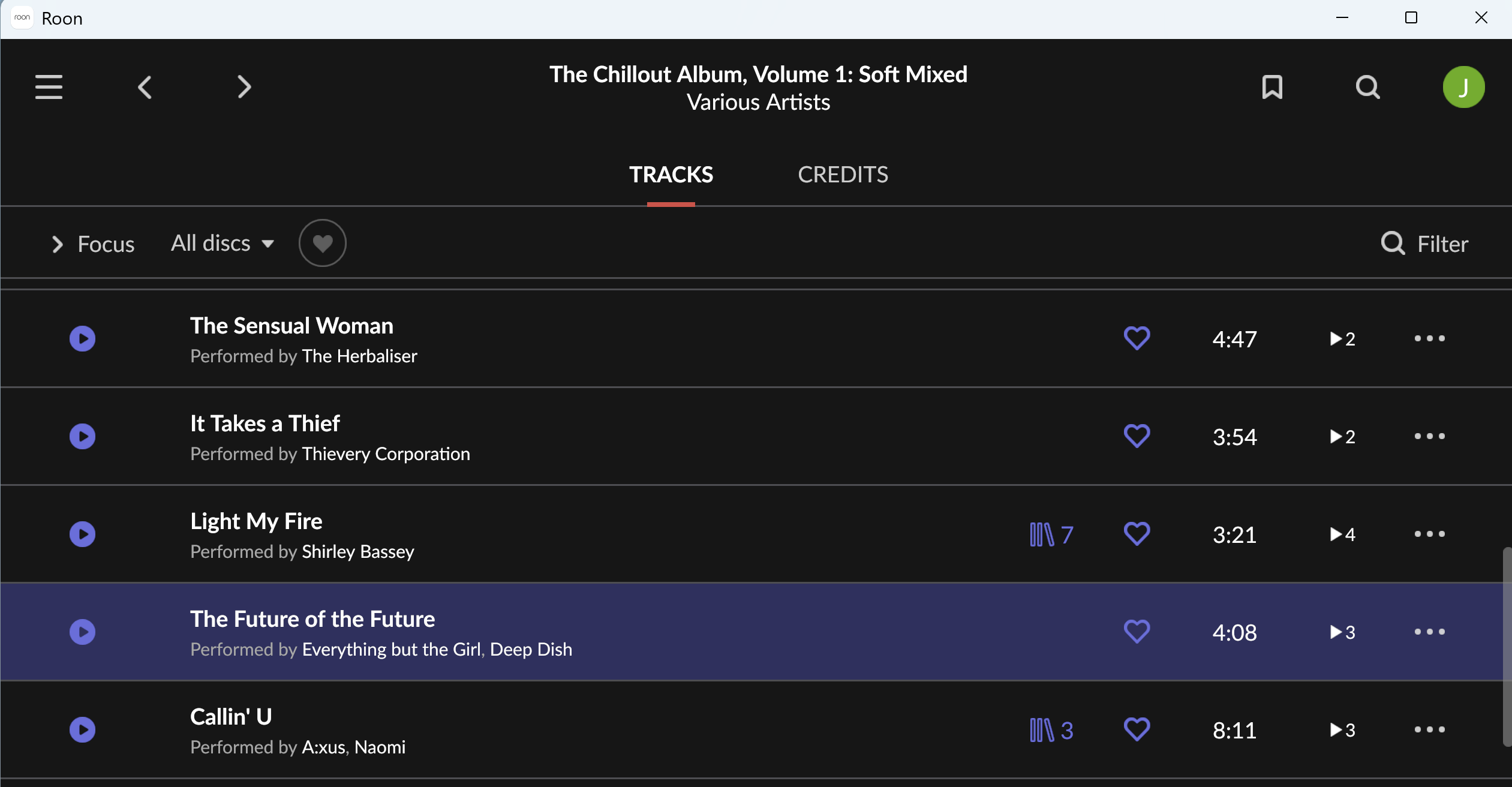
Possible bug? Incorrect # same tracks being displayed
Describe your network setup
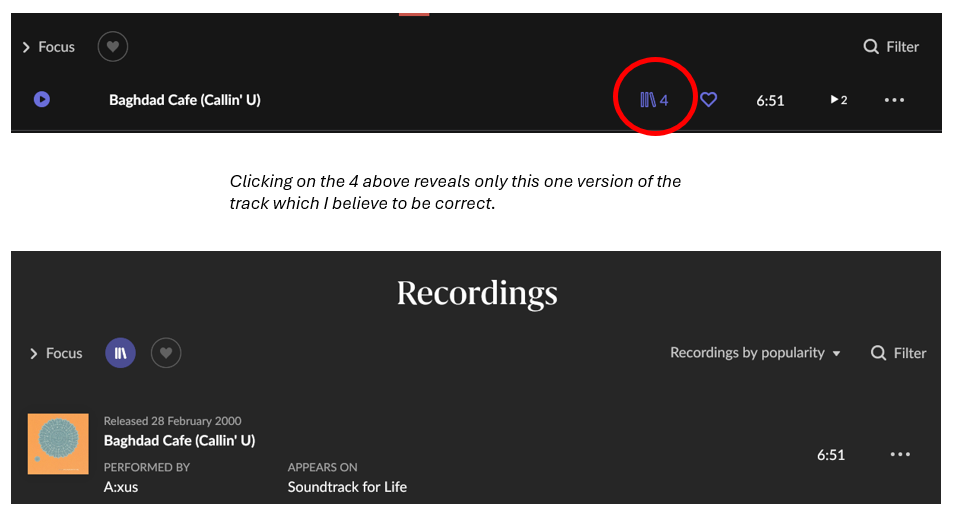
This is a pure roon GUI display issue. I just imported a CD into roon, when I show the track listing I am told (I think) that roon thinks there are 4 versions of this track in my library. When I click on the "4" to see those versions then I am only shown one version. I have used roon for a while and thought that it worked this way (i.e. if there is a number next to the track then that indicates the #versions in my library). Maybe it is a bug? I am using up to date software. I rebooted my server and nothing changed. This artist does have a strange name, containing a ":", maybe this is related, then again, the problem only shows up for the first track. Thanks for looking into this.
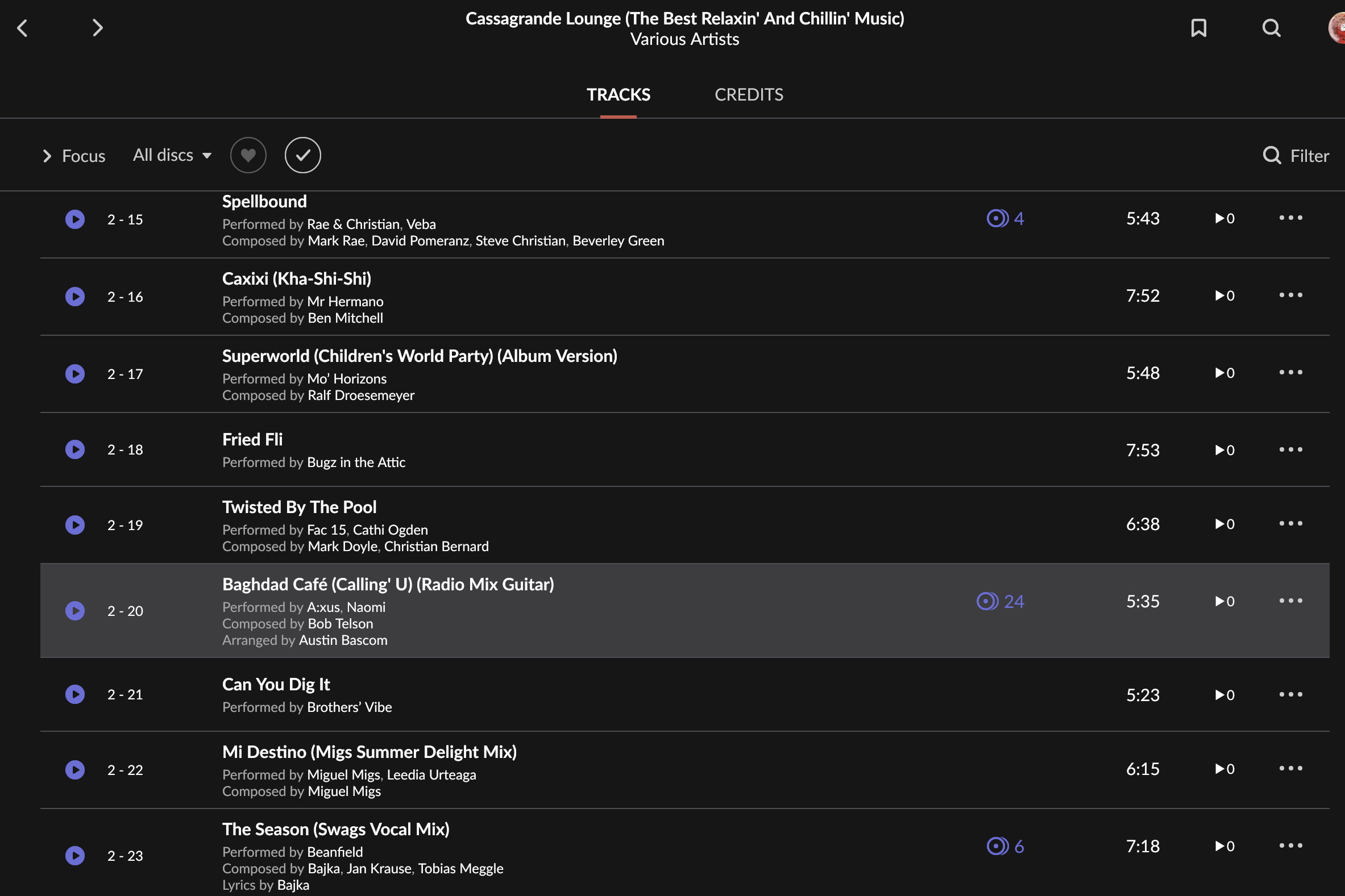
Interesting. I think there might be something wrong about this track, because if I search for it on Qobuz I find a recording on many releases. Then I go to this one, and it shows 24 overall:
Thanks for reaching out. I tried to locate this album on Qobuz/TIDAL, but I was not able to find an exact match, only the results that @Suedkiez posted. That symbol should indicate that the track is indeed part of your library. I wonder if we need the specific media to try to reproduce this issue. Would you be able to send us the affected media to the below link, and let us know once uploaded so that we can test for this behavior on our end?
We weren’t able to reproduce this on a clean slate with the album provided, so we have a few follow-up steps.
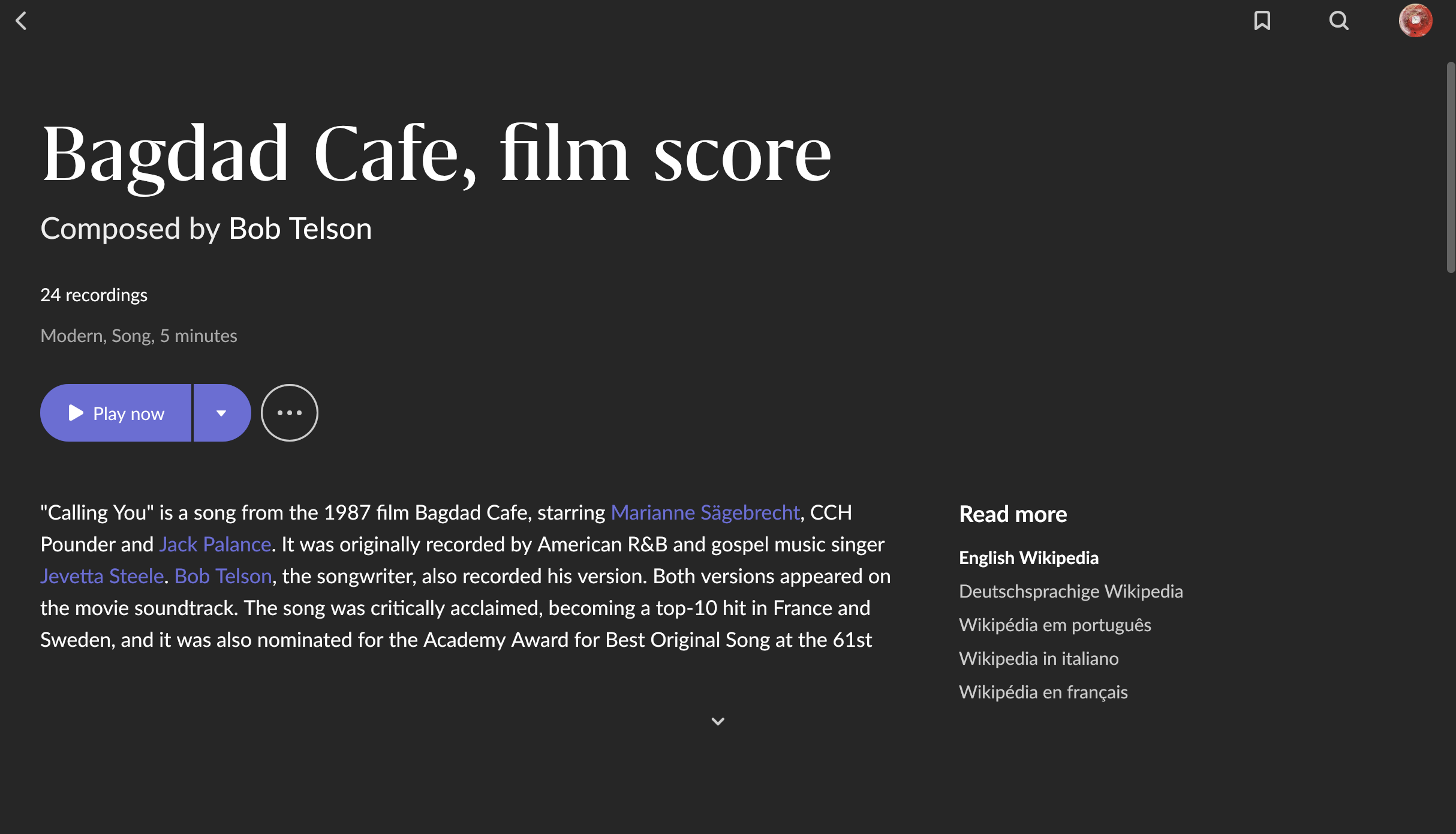
From what I can tell, this track has a complicated archaeology - originally a 1980s soundtrack release, dozens of performances have accumulated over the years, many of which have spawned several remixes. Over time, labels and distributors went on to taxonomize these releases as both “Calling You” and “Baghdad Cafe” or some combination thereof. This opens more potential than usual for Roon to detect false duplicates elsewhere in your library, but we don’t see direct evidence of that so far.
The version in question credits the soundtrack composer; Roon considers it a performance of the work. There may be other content in your library listed under different titles that Roon is considering a duplicate of this track because it shares a historical association.
First off, do you have “show hidden tracks’ toggled on in Roon Settings → General → Browsing Preferences?
Restart RoonServer after toggling that on.
What about any remixes of Baghdad Cafe (Callin’ U) by A:xus or other artists? This might include content you’ve deleted in the past from Roon.
Please try using the Edit Album tool to Re-Identify the album in Roon for now and let us know if that changes anything.
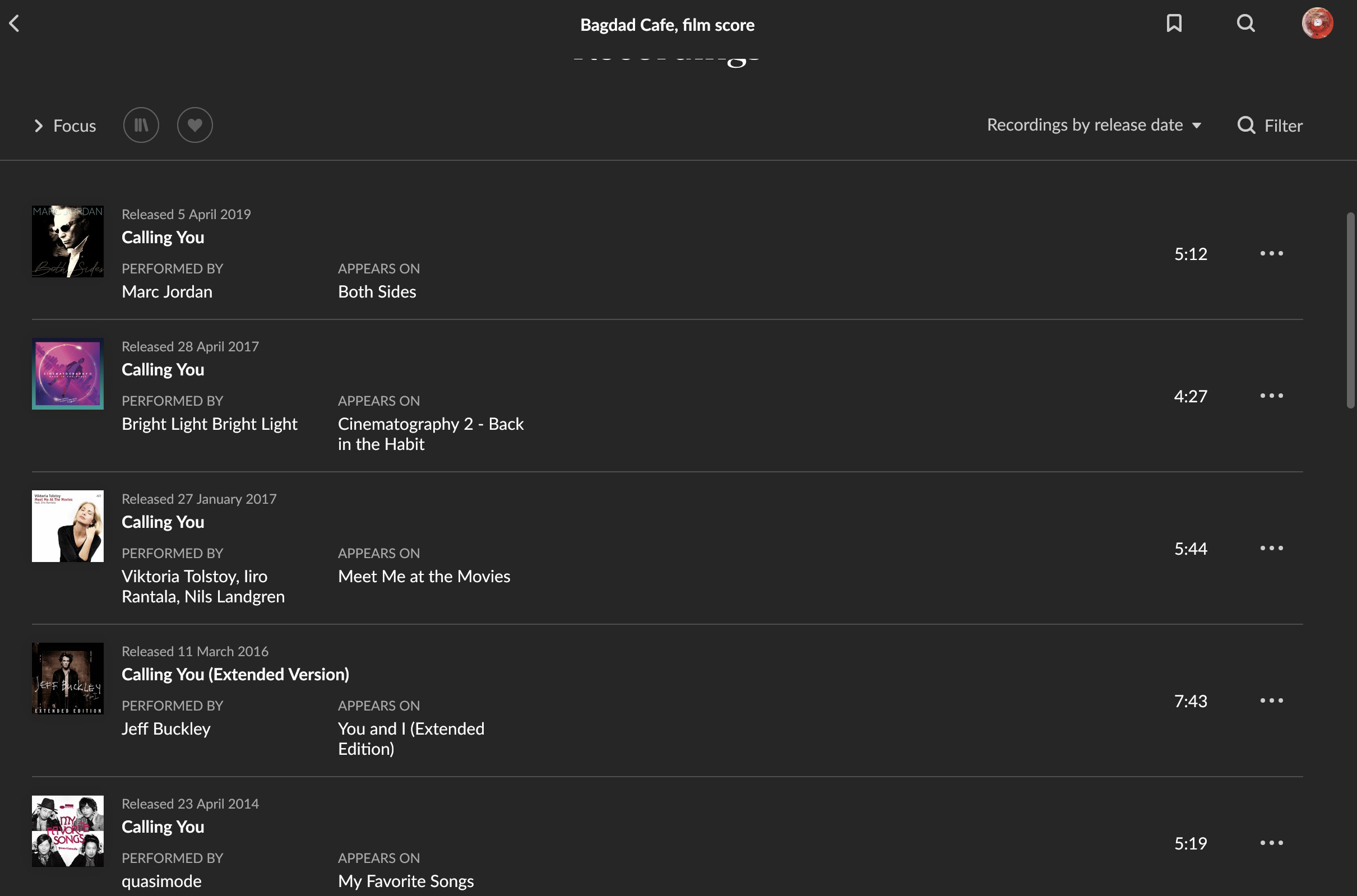
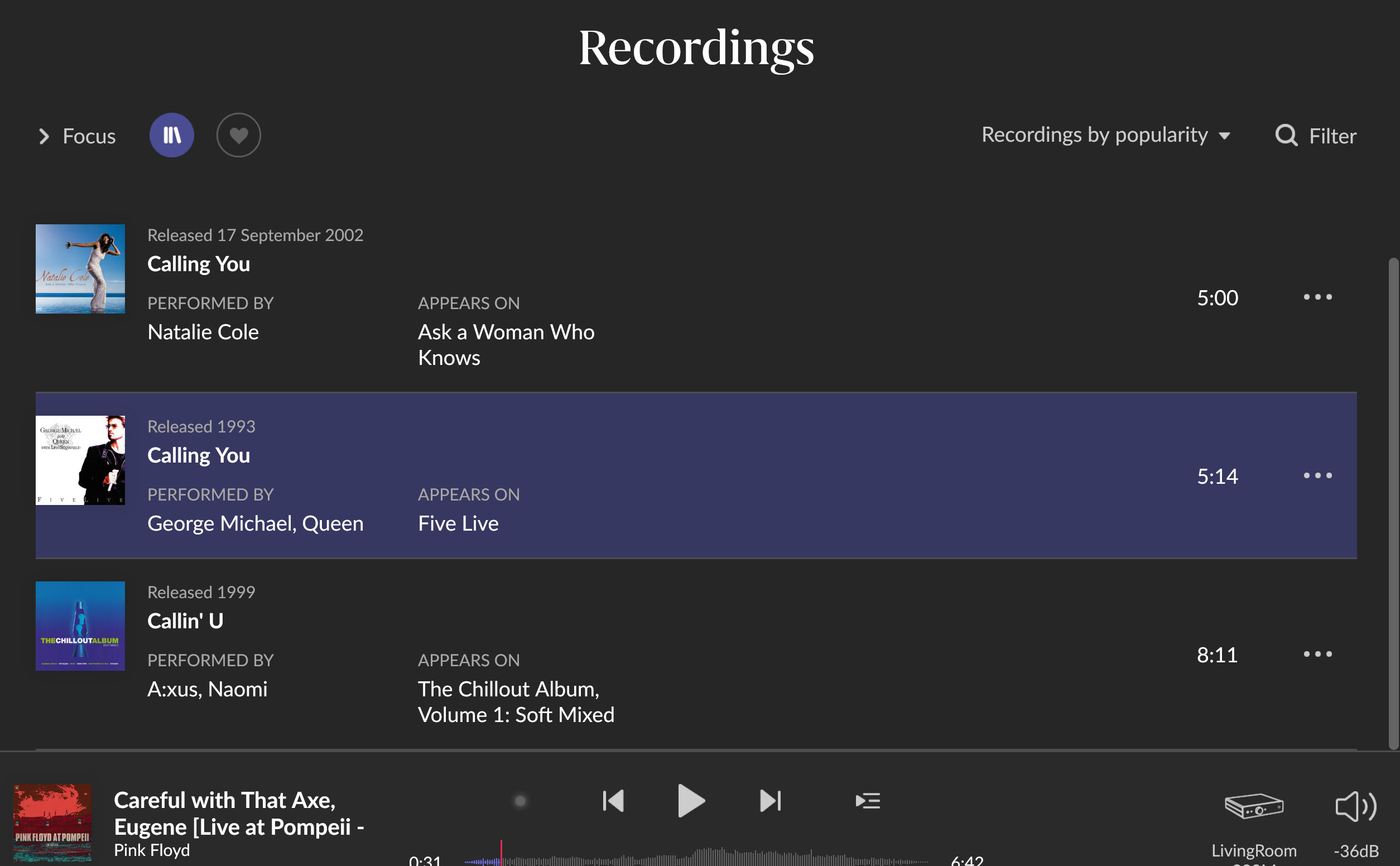
Interestingly, it matches “Callin’ U” to “Calling You”. Ok, I guess that is the logic. But it is strange that i) yesterday the A:xus album “4” link didn’t show me that, and that ii) now the “4” is missing from the A:xus track listing and iii) the “Callin’ U” track that I just added doesnt show up in this list.
I do like the feature where Roon shows me the different versions of tracks because I can use it to choose the ‘best’ version to add into my playlists.
I have left that show hidden tracks/albums setting on for the time being, it doesn’t seem to have any negative side-effects.
You say that, but this doesn’t seem to be the correct behavior.
In the beginning, after adding that new-to-me album, I was told there were 4 matches and yet I was only shown the one from that new-to-me album. Now after re-identifying the (same) album, it says there are no other matches and yet if I go over to a manually-found match I am told there are 3 matches, not including the newly added one.