Post-update connectivity issues with iPad and iPhone to Roon on QNAP NAS (ref#8985UP)

Hi @Alan_C,

Thank you for your patience.

Just to clarify, you’re not able to login to Roon in a browser outside of the app, even on an entirely separate network?

That would indicate that there’s some network-level filtering preventing authorization requests from reaching our servers. But you don’t have issues logging into Roon Community?

The QNAP itself show Roon Server online in the Docker, so we need to confirm that the network mode is in Host. When you first created the Container for Roon, did the YAML file include network_mode: host ?

Hi, Connor,

Thank you for your note.

On May 1, Benjamin advised me to log into account.roonlabs.com and to deauthorize machine ID 2f91535b. The issue is that I cannot log into that site. My logon information clears without an error message. However, I receive a Roon Security Alert that says, “New sign in detected.”

I have tried logging on from my iPad, iPhone, and hard wired PC. I have disabled pop up blocking, tried incognitio mode, cleared browser history, tried different WiFi networks, and downloaded Firefox, which I had never used before so there was no browser history to clear.

I think it is important to mention that my attempt to logon to account.roonlabs.com cleared without an error message even when I turned off WiFi on my phone and used cellular. That makes me think there is not an issue with network-level filtering in my set up. In fact, in Benjamin’s note of May 1, he wrote “The root cause is not a network problem and not a firewall issue. The logs reveal a specific Roon account/licensing conflict triggered by the April 27 update.” He goes on to recommend the machine deauthorization I mentioned above.

Please also see my note to Vadim of April 29. I provided what I thought might be the YAML there. If it’s not, please let me know how to find the YAML on my QNAP NAS.

I can log onto the Roon Community—and all other sites I’ve visited—without a problem.

Thank you.

Alan

Hey @Alan_C,

Just for clarity sake, I want to ensure we’re still troubleshooting the same issues, as there are really two separate problems that have gotten tangled together:

  1. The licensing conflict: Roon's cloud has two machine registrations for the NAS ("ghost" ID 2f91535b and the live Docker ID fda9354b). This is what's blocking Roon Server from authenticating and why clients can't connect.
  2. The account portal login loop: you successfully authenticate (Roon sends a "New sign in detected" email), but the browser session never lands on the dashboard. This is a client-side session/cookie handling failure after login, not a network block. It's happening across every device and network including cellular.
On the machine deauthorization: I want to be transparent with you, the web account portal does not actually have an option to deauthorize a server machine ID. What it does have is the ability to force-logout Roon remote app sessions on other devices. So while gaining access to your web account in definitely important, it may not have any hand it helping your connectivity issues.

Since you’re on Windows 11 and this is failing across Chrome, Edge, and Firefox, this points to something system-level rather than browser-specific. A few things to check:

1. Comcast xFi Advanced Security Your Comcast gateway may have xFi Advanced Security enabled, Comcast activates this by default on many accounts and it can silently interfere with certain authentication flows. Log into the Xfinity app or
http://xfinity.com
, go to your network settings, and check whether “Advanced Security” is enabled. Try temporarily disabling it and retesting.

2. Windows Security / Third-party Antivirus If you have any security software on your PC (Norton, McAfee, Malwarebytes, Kaspersky, Bitdefender, etc.), they often include a “web protection” or “HTTPS scanning” feature that intercepts browser traffic. Try temporarily disabling web protection in whichever security suite you have installed, then retry the login.

3. Windows DNS-over-HTTPS Check Settings → Network & Internet → your active connection → DNS settings, if a custom encrypted DNS is configured at the OS level, try switching it back to Automatic.

You actually shared just the container log output, not a Docker Compose YAML file. It starts with:

Roon: 2.65 (build 1653) production
00:00:00.002 Info: get lock file path...

That’s runtime log output, not a YAML configuration file. On QNAP with Container Station, you can find it by:

  • Opening Container Station
  • Clicking on the Roon container
  • Looking for a "YAML" or "docker-compose" tab within the container details

Let me know if you’re able to locate and share it. Thank you!
Hi Benjamin,

Thank you for your note! I misunderstood the importance of the portal logon; I thought it was crucial to what I an interested in: re----connecting to Roon. I will follow your instructions and report back.

Best wishes,

Alan

Hi, Benjamin,

Here is what I have so far:

  1. I clicked on the Comcast Advanced Security tab, but the field was blank. I will call Comcast tomorrow.
  2. I inactivated Norton antivirus on my PC, but again the login cleared without an error message.
  3. DHCP is set to automatic and DNS is unencrypted.
  4. I was unable to find the YAML despite a diligent search. However, I did find information that includes the line “network_mode: host” about which Connor asked.

services:
roonserver:
image: Package roonserver · GitHub
container_name: roonserver
network_mode: host
environment:

  • ROON_INSTALL_BRANCH=production
  • TZ=America/Los_Angeles
    volumes:
  • /share/Container/roon:/Roon
  • /share/Music:/Music
  • /share/Container/roon-backups:/RoonBackups
    restart: unless-stopped
    logging:
    driver: local

Hi Benjamin,

Comcast told me that I don’t have advanced security activated.

Best wishes,

Alan

Hi Benjamin,

I have been unable to connect to Roon since 04/27 (6 weeks)! My goal is to reconnect. I understood that to do so, I would have to log into account.roonlabs.com to resolve the issue of a ghost machine. Logging on has proved impossible despite all the maneuvers I have tried, summarized below. Are you able to inactivate the ghost machine for me?

  • After the Roon update of late April, I was unable to connect to Roon. I was advised to create a container for Roon. After the container was created, the issue of a ghost machine was identified. I was instructed to log onto account.roonlabs.com to force logout from the ghost machine. I cannot log onto that account.

  • At account.roonlabs.com, authentication succeeds (confirmed by a “New sign-in detected” email immediately after each attempt).

  • Account portal login never completes (username/password clears and returns to login screen)

  • Issue occurs across multiple devices (iPad, hard-wired Windows desktop), multiple networks (including cellular), and multiple browsers cleared of cookies, browsing history, and pop-up blocking.

  • Disabling Norton antivirus does not resolve the issue.

  • No browser, cookie, DNS-related errors appear to be present because authentication is completing server-side. I do not use encrypted DNS.

  • Comcast/Xfinity confirmed I do not have advanced security enabled.

  • I haven’t encountered this issue at any other web site. I can connect to the QNAP NAS and access the Roon container there without any problems.

  • I could not locate the YAML,but I did find the line “network_mode: host” in information provided by the container.

Thank you!

Best wishes,

Alan

Hi @Alan_C,

Thank you for your patience and our apologies for the delay.

Just to clarify, you’re not able to sign into the Roon accounts page directly even on a phone connected via cellular network? That would indicate that a content blocker or adblocker is intercepting the URL redirect; it’s more than likely that’s a separate problem here. Try disabling any content blockers temporarily in the default browser.

Where is the QNAP connected relative to your network topology? Is it hardwired to the main router, a switch, or the access point?

We’ve been able to access logs from the Docker-hosted server and see that it was last active on the network yesterday. However, it logged no multicast device announcements from Roon Remotes or endpoints, which suggests that this traffic isn’t getting through.

We’ll watch for your reply and proceed from there. Thank you again.

Hi Connor,

Thank you for your note.

I am unable to sign into account.roonlabs.com even on a phone connected via a cellular network. I was formerly advised to disable all content blockers, and I have done so in several browsers, all without success. (I also don’t understand why this would be the only web site affected.)

The QNAP is hard-wired to a UniFi USW Pro Max 16 switch, which is hard-wired to a UniFi dream machine pro router. This is the same equipment and configuration I have used for the past couple of years, long before the current problem arose.

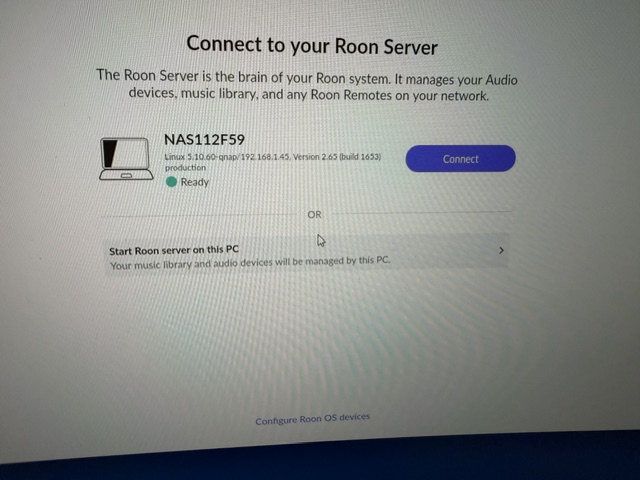
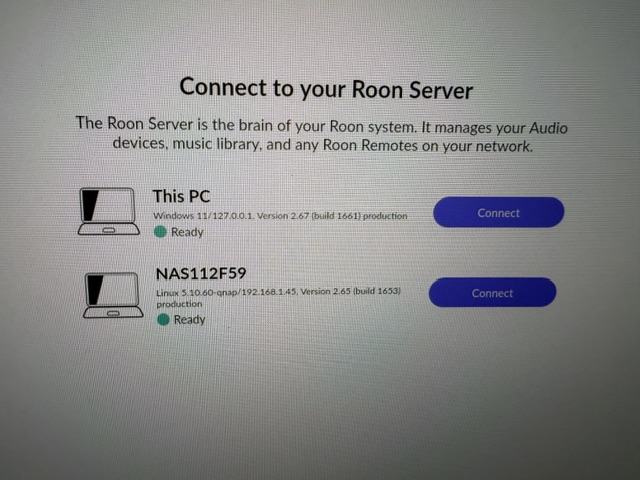
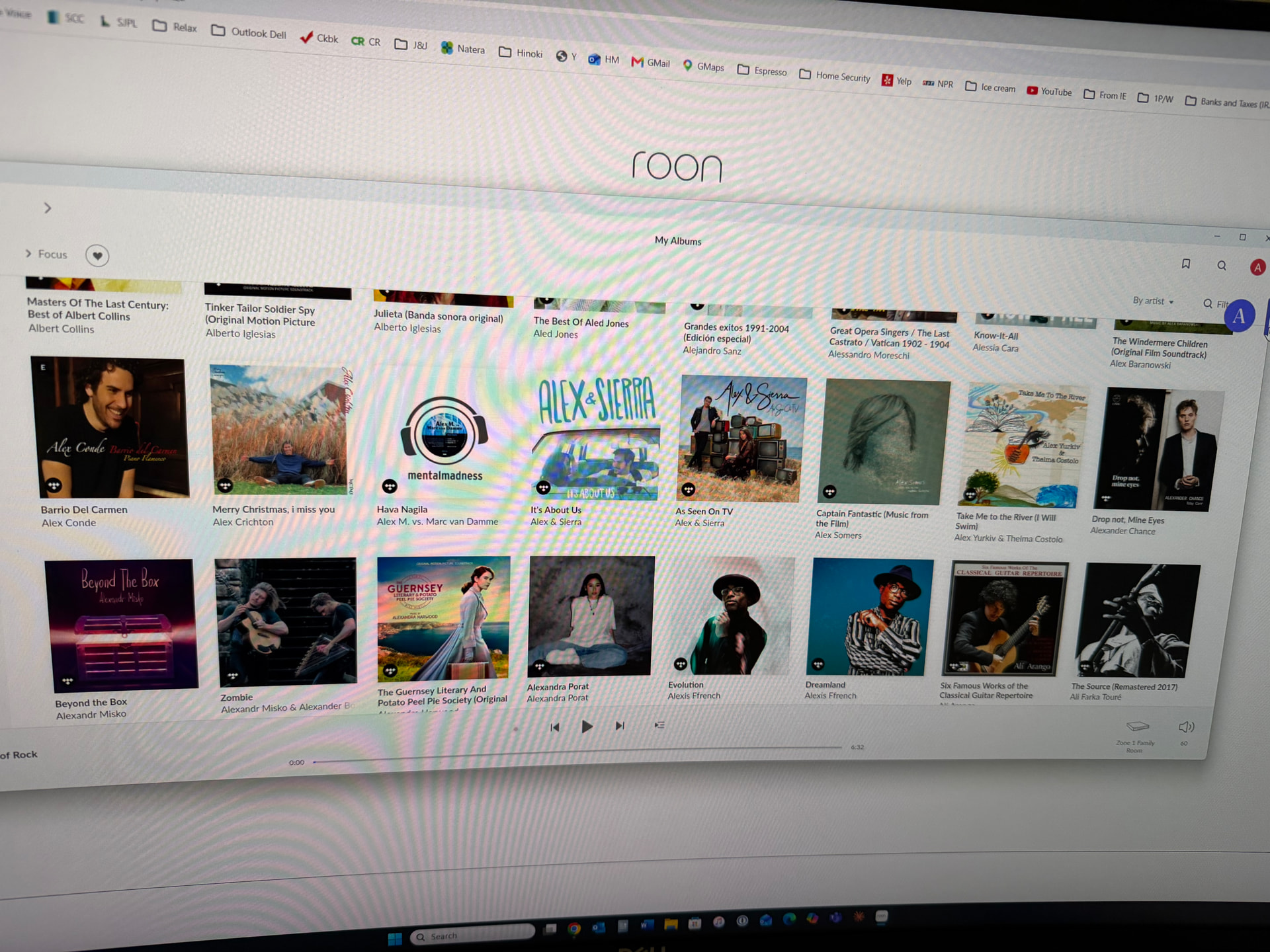
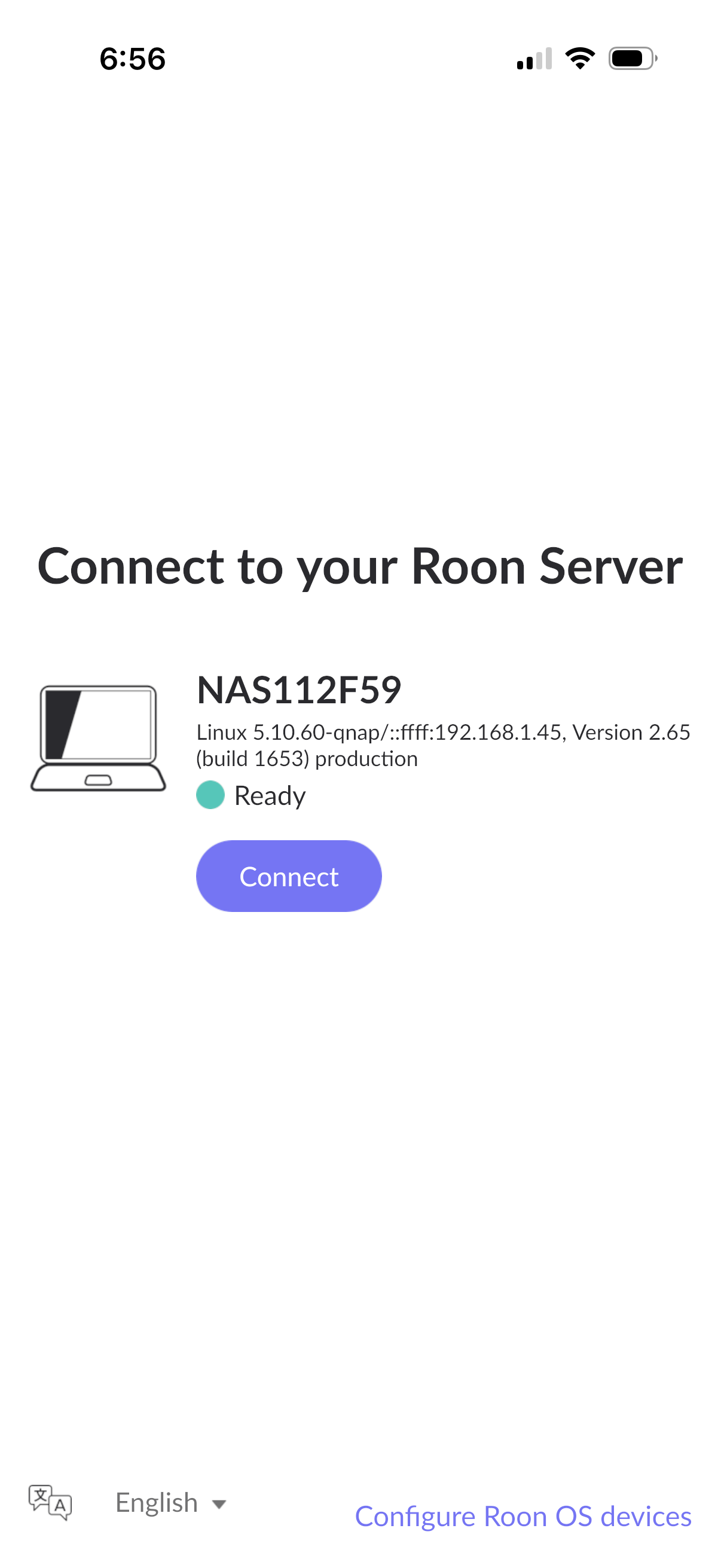
There are no multicast announcements from Roon remotes because I have deleted the remotes. I deleted them because, when I choose “connect” on the “Connect to your Roon server” screen, Roon can’t find the server. Please see the 2 screen shots below. The QNAP (NAS112F59) is correctly identified as the server. Benjamin previously wrote that the issue is the existence of a ghost server. I can’t disable the ghost server because I can’t access account.roonlabs.com. That’s why I asked if you could disable it.

I look forward to a solution.

Thank you.

Best wishes,

Alan

Hi @Alan_C,

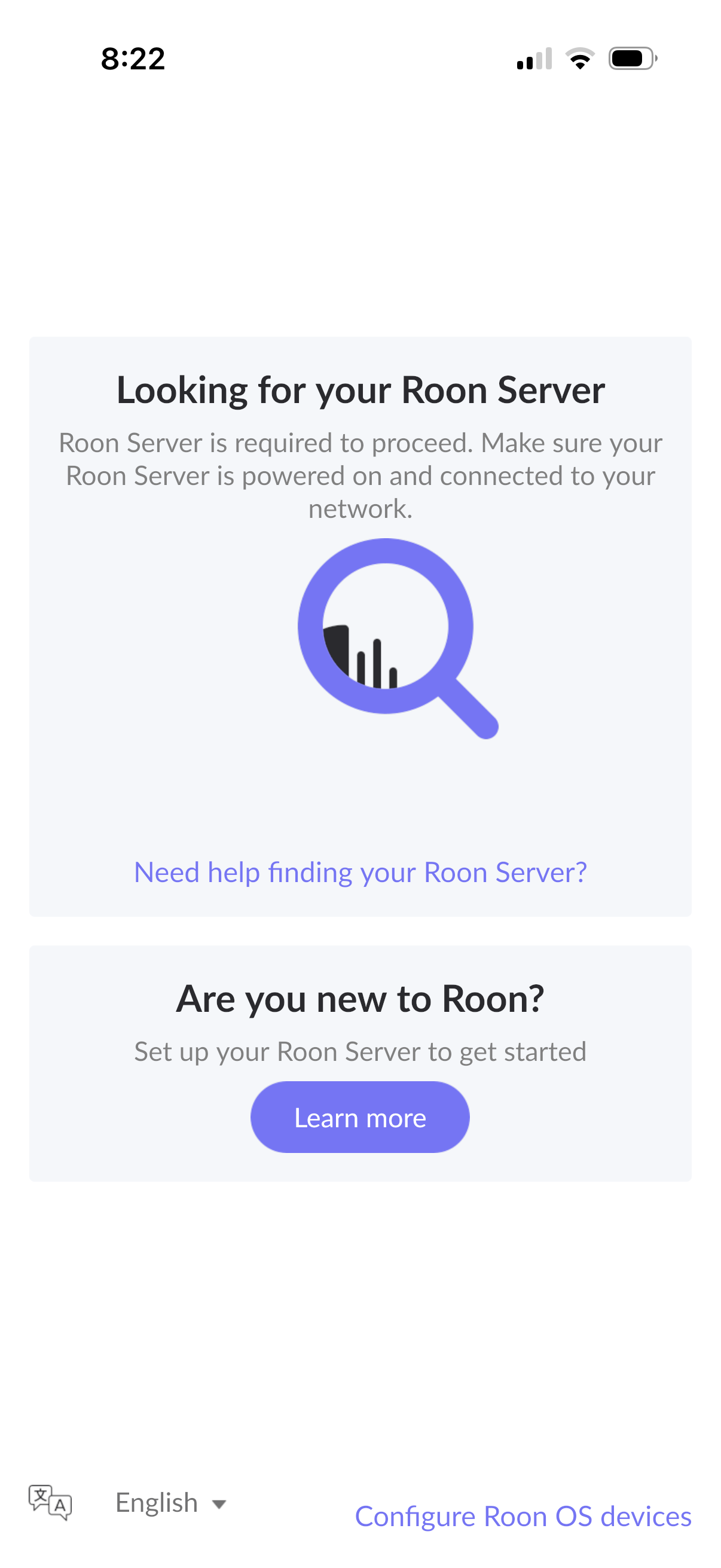
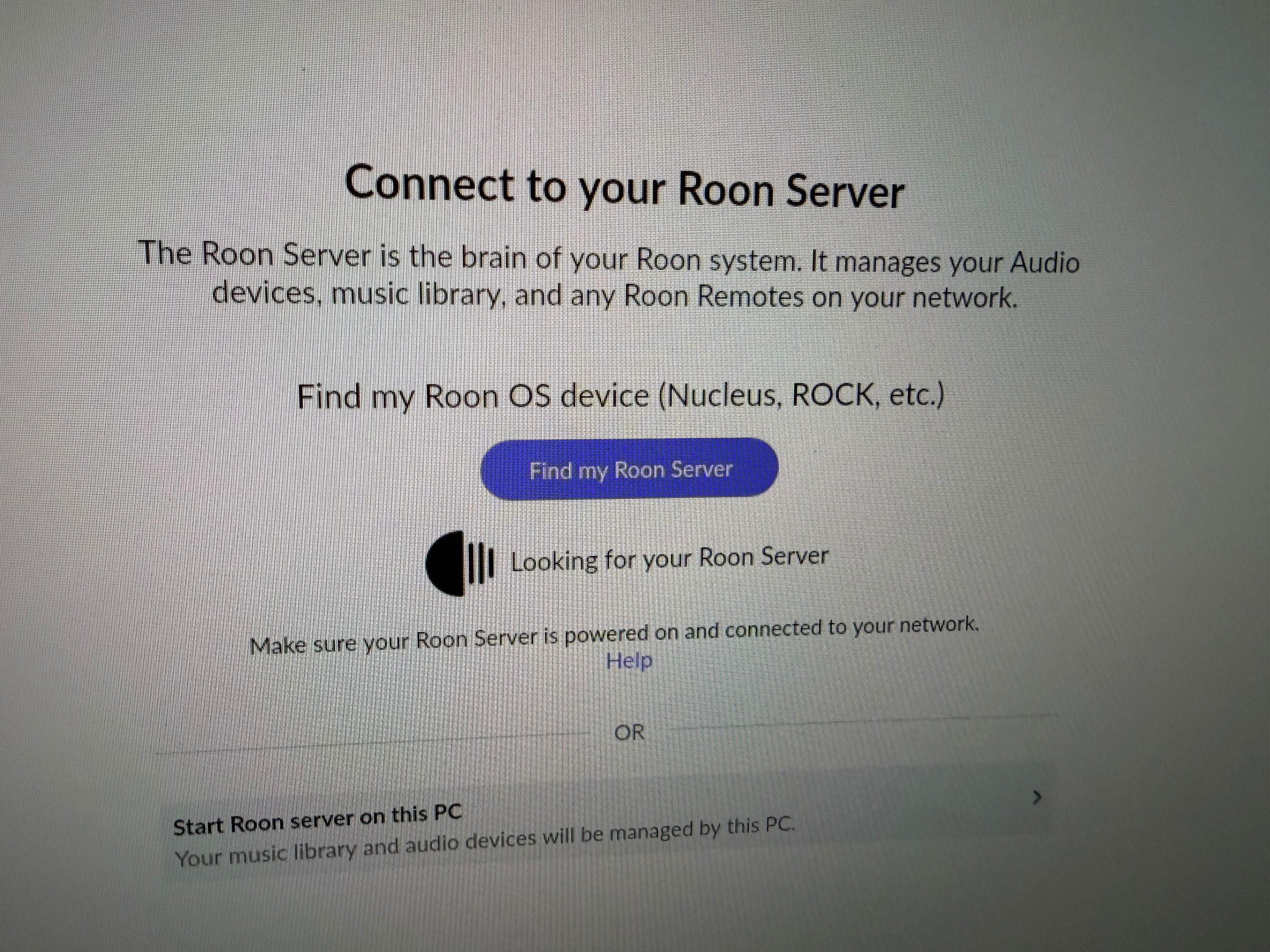
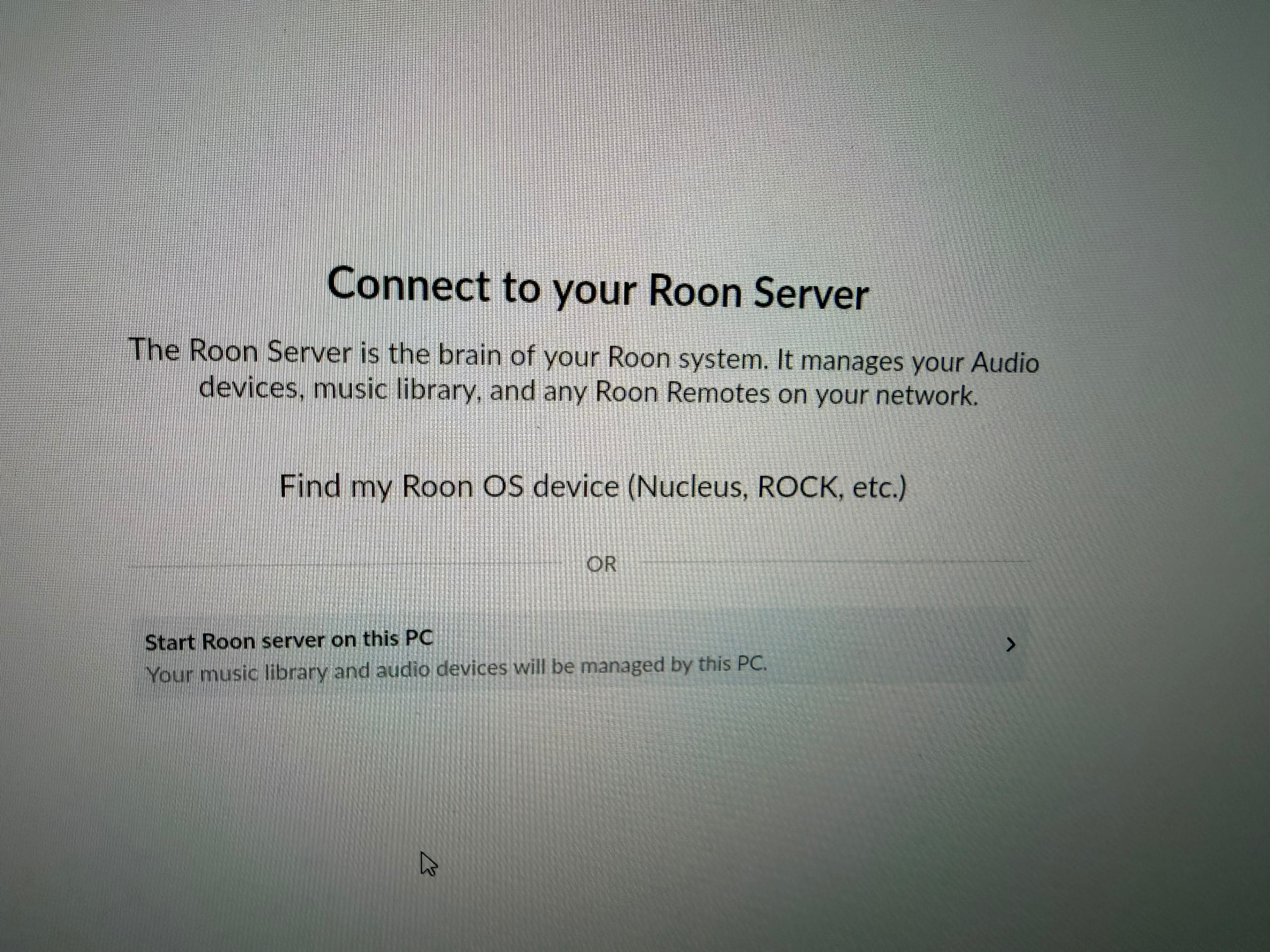
Let’s try something. On the Windows machine, when you encounter the “looking for your Roon Server” screen, please follow the prompts to try to setup a fresh Roon Server instance on that computer.

What do you see? Please share a screenshot here. We’ll watch for your reply.

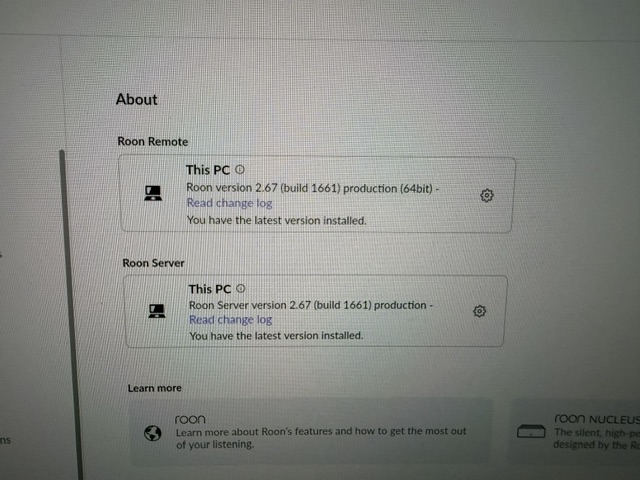
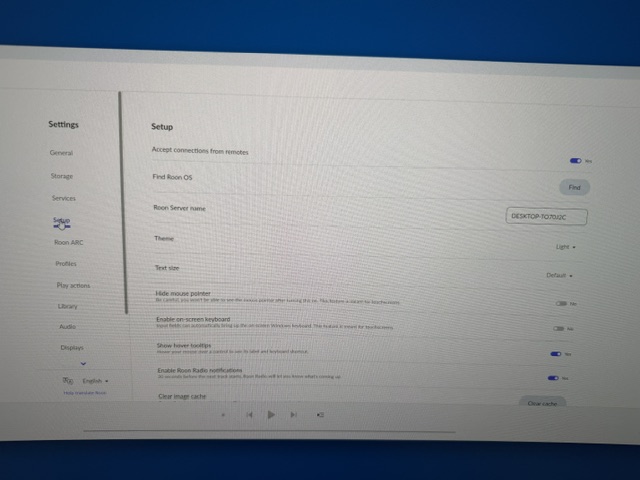
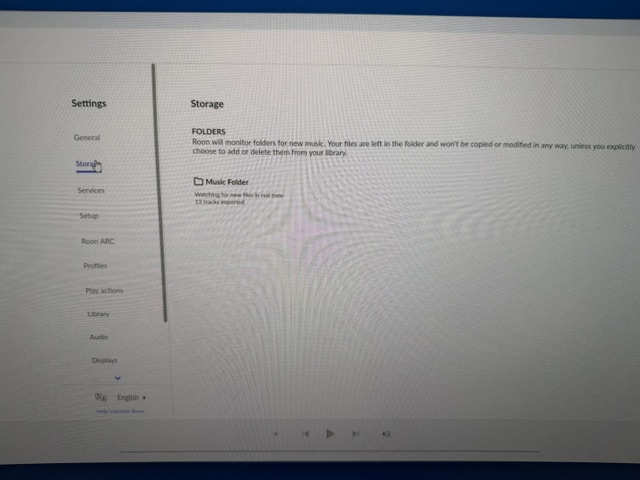
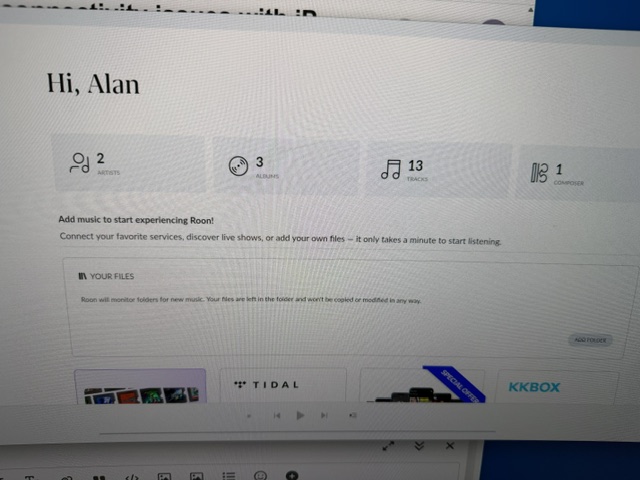
Hi Connor, Thank you for your note. Before following the prompts to try to setup a fresh Roon Server on my Windows 11 PC, I followed Vadim’s recommendation of 5/12 and uninstalled Roon and its settings and database files on my PC. I downloaded a new installer to re-install Roon. Here are the screenshots.

Thank you.

Hi @Alan_C,

Thanks for the reply! It looks like you’ve been able to successfully set up Roon Server on your PC without issue, which is a helpful data point.

Did this have any effect on connecting to your NAS? Or, were you still unable to connect?

Hi, Benjamin,

Thank you for your note. Unfortunately I am still unable to connect to Roon on my NAS from my iPad.

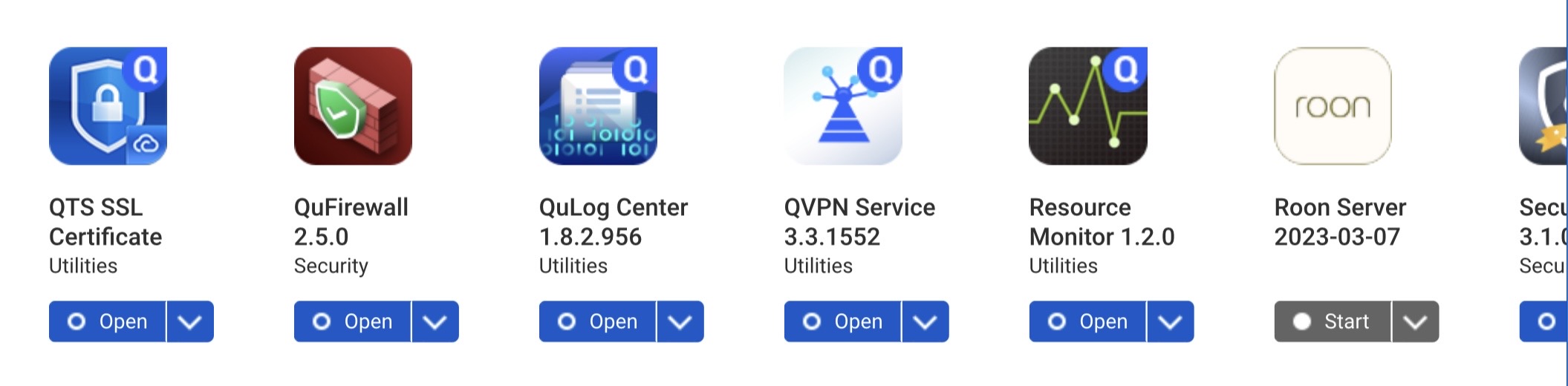
Btw, I don’t know whether this matters, but in my initial description of my system, I mentioned that the Roon core resides on an SSD connected to my QNAP NAS. When I created the container, I understood I should inactivate the Roon server in the QNAP’s app center. I did so, as shown in the attached screen shot.

I haven’t had access to Roon for 7 weeks. Can you inactivate the ghost machine, which I gather is the heart of the problem? Alternatively, since I can’t access account.roonlabs.com to inactivate ithe ghost machine myself, would it help if you were to create a new account for me and transfer my old one? Would I then be able to inactivate the ghost machine myself?

Thank you.

Hi Benjamin,

In my note on Tuesday, I asked whether you could either (1) inactivate the ghost machine that you identified as the problem (May 1) or (2) set up a new account from which I can perform this action. Beow, I want to summarize the facts that strongly suggest the cause of my being unable to sign into account.roonlabs.com (to inactivate the ghost machine) is on the Roon side.

  • I have not encountered problems signing into any other account.
  • In the case of Roon, I have been unable to sign in from my hard-wired PC, from my iPad, and, importantly, even my iPhone on cellular.
  • At account.roonlabs.com, authentication succeeds (confirmed by a “New sign-in detected” email immediately after each attempt), but account portal logon never completes (username/password clears and returns to login screen)
  • I have turned off pop-up blockers and antivirals
  • I tried a totally new browser (Firefox) that had no cookies
  • I tried browsers in incognito mode
  • I changed my password
  • I do not use encrypted DNS or Xfinity advanced security
  • I changed the Ubiquity router’s DNS to Google and Cloudflare.
  • I can connect to the QNAP NAS and access the Roon container from my PC and iPad

I hope this helps.

Thanks again.

Best wishes,

Alan

Hi @Alan_C,

Thank you for your patience.

Account authorization (logging in) and server authorization (which server is currently associated with your account and license) follow separate pathways upstream from Roon.

Can you please share two screenshots to help fully illuminate the current status from our side?

  1. You mentioned that you’re able to now connect to the QNAP itself from your iPad and PC. What do you see when you connect there?

  2. What do you see in Roon on the PC when you disconnect from the current server in Settings → Disconnect?

  3. Your screenshot from June 11 showed a screen from the Windows server itself, post-login. What specifically do you see when you try to log in to Roon on your PC? Can you share a screenshot from the app itself?

We’ll proceed urgently from there. Thank you!

Hi Connor,

Thank you for your note. Please find my answers below.

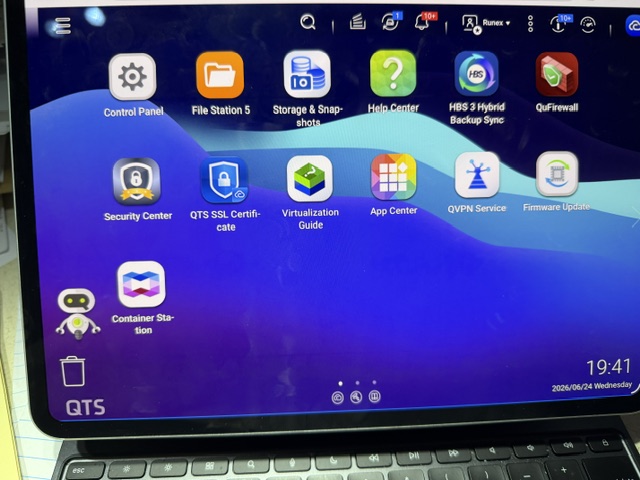
  1. To clarify, I have had no trouble logging into QNAP from my iPad or PC either before or during this issue. I see the QNAP GUI as shown in the leftmost photo.
  2. Please see the middle photo below regarding what I see when I disconnect on my PC. The PC and QNAP NAS are both shown as ready.
  3. I’m not sure if I understand what you are asking. If I select “connect” on the screen in the second photo, regardless of whether I choose “This PC” or “NAS112F59,” I see the symbol of a connection attempt shown in the rightmost photo.

Thank you.

Hi @Alan_C,

Thanks for clarifying once again and we appreicate you hanging in there with us.

From your previous note 15 days ago you had been able to initially connect to the PC and use Roon, is that correct?

What do you see if you:

  1. turn off the QNAP Container running Roon Server (or power the down the QNAP entirely) and then
  2. navigate to the “Connect to your Roon Server” page on your PC from the middle screenshot you shared above and then
  3. attempt to connect to the PC itself?

This sounds circular, but we’re gathering diagnostic logs on the backend to identify the precise machine allocation failure and/or any login authorization failures. This should help us (finally) resolve this problem.

Thanks for your patience.

Hi Connor,

You

are correct that I was able to connect the PC and use the Roon. Of course, I didn’t connect to the QNAP NAS so I didn’t have access to the music and playlists I had stored there. I did have access to Tidal and my speakers.

In response to your numbered questions, please see the pictures above and my responses below.

  1. I powered down the QNAP entirely
  2. I navigated to the "Connect to your Roon Server: page on my PC
  3. I connected to the PC itself. As previously, I had access to Tidal and my speakers.

Thank you!

Thanks for confirming you’re able to run Roon on the PC itself without issue @Alan_C, we’ve shared your case with development who will need to investigate it further.

We’ll be in touch with next steps and more information once they’ve reviewed your case. Thank you!

Hi, Benjamin. If I understand correctly, you believe the issue is the Roon app “sees” both the new Roon core in the container on the QNAP and the old (“ghost”) Roon core as originally set up on the QNAP. In any event, I’m looking forward to a resolution.

Thank you!

Best regards,

Alan