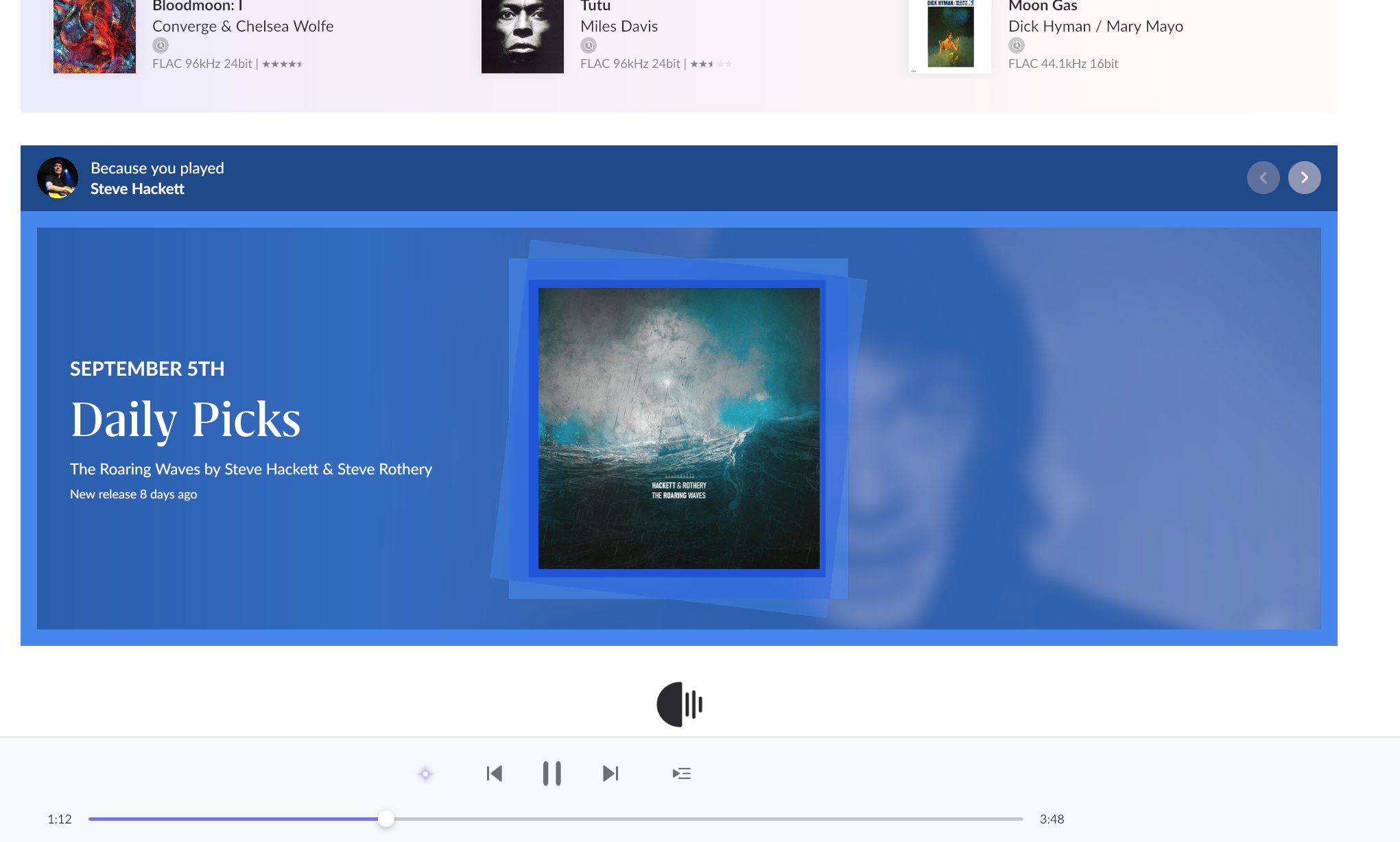
Primary profile hangs on home screen with spinning logo after "Playlists by Roon" (ref#NCRX7K)

Hi! What’s not quite right with Roon?

· None of the above quite fits

None of the above quite fits

· App interface looks or behaves oddly

Tell us what's going on

· Home screen hangs on spinning logo after "Playlists by Roon" on one profile only; isolated from local backups.


Test profile and wife's profile load fine; only primary profile hangs.

Cleared Orbit and Cache folders on Sonicorbiter Core with no effect.

Restored a known-good backup from a week ago, and the issue immediately persisted.

Tell us about your home network

· Nest Wifi Pro with Wi-Fi 6E goes to a simple netgear switch hardwired to SonicOrbiter, pretty simple

Hello @Wes_Miller

Thanks for the detail, and for the testing you have already done. It tells us more than you might think. Two profiles loading normally while the third hangs means your database is loading fine, so this is scoped to that one profile rather than being a library problem.

The most useful thing you can do for us here is send us a copy of your database. Our QA team can load it, switch to the affected profile, and watch the hang happen on their own hardware. That turns this from something we are guessing at into something we can put in front of engineering with a reproduction attached.

One important thing first: please do not delete or rebuild that profile, and please do not run any further restores, until you have sent the backup. If the profile gets cleaned up, the reproduction goes with it. Your other two profiles are unaffected, so you can keep using Roon normally in the meantime.

To send it:

  1. Find your RoonBackups folder.
  2. Right-click it and choose “Compress…”.
  3. Upload the .zip here:
    https://workdrive.zohoexternal.com/collection/nocvrfc5b2ddab55140af8640f1d7ce13291e/external

The backup from a week ago that you already restored showed the same behavior, so any recent backup will do. There is no need to hunt for a particular one.

While you are at it, please open Roon on the affected profile and leave it sitting on the spinning logo for a minute or two rather than switching away, then tell us roughly what time you did that and your timezone. That gives us a marked window in your logs to line up against what QA sees.

Hello @Wes_Miller,

Just checking in on this. Were you able to upload a recent copy of your RoonBackups folder to the uploader and let us know the time you left the affected profile sitting on the spinning logo, along with your timezone? That backup is the key piece for QA, and the log window helps us line it up with the hang we are trying to reproduce. Please reply with any updates or questions, and we can take it from there.

Please note, if we don’t hear back from you this thread may close automatically soon. If the thread auto-closes and you need further assistance, please submit a reopen support request via the technical support help form below and specify that the issue should be reopened. Thank you.

Yes, I uploaded the files via uploader, some days ago, there were 3 files, backup, a note about the time and a screenshot. Sorry not very familiar with your support system.

Hi @Wes_Miller,

No need to apologize for the process, your upload came through, and the note about the time was exactly what we needed. Your logs gave us a clean answer.

Here’s what’s happening. The home screen builds its rows in order, and the rows that come right after “Playlists by Roon” are the ones drawn from your listening history. On your “Wes” profile, those two rows hit an internal error every time they run and never return an answer to the app. Because nothing comes back at all, the app has nothing to show and nothing to fail on, so the logo just keeps spinning. Your other two profiles never touch the affected data, which is why they load normally.

That also explains the two things you tried that didn’t help. Clearing Orbit and Cache didn’t matter because this isn’t cached data, and the week-old backup didn’t help because the affected record travels with the backup. Your database itself is healthy, our nightly integrity check passes cleanly, and your library is loading fine.

The underlying cause is a single damaged piece of artist metadata that only your profile’s play history happens to reach.

On your question about removing it yourself: there’s no targeted way to do it. We can tell the problem lives somewhere in that profile’s play history, but neither you nor we can tell from here which one track is responsible, and Roon has no control for removing a single item from history.

There is a blunt option, on the History screen you can select all your plays and delete them, but we’d ask you to hold off on that for now, for three reasons. It’s permanent and would erase your entire listening history along with the personalization built on it. The History screen may well hang the same way, since it reads the same data. And we’d rather not change that profile while engineering still has it open.

For now, staying on one of your working profiles is the safest thing to do, and you don’t need to do any more testing on our behalf, we have the log windows we need. We’ll update you here as soon as engineering has something. :+1:

Ok, thanks for the update. I will leave it alone, my other profiles work fine. It would be nice to get my listening history, if possible. Cheers

Sounds good @Wes_Miller, we’ll keep you updated once a fix is included in a future update. It’s likely the thread will close before a fix is shipped, and in that case we’ll re-open the thread directly to let you know when it’s ready.

Thanks for the ongoing patience in the meantime!